


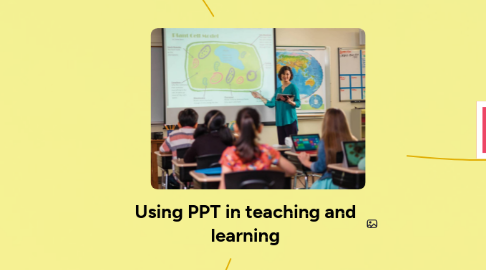
Using PPT in teaching and learning
저자: Thanh Hường Lương
1. Challenges
1.1. Equipment failure
1.1.1. Power cut
1.1.2. Broken devices
1.2. Incompatible media
1.3. PPT abuses
1.3.1. VIsually poor or boring slide
1.3.2. Inappropriate use of multimedia options
1.4. Student inactivity
1.4.1. Little interaction with material of students
1.4.2. Lack thinking on their own
2. Possible solutions
2.1. Delivery
2.1.1. Avoid reading
2.1.2. Darken screen
2.1.3. Navigate slides smoothly
2.1.3.1. Use forward/backward button
2.1.3.2. Number (of slide) + "ENTER" key to go to the slide
2.1.3.3. Use forward/backward button
2.2. Slides construction
2.2.1. Text size
2.2.2. Avoid too much text
2.2.3. Transitions and animations
2.2.3.1. Avoid distractions
3. Advantages
3.1. Increase visual impact
3.2. Improve audience focus and students' learning motivation
3.3. Perform a variety of manipulations
3.3.1. Editing text
3.3.2. Edit illustration
3.3.3. Play videos/audios
3.4. Increase authentic materials for studying
3.5. Encourage interactions
3.5.1. Among students
3.5.2. Between teacher and students