


Mobile User Experience
저자: Mitchell Kwan
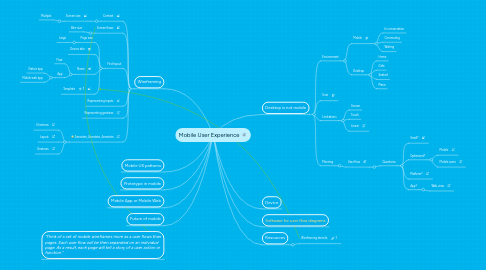
1. Wireframing
1.1. Context
1.1.1. Screen size
1.1.1.1. Multiple
1.2. Screen flows
1.2.1. Bite-size
1.3. First layout
1.3.1. Page size
1.3.1.1. Large
1.3.2. Device skin
1.3.3. Name
1.3.3.1. Flow
1.3.3.2. App
1.3.3.2.1. Native app
1.3.3.2.2. Mobile web app
1.3.4. Template
1.4. Representing inputs
1.5. Representing gestures
1.6. Annotate, Annotate, Annotate
1.6.1. UI actions
1.6.2. Layout
1.6.3. Gestures
2. Mobile UX patterns
3. Prototype in mobile
4. Mobile App or Mobile Web
5. Future of mobile
6. "Think of a set of mobile wireframes more as a user flows than pages. Each user flow will be then separated on an individual page. As a result, each page will tell a story of a user action or function."
7. Desktop is not mobile
7.1. Environment
7.1.1. Mobile
7.1.1.1. In conversation
7.1.1.2. Commuting
7.1.1.3. Waiting
7.1.2. Desktop
7.1.2.1. Home
7.1.2.2. Cafe
7.1.2.3. Seated
7.1.2.4. Plane
7.2. User
7.3. Limitations
7.3.1. Screen
7.3.2. Touch
7.3.3. Linear
7.4. Planning
7.4.1. User flow
7.4.1.1. Questions
7.4.1.1.1. Small?
7.4.1.1.2. Optimized?
7.4.1.1.3. Platform?
7.4.1.1.4. App?