Paul's Mind Map: How to use Mindmeister
作者:Paul Schwan
1. Double-click to make a "point"
1.1. It couldn't be easier
1.2. Press ENTER to create the second sub-point
1.3. Drag-and-drop a main point to another main point to make it into a sub-point
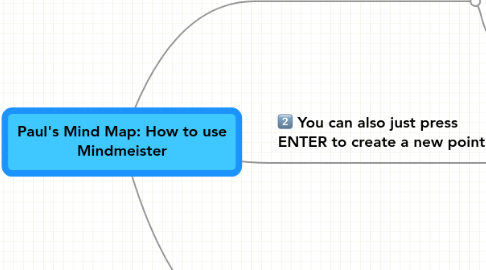
2. You can also just press ENTER to create a new point
3. Finally, to make subpoints....
3.1. Press TAB to create a sub-point
3.2. Then, press ENTER to make the next sub-point

