
WooCommerce SMS Alerts for New Orders

How to configure WooCommerce to send SMS alerts for new orders

1. What You Can Do With SMS Integration
1.1. Merchant Alerts
1.1.1. Get alerts when new orders are received
1.2. Customer Alerts
1.2.1. Send alerts to your customers when orders are shipped
1.3. Spam Filter Fallback
1.3.1. Backup alert in case email notifications occasionally get filtered as spam
1.4. Abandoned Cart
1.4.1. Get realtime notification if checkout problems occur (e.g. PayPal) that mean orders are not completed.
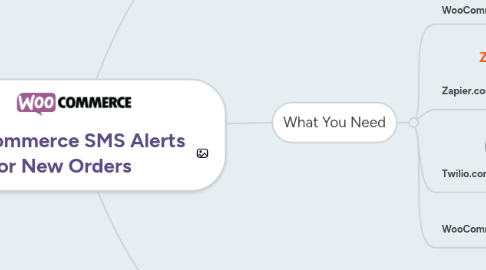
2. What You Need
2.1. WooCommerce Store
2.1.1. Your own WooCommerce enabled website
2.2. Zapier.com
2.2.1. Sign up for a free account
2.2.1.1. up to 100 free zaps (SMS messages) per month
2.3. Twilio.com
2.3.1. Sign up for a trial account
2.3.1.1. includes some free SMS messages
2.3.1.2. Low cost SMS sending if you need more
2.3.2. Add an SMS number and verify
2.4. WooCommerce Zapier Extension
2.4.1. Purchase the WooCommerce Zapier extension ($59 USD)
3. How To Configure
3.1. Install the WooCommerce Zapier extension to your website
3.2. Login to your Zapier.com dashboard and configure a Zap
3.2.1. Trigger: WooCommerce New Order
3.2.2. Action: Twilio Send SMS
3.3. Help & Examples
3.3.1. Zap Template
3.3.2. wczap.com Walk Through