


Introduction of Adobe Photoshop
作者:Anis Sofia
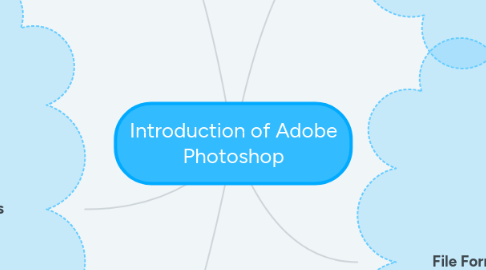
1. Photoshop Workspace
1.1. Work Area
1.2. Tools Panel
1.3. Dock
1.4. Menu Bar
1.5. Options Bar
1.6. Status Bars
1.7. Panels
2. Photoshop tools
2.1. Clone Stamp Tools
2.2. Eraser Tools
2.3. Shape Tools
2.4. Eyedropper Tools
2.5. Cropping and Slicing Tools
2.6. Lasso Tools
2.7. Marquee Tools
2.8. Magic Wand Tools
2.9. Brush and Gradient Tools
2.10. Blur, Sharpen and Smudge Tools
2.11. Dodge, Burn and Sponge Tools
3. Palette
3.1. History / Navigator / Tool Preset Palette
3.2. Color / Swatches / Style Palette
3.3. Layers Palette
4. The industry-standard image rendering software
4.1. Create original artworks
4.2. Manipulate photographs
4.3. Retouch photographs
4.4. Repair damages images
4.5. Create graphics for websites
4.6. Adding Special Effects using filter
5. File Format
5.1. PSD (Photoshop Document) *default
5.2. PSB (Photoshop Big) *large document format
5.3. Other format
5.3.1. jpg
5.3.2. jpeg
5.3.3. png
5.3.4. gif
5.3.5. pict
5.3.6. tiff
5.3.7. pdp
5.3.8. pdf