


BRINK Panel Explainer
por Thom Meter
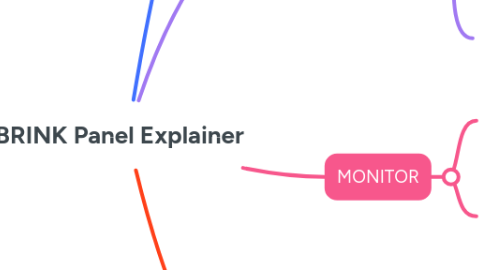
1. Wat doe je met het panel?
1.1. OPERATE, MONITOR, ADJUST
2. OPERATE
2.1. Knoppen Boven
2.1.1. Basis onderdelen
2.1.1.1. Air Pressure
2.1.1.2. Drive
2.1.1.3. Vacuum pump
2.1.2. Extra Modules
2.1.2.1. Labeling (IML)
2.1.2.2. Check & Reject
2.2. Product Select & Operation Mode
3. MONITOR
3.1. Alarms
3.1.1. Switch between **active and history**
3.2. Performance
3.2.1. Cylce timing
3.2.2. Reject information
4. ADJUST
4.1. Process settings
4.1.1. How to find?
4.1.1.1. Follow the proces logic
4.1.2. How to operate?
4.1.2.1. Use hands to select
4.1.2.2. Function buttons with blue highlight bar
4.1.3. How to manage?
4.1.3.1. Save your settings per product or preference as a **recipe**
4.1.3.2. Load them via the menu