

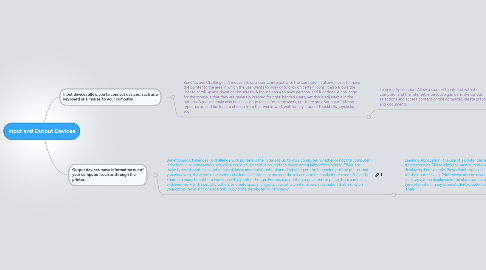
1. Input devices allow you to connect devices, such as a keyboard or a mouse, to your computer.
1.1. Benefits and Challenges: A mouse allows a user to interact with the computer. It allows a user to move the pointer to the area in which the user wants to work or to click on certain icons. It also allows the user to scroll up and down on the screen. A mouse can also have personalized functions. A challenge for the mouse is that they are generally created for right-handed users, yet this is adjustable in the options. A mouse could also be a challenge to use for some users, but there are a variety of different types, sizes, and buttons to choose from that would work well for any student (trackballs, joysticks, etc).
1.1.1. Learning Application: Allow a student to interact with the computer and the Internet, interactive games, make various selections and access content on the computer, create graphics and documents.
2. Output devices move information out of your computer, such as through the printer.
2.1. Benefits and Challenges: A challenge with printers is the initial set-up to your computer, whether or not the computer is for individual or network use (which could cause confusion, and the speed and quality of the printer. There are many types of printers available (inkjet, laser, and multifunction) and depending on the technology of the printer that you work with, there could be various challenges. Printers, paper, and the ink can also be costly if not used efficiently. There are many benefits to working with a printer, though. Printers can print on regular printer paper, transparencies, and even work with specialty outlets to create special projects. Overall, a printer allows information that is only on your computer in soft or electronic copy to be distributed in hard copy.
2.1.1. Learning Application: The use of a printer can allow a teacher to print various documents and create transparencies. These allow for various modes of interaction for students with the content the teacher is displaying. For example, PowerPoint slides can be printed and distributed to students to use as a scaffold for their note-taking. Printers can also be used to make hard copies of student-created assignments, such as essays, to be displayed in the classroom or as part of a portfolio of student work. Also, depending on the type of printer, many other student-created projects can be printed such as screens for T-shirts or CD labels.