


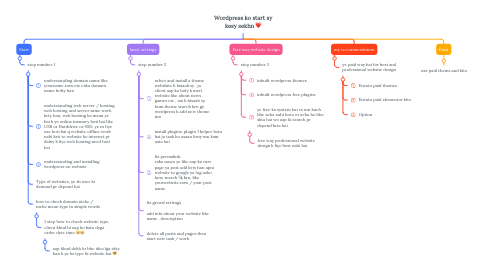
1. Start
1.1. step number 1
1.1.1. understanding domain name like yourname.com etc esko domain name bolty han
1.1.2. understanding web server / hosting web hosting and server same work krty han, web hosting ka mean ye hai k ye online memory hoti hai like USB or Harddrive or SSD. ye es liye use hoti hai q website offline work nahi krti to website ko internet pr dalny k liye web hosting need hoti hai
1.1.3. understanding and installing wordpress on website
1.1.4. Type of websites, ye sb user ki demand pr depend hai
1.1.5. how to check domain niche / niche mean type in simple words
1.1.5.1. 1 step how to check website type, client khud hi aap ko bata dyga order dyte time 😁🤣
1.1.5.1.1. aap khud dekh kr bhe idea lga skty han k ye ks type ki website hai 😎
2. basic settings
2.1. step number 2
2.1.1. select and install a theme webshite k hisaab sy , jo client aap ko boly k meri website like about news . games etc , usi k hisaab sy hum theme search krn gy wordpress k add new theme mn
2.1.2. install plugins. plugin 1 helper hota hai jo task ko asaan krny mn kam aata hai
2.1.3. fix permalink. eska mean ye like aap ko new page ya post add krty han apni website to google ya log usko kesy search 🔍 krn, like yourwebsite.com / your post name
2.1.4. fix genral settings add info about your website like name . description
2.1.5. delete all posts and pages then start new task / work
3. Free way website design
3.1. step number 3
3.1.1. inbuilt wordpress themes
3.1.2. inbuilt wordpress free plugins
3.1.3. ye free ka system hai es mn kuch bhe acha nahi hota or acha ho bhe skta hai wo aap ki search pr depend krta hai
3.1.3.1. free way professional website design k liye best nahi hai
4. my recommendation
4.1. ye paid way hai for best and professional website design
4.1.1. Envato paid themes
4.1.2. Envato paid elementor kits
4.1.3. Option