

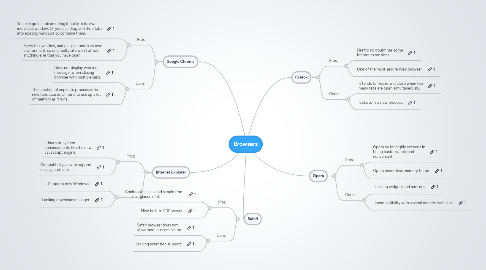
1. Google Chrome
1.1. Pros:
1.1.1. You can grab a tab and drag it out into its own individual window. Or you can drag and drop tabs into existing windows to combine them.
1.1.2. Every tab, window, and plug-in runs in its own environment, so one faulty site won't affect anything else that you have open.
1.2. Cons:
1.2.1. Does not display warning message, when closing browser with multiple tabs.
1.2.2. The creation of separate processes for new tabs causes Chrome to use up a lot of memory as it runs.
2. Internet Explorer
2.1. Pros:
2.1.1. It has sub-system enhancements like the new JavaScript engine.
2.1.2. Compatibility view to support display problems.
2.2. Cons:
2.2.1. Supports only Windows.
2.2.2. Lacking download manager.
3. Safari
3.1. Pros:
3.1.1. It looks clean and simple from first glance of it.
3.1.2. Nice built-in PDF viewer.
3.2. Cons:
3.2.1. Safari browser does not allow more customization.
3.2.2. Lacking extension support.
4. Firefox
4.1. Pros:
4.1.1. Firefox no doubt has some brilliant extensions.
4.1.2. One of the most secure Web browser.
4.2. Cons:
4.2.1. It tends to freeze and close when too many tabs are open simultaneously.
4.2.2. It starts in a slow process.
5. Opera
5.1. Pros:
5.1.1. Opera by far highly exceeds in being customizable and convenient.
5.1.2. Opera needs less memory to run.
5.2. Cons:
5.2.1. Lacking widgets and add-ons.
5.2.2. Incompatibility with several modern websites.