


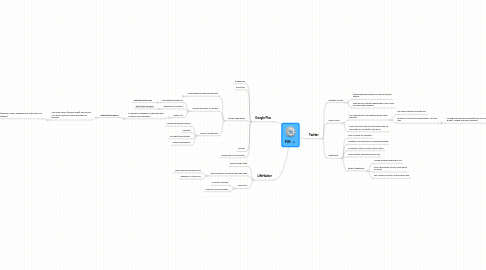
1. Google Plus
1.1. Technology
1.2. Education
1.3. Google Expeditions
1.3.1. Troubleshooting with new teachers
1.3.1.1. Project specifications
1.3.1.2. End User requirements
1.3.1.3. Action points sign-off
1.3.2. Finding new ideas for lessons
1.3.2.1. Math Based expeditions
1.3.2.1.1. http://bit.ly/2f7T0QI
1.3.2.2. Repository of Lessons
1.3.2.2.1. http://bit.ly/2fssdPD
1.3.2.3. Master List
1.3.2.3.1. Hundreds of expeditions organized with locations and searchable.
1.3.3. Device Management
1.3.3.1. Collecting/Gaining Devices
1.3.3.2. Charging
1.3.3.3. Storage/Transportation
1.3.3.4. Viewer maintenance
1.4. Android
1.5. Google Apps for Education
2. LifeHacker
2.1. General Technology
2.2. New Changes in Tech and New Web Apps
2.2.1. New Chromebook resrources
2.2.2. Raspberry Pi resources
2.3. Resources
2.3.1. Effective Planning
2.3.2. Effective Communication
3. Twitter
3.1. Watauga County
3.1.1. #wearewatauga hashtag for county themed tweets
3.1.2. Keep an eye on what's happening in the county and with other teachers
3.2. Green Valley
3.2.1. See what projects are happening with other teachers
3.2.1.1. See where teacher strengths are
3.2.1.2. Be able to connect to classes when I can't get free
3.2.1.2.1. Seeing snapshots of presentations from 2nd grade (I helped with their research)
3.2.2. Share resources with a few teachers who are more likely to use twitter than email
3.3. TweetDeck
3.3.1. Let's me track my interests
3.3.2. Maintains a running feed for Watauga hashtag
3.3.3. Continuous feed for Green Valley School
3.3.4. Tracks tweets mentioning me as well
3.3.5. Before TweetDeck
3.3.5.1. Missed anything directed at me
3.3.5.2. Only used Twitter to add, rarely got to consume
3.3.5.3. Felt "behind" anytime I pulled up the app