
What is an AI mind map generator
An AI mind map generator is like an intelligent assistant that reads your text and automatically creates a visual mind map from it. Imagine giving the tool a long text, and it independently recognizes the most important points, arranges them hierarchically, and shows the connections between ideas.
These tools use machine learning – a form of artificial intelligence that has learned from millions of texts how information is typically structured. The generator analyzes your content, finds main topics and their sub-points, and builds a logical tree structure from them.
The difference from traditional mind mapping? With the classic approach, you draw each branch yourself and consider where each piece of information belongs. An AI generator completely automates this process. The key features are:
Automatic structuring: the AI recognizes main and sub-topics without your input
Time savings: mind maps are created in minutes instead of hours
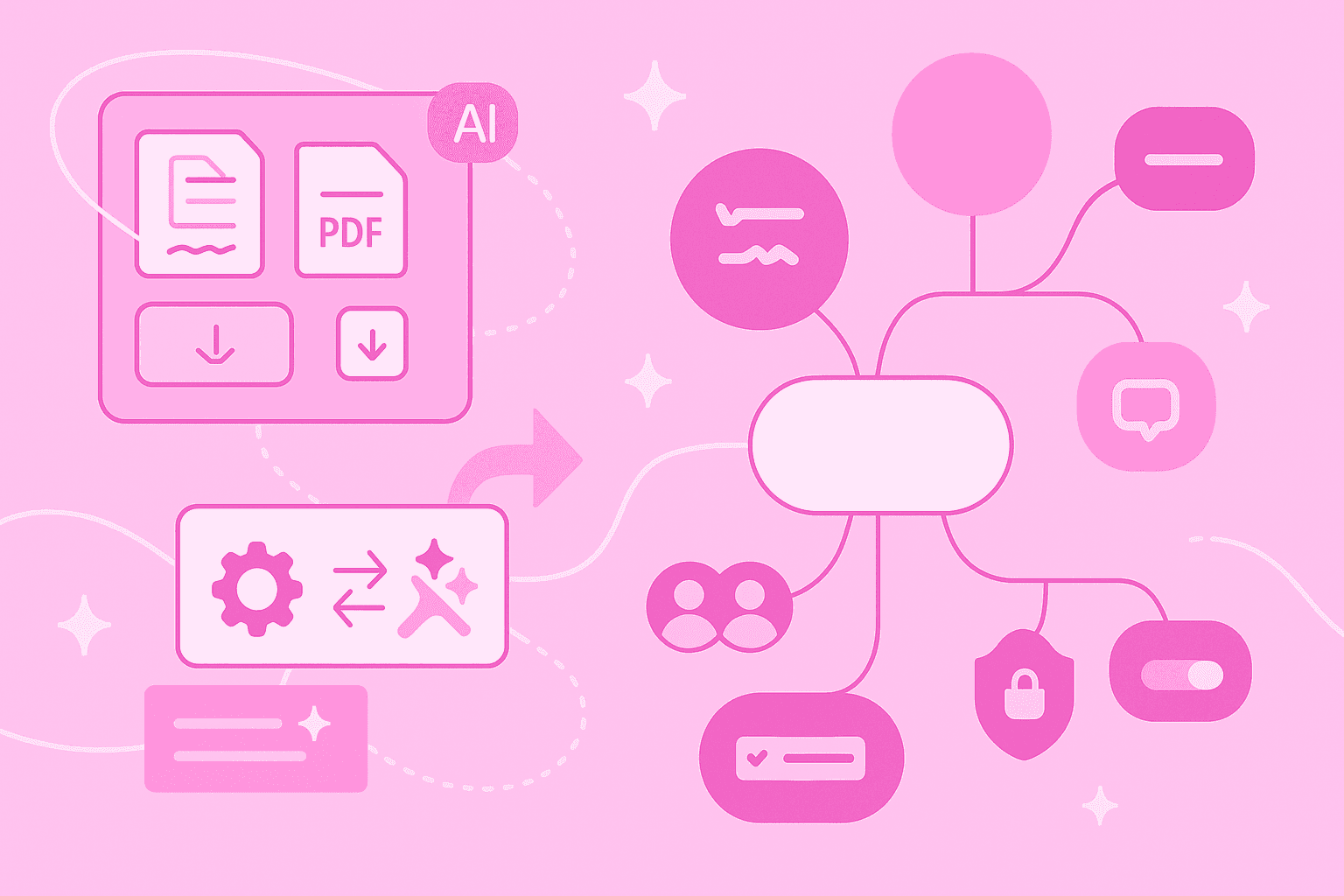
Versatile input sources: processes text, PDFs, images or handwritten notes
Why create AI-based mind maps
They transform confusing mountains of information into clear, visual structures and give you more room for what really matters: developing new ideas.
The concrete benefits in daily work:
Faster idea visualization: a 50-page report becomes a clear mind map in seconds
More time for creative thinking: while the AI structures, you can already think about solutions
Consistent quality: every mind map follows a logical structure – independent of your daily form or experience
Easy start: even mind mapping beginners get professional results
A practical example: after a two-hour workshop, you have 15 pages of notes. Previously, you would have needed an hour to filter out and structure the key points. With an AI generator, you upload the notes and immediately receive a structured overview of all discussed topics.
Quick start: create your first AI-generated mind map in MindMeister
The good news first: AI-powered mind mapping is so simple that you don't need any prior knowledge. In four easy steps, you create your first automatic mind map.
1. Activate AI function
In many mind map tools, you recognize such functions by the familiar AI icon with the shiny stars. In MindMeister, one click is enough to start creating directly. The user interface then guides you intuitively through the process.
2. Enter prompt or upload file
Now your materials and ideas come into play. You have several options:
copy text directly into the input field
upload PDFs or Word documents
photograph handwritten notes with your smartphone
The MindMeister AI understands various formats and languages and even processes mixed content – such as a document with embedded images.
3. Generate mind map
After uploading, click "Create" and the AI scans your content, identifies key concepts, and builds a hierarchical structure. This process takes between 5 and 30 seconds depending on text length. You see live how your mind map takes shape.
4. Review and fine-tune
Move branches, change wording, or add your own thoughts. The AI has done the groundwork, but you determine the final result. Post-processing can often lead to discovering new connections.
Convert documents into structured mind maps
Have you ever sat in front of a 100-page PDF and wondered where to start? AI mind map generators solve this problem elegantly. They read the entire document, extract the core statements, and present them in a clear tree structure.
PDF and text files
PDFs are the workhorse of the office world – and at the same time often confusing. An AI generator transforms even complex documents into understandable mind maps. Upload a business report, for example, and the AI automatically creates branches for:
Main chapters and their sub-points
Important metrics and facts
Recommendations and conclusions
The key: you immediately see how the different parts of the document are connected. What was previously 50 pages of linear text becomes a visual map of information.
Handwritten notes or sketches
MindMeister offers a particularly clever AI function: you can even generate mind maps from a photo of scribbles on a napkin. This technology significantly accelerates the creation process and gives you more time to develop your ideas further.
Here's how it works: take a photo of your handwritten notes – whether from the whiteboard, notebook, or the famous napkin. The AI recognizes your handwriting, converts it into digital text, and automatically structures the content. Perfect for spontaneous brainstorming sessions or when you're on the go.
Automatically capture various sources
The information sources in our daily work are more diverse than ever. Modern AI mind map generators take this into account and process far more than just text documents.
YouTube and web content
Many tools today can convert YouTube videos or websites directly into mind maps. The AI analyzes subtitles or page content and creates a structured overview. Instead of working through an hour-long tutorial, you get the key points at a glance.
MindMeister focuses on processing documents and images. If you still want to use video content, there's a workaround: simply copy the transcript or a summary of the video into the AI generator.
Visual files
Screenshots, diagrams, photos of whiteboards – modern AI tools can process all these visual information sources. Text recognition (OCR) has made enormous progress in recent years.
Particularly practical: after a workshop, simply photograph the filled flipchart. The AI recognizes the text, ignores arrows and drawings, and creates a clean mind map from the keywords. No information is lost, and you immediately have a digital version of your analog brainstorming results.
Customization and real-time collaboration
An automatically generated mind map is just the beginning. The real added value emerges when you and your team develop the mind map together. Modern tools like MindMeister are perfectly equipped for this.
The customization options are diverse:
Add or delete branches: adapt the structure to your specific needs
Colors and symbols: mark priorities or categorize topics visually
Notes and attachments: add context directly in the map – from links to entire documents
The best part? All changes happen in real time. When you add an idea, your colleagues see it immediately on their screen. Comments enable discussions directly at the relevant points. This turns a static mind map into a living working document that becomes more valuable with each contribution.
Data protection and security
When you entrust your documents and ideas to an AI tool, data protection is not a side issue. Especially with sensitive business information or personal data, you should look closely.
Pay attention to these criteria when choosing a tool:
Server location: where is your data stored and processed?
Encryption: is your content protected during transmission and storage?
GDPR compliance: does the provider meet European data protection standards?
MindMeister takes this responsibility seriously. As a European company, it is subject to strict data protection laws. Your mind maps are transmitted encrypted and stored securely. The most important security features:
ISO 27001 certification: international standards for information security are maintained
Encrypted connections: your data is protected during the entire transmission
Control over your data: you determine who has access to your mind maps and can delete them at any time
Start free or use premium features
Most AI mind map generators offer a freemium model. This means: you can test the basic functions for free and upgrade to advanced features if needed.
The typical differences:
Free version: perfect for trying out with limited number of mind maps, basic AI functions, and restricted export options
Premium version: for professional users with unlimited mind maps, advanced AI features, full collaboration possibilities, and export to all common formats
MindMeister lets you start with a free version. Test the AI functions extensively before you decide. For teams and larger projects, the upgrade is usually worthwhile – the time savings alone quickly pays back the investment.
Let AI support you in visualizing your ideas
AI mind map generators are more than just a technical toy. They are practical tools that make your daily work easier. Instead of spending hours structuring information, you focus on what matters: your ideas and their implementation.
MindMeister combines the best of both worlds: the AI takes over the tedious structuring work while you retain full control over the final result. Add secure collaboration possibilities and German data protection.
Turn documents into mind maps with AI