

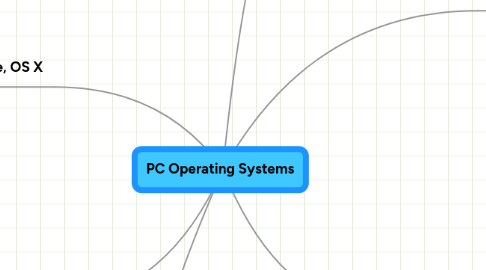
1. Google: Chroimum
1.1. Pros
1.1.1. 1
1.1.1.1. Uses less RAM will staring your computer.
1.1.2. 2
1.1.2.1. will be able to use on USB.
1.2. Cons
1.2.1. 1
1.2.1.1. Not on the market know
1.2.2. 2
1.2.2.1. Does not have print preview feature.
2. Apple, OS X
2.1. Pros
2.1.1. 1
2.1.1.1. Targeted less by viruses & spywares.
2.1.2. 2
2.1.2.1. Excellent user interface and usability.
2.2. Cons
2.2.1. 1
2.2.1.1. Cannot use with all applications
2.2.2. 2
2.2.2.1. Its not free.
3. Source
3.1. http://blog.hafees.com/windows/windows-linux-and-mac-a-comparison/
4. Windows 7
4.1. Pros
4.1.1. 1
4.1.1.1. Most popular operating system
4.1.2. 2
4.1.2.1. Microsoft, along with the big OEMs, are pushing 64-bit flavor of Windows harder than ever. Given that hardware, software and driver support for 64-bit is now at an all-time high, there’s very little reason for users not to migrate to 64-bit.
4.2. Cons
4.2.1. 1
4.2.1.1. Not free, restricted, no freedom
4.2.2. 2
4.2.2.1. Because of the high usage, most spywares and viruses are targeted to this platform
5. Linux: Ubuntu
5.1. Pros
5.1.1. 1
5.1.1.1. Very reliable
5.1.2. 2
5.1.2.1. Easy to into USB
5.2. Cons
5.2.1. 1
5.2.1.1. You may have to reload more then once
5.2.2. 2
5.2.2.1. Not known to more people