


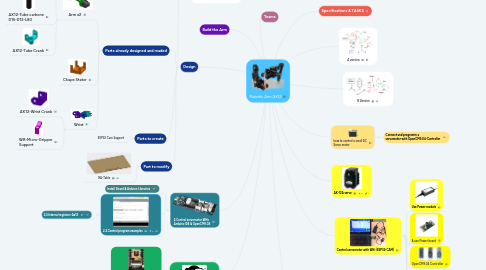
Robotic Arm AX12
da Frédéric XERRI
1. EURLAB
2. Erasmus
3. A version
4. B Version
5. 2.Control servomotor With Arduino IDE & OpenCM9.04
5.1. Install Board & Arduino Librairies
5.2. 2.2.Control program examples
5.2.1. 2.3.Internal registers-Ax12
6. Teams
7. Specifications & TASKS
8. Control servomotor with Wifi (ESP32-CAM)
8.1. Use Power module
8.2. & use Power board
8.3. Set up servos - searching ID - setting ID
8.4. OpenCM9.04 Controller
8.5. ESP32-CAM
8.5.1. Connect Overview
8.6. set postition to more than one AX12-Servo and set the speed - example
9. Gripper
9.1. How to read servo feedback?
9.1.1. Example Program
9.2. Micro gripper Kit
10. Design
10.1. Parts already designed and maded
10.1.1. Arm x2
10.1.1.1. AX12-Stator Crank
10.1.1.2. AX12-Tube carbone D16-D12-L80
10.1.1.3. AX12-Tube Crank
10.1.2. Chape Stator
10.1.3. Wrist
10.1.3.1. AX12-Wrist Crank
10.1.3.2. WR-Micro-Gripper Support
10.2. Parts to create
10.2.1. ESP32 Cam Support
10.3. Part to modify
10.3.1. RA-Table
10.4. Design the Assembly with x3D Design
10.4.1. Mates