

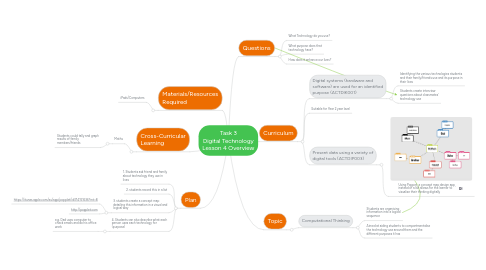
Task 3 Digital Technology Lesson 4 Overview
Door Nathan Douglas
1. Materials/Resources Required
1.1. iPads/Computers
2. Cross-Curricular Learning
2.1. Maths
2.1.1. Students could tally and graph results of family members/friends
3. Plan
3.1. 1. Students ask friend and family about technology they use in lives
3.2. 2. students record this in a list
3.3. 3. students create a concept map detailing this information in a visual and logical way
3.3.1. https://itunes.apple.com/au/app/popplet/id374151636?mt=8
3.3.2. http://popplet.com
3.4. 4. Students can also describe what each person uses each technology for (purpose)
3.4.1. e.g. Dad uses computer to check emails and do his office work
4. Topic
4.1. Computational Thinking
4.1.1. Students are organising information into a logical sequence
4.1.2. Aimed at aiding students to compartmentalise the technology use around them and the different purposes it has
5. Curriculum
5.1. Digital systems (hardware and software) are used for an identified purpose (ACTDIK001)
5.1.1. Identifying the various technologies students and their family/friends use and its purpose in their lives
5.1.2. Students create interview questions about classmates' technology use
5.2. Suitable for Year 2 year level
5.3. Present data using a variety of digital tools (ACTDIP003)
5.3.1. Using Poppet, a concept map design app, instead of a list allows for the learner to visualise their thinking digitally