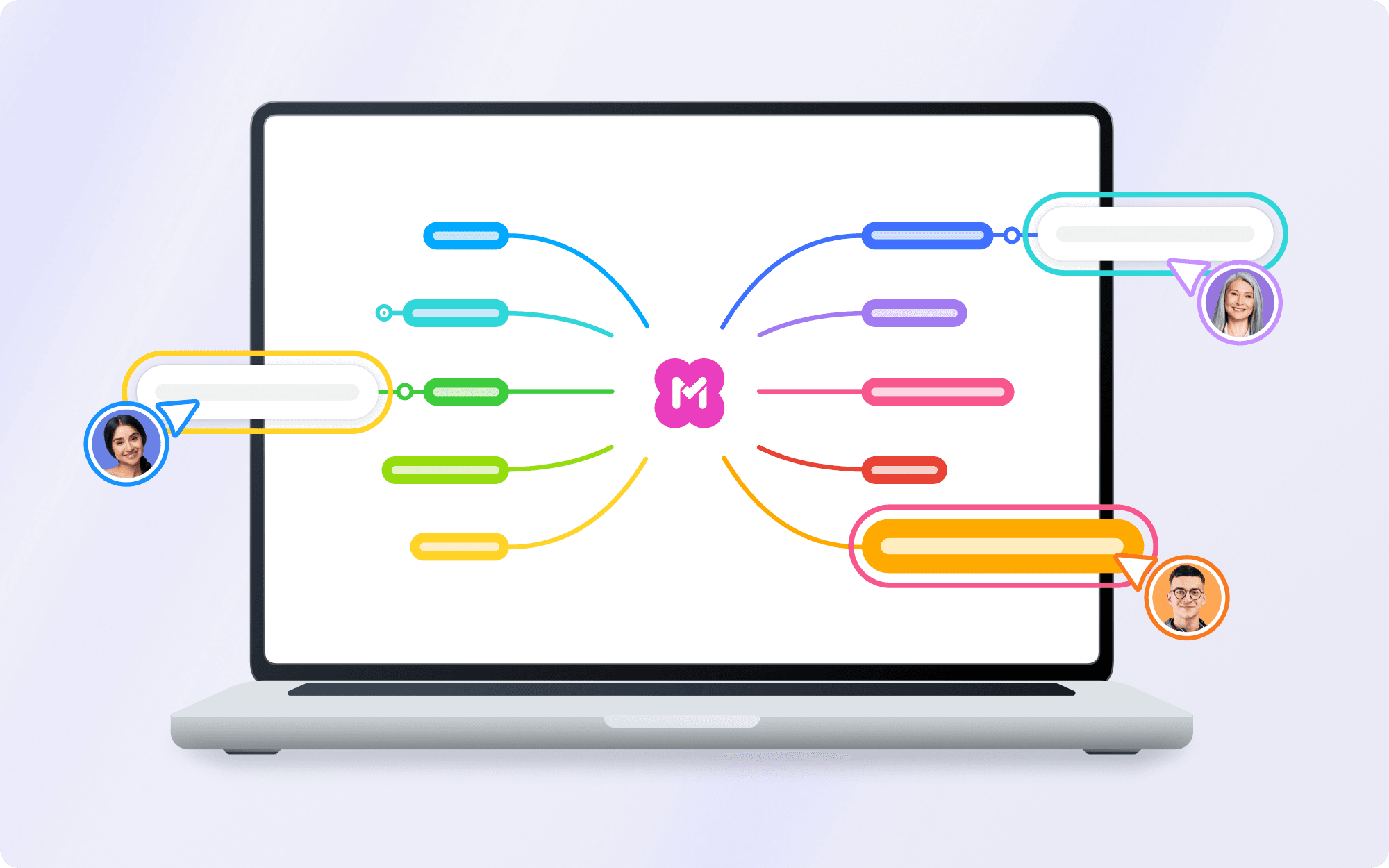

See your team in real time
When you're collaborating on a shared map, you'll see your teammates' cursors moving in real time — labeled with their names and color-coded for easy tracking.
Group brainstorming and problem-solving feel more connected, and it's much easier to follow along when everyone's visible.
And you can always wiggle your cursor at someone to say hello. Or turn cursors off entirely when you need to focus.
Edit AI-generated maps
You can now edit AI-generated maps right after they're created. Adjust the layout and change the color theme to make it your own — then keep building from there.
Improved presentation mode
The order of your mind map presentations is no longer fixed. Click and
drag to select topics as slides, then reorder them freely to build the flow you want.
Canvas improvements
We've also made a few changes under the hood that make everyday mapping smoother:
Version history sidebar. Cleaner and faster to navigate. Version history is a paid feature.
More screen space. Rebalanced layouts give your map content more room.
Smarter navigation. Less scrolling and panning on larger maps
Zoom-to-fit shortcut. Use Ctrl+⇧+H (Windows) or ⌘+⇧+H (Mac)
That's all for now. More to come soon. Happy mapping.
Start mind mapping with MindMeister