Mind mapping for teachers and educators
Use visual maps to plan lessons, run group projects, and help students retain more. Discover the benefits of mind mapping in education.
Use visual maps to plan lessons, run group projects, and help students retain more. Discover the benefits of mind mapping in education.
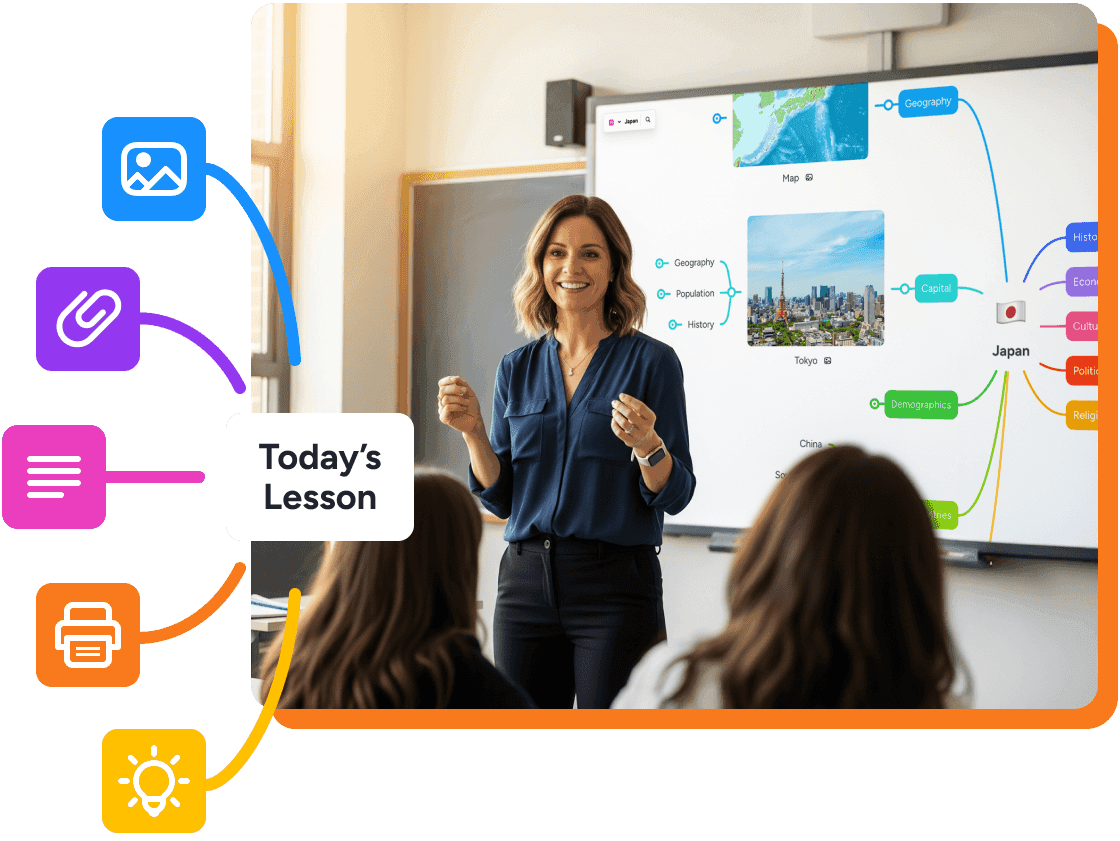
50% educator discount on paid plans
Loved by 40M+ mind mappers
Ideal for teachers, students and classroom use
Students can take perfect notes and still struggle to understand or retain anything. That's not a focus problem, it's a format problem.
Mind maps in education help students go from passive mode to active learning. Instead of listing information in order, students organize it visually, mapping how ideas connect rather than just what they are. In fact, research on mind mapping in education by Farrand et al. (2002) showed that students who used mind maps retained significantly more information a week later than those using traditional notes.
MindMeister is a mind mapping tool built for modern classrooms. It’s ideal for lesson planning, curriculum planning, group projects and more.
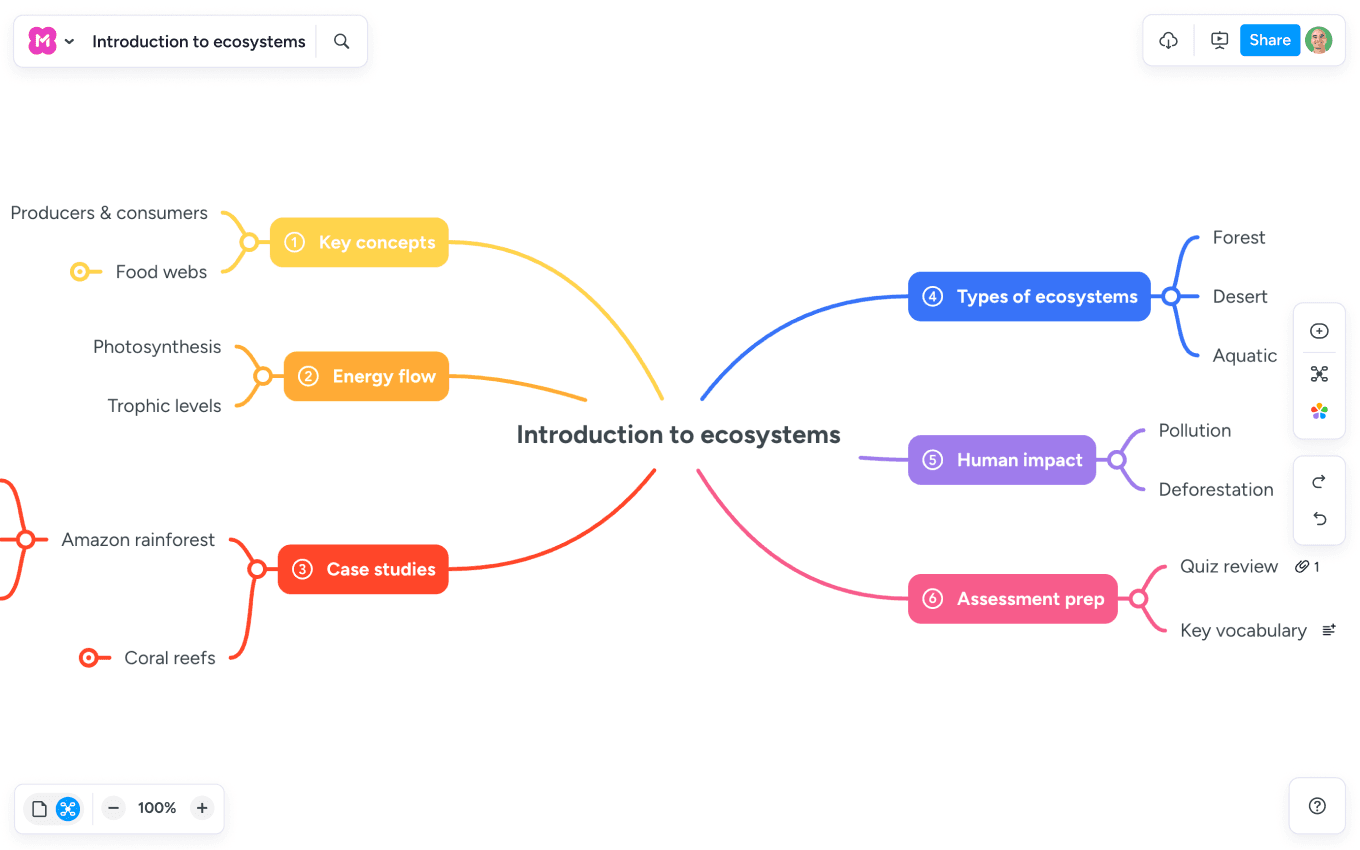
See your whole lesson outline at a glance
Add notes, links, and resources for extra context or stretch goals
Map out every unit on a single visual canvas
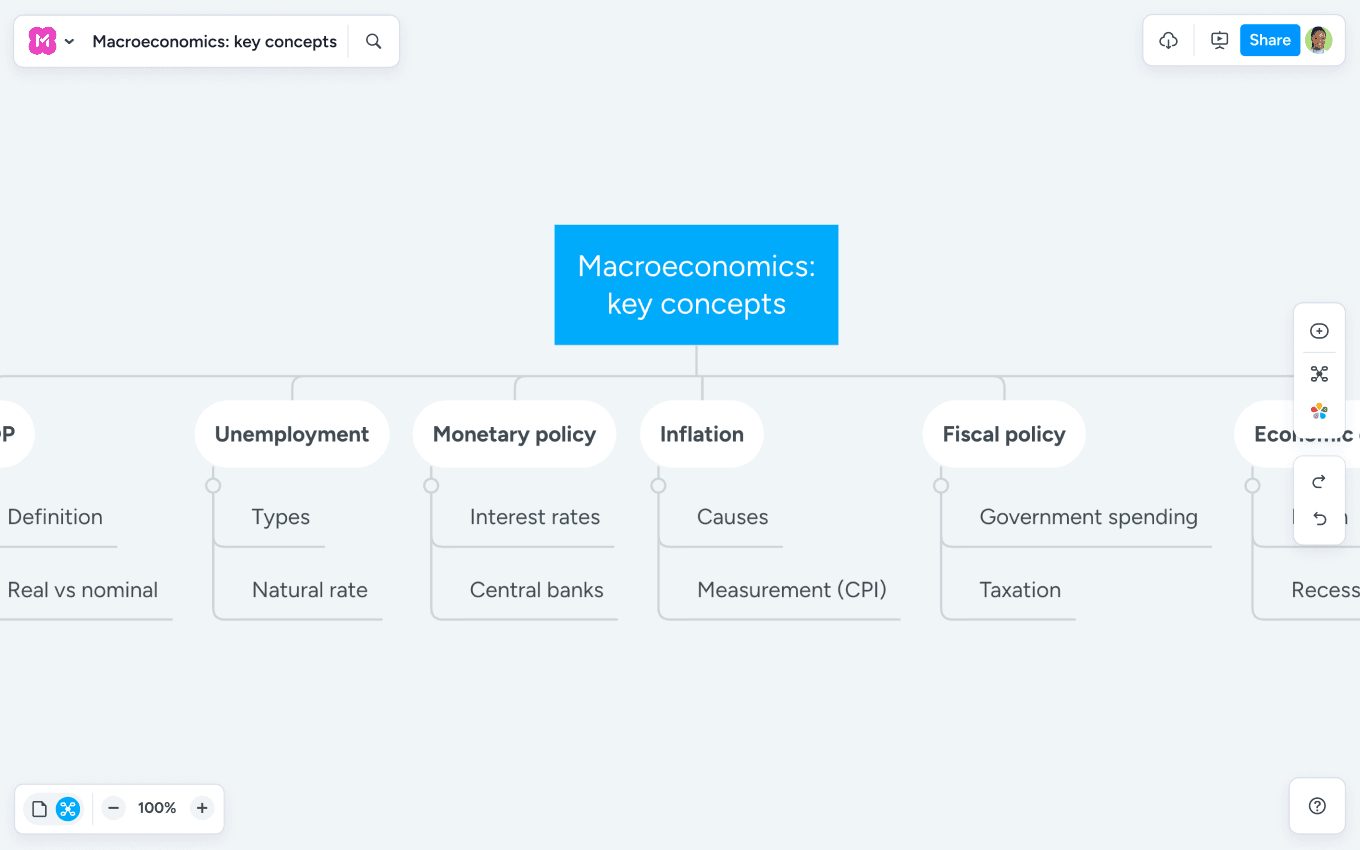
Turn any topic into a visual study guide
Collapse and expand branches to focus on what matters most
Share study maps as templates so every student starts strong
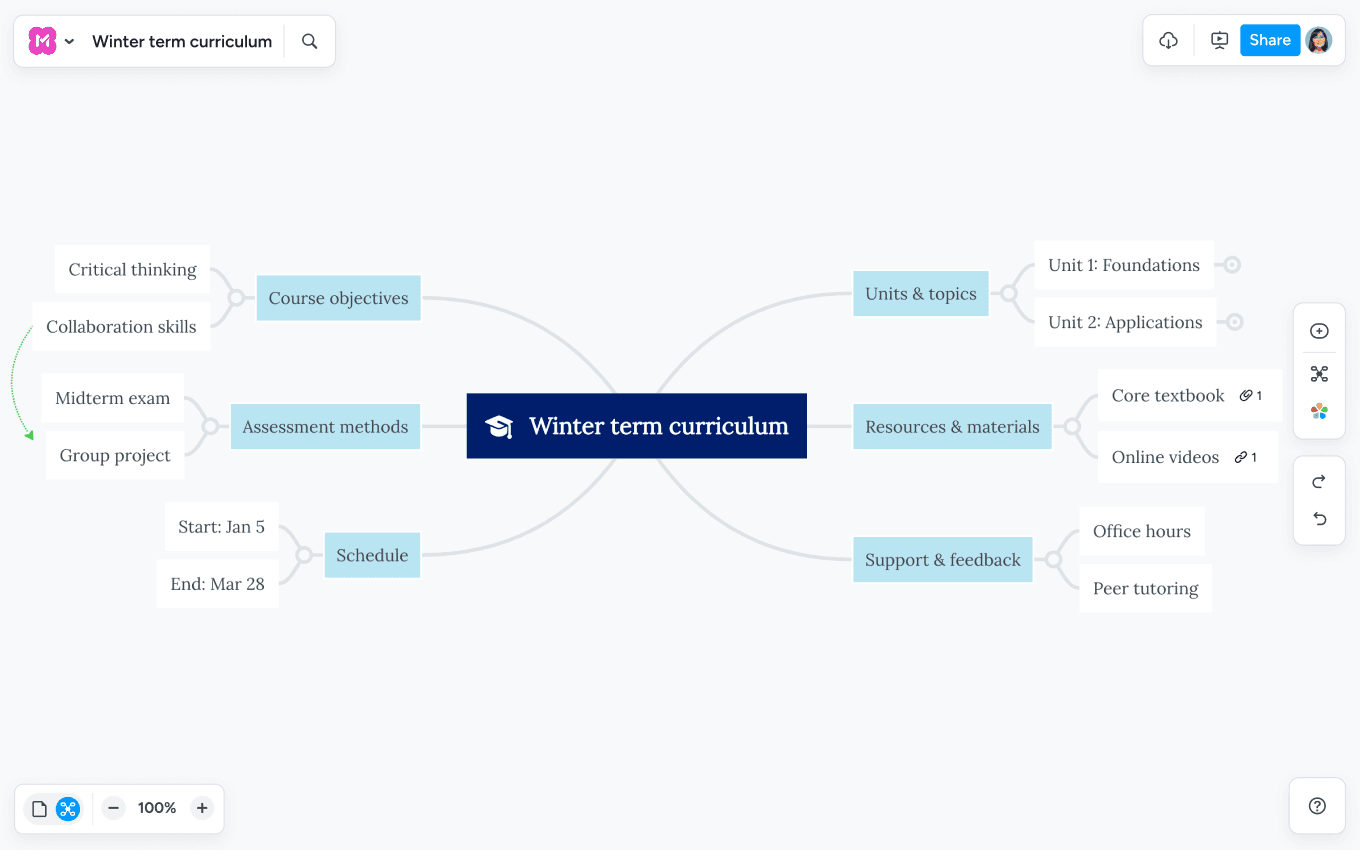
Map subjects, units, and learning objectives on a single canvas
Spot gaps and connections before the term begins
Adapt as the year evolves
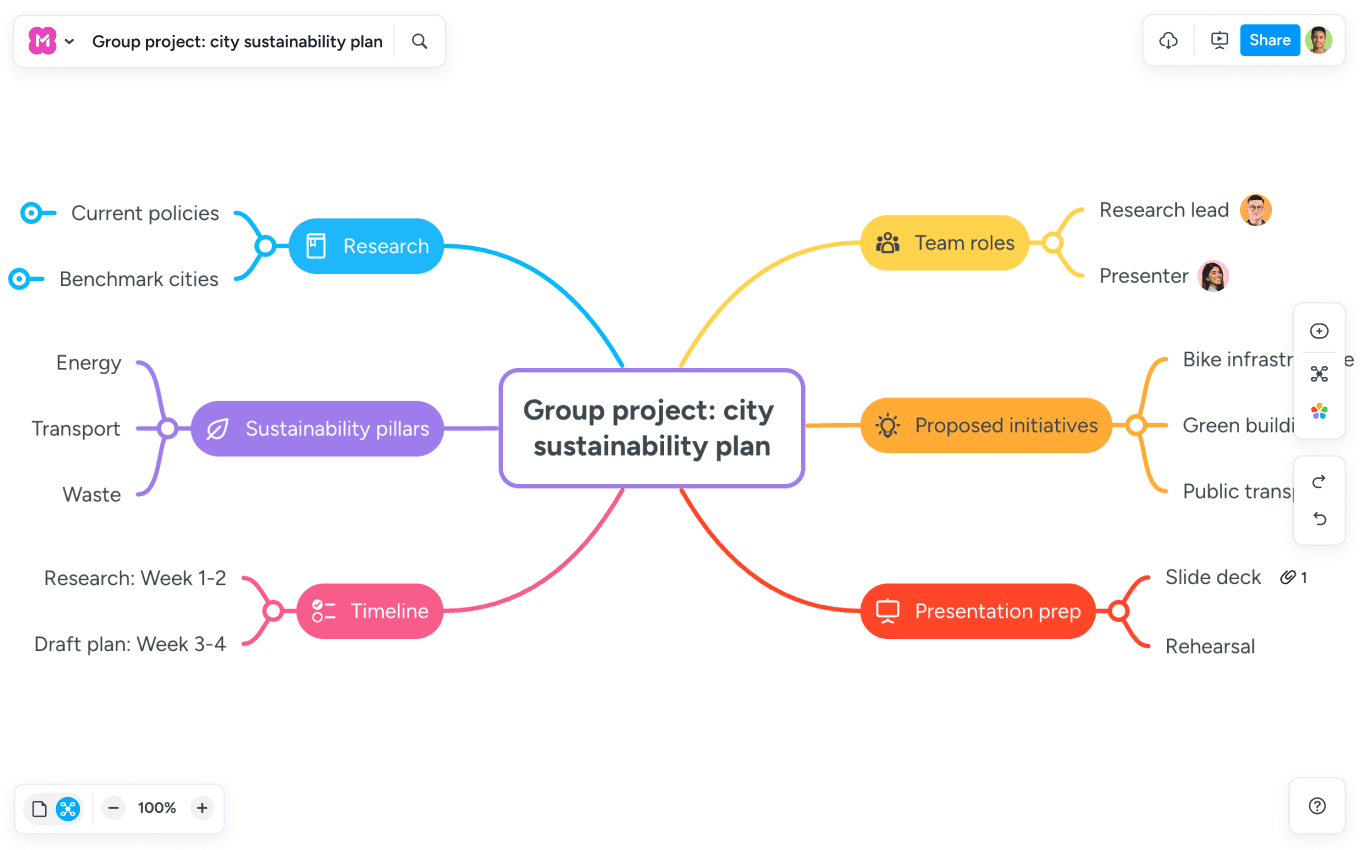
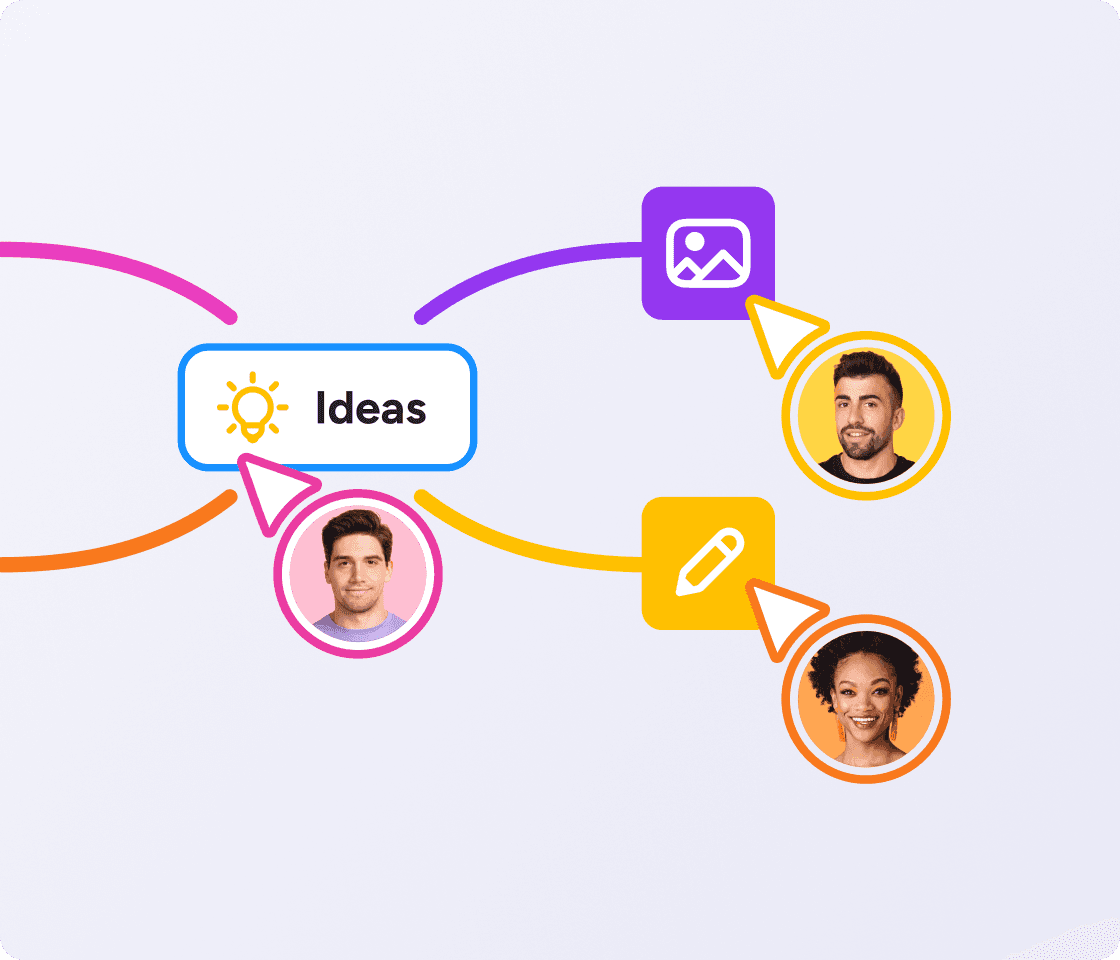
Let students co-build a map in real time, from any device
Assign branches, leave comments, track contributions
See every student's thinking, all in one place
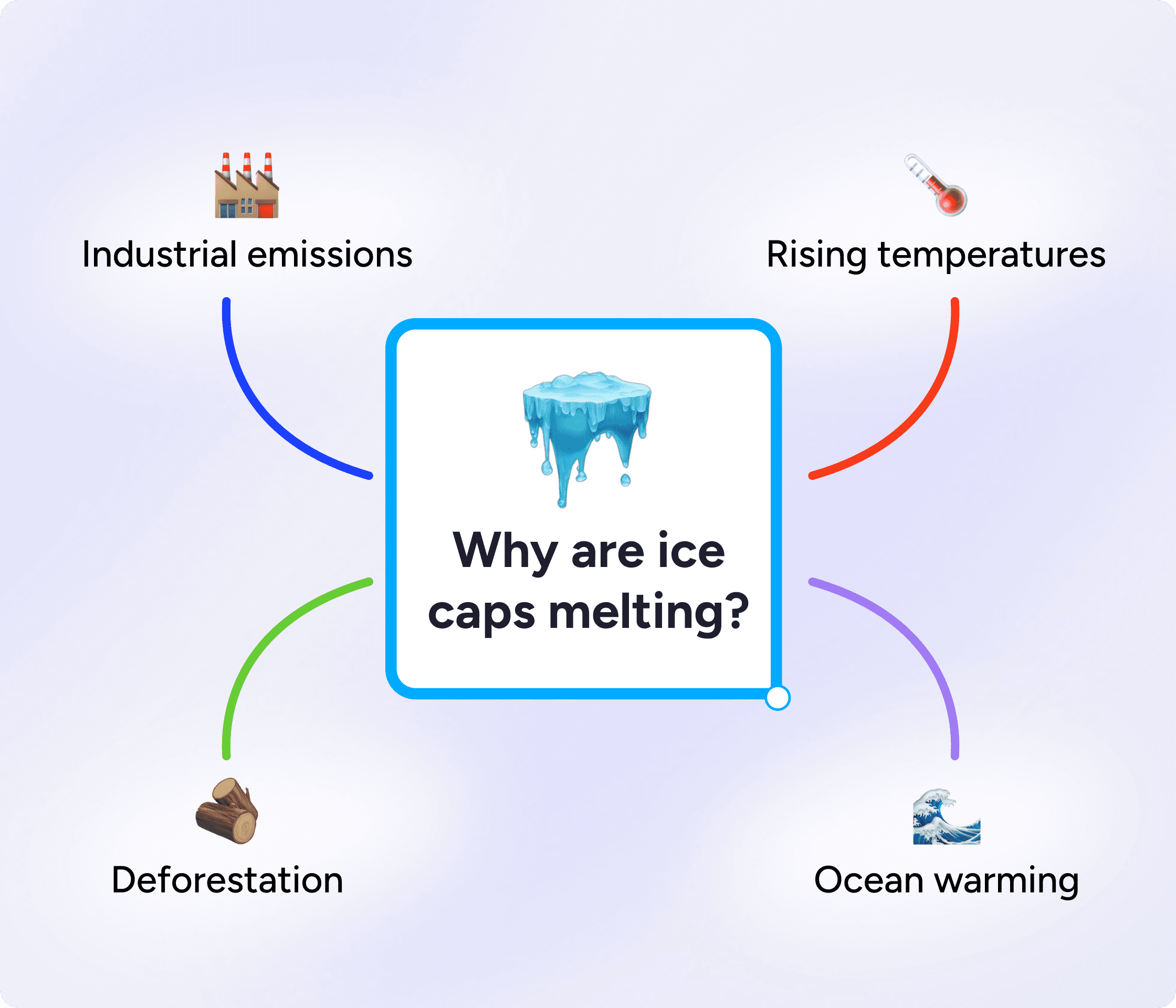
Break down tricky topics into clear diagrams that help students see the big picture, fast.
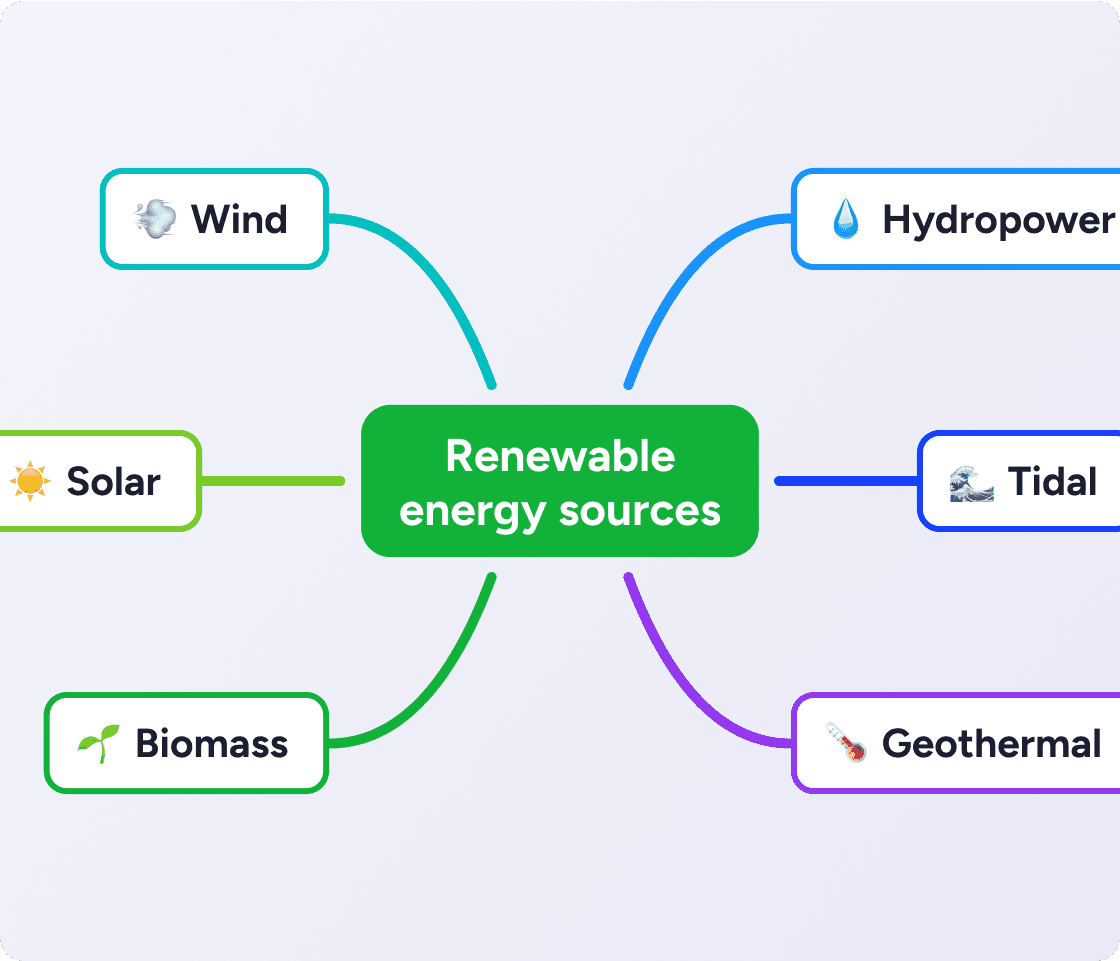
Type a prompt like "Renewable energy sources lesson plan" and Meister AI builds a structured map for you.
Or upload a PDF, syllabus, or existing document and it extracts the key ideas automatically.
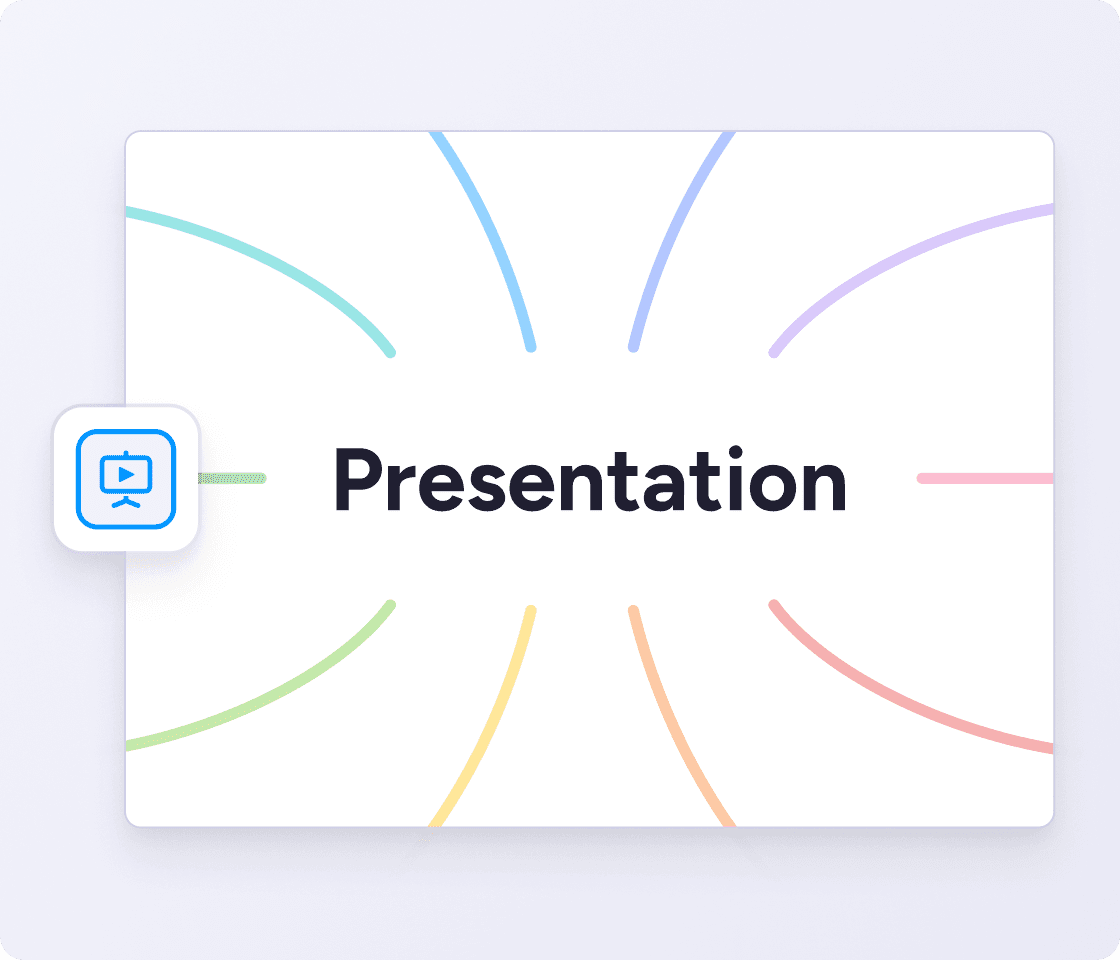
Turn any map into a guided, branch-by-branch presentation. Select the areas you want to show, set the order, and walk students through complex topics one step at a time. No separate slides needed.
When students work on a shared map, every contribution is visible in real time. See where the thinking is strong, and which groups need a hand. No need to wait until the lesson ends to know what's landing.

As your trusted digitalization partner, we're committed to providing a secure and reliable platform so you can manage your daily work with confidence.
ISO 27001 certified
Fully GDPR compliant
Hosted in Germany
Admin controls
Security best practices
Help your students organize their thinking, structure essays, and retain more information.
"MindMeister’s flexibility and ease of access are central to my enjoyment of the tool: it lends itself to use by any hands, not just those of an artist."
 HB
HB
"MindMeister is a great way to clarify your thoughts. You can effectively structure and categorize a huge amount of information. When you do it on paper, you can’t drag and drop, you can’t move things around. "
 CJM
CJMProbably the best web-based mind mapping tool
MindMeister really excels. It's very usable and fast with a good set of features. I've used most other mind mapping software, but I keep going back to MindMeister.
The gold standard of mind map software
Great piece of kit — helps me lay out my plans in simple yet powerful graphical formats. It is so easy to use.
My number one tool for mind mapping
Mindmeister is my super tool for many of my training and consultancy programs. From ideation to the foundations of sessions with clients.
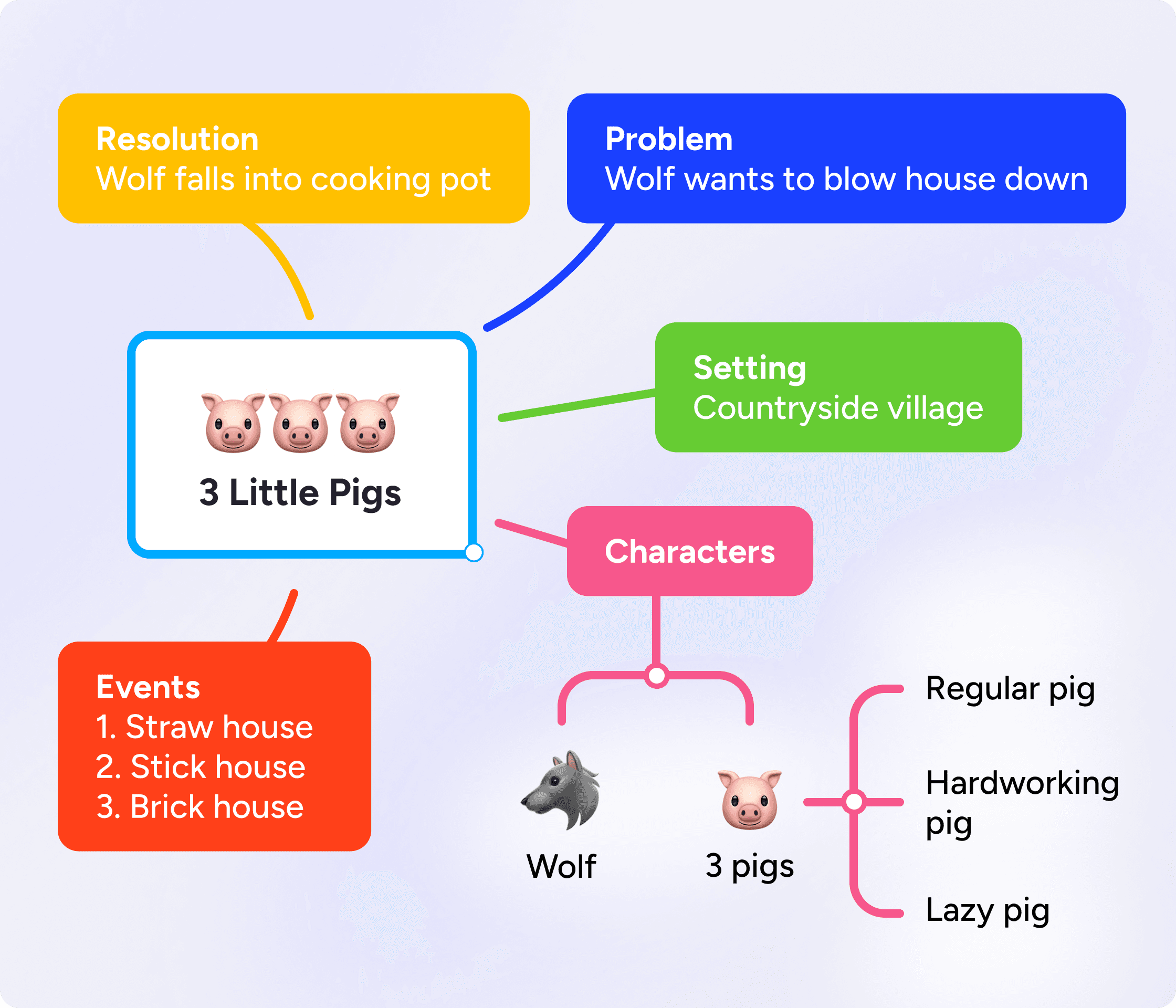
Mind mapping in education is the practice of using visual diagrams to help students and teachers organize, understand, and recall information. A mind map places a central idea at the center and branches out into related concepts, making it easier to see how ideas connect.
Start with a central topic on a shared screen — a concept you're introducing, a question you're exploring, or a text you're analyzing. Add branches for key ideas and sub-branches for details. Students can contribute in real time on their own devices, or you can build the map together as a class.
A mind map radiates from one central idea and works best for brainstorming and organizing thoughts around a single topic. A concept map shows how multiple ideas relate using labeled connecting lines, better suited to mapping the structure of a whole subject area.
Mind mapping gets students actively organizing information rather than passively copying it. Research by Farrand et al. (2002) found that students who used mind maps retained up to 15% more information one week later compared to those using linear notes. Visual structure also helps students identify connections between ideas, making understanding deeper and more durable.
MindMeister offers a free plan that lets you create up to 3 mind maps. Accredited educational institutions get a 50% discount on all paid plans.
Yes. Multiple students can edit the same mind map simultaneously from any device. Comments, @mentions, and branch-level contributions keep group work organized and visible to everyone, including the teacher.
Yes. MindMeister is fully GDPR compliant, ISO 27001 certified, and hosted on servers in Germany. It includes role-based access controls, two-factor authentication, and daily backups, meeting the data security requirements of school IT policies across the EU and beyond.
Open MindMeister, choose a lesson planning template or start from scratch, and place your topic at the center. Build branches for objectives, activities, resources and assessments. Or use Meister AI to generate a starting structure from a text prompt or uploaded curriculum document, then edit to fit your class.
Graphic organizers are visual frameworks that help students structure their thinking. MindMeister's flexible canvas supports custom graphic organizer templates that teachers can build, save and share with their class.
Yes. MindMeister runs in any modern web browser and has dedicated iOS and Android apps. It works on tablets, Chromebooks, laptops and desktops. No installation required for browser-based use.
