The brainstorming tool without the bloat
Your infinite, clutter-free canvas for ideation and collaboration. Perfect for organizing your own thoughts, or running group brainstorming sessions.


4.6/5 (299 reviews)

Made in the EU
GDPR compliant
Your infinite, clutter-free canvas for ideation and collaboration. Perfect for organizing your own thoughts, or running group brainstorming sessions.
Loved by 40M+ mind mappers





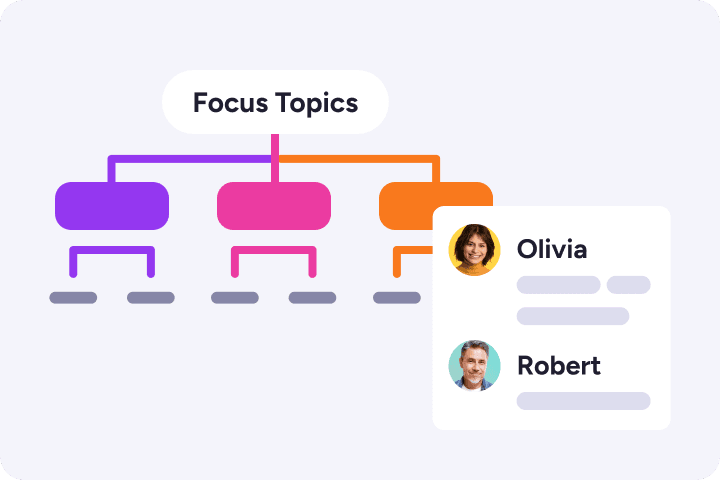
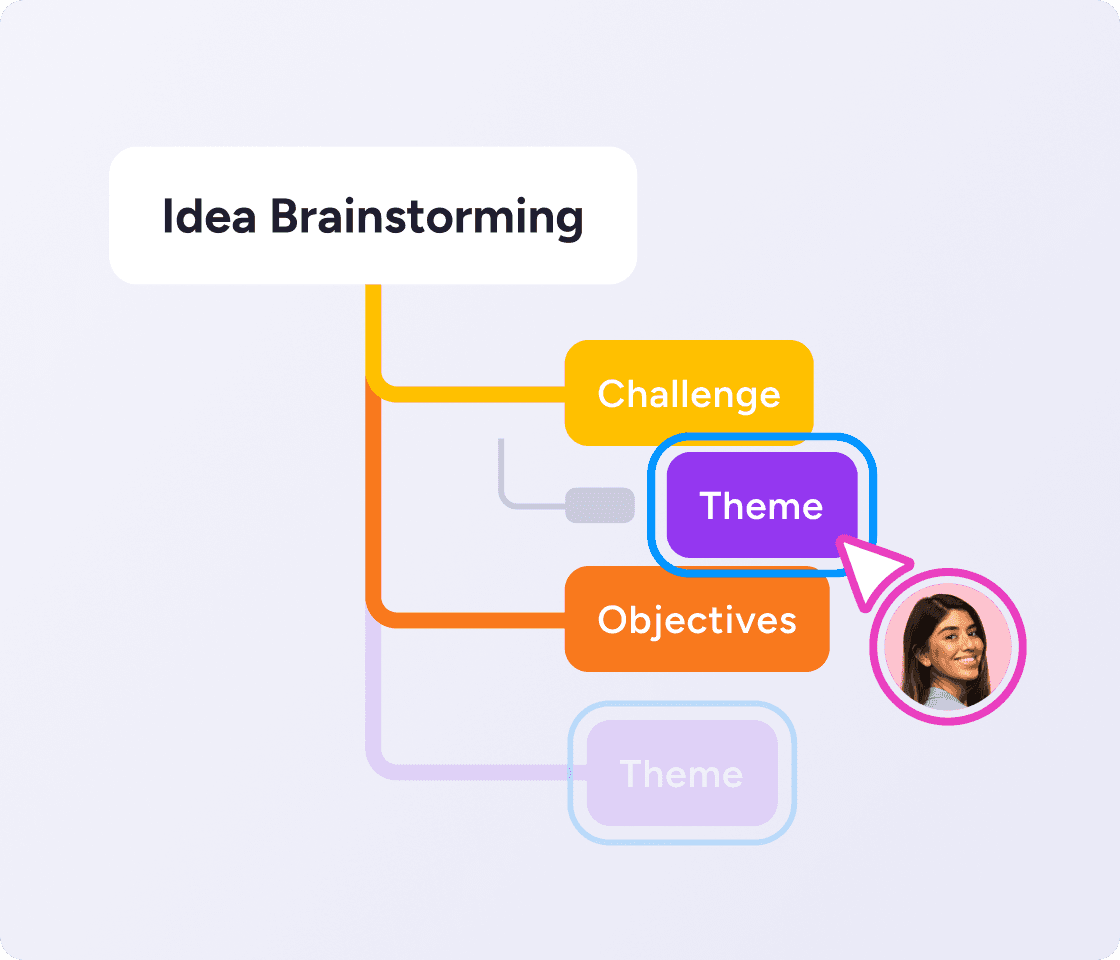
Capture raw ideas as they come up. Then categorize, expand and refine them later by simply dragging and dropping topics as needed.
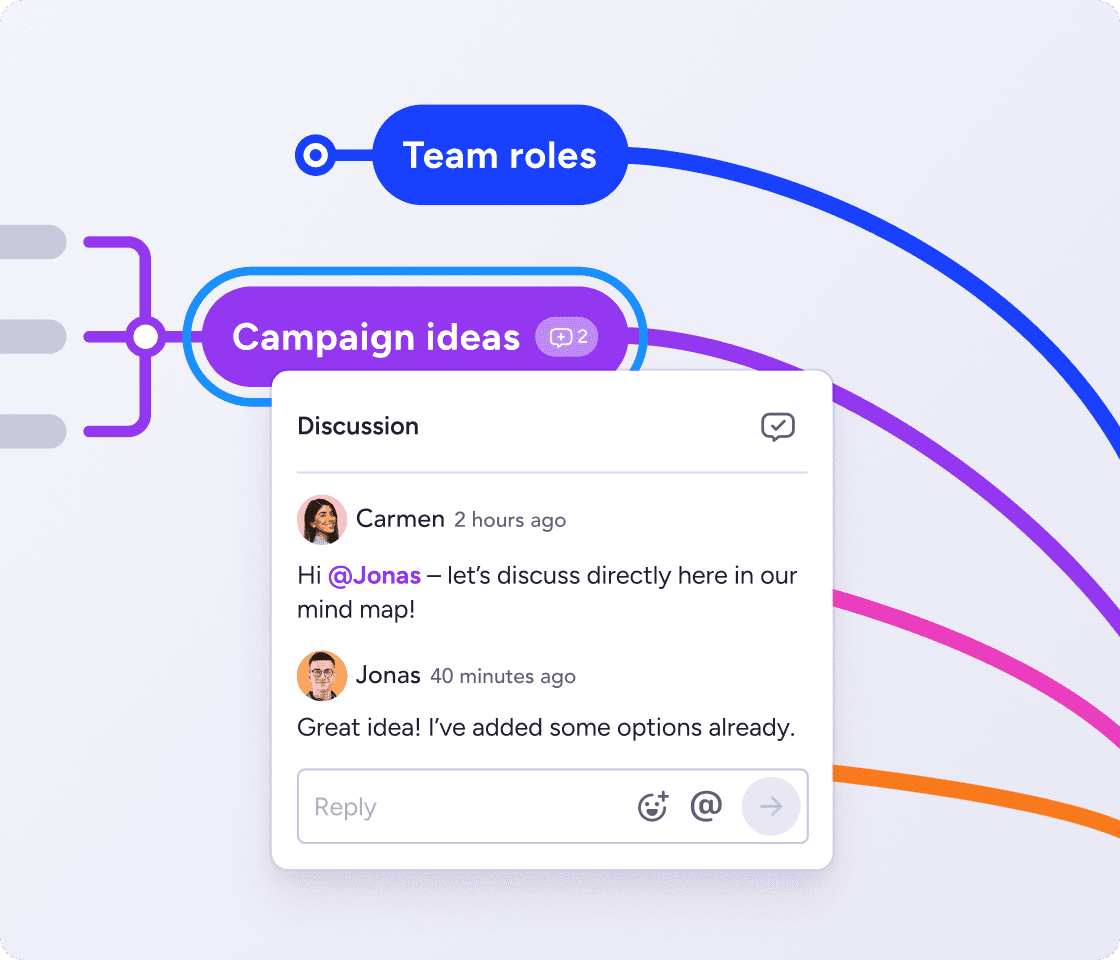
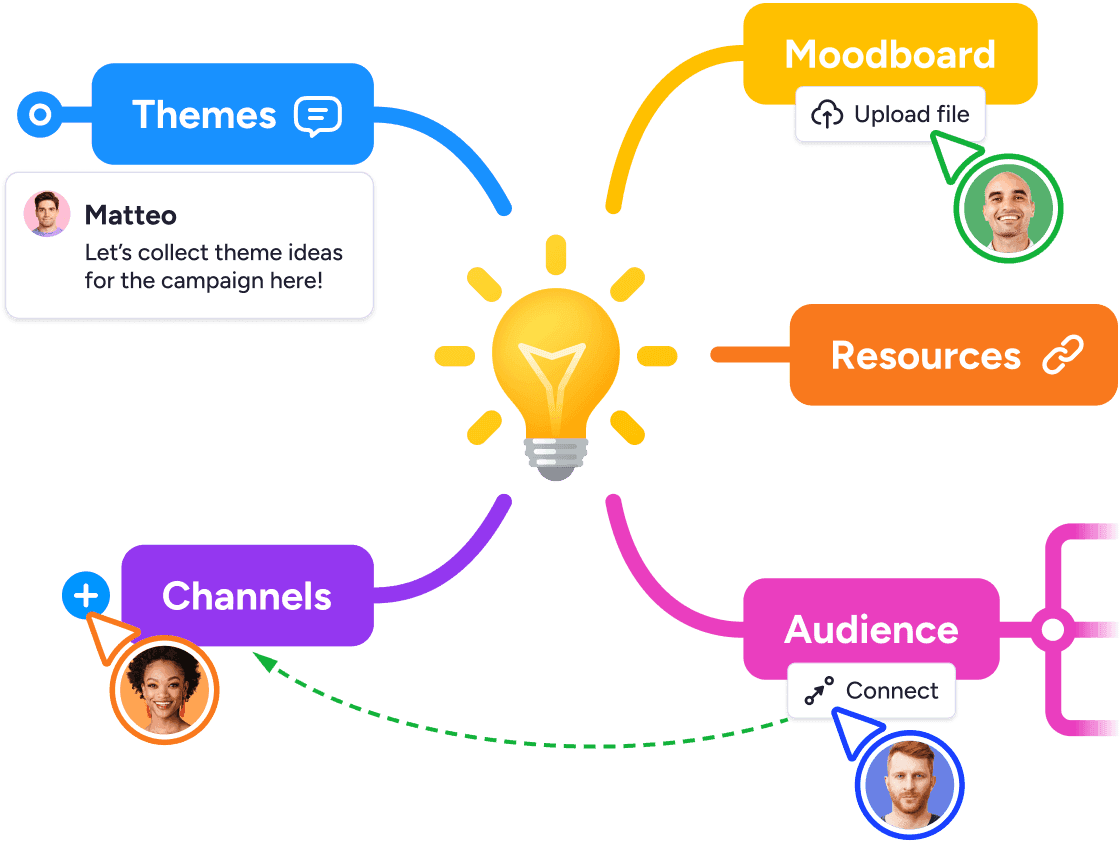
Give your team a space to think together in real time. When everyone works in parallel, the loudest voice in the room doesn't drown out the rest.
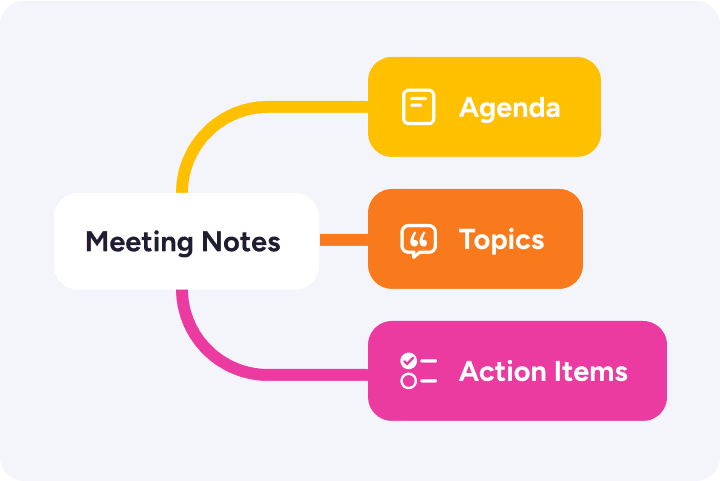
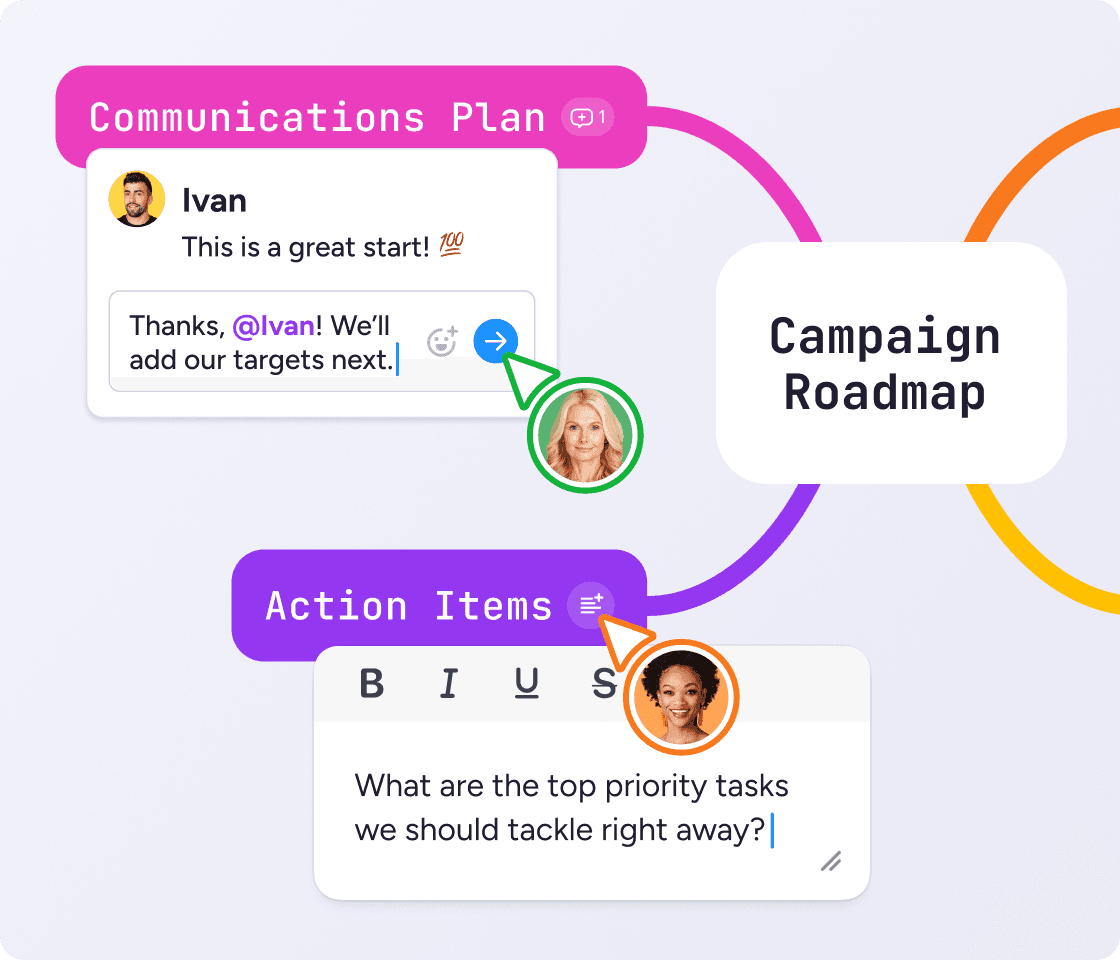
After the session, spark discussions with comments, and add notes, links and attachments to provide extra context.
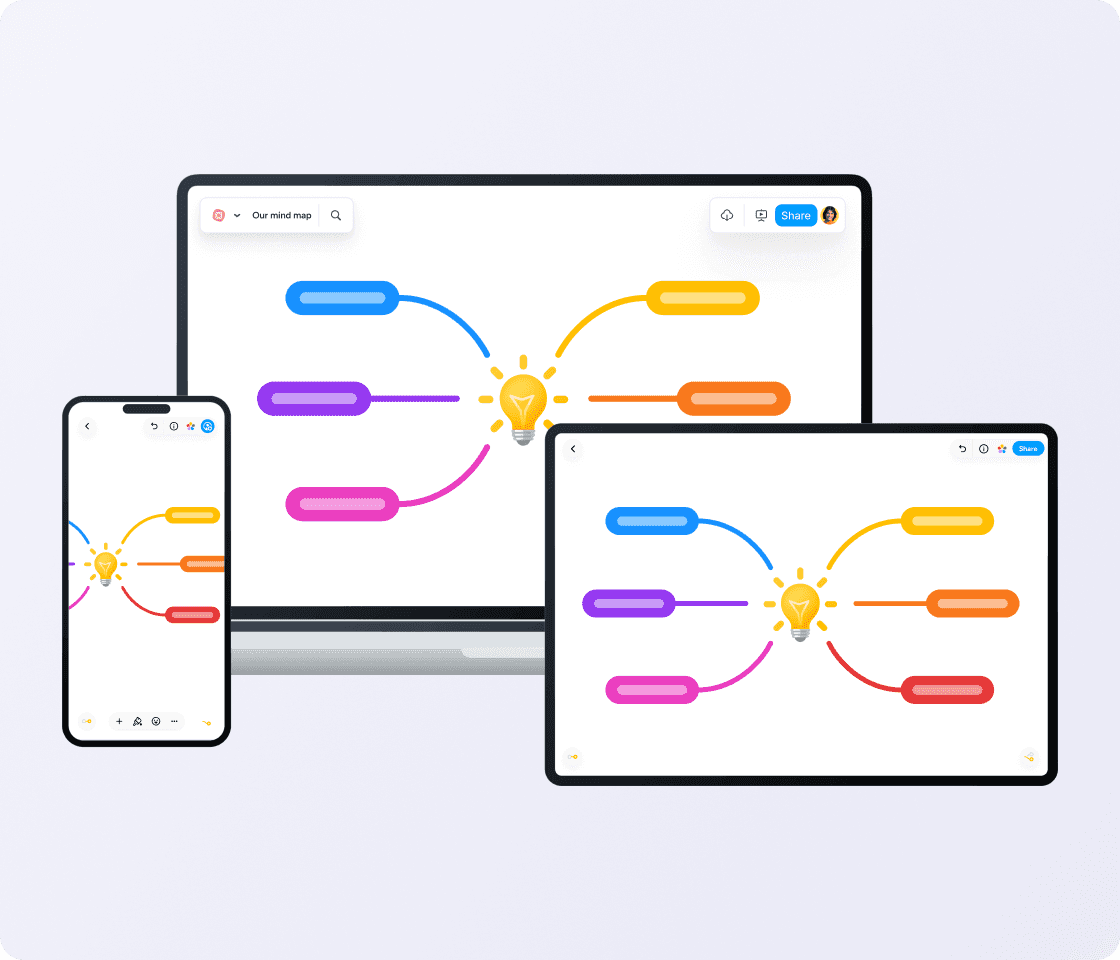
Create and edit your maps on mobile, tablet or desktop — wherever inspiration strikes.
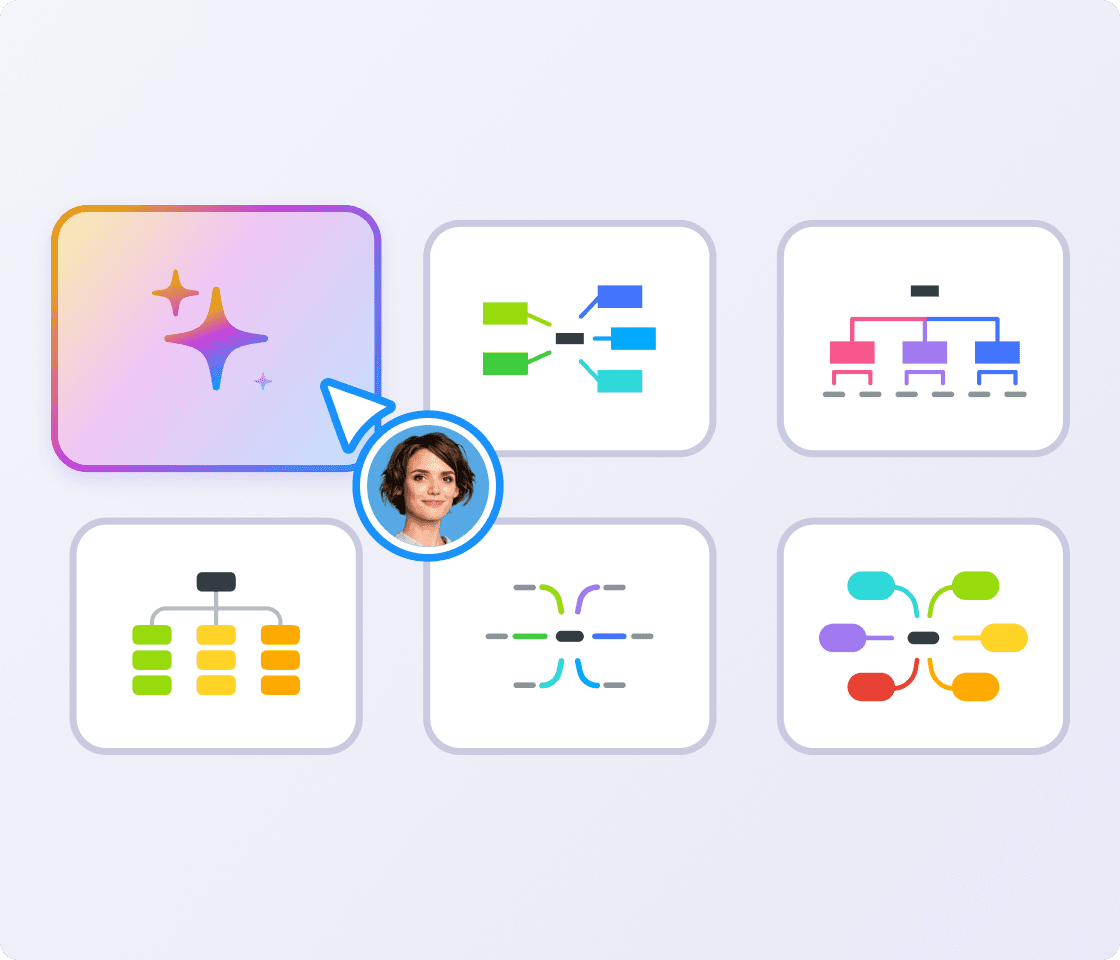
Generate mind maps from a prompt or docs. AI brainstorming is perfect for kickstarting ideas when you're staring at a blank page. Brainstorm with an AI mind map and build from there.
Assign action items directly from the map with the MeisterTask integration. No more good ideas getting lost down the back of the virtual sofa.

Our brainstorming meetings are here to stay. I rely on the ideas and spontaneity of my colleagues to achieve the best possible results. With all our best ideas stored and accessible in MindMeister, it’s easier to put these ideas into action.
 DK
DK
These brainstorming methods are structured ways to get more ideas out of a group, or out of your own head. Brainstorming exercises like these can work for almost any topic or problem.
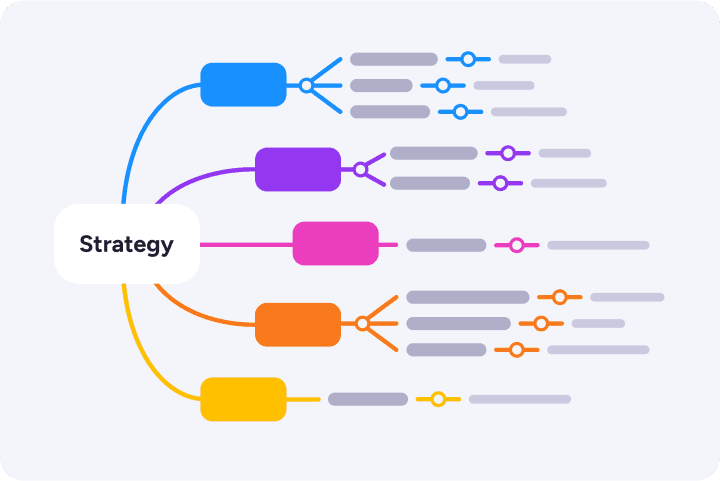
Start with a central topic in the middle, then branch out with related ideas, sub-ideas and the connections between them. Best when the topic is broad and you need to see how ideas relate before deciding what to do next.
In MindMeister, drag and drop topics, branches, and notes on an infinite canvas, so your map grows as the conversation does.
Everyone writes down their ideas individually before sharing them with the group. A strong choice when the team has a mix of loud and quiet personalities, or when you want to avoid groupthink early on.
In MindMeister, each person adds branches to a shared map at the same time, so no one waits their turn and no one gets talked over.
Instead of asking "how do we solve this?", ask "how could we make it worse?" Then flip the answers into solutions. Useful when the team is stuck on the positive framing and the obvious ideas all feel tired.
In MindMeister, build the "worse" map first, then duplicate it and invert each branch into a fix.
A structured prompt list (Substitute, Combine, Adapt, Modify, Put to another use, Eliminate, Reverse) applied to an existing idea or product. Great for improving something that already exists rather than starting from scratch.
In MindMeister, each SCAMPER prompt becomes a branch off the central topic, and ideas slot in underneath without losing the structure.
Instead of generating answers, start with brainstorming questions about the topic: Who, What, Where, When, Why, How. Best at the start of a project, when you don't yet know what the problem really is.
In MindMeister, six branches off the center, one per question word, then everyone fills in questions underneath.
Each person takes a turn adding one idea, going around the group, until everyone passes. Good for breaking the pattern of one or two people dominating, especially when group brainstorming sessions get hijacked by a single voice.
In MindMeister, add a branch each round, and use version history to see how the map evolved.
Set a short time limit (five or ten minutes) and write down as many ideas as possible, with no filtering. Best when energy is flagging or the group is overthinking. Quantity first, quality later.
In MindMeister, set a timer, let everyone type in parallel, then sort the strongest ideas into a new branch when time's up.
Capture every idea from every team member, then turn the best ones into clear next steps. MindMeister helps small teams brainstorm visually, stay aligned and move faster from discussion to action.
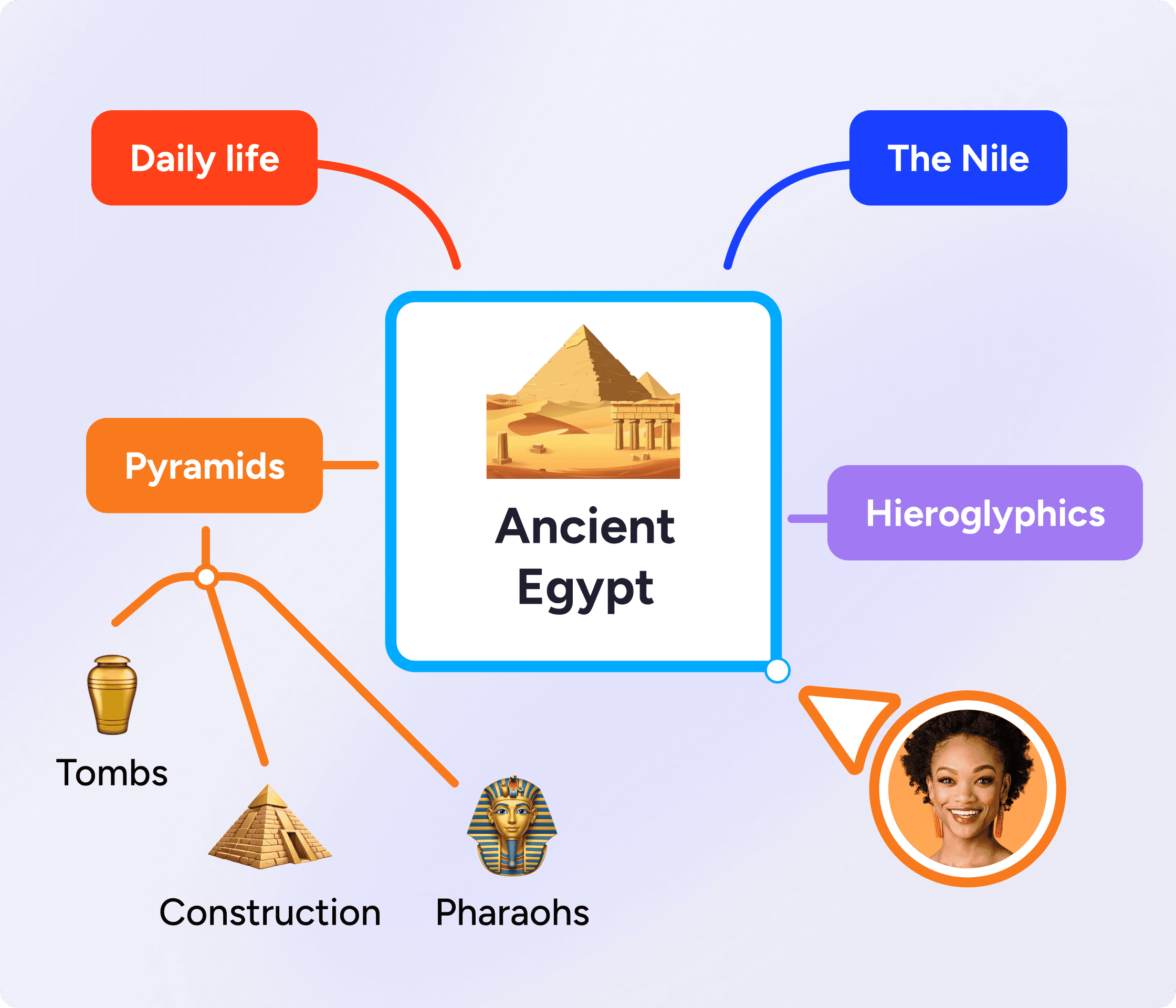
Bring lessons, group projects and class discussions to life with visual brainstorming. MindMeister helps students organize ideas, make connections and share their thinking.
Map out essays, plan projects and study for exams. Mind mapping is proven to make learning more effective.

As your trusted digitalization partner, we're committed to providing a secure and reliable platform so you can manage your daily work with confidence.
ISO 27001 certified
Fully GDPR compliant
Hosted in Germany
Admin controls
Security best practices



Sync your maps with Google Drive, turn ideas into tasks in MeisterTask and brainstorm directly in Microsoft Teams.
Explore integrationsProbably the best web-based mind mapping tool
MindMeister really excels. It's very usable and fast with a good set of features. I've used most other mind mapping software, but I keep going back to MindMeister.
The gold standard of mind map software
Great piece of kit — helps me lay out my plans in simple yet powerful graphical formats. It is so easy to use.
My number one tool for mind mapping
Mindmeister is my super tool for many of my training and consultancy programs. From ideation to the foundations of sessions with clients.
Brainstorming is a method for generating ideas as a group or alone, without filtering or judging them as they come up.
It works because most people can brainstorm more ideas than they can evaluate in real time, so separating the two stages produces better results than trying to do both at once.
Done well, brainstorming pulls in voices that don't always speak up first in a meeting. It surfaces ideas that sound silly at the start and turn out to be the best ones at the end. And it builds a shared record of how the team got from question to answer.
The tricky part has always been what happens after. Sticky notes get lost. The whiteboard gets wiped. The best ideas die in a Slack thread. A good brainstorming tool fixes that. It captures, organizes, and follows up.
Yes. The free plan lets you create up to 3 mind maps. For more maps and features, you can subscribe to a paid plan. Compare plans
Start with a central idea (called a topic) — something you want to explore or solve. Then, add related thoughts (sub topics) around it. Don’t overthink it. Just get your ideas down and organize them later.
Not at all. MindMeister helps you think out loud. Start messy, then drag, drop and group your ideas as they take shape.
MindMeister’s simple layout makes it easy to follow your thoughts, even if you’re more text-oriented. Add notes, comments or links to explain anything as you go. You can even switch between a list view and a mind map view as you like.
Very much so. Invite others to your mind map and collaborate live. You can comment, edit, and build on each other’s ideas.
MindMeister works seamlessly across devices. Start brainstorming on your phone or tablet, then pick up later on your laptop (or vice versa).
The best brainstorming tool for team brainstorming over distance is one where everyone can contribute at the same time, and the ideas don't get lost when the call ends. MindMeister works in any browser and on mobile, syncs in real time, and turns ideas into MeisterTask actions so the session actually leads somewhere.
Mind mapping, brainwriting, reverse brainstorming, SCAMPER, starbursting, round robin, and rapid ideation are all solid brainstorming techniques. The right one depends on what you're trying to solve and what your team is like. See the techniques section above for when to use each.
A good brainstorming session has six things: a clear question, a time box, a "no judgement" rule, a chosen technique, a group-and-rank step, and named next actions. Skip any of them and the session might struggle.
Yes. MindMeister's AI brainstorming feature generates a starting map from a prompt or a document, useful when you're staring at a blank canvas. You can edit, expand, or throw out anything the AI produces.