The simple Miro alternative for mind maps and whiteboards

Want one simple place to visualize your ideas? MindMeister gives you mind maps and an online whiteboard, without the clutter of an all-in-one platform.

vector image
vector image
4.6/5 (299 reviews)
vector image
Made in the EU
GDPR compliant

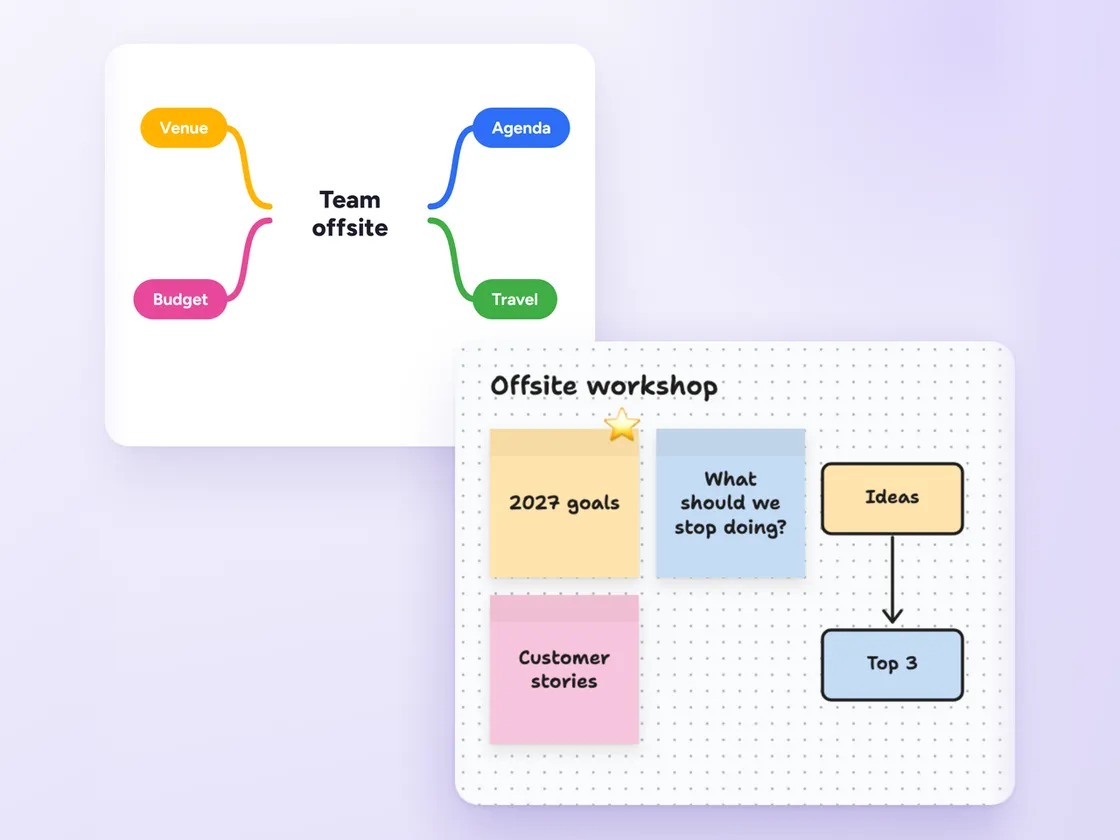
A mind map for a team offsite next to a whiteboard of sticky notes and connected shapes for the offsite workshop
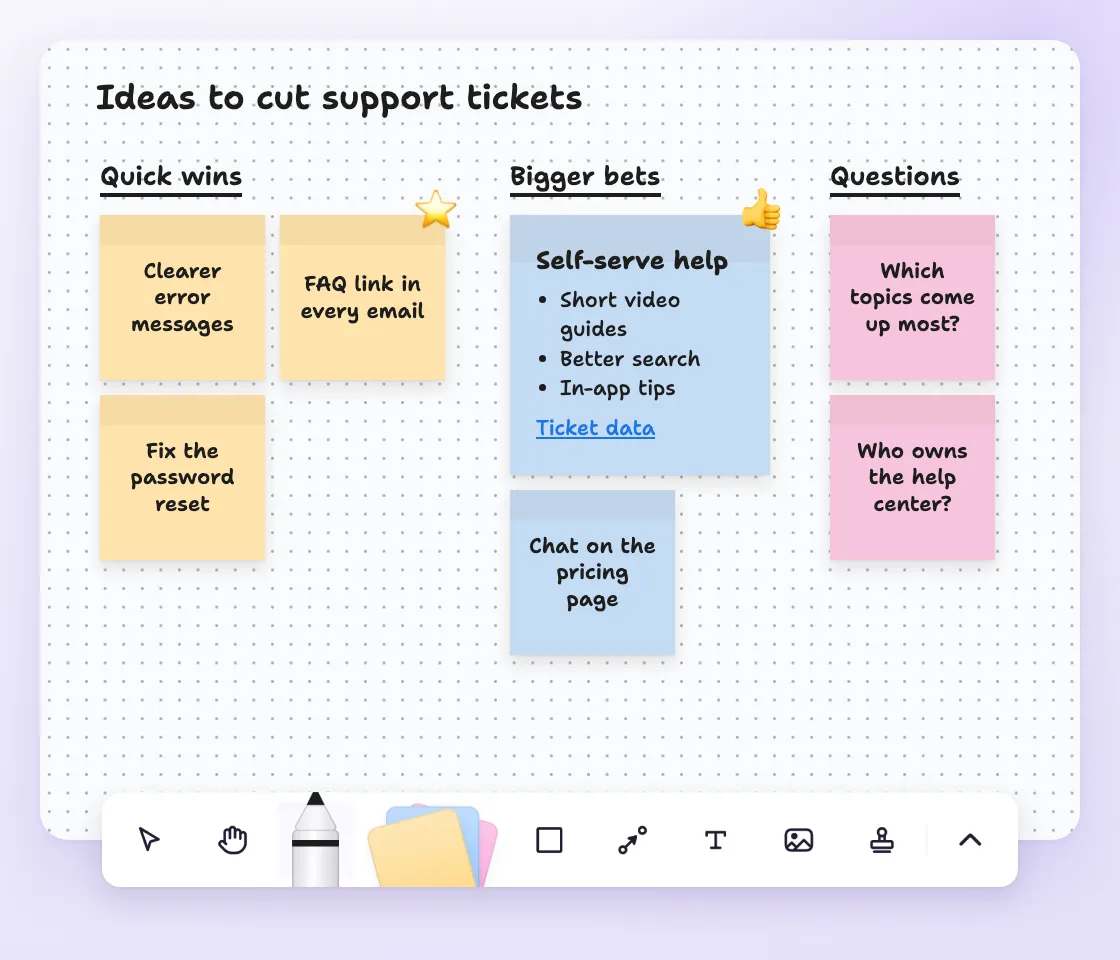
Sticky notes grouped under Quick wins, Bigger bets and Questions, with one note formatted with bold text, a list and a link

Who is MindMeister for?

MindMeister is for teams that want a whiteboard and mind maps without learning a whole platform.

Professionals, educators and students use it to brainstorm ideas, plan projects and make sense of complex topics.

It stays focused on visual thinking instead of trying to be an all-in-one workspace, so there's less to set up and learn.

MindMeister helps you think, work and study better

image

Bring your ideas to life

  • Make complex ideas easy to understand

  • Drag and drop topics to organize ideas on the fly

  • Add links, notes and images to keep everything in one place

Mind mapping
image

Break through the blank page

  • Run real-time brainstorms with your team

  • Add comments and spark discussions

  • End with clear, actionable next steps

Brainstorming
image

Study smarter

  • Visualize tricky topics to master them faster

  • Improve memory retention and recall

  • Attach notes and supporting material

Study and research
image

Make meetings make sense

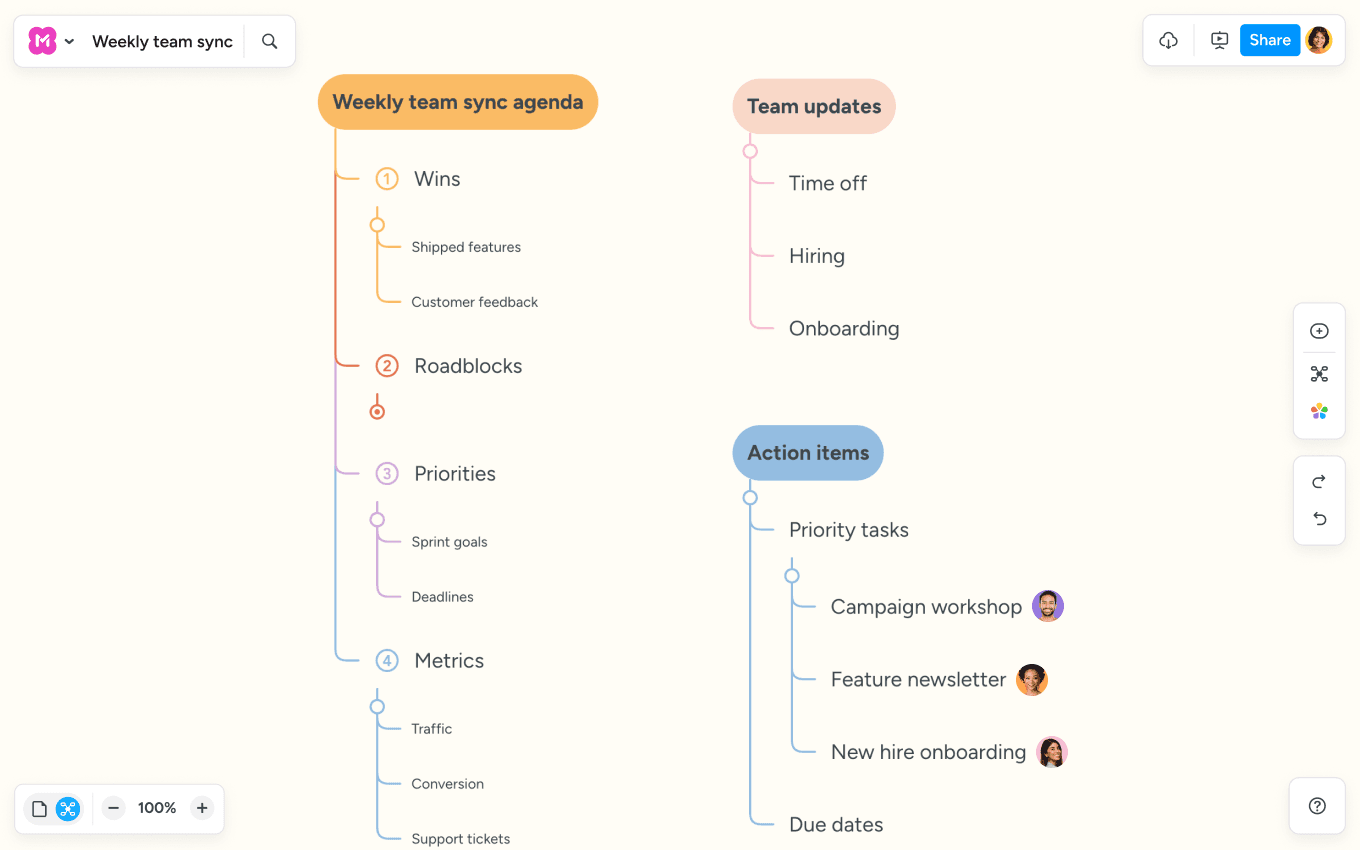
  • Create a visual agenda that everyone can follow

  • Use presentation mode (and skip the slide prep)

  • Capture decisions and create tasks right on the map

Team meetings

What makes MindMeister the best Miro alternative?

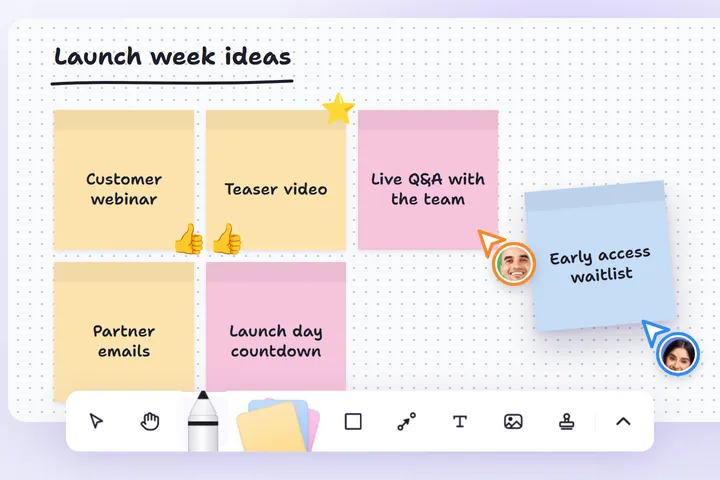
A launch week whiteboard where one teammate drags in a new sticky note and another adds a stamp, shown by live cursors

No bloat

MindMeister keeps mind maps and whiteboards simple, while Miro is feature-heavy.

image

Start fast

Visualize ideas instantly. No need to configure boards or widgets.

image

Ideas to action

Turn ideas into tasks with the built-in MeisterTask integration.

MindMeister vs Miro at a glance

Feature

vector image

Miro

Best for

Brainstorming on a whiteboard, then turning ideas into a structured plan

Large workshops, diagramming and planning across teams

Whiteboard

Sticky notes, shapes, connections, drawing, images and stamps, on a simple toolbar

A large canvas with thousands of templates, widgets and apps

Mind maps

A full mind map editor with outline view, focus mode and step-by-step presentations

A mind map tool as one of many board features

Running a session

Real-time editing, stamps for voting and a full-screen view to present

Real-time editing plus facilitation tools like timers and voting

From ideas to tasks

Turn mind map topics into tasks in MeisterTask

Import and sync tasks with Jira, Asana and other tools

When is Miro a better choice?

If you need a full digital whiteboard platform for workshops, design collaboration, or diagram-heavy workflows, Miro is a good choice.

MindMeister is the better choice when you want to brainstorm on a whiteboard with your team, then structure the results in a mind map, without the setup of a large platform.

image
security icon

Enterprise-grade security

As your trusted digitalization partner, we're committed to providing a secure and reliable platform so you can manage your daily work with confidence.

  • ISO 27001 certified

  • Fully GDPR compliant

  • Hosted in Germany

  • Admin controls

  • Security best practices

Learn more

"MindMeister’s flexibility and ease of access are central to my enjoyment of the tool: it lends itself to use by any hands, not just those of an artist."

imageHB
Henna BrodkinGraduate Student
Read full customer story

Brainstorm together on an online whiteboard

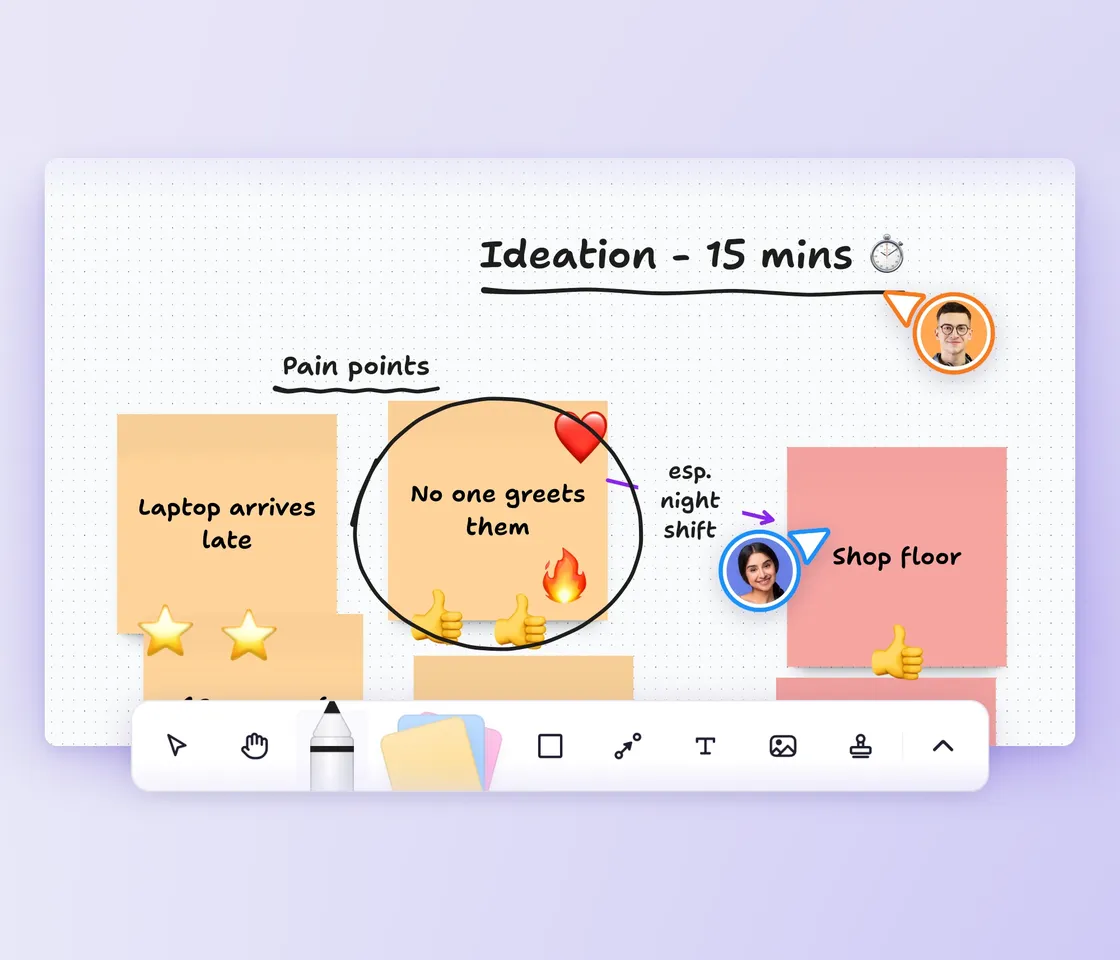
Add sticky notes, shapes, images and connections anywhere on an open canvas. Share the board with your team, work on it together in real time and use stamps to vote on the ideas worth keeping.

When the ideas start to settle, organize them in a mind map, right next to your whiteboards. See how the online whiteboard works

Two teammates' live cursors on a shared whiteboard of onboarding pain points, with sticky notes, emoji stamps and a hand-drawn circle
image

Present your thoughts easily

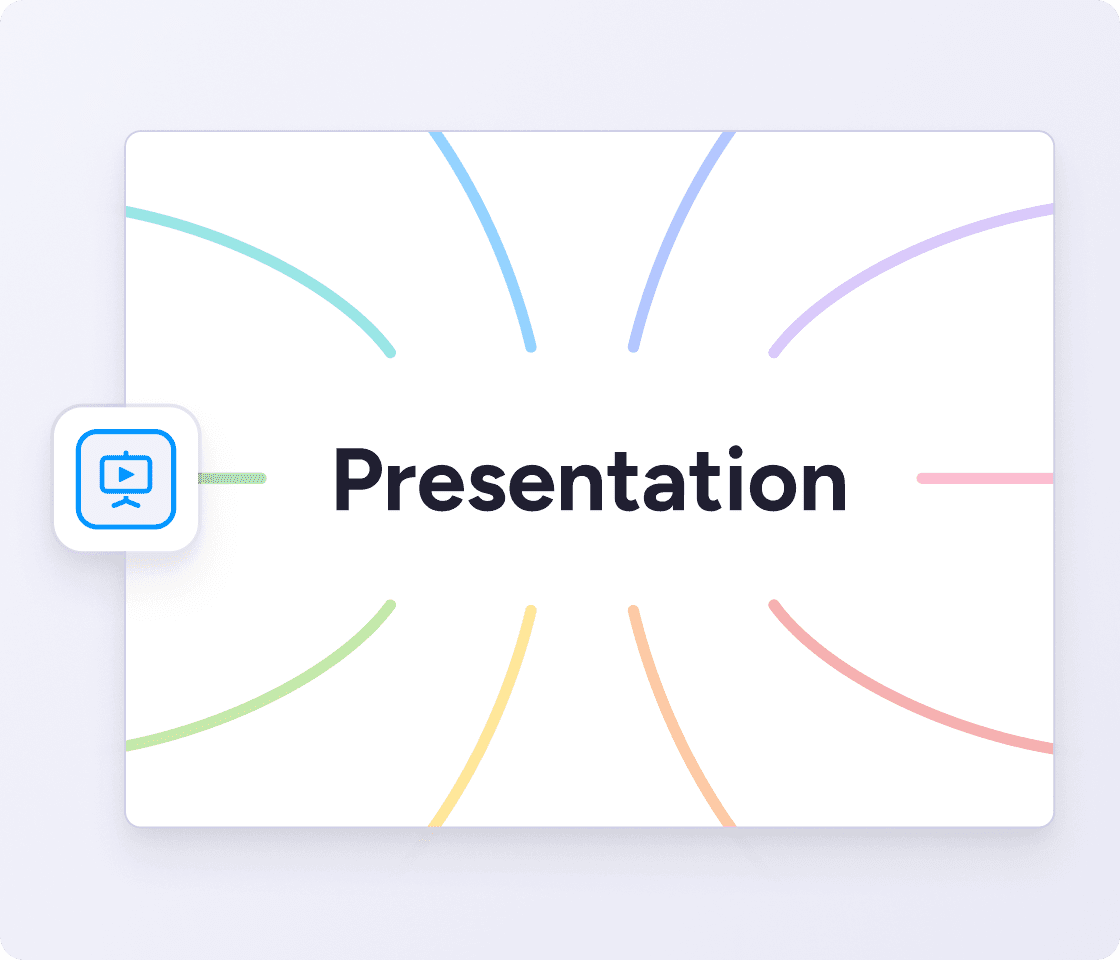
Turn your mind maps into clear presentations with the built-in presentation mode. Perfect for meetings, lessons, or sharing ideas with your team.

Capture ideas anywhere

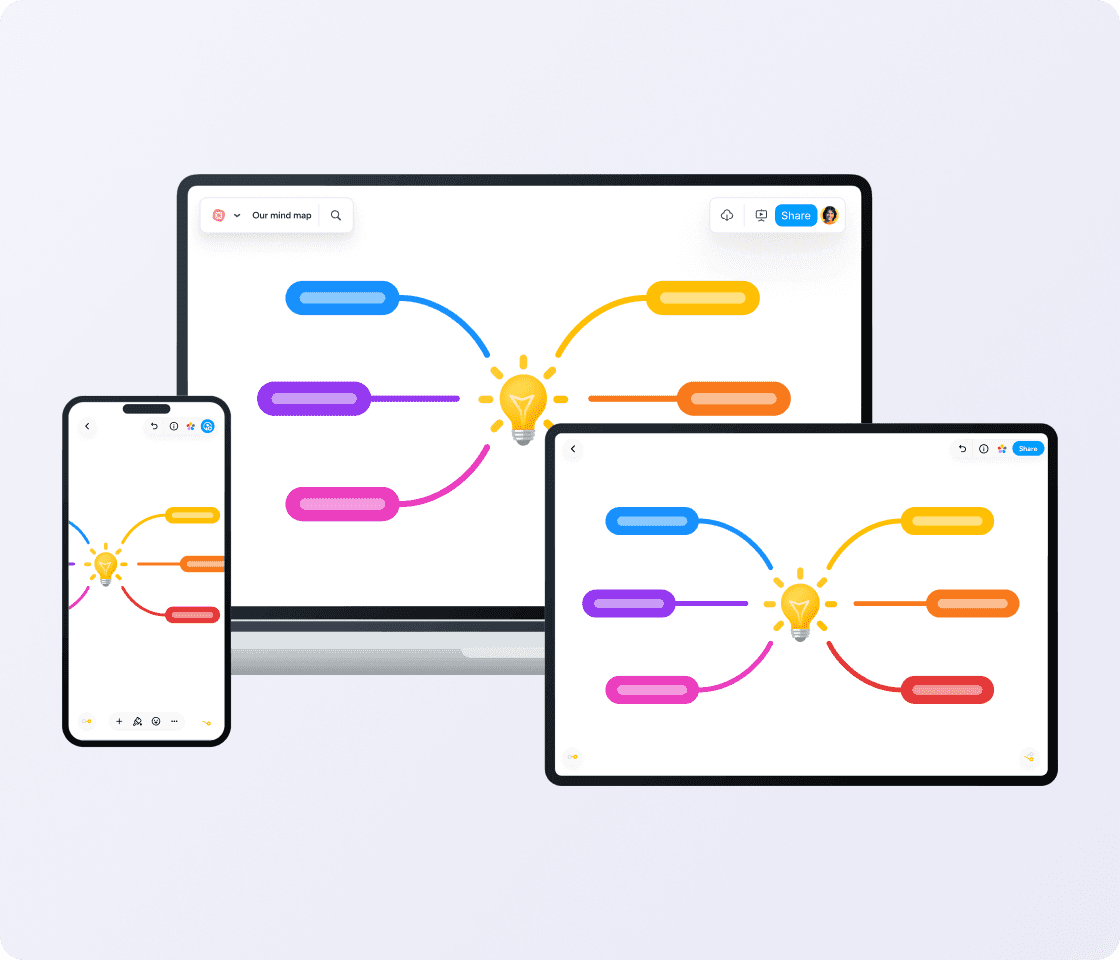
MindMeister works across web, iOS, and Android, so you can capture ideas whenever they strike. Your maps sync automatically across devices.

image
image

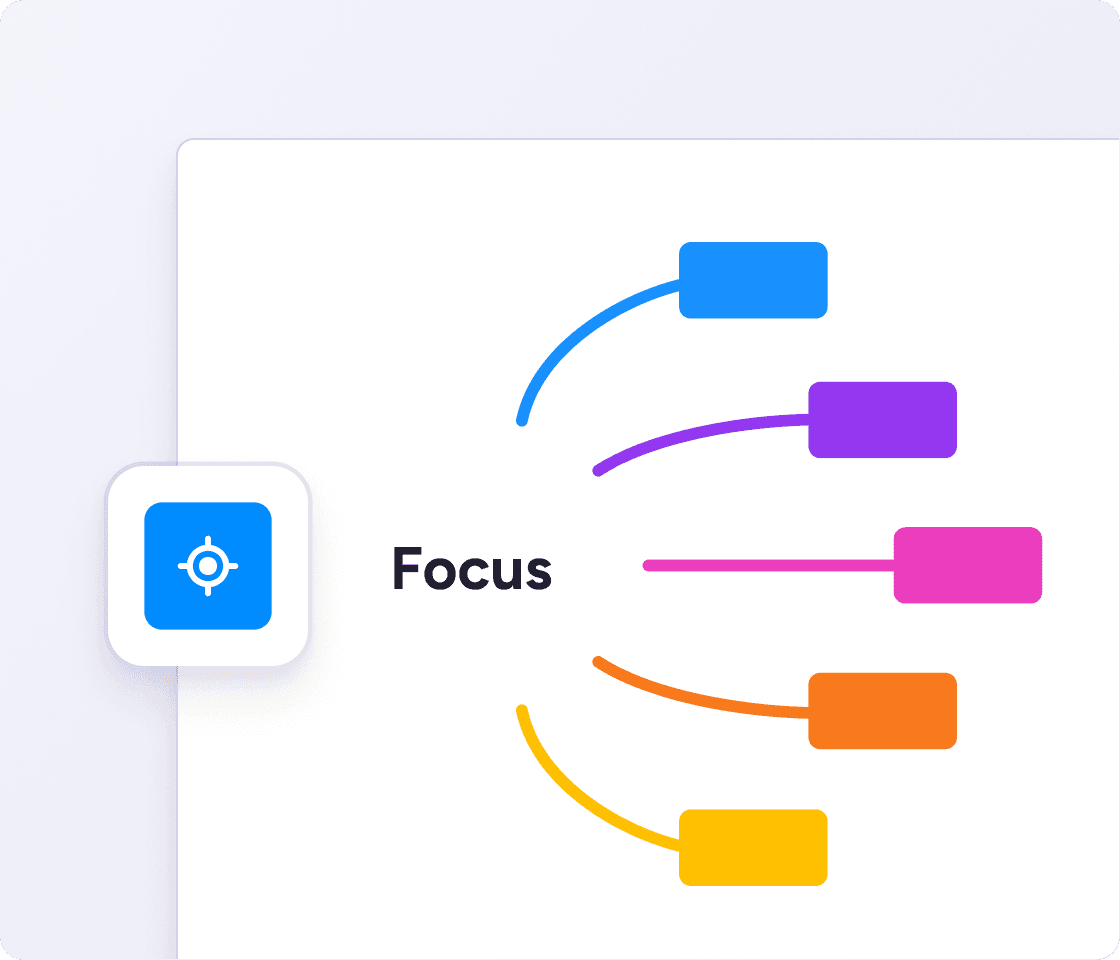
Expand, collapse, or focus on specific branches to keep large maps easy to navigate. Even complex topics stay clear and easy to follow.

Probably the best web-based mind mapping tool

MindMeister really excels. It's very usable and fast with a good set of features. I've used most other mind mapping software, but I keep going back to MindMeister.

The gold standard of mind map software

Great piece of kit — helps me lay out my plans in simple yet powerful graphical formats. It is so easy to use.

My number one tool for mind mapping

Mindmeister is my super tool for many of my training and consultancy programs. From ideation to the foundations of sessions with clients.

Request a demo

MindMeister can transform the way your team works. Book a call with our experts now — we’ll figure out the way forward together.

  • See MindMeister in action

  • Discuss your team’s needs

  • Find the right plan for you

By making this request you consent to receive communications from MeisterLabs GmbH and agree to our Privacy Policy

Start mind mapping now

Give yourself a space to think. Get started free with MindMeister.

Miro alternative FAQs