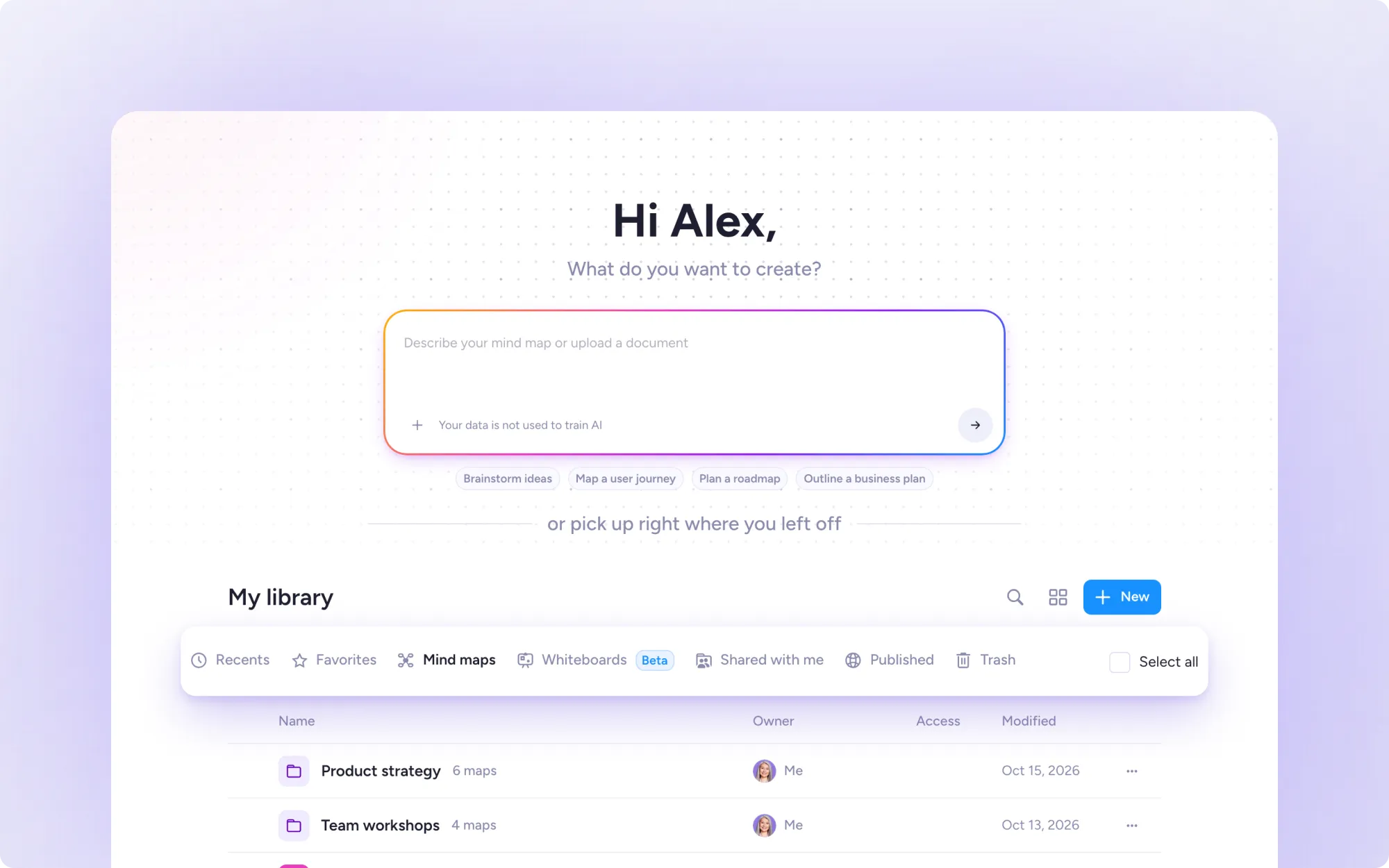
Home has a fresh look
Find your mind maps and whiteboards together in one place. “My library” on your Home screen replaces the left-hand menu.
Learn moreThe latest improvements to MindMeister.
Find your mind maps and whiteboards together in one place. “My library” on your Home screen replaces the left-hand menu.
Learn more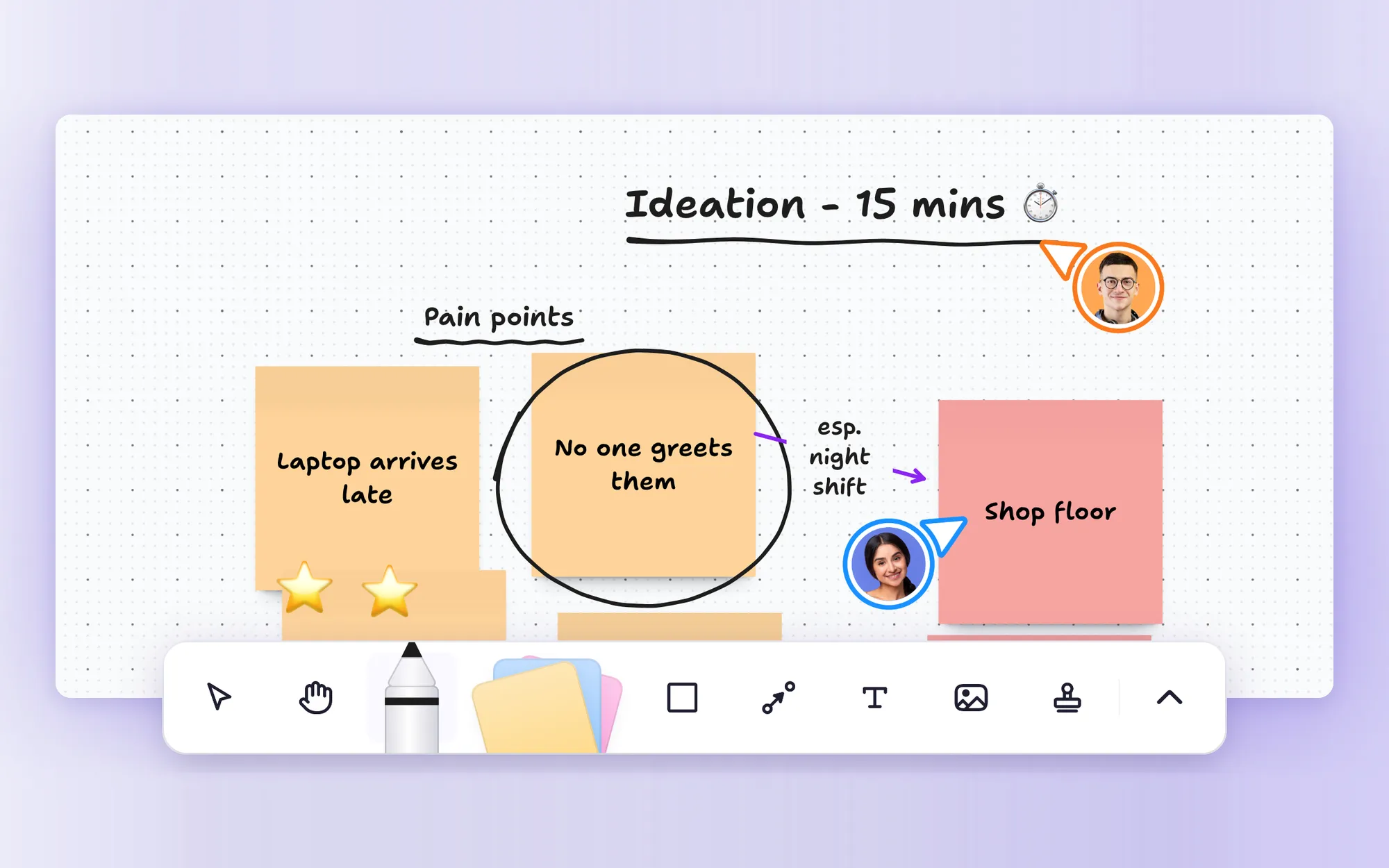
Whiteboards are now available on every MindMeister plan. They’re freeform spaces for workshops, diagrams and the ideas that don’t fit a map.
Learn more
Create and refine maps with Meister AI, now out of beta. Every plan comes with monthly AI credits.
Learn moreInstall the MindMeister connector for Claude to turn any conversation into a mind map, or search and update your existing maps without leaving the chat.
Learn moreExport any mind map as a markdown file for docs and wikis, with the option to render it as a Mermaid diagram for use in diagramming or whiteboarding tools. Available on paid plans.
A tidier version history sidebar on paid plans, more room on screen, and a new shortcut to fit your map to the view.
Click and drag to turn topics into slides, then reorder them to build your presentation.
Learn moreChange the content, layout and colors of an AI-generated map as soon as it's built.
Learn moreSee where your teammates are working on a shared map, name and profile picture included. Available on all plans.

Generate a mind map from a text prompt, a file, or both. Free on all plans during the beta.
Learn moreMention people in comments and link straight to a discussion.
A tidier sidebar, better map organization, and a new Home area for recent and shared maps.