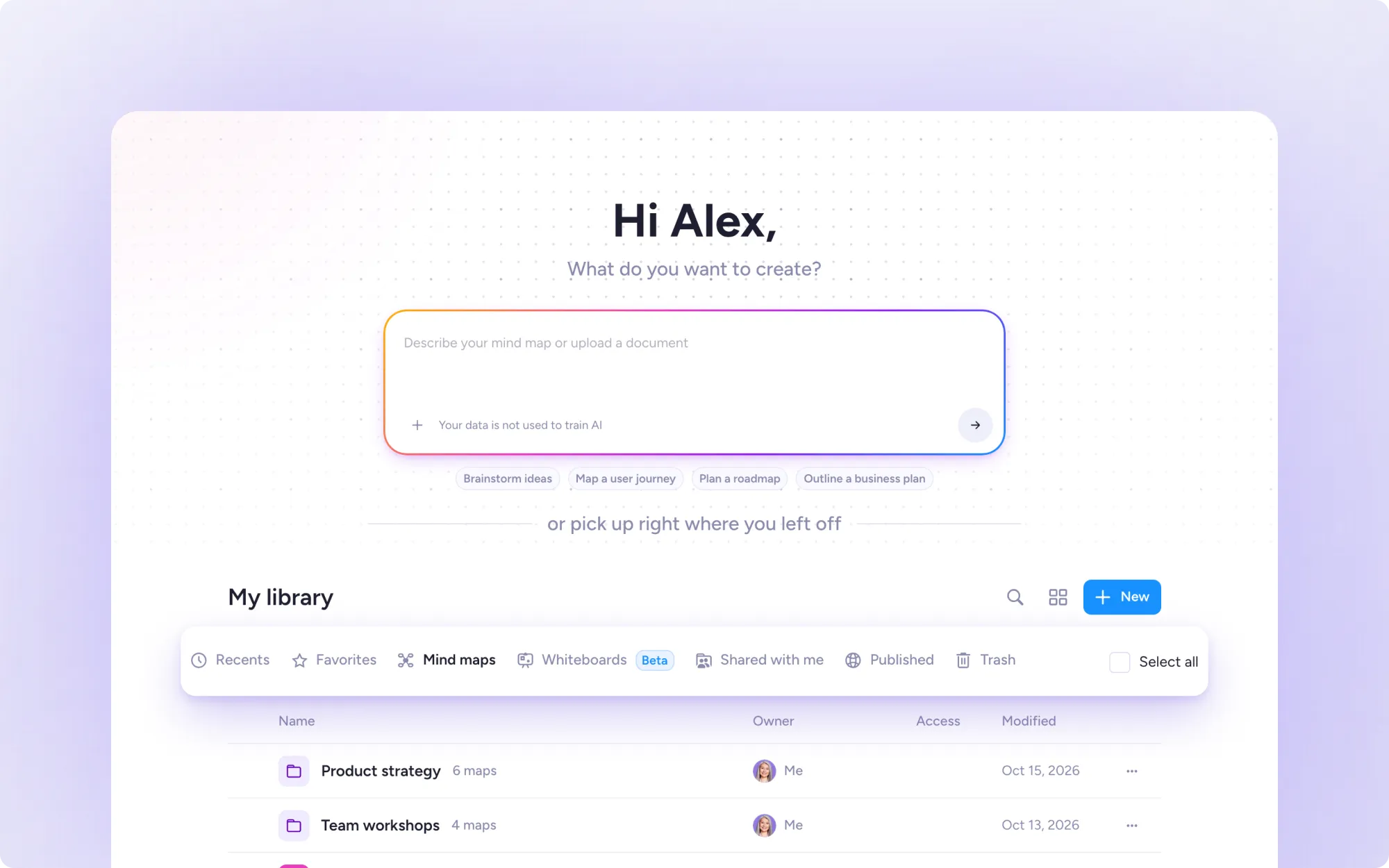
Your mind maps and whiteboards now live together in My library, right on your Home screen. Here's where everything is now.
Everything in one place
Open Home and look below the AI prompt box. My library has a tab for each kind of content:
Recents: what you've opened lately
Favorites: every map you've marked as a favorite
Mind maps: all your mind maps
Whiteboards: all your whiteboards, still in beta
Shared with me: maps others have shared with you
Published: maps you've published to the MindMeister Universe
Trash: everything you've deleted
Prefer thumbnails? Switch to grid view. In list view, the Access column shows who can see each map.
Good to know
Folders show above your maps. Open one to drill in. Anything you create inside a folder is saved there.
Hit New to create maps, whiteboards, folders, or import from other tools.
Search across your maps by title or their contents.
This update is for MindMeister on the web. Updates to the mobile apps will follow soon.
Take a look at your new library