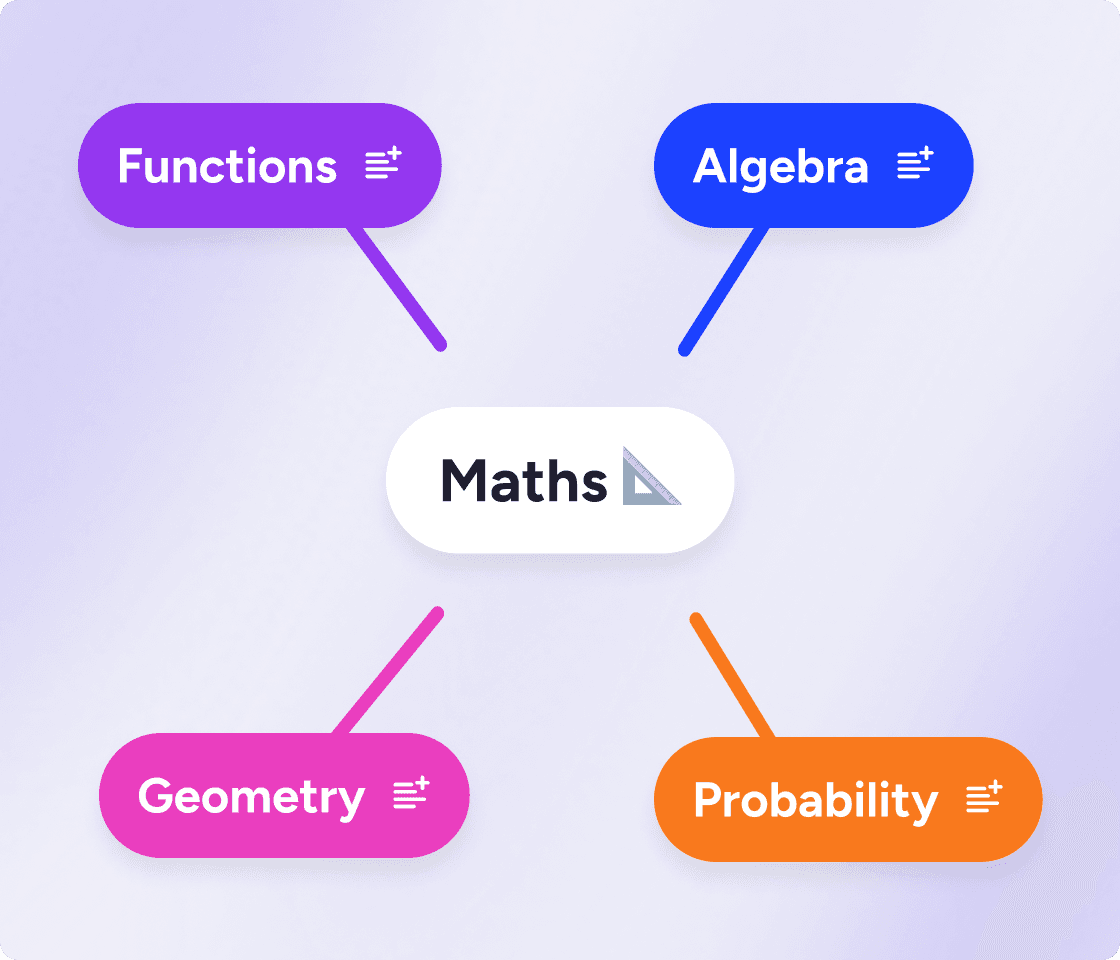
Create a lesson plan mind map in minutes

Plan your lessons in one clear visual space. MindMeister helps teachers organize their ideas, materials and activities, so it's easier to make lessons that flow, fast.

vector image
vector image
Rated 4.6/5
vector image
Made in the EU
GDPR compliant
image

What is a lesson plan mind map?

A lesson plan mind map is a visual way to organize what students need to learn, how you will teach it, and how you will check understanding. It's lesson planning software for visual thinkers.

Instead of building everything in a long linear document, you map the lesson as connected parts. That makes it easier to see objectives, activities, materials, timing, and assessment in one view.

Mind maps are also ideal for unit planning and curriculum planning, thanks to the clear overview they offer. You can easily create your own unit plan template then adapt it for different classes or grade levels.

Mind maps and lesson plans: the perfect combo

See the whole lesson clearly

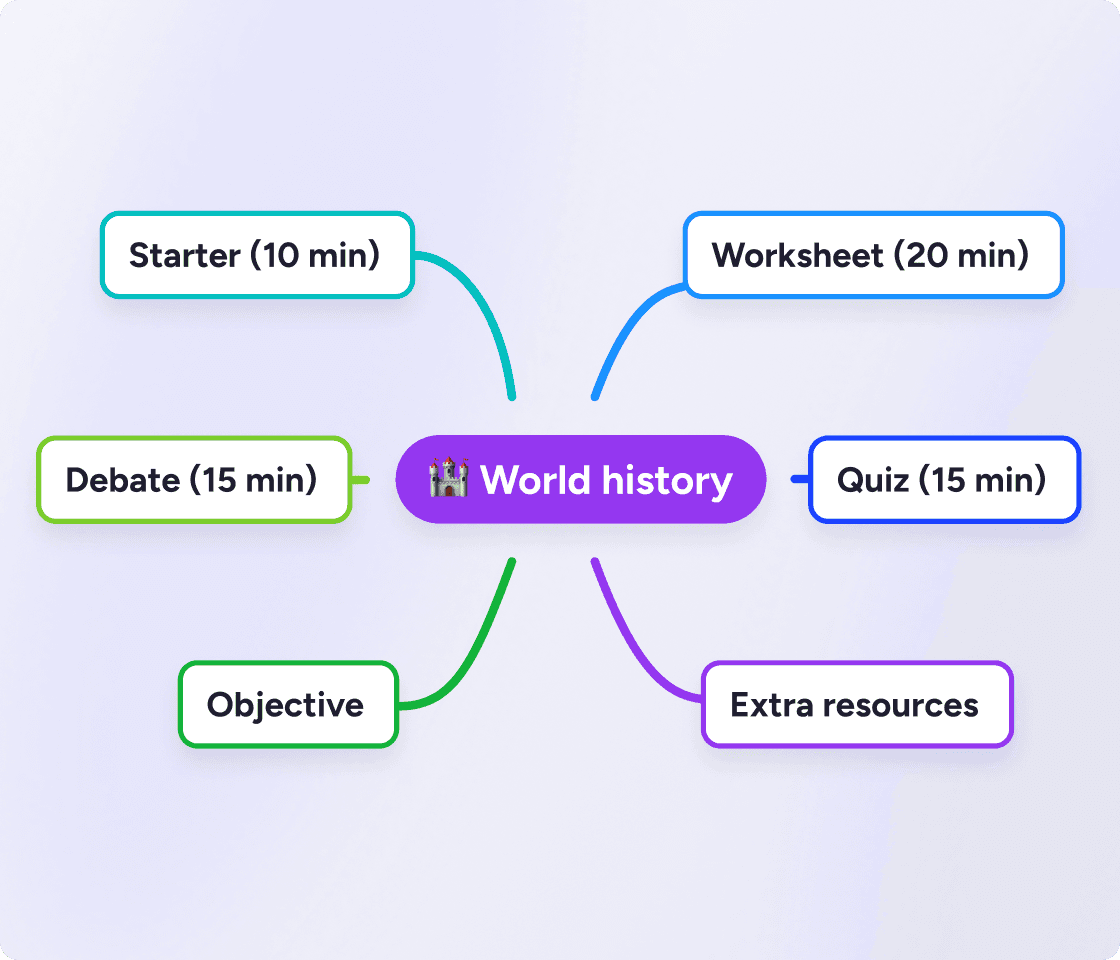
A mind map lesson plan helps you see your topic, objectives, activities and resources in one view. Instead of jumping between documents, you can shape the full lesson flow on a single visual canvas.

mind map lesson plan history example
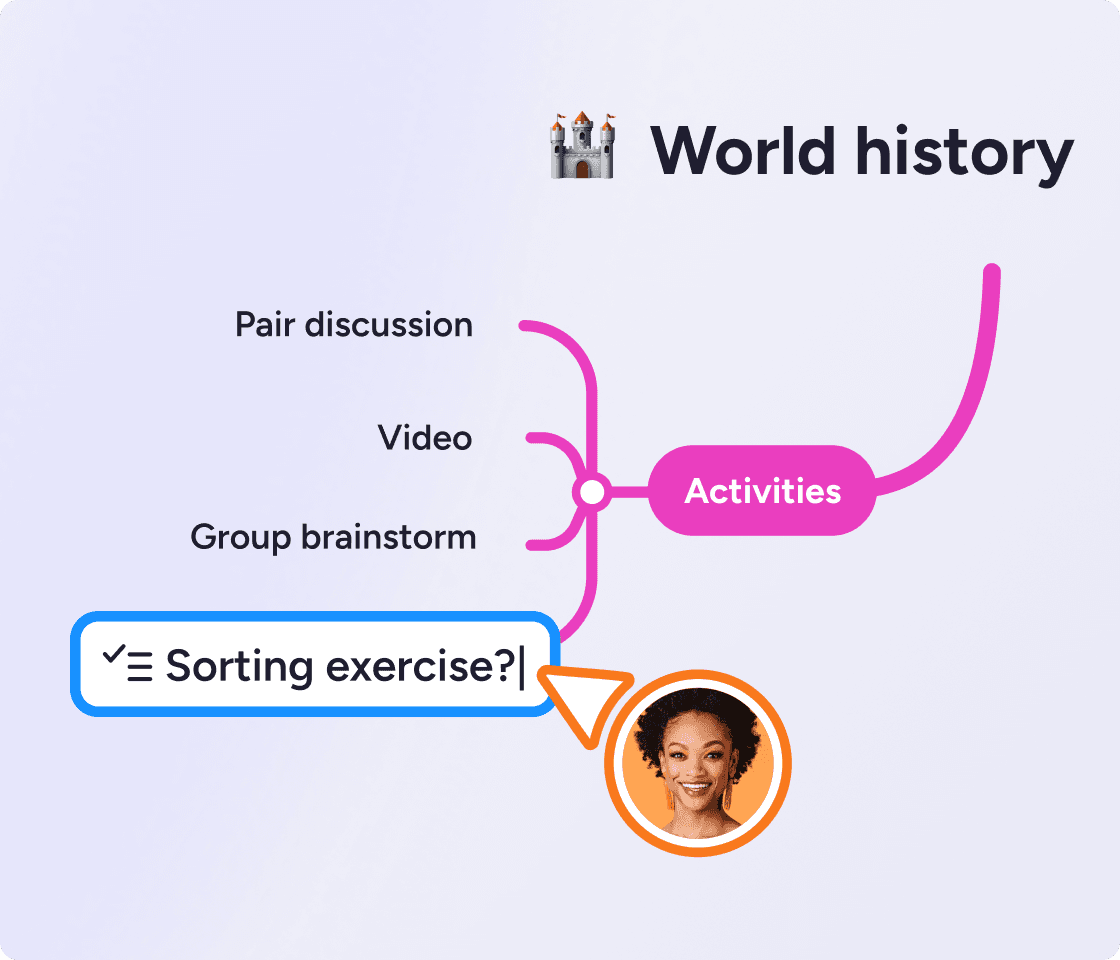
editing a mind map lesson plan

Organize your ideas faster

With a mind map lesson plan, it's easy to capture ideas as they come up, and structure them naturally. You can always figure out the final structure later.

Spark your creativity

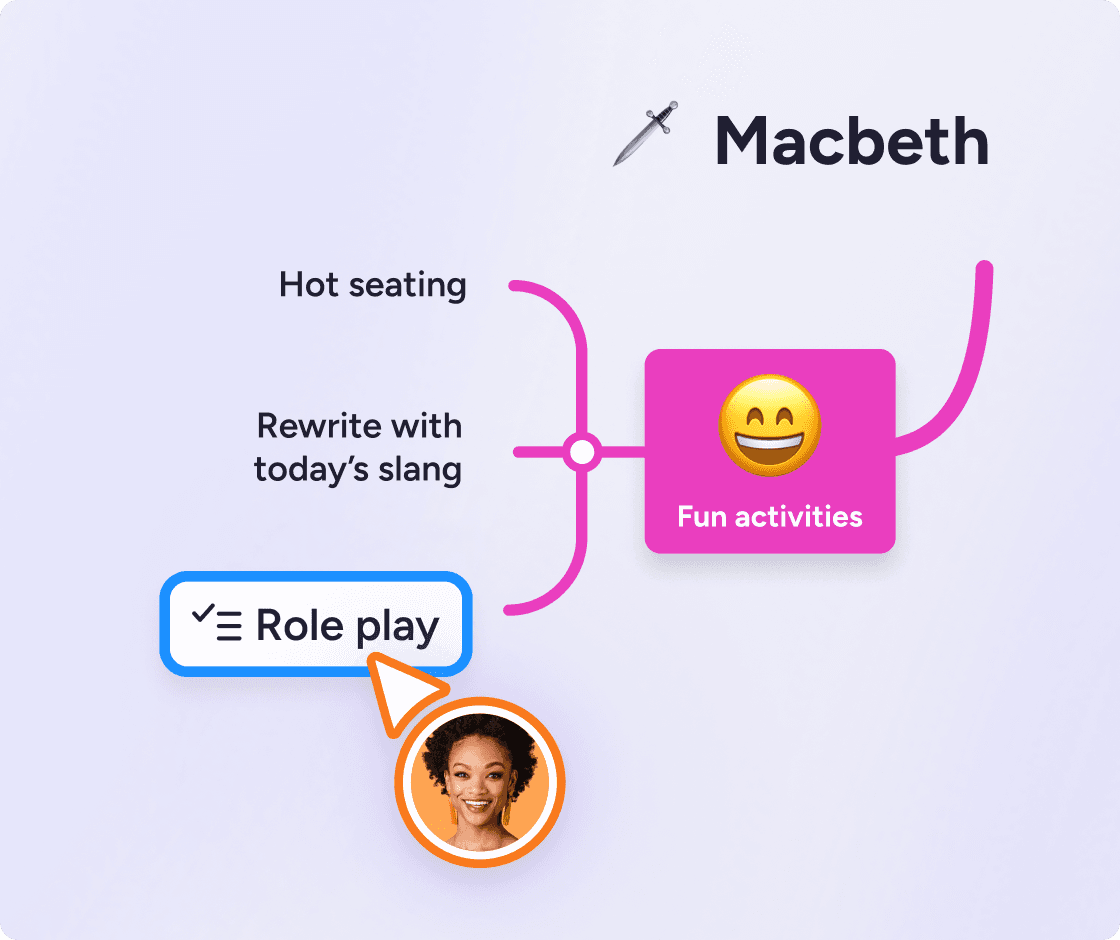
Mind maps are built for brainstorming, so fresh lesson ideas come faster. Branch out into examples, class activities, discussion prompts and creative angles without losing the thread.

lesson plan mind map example for teachers
lesson plan mind map with extra resources attached

Plan for different learners

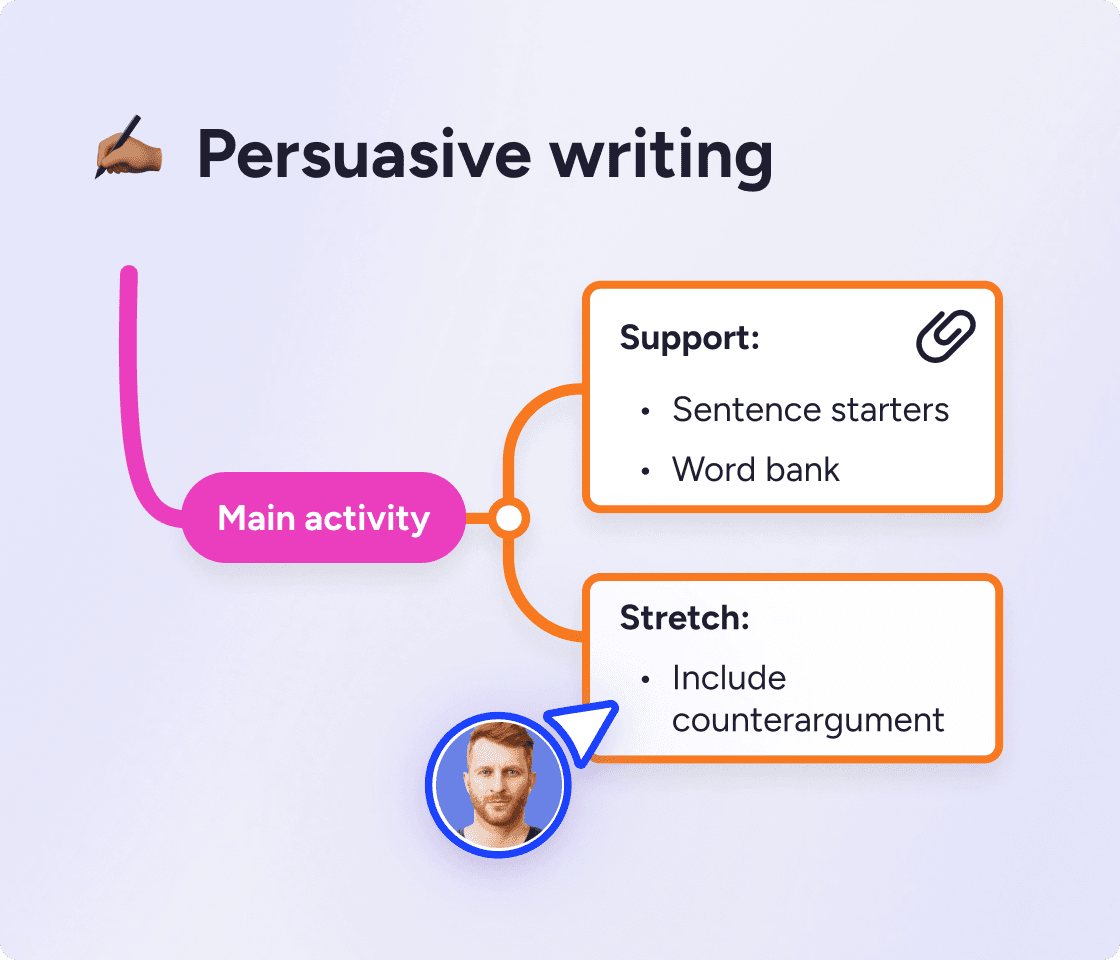
Mind map lesson plans have space to branch out ideas for support, stretch tasks or different learning needs. Adjust one lesson for different students without creating a pile of separate versions.

Works as a curriculum mapping tool, too

Mind maps show you how everything fits together, so they're perfect for curriculum and unit planning.

Start with the unit at the center, then add branches for each lesson, resources and assessments. Save as a unit plan template so you can reuse it later.

unit plan mind map example

Create a lesson plan mind map with MindMeister

How to make a lesson plan mind map

  1. Start with the learning outcome. Put the lesson topic in the center, then define the key thing students should know or be able to do by the end.

  2. Decide how students will show learning. Add branches for assessment, quick checks for understanding, and clear signs of success. This keeps the lesson focused on progress, not just completion.

  3. Build the lesson flow. Map the key stages of the lesson, from the opener to instruction, practice, application, and reflection. Add rough timings and keep each branch short so the sequence stays easy to scan and adjust.

  4. Add resources. Under each stage, include links to the resources, key questions, supports, and extension tasks you’ll need. This is where a mind map becomes more flexible and useful than a traditional planner.

  5. Review and refine. After class, update the same map with quick notes on what worked, what to cut, and what to reteach.

Probably the best web-based mind mapping tool

MindMeister really excels. It's very usable and fast with a good set of features. I've used most other mind mapping software, but I keep going back to MindMeister.

The gold standard of mind map software

Great piece of kit — helps me lay out my plans in simple yet powerful graphical formats. It is so easy to use.

My number one tool for mind mapping

Mindmeister is my super tool for many of my training and consultancy programs. From ideation to the foundations of sessions with clients.

Plan your next lesson with MindMeister

Mind map lesson plan FAQs