
What is a concept map and how does it work
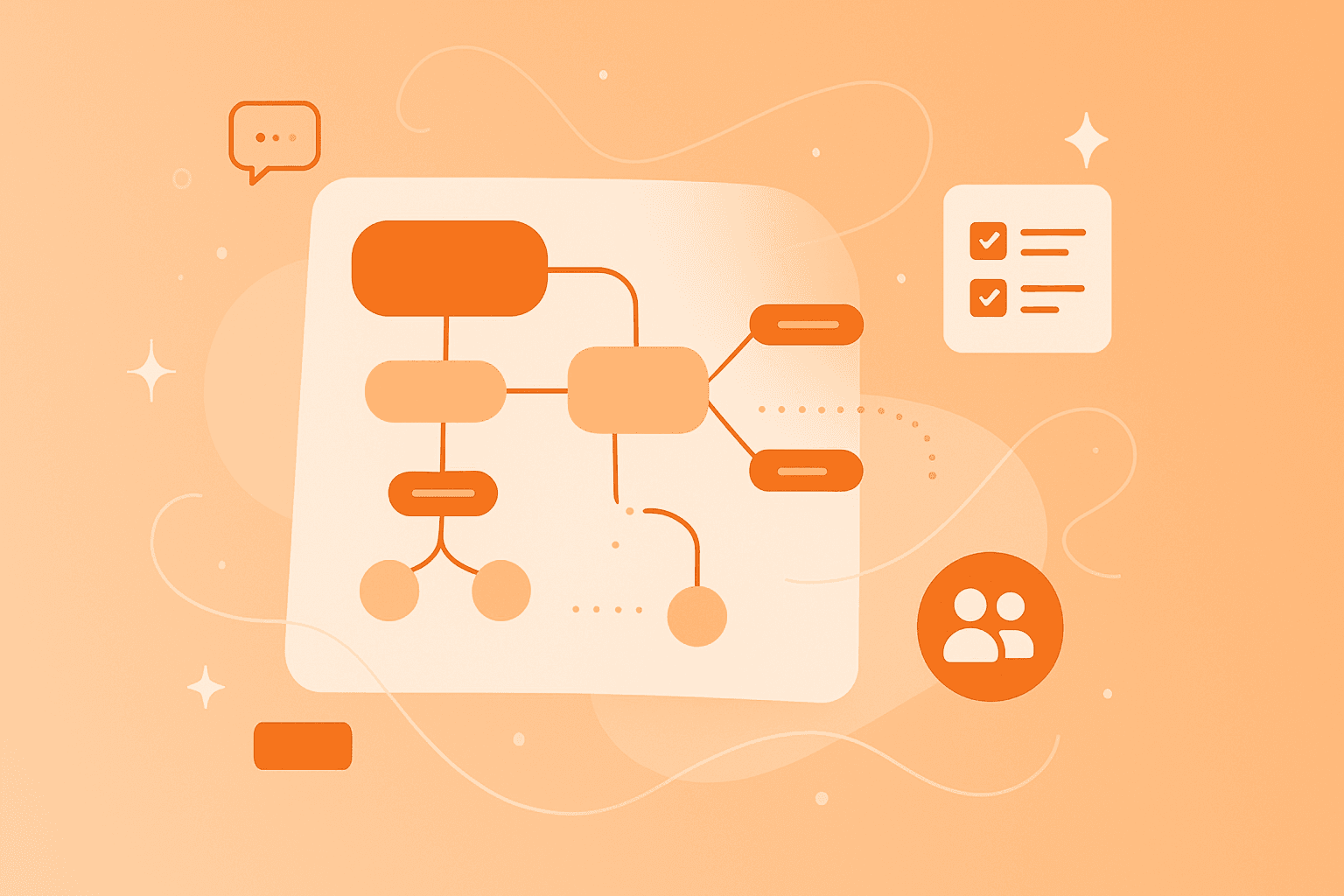
A concept map is a visual tool that organizes and represents knowledge by connecting related concepts with labeled lines. Instead of listing ideas in rows, you arrange them on a page and show how each one links to the others.
Before you build one, here are the terms to know:
Concept map: A graphical tool for organizing and representing knowledge.
Concepts: Ideas or topics, usually shown in boxes or circles.
Linking words/phrases: Words written on connecting lines that explain how concepts relate.
Propositions: Meaningful statements formed when two or more concepts are joined by linking words.
Every concept map shares the same building blocks. Once you can spot them, you can read any map quickly:
Concepts in boxes or circles: These represent the main ideas you're exploring.
Connecting lines: These show relationships between different concepts.
Linking words on lines: These explain how concepts relate to each other.
Hierarchical arrangement: More general concepts sit at the top, with specific ones below.
Joseph D. Novak developed the concept map in 1972 at Cornell University while studying how children's understanding of science changes over time. His goal was to help people learn meaningfully by linking new knowledge to what they already know.
You may have heard of a mind map, which uses a central idea with branches. A concept map works in a similar way but specifically focuses on labeled relationships – the words on each line that show exactly how two ideas connect.
Benefits of concept mapping for effective learning
Concept mapping turns a topic from a wall of text into something you can see, discuss and rearrange. That visual shift makes learning easier for individuals and groups alike.
Here's what concept mapping helps you do:
Improves understanding: Mapping out a subject reveals connections you might miss in linear notes.
Enhances memory recall: Visual organization mirrors the way your brain links ideas together.
Supports collaboration: Shared maps help classrooms and teams build a common view in real time.
Reveals misconceptions: Building a map makes gaps in your knowledge visible, so you can fix them.
Encourages creative thinking: Cross-links between different parts of a map spark fresh insights and creative mind maps.
The benefits stretch across audiences. Students get a clearer way to study complex topics. Teachers get a tool to check understanding and plan lessons. Teams get a shared space to align on goals without endless back-and-forth meetings.
How to make a concept map example step by step
Creating a concept map is a process anyone can learn. Six steps take you from a blank page to a finished map you can share or revise.
1. Identify your key topic
Start with a focus question that defines what your map will answer. A focus question like "How do plants make food?" or "What are the steps in our project launch?" gives the map a clear direction. The sharper your question, the more useful your map will be.
2. List important concepts
Brainstorm the ideas tied to your focus question and write them down. Aim for 15 to 25 concepts as a starting point. Keep each one short – a word or two, not a full sentence.
3. Arrange concepts from general to specific
Rank your concepts from broadest to most specific. Place the broadest one at the top of the map, with narrower ideas branching below. The hierarchy makes the map easier to read at a glance.
4. Connect with linking words
Draw lines between related concepts and add a linking word or phrase to each line. Common examples include "causes," "includes," and "requires." A concept plus linking words plus another concept forms a proposition – a meaningful statement that captures real understanding.
5. Look for cross-links
Cross-links connect concepts in different parts of your map. They reveal deeper relationships and support creative thinking. As you refine the map, search for these connections – they often hold the most interesting insights.
6. Review and revise
Concept mapping is iterative. Revisit your map several times, rearranging concepts and refining linking words as your thinking sharpens. Reviewing with others surfaces new connections, and an online mind map makes that revision quick and easy.
Concept mapping examples for students and teams
Concept maps work across many subjects. Anywhere ideas connect to other ideas, a map can help you see the bigger picture.
Here are a few common scenarios where a clear mind map example brings clarity:
Science education: Map the water cycle or photosynthesis, showing how each stage feeds into the next.
Language learning: Organize grammar rules or vocabulary themes – a mind map might cluster verbs by tense or topic.
Project planning: Visualize project dependencies, milestones and stakeholders in one view.
Strategic planning: Map company goals, supporting initiatives and the teams responsible for each.
Each example follows the same logic: a focus question at the center, related concepts branching out, and labeled lines showing how everything connects.
10 concept mapping activities for classrooms and workshops
The activities below focus on interactive, collaborative concept mapping. They help everyone engage – including those who tend to stay quiet in group settings.
1. Explore grammar with mind maps for nouns or pronouns
Students collaboratively map parts of speech, building a map of nouns or a map of pronouns. Each student adds examples and connects related grammar rules in real time. The visual layout helps the class spot patterns that lists tend to hide. Quieter students can drop in ideas through the map without speaking up first.
2. Group brainstorm for new project ideas
Looking for fresh brainstorming examples? Have your team add concepts to a shared map at the same time, building on each other's ideas as they appear. The visual approach reveals connections between suggestions that a bulleted list often misses. With an online tool, remote teammates contribute equally, no matter where they're working from.
3. Visualize processes with a flowchart structure
Learners map out a process or workflow using a flowchart-style concept map. Try it with the scientific method, a customer journey, or a manufacturing process. Mapping together helps the group spot bottlenecks, missing steps, or unclear handoffs. By the end, everyone shares the same view of how the process actually works.
4. Compare and contrast themes in a spider diagram
A spider diagram places a central concept in the middle with branches radiating outward, which makes it ideal for comparison work. Use it to compare characters in a novel, two historical events, or competing product features. Students or teammates work together to identify similarities and differences on each branch. Patterns jump out from the visual layout in ways written lists rarely match.
5. Build cross-topic links for deeper insight
In this activity, participants build a concept map and then specifically hunt for cross-links. For example, when studying historical events, they might link concepts in the "causes" section to concepts in the "effects" section. The exercise rewards critical thinking and discussion often surfaces links no one would have spotted alone.
6. Organize research with a hierarchical map
Students use a concept map to organize research findings, with broad themes at the top and specific details below. The hierarchy keeps the big picture in view while still making room for detail. For group projects, team members can divide topics, research independently, then connect their findings on a shared map.
7. Plan reading assignments collaboratively
Educators create a concept map template for a reading assignment, and students fill it in together as they work through the text. They add key concepts, themes, and connections, turning a passive task into an active one. Seeing classmates' contributions helps quieter students feel comfortable adding their own ideas. With MindMeister, students can keep building the map outside class time, picking up where others left off.
8. Map out goals in team strategy sessions
Teams use concept maps to visualize strategic goals and the connections between them. Mapping reveals dependencies – which goals must be reached before others can begin – and clarifies priorities for the whole room. The activity fits quarterly planning, project kickoffs, and team alignment sessions especially well.
9. Practice peer teaching and review
Students create concept maps to teach a topic to their classmates. The act of building a map to explain something forces the creator to organize their own thinking. Presenting it in presentation mode helps them share that thinking clearly. Peer review – where classmates suggest extra concepts or links – deepens learning for everyone.
10. Combine MindMeister with task management
Teams brainstorm and plan on a concept map, then turn ideas into action without switching tools. MindMeister lets you create tasks directly from concepts in your map, bridging the gap between ideation and execution. The workflow fits project planning workshops, team strategy sessions, and curriculum design alike.
Brainstorming examples with collaborative concept maps
Some of the strongest brainstorming examples come from teams who map their thinking together rather than typing into a shared doc. Visual mapping helps people build on each other's ideas in ways linear lists cannot.
Here are four scenarios where collaborative concept mapping shines:
Marketing campaign planning: Teams map target audiences, core messages, channels and tactics on one canvas. Connections between audience and message become obvious.
Product feature prioritization: Product teams map user needs, technical constraints and possible features side by side. Trade-offs become visible, so the group can prioritize with full context.
Curriculum design: Educators map learning objectives, topics and teaching methods in one view. Gaps and overlaps appear quickly.
Problem-solving workshops: Teams map a problem, its causes and possible solutions together. Seeing causes and fixes side by side helps the group focus on root issues.
In each case, the visual format invites contributions from everyone, not just the loudest voice in the room.
Using online mind maps for deeper learning
Working on paper has its charm, but an online mind map opens up possibilities paper can't match. Digital tools make concept mapping faster, more flexible and far more collaborative.
Here's what online concept mapping offers:
Real-time collaboration: Multiple people work on the same map at once, from anywhere.
Easy revision: Rearrange, add, or remove concepts without starting over.
Accessibility: Open maps from any device, which suits hybrid learning environments.
Rich media: Attach links, images, or documents to concepts for extra context.
Presentation modes: Show maps in focused or outline views to suit different audiences.
For remote learners and distributed teams, an online mind map removes the barrier of being in the same room. Everyone contributes on equal footing, whether they're across the hall or across the world.
Free mind mapping tools to get started
You don't have to spend a cent to try concept mapping. A free mind mapping option gives students, educators and small teams a low-risk way to see if the method works for them.
MindMeister offers a free plan that lets you create up to three maps. The free plan includes:
Basic concept mapping functionality
Real-time collaboration
Export options
Mobile and web access
If you outgrow three maps or want more features, upgrading is straightforward. Until then, the free plan gives you what you need to learn the ropes.
Grow your creative concept maps with MindMeister
Concept mapping activities change how you learn, collaborate, and organize knowledge. They turn passive reading into active thinking, lone study into shared discovery and scattered ideas into creative mind maps anyone can follow.
A few features make MindMeister well-suited for the activities in this article:
Real-time collaboration so classrooms and teams map together, wherever they are
An intuitive interface anyone can pick up in minutes, no training required
Secure, cloud-based access from any device, so your maps follow you
Visualize ideas with free concept maps