
What is a concept map
A concept map is a visual tool that shows how ideas connect. You draw each idea inside a box or circle, then link related ideas with lines. On each line, you write a short word or phrase that explains how those two ideas relate.
Also called a conceptual map, it turns information into a picture you can follow at a glance. Instead of memorizing a list of facts, you can see how they fit together.
Every concept map shares a few key parts:
Concepts: single ideas, usually shown in circles or boxes
Linking words or phrases: short labels on the connecting lines that explain how two concepts relate
Propositions: full statements formed when two or more concepts connect through a linking word, like "plants need sunlight"
Hierarchical structure: broad ideas sit at the top, and more specific ideas branch out below
Concept maps were developed in 1972 by Joseph Novak during research on how children learn science. His goal was to help students connect new ideas to what they already knew, rather than memorize facts in isolation.
Most concept maps start with a focus question. That's the question your map sets out to answer, and it keeps your ideas on track. As your map grows, you can add cross-links — lines that connect ideas from different branches and reveal deeper relationships between topics.
Why conceptual maps matter in different fields
Concept maps help people make sense of complex information by showing how ideas relate. As a visual organizer, a concept map works across many fields where people handle a lot of moving pieces:
Education: Students use concept maps to connect new topics to what they already know, break down dense subjects like biology, and prepare for exams.
Business: Teams capture expert knowledge, map out strategy, and align on priorities before starting a project.
Healthcare: Clinicians map patient care pathways, document the reasoning behind treatment choices, and share context with the wider care team.
Project planning: Managers show dependencies between tasks, clarify scope with stakeholders, and spot gaps before work begins.
The common thread?
Concept map vs mind map comparison
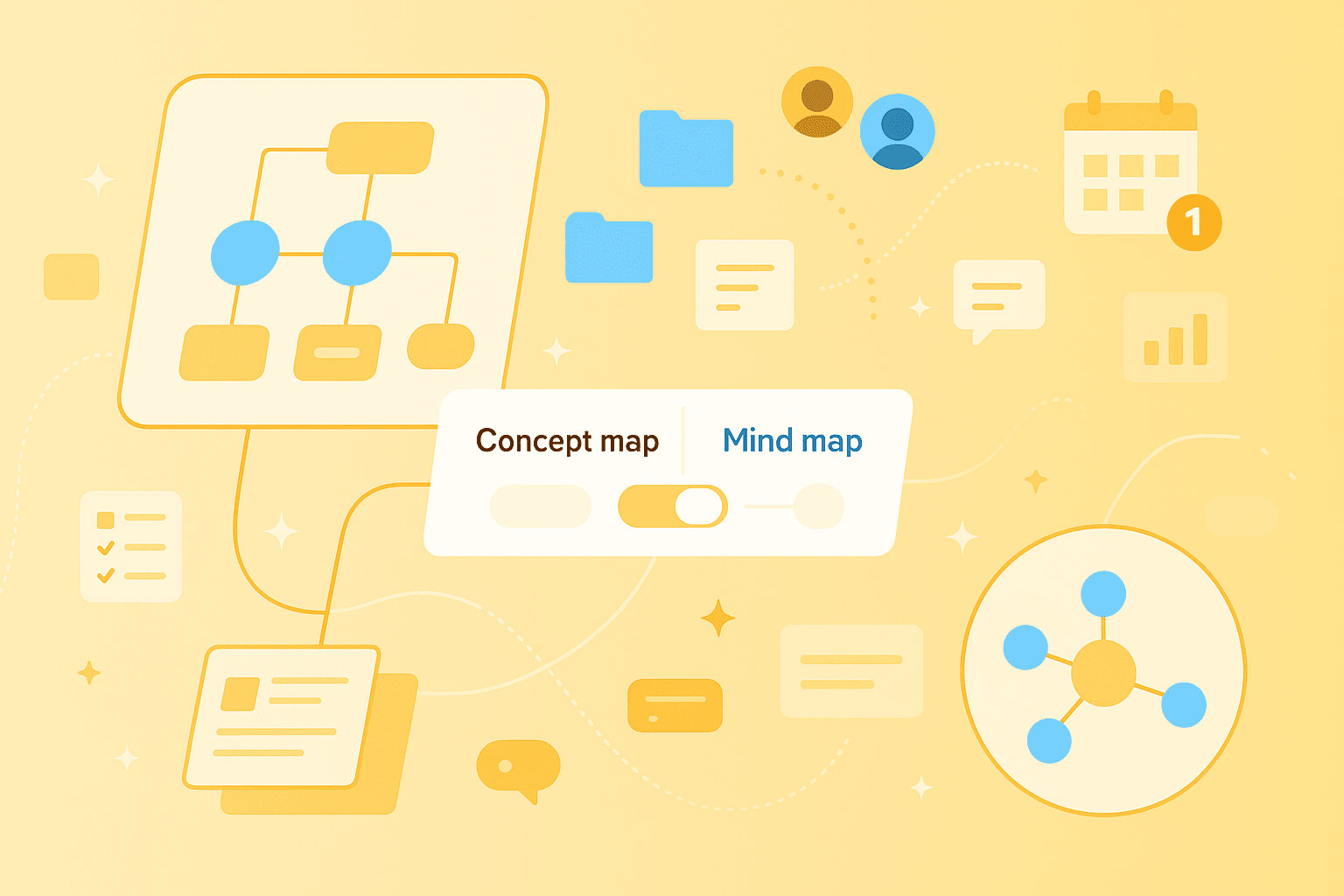
So how does a concept map compare to a mind map? Both are visual tools, but they work in different ways. A mind map is a diagram that starts with one central idea in the middle, then branches out with related topics and subtopics around it.
The biggest difference comes down to the lines between ideas. On a concept map, every line has a label — words like "causes," "requires," or "leads to" — that spell out how two ideas relate. On a mind map, the lines just show that two ideas are connected, without saying how.
That makes each one better for different jobs. Reach for a concept map when you want to show how ideas relate with specific relationships, like when you're studying a topic or building learning materials. A mind map works better when you're brainstorming freely, jotting down notes or planning a project and don't want to slow down to label every connection.
Some people blend both styles into what's sometimes called a conceptual mind map — starting with the quick, branching feel of a mind map and adding linking words where the relationships matter. Tools like MindMeister support this flexible approach with real-time collaboration and a canvas that grows with your ideas.
How to do concept map creation step by step
Building your first concept map is more straightforward than it looks. These five steps take you from a blank page to a finished map.
1. Choose a focus question
A focus question is the question your concept map sets out to answer. It keeps the map focused and stops you from wandering off topic. Good examples include "How does photosynthesis work?", "What factors contributed to the First World War?", or "How do different energy sources compare?" — a question that might lead you into related visuals like an energy pyramid.
2. Brainstorm key concepts
Before arranging anything, list every idea related to your focus question. This is the "parking lot" phase — a temporary holding area where concepts wait before you organize them. Sticky notes work well here, and so does a simple list on a shared doc or a digital mind map if you're brainstorming with classmates or teammates.
3. Arrange concepts hierarchically
Next, place the broadest concepts at the top of your map and the more specific ones below. For example, in a concept map about ecosystems, "ecosystem" sits at the top, "producers" and "consumers" go in the middle, and specific organisms like oak trees or rabbits land at the bottom. This top-down shape is what gives a concept map its structure.
4. Link concepts with words or phrases
Now comes the step that sets concept maps apart from every other kind of diagram. Draw lines between related concepts and label each line with a linking word or short phrase that explains the relationship.
A few examples of strong propositions:
"Plants + require + sunlight"
"World War I + caused + political upheaval"
"Producers + create + energy"
Each one reads like a short sentence. That's the test of a good concept map — you can follow any two connected ideas and read a complete thought.
5. Refine and add cross links
Once your main structure is in place, look for cross-links — lines that connect ideas from different parts of the map.
Concept maps are meant to be revised, so expect to tweak yours a few times before it feels right.
Real examples of concept maps and mind maps
Seeing a few examples side by side makes the differences click. Here are four to get you started:
Energy pyramid concept map: shows how energy flows up through an ecosystem, with linking words explaining the transfer between each level
First World War mind map: radiates from "WWI" with branches for causes, key battles, countries involved, and outcomes
Non-Aligned Movement concept map: maps the relationships between member nations, founding principles, and historical context using specific linking phrases
Business strategy mind map: Starts from a central goal with branches for tactics, resources, timeline, and owners
Each example above is a type of graphic organizer — a visual tool for arranging information so it's easier to study, share or act on. For more mind map examples and visual organizer examples, the MindMeister template library is a good place to browse ready-made layouts you can adapt.
Common mistakes with concept mapping
Beginners tend to run into the same few mistakes when building their first concept map. Knowing what to watch for will save you time on your next draft.
1. Using too many branches without hierarchy
When every idea radiates out from the center, your map starts to look like a mind map instead. Concept maps rely on a clear top-to-bottom shape, with broad ideas at the top and specifics flowing down.
2. Confusing mind maps with concept maps
Mind maps don't use linking words — they show that ideas are associated, not how they relate. If your map has no linking phrases on its connections, it's probably a mind map.
3. Forgetting linking words
Linking words are what make a concept map a concept map. Without them, your diagram just shows which ideas are near each other, not how they actually connect.
4. Failing to refine the map
First drafts are rarely the final version. Plan to rearrange concepts, rewrite linking phrases and add cross-links as your understanding of the topic grows.
Using mixed maps and other visual organizers
You don't always have to choose strictly between a concept map and a mind map. A mixed map, sometimes called a hybrid diagram, borrows from both — using mind map branching to explore ideas freely, and concept map linking to show specific relationships where they matter.
Hybrid diagram basics
A hybrid diagram combines elements from different visualization methods into one view. For example, a project plan might use mind map branches to list tasks by team, then add linking words between tasks to show dependencies — "blocks," "follows," or "depends on." Some people call the finished result a synoptic chart or overview chart, since it gives a full picture of the project at a glance.
When to blend mind maps and concept maps
Mixing the two approaches pays off in a few common scenarios:
Complex projects: Mind map the structure, then add concept map links to show task dependencies.
Learning new subjects: Start with a mind map to brainstorm, then convert it into a concept map as your understanding grows.
Team collaboration: Gather ideas with a mind map, then refine them into a concept map so everyone shares the same view.
Tools like MindMeister give you the freedom to take this flexible approach without forcing a rigid structure, so your map can evolve as your thinking does.
Putting concept maps into action
Here's the key difference in one line: concept maps use linking words to show specific relationships, while mind maps use branches to show associations with a central idea. Both are useful — picking the right one for the job will save you time and make your thinking clearer.
Turn ideas into clear concept maps