
What is a concept map
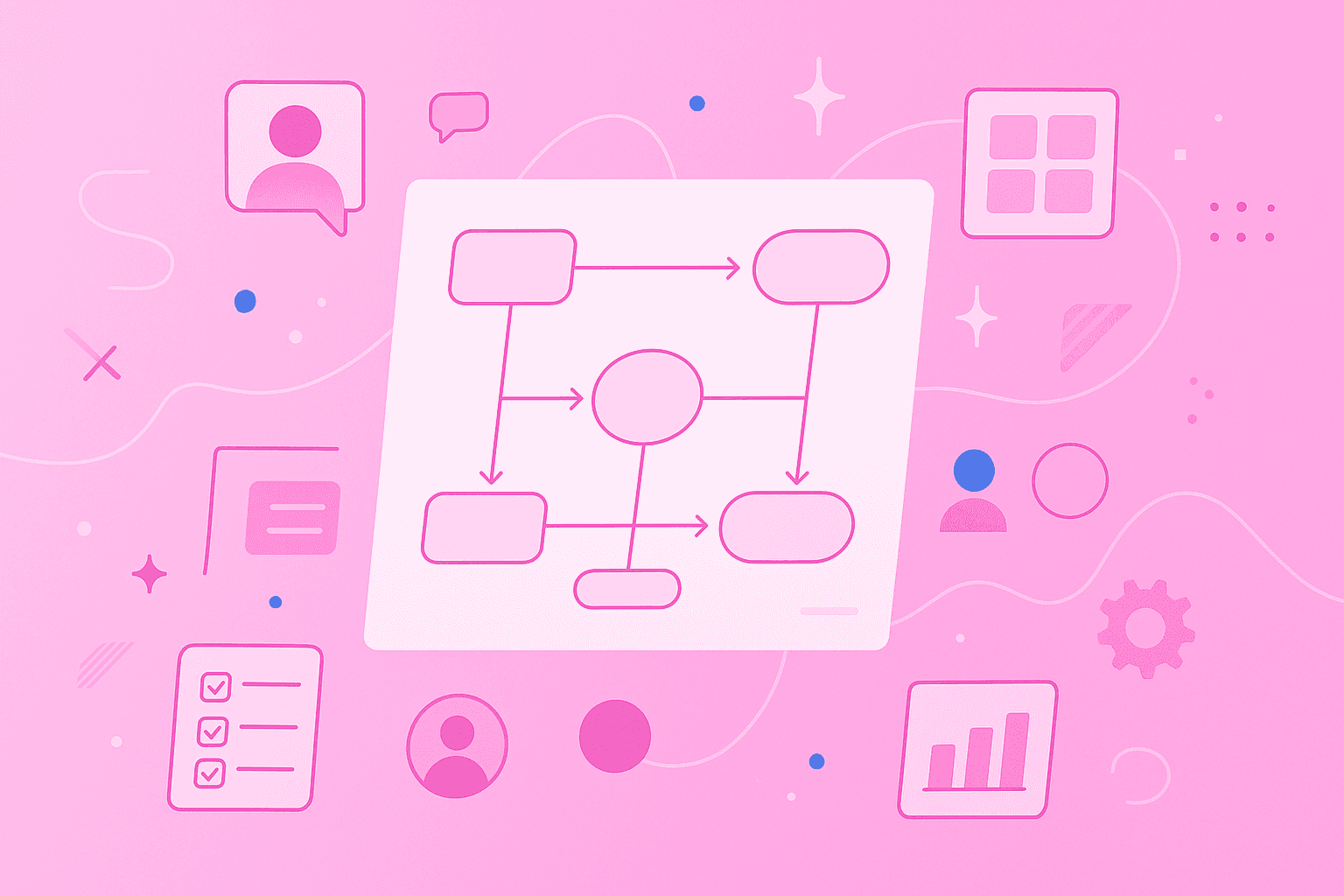
A concept map is a visual diagram that shows how ideas connect. You draw each idea inside a box or circle, then link the boxes with lines and short phrases that explain the relationship.
Every concept map is built from four basic parts:
Concepts: the main ideas, usually one to three words long, placed inside boxes, circles or ovals
Connecting lines: the arrows or lines you draw between concepts to show a link
Linking phrases: short words like "causes" or "requires" that describe how two concepts are related
Propositions: full statements formed by combining a concept, a linking phrase and another concept
The power of a concept map comes from reading across the lines. "Plants" + "need" + "sunlight" gives you a clear statement, not just a floating word. That's what makes a concept map different from a simple list or a bullet point – it works as a visual organizer that shows meaning, not just items.
The practice of building these diagrams is called concept mapping, and you can learn it in an afternoon. If you want a walkthrough, take a look at our guide on how to create a concept map with MindMeister.
Why use concept maps
Concept maps turn messy information into something you can actually see. They help you study harder topics, plan group projects and explain ideas to other people without getting tangled up in long paragraphs.
Here's what a good conceptual mind map does for you:
Improves understanding and recall: Linking new ideas to ones you already know helps your brain store information in a way that's easier to pull up later.
Identifies knowledge gaps: When you can't draw a clear line between two ideas, the map shows you exactly where your understanding is fuzzy.
Organizes complex information: Breaking a big topic into smaller, linked pieces makes it less overwhelming to tackle.
Supports collaboration: Teams and classmates can build one shared map so everyone sees the same picture of the project or topic.
Makes presentations clearer: A single visual gives your audience something to follow, instead of a wall of text or a long list of bullet points.
Concept maps work almost anywhere. Students use them for biology and history, teachers use them to plan lessons, scientists use them to sort research and business teams use them to plan projects. Once you see how one works, you'll find uses for it in your own day-to-day.
Steps for creating a concept map
Building a concept map is straightforward once you know the order. Follow these five steps and you can put together a useful map on almost any topic.
1. Select your central topic
Every concept map starts with a focus question – the single question your map will answer. Strong focus questions are specific, like "What causes climate change?", "How does photosynthesis work?" or "What makes a team successful?" A clear question keeps your map from wandering off into unrelated ideas.
2. List key concepts
Before drawing anything, brainstorm 10 to 20 concepts related to your focus question. List them in a "parking lot." – a running list of ideas you'll sort through later. Keep each concept short, usually one to three words, like "sunlight," "chlorophyll" or "oxygen" for a map on photosynthesis.
3. Arrange concepts for visual flow
Most concept maps use a hierarchy, with the broadest idea at the top and more specific ones branching down. Readers follow the map from top to bottom, which matches how we move from big ideas to smaller details.
Not every map has to be strictly top-down, though. Some topics fit better in a circle, a grid or a timeline.
4. Link concepts with descriptive phrases
Linking phrases are what turn a group of boxes into a concept map. Without them, you just have a diagram of floating words.
Use specific phrases that spell out the relationship, like:
Causes – for cause-and-effect links
Requires – when one concept depends on another
Leads to – for sequences or outcomes
Consists of – when breaking a concept into parts
Skip vague links like "relates to" or "is connected with." Read each concept + linking phrase + concept out loud. If it sounds like a clear sentence, you're on the right track.
5. Review and revise the structure
Good concept maps take a few passes to get right. On your second look, search for cross-links – connections between different branches that show how separate ideas affect each other.
Read your propositions aloud, and move, rename or remove concepts as your understanding grows.
Concept map examples and templates
Here are 10 concept map examples you can use as templates or inspiration for your own. Each one fits a different kind of topic, so pick the layout that matches what you're trying to map.
1. Hierarchical diagram
A hierarchical diagram is the most common concept map layout, built with a top-down structure. The broadest idea sits at the top, and more specific ideas branch down from it.
It works best for classification topics, where a general principle splits into smaller examples. A company org chart, a biology taxonomy of animal species or a list of product categories are all good fits for this kind of graphic organizer.
2. Flow based organizer
A flow-based organizer shows a sequence, a process or a cause-and-effect chain. Concepts flow from left to right or top to bottom, with arrows connecting each step.
This layout fits timelines, scientific processes and project workflows well. For example, you could map the steps from an idea for a new app to its launch, or the stages a bill goes through before it becomes law.
3. Spider or cluster map
A spider or cluster map puts one concept in the middle, with related ideas branching outward in every direction. Every concept connects back to the center, which makes it a strong choice for brainstorming or exploring a topic from many angles.
It looks similar to other mind map examples you may have seen. The difference is that a concept map includes descriptive linking phrases on each line, so every branch spells out exactly how it relates to the central idea.
4. Venn style conceptual map
A Venn style conceptual mind map uses overlapping circles to show where two or three concepts share traits and where they differ. The overlap captures what the ideas have in common, and the outer sections hold what makes each one unique.
It's a good fit for compare-and-contrast work. You might use it to compare two scientific theories, two time periods in history or two products your team is deciding between.
5. Matrix layout
A matrix layout uses a grid to organize concepts along two dimensions at once. Rows and columns each stand for a category or criterion, which makes it easy to compare items side by side.
Use it when you're weighing several options against the same set of traits – for example, comparing study methods:
Study method
Time required
Difficulty
Flashcards
Low
Low
Practice tests
Medium
Medium
Concept mapping
Medium
Medium
6. Hybrid diagram or mixed map
A hybrid diagram mixes two or more layouts in the same map. You might combine a hierarchy for the main goal, a flow for your timeline and a cluster for related themes, all on one canvas.
This format helps when a single structure can't capture every relationship. Strategic planning and curriculum design often call for a hybrid diagram, since they involve goals, processes and supporting ideas all at once.
7. Energy pyramid outline
An energy pyramid is a classic example from biology class. It's a concept map shaped like a pyramid that shows how energy moves through an ecosystem.
Producers like grass and plants sit at the base, primary consumers like rabbits sit above them, secondary consumers like foxes come next and apex predators like eagles take the top. Linking phrases such as "consumed by," "provides energy to" and "supports" describe the connections between each level.
8. First world war mind map
A First World War mind map helps you sort out a topic that can otherwise feel overwhelming. You can place "First World War" in the center, then branch out to political alliances, economic factors, key battles and outcomes like the Treaty of Versailles.
Cross-links show how one factor fed into another – for instance, how the alliance system pulled more countries into the conflict. It's a good way to see a big historical event as a web of causes and effects rather than a list of dates.
9. Non-aligned movement overview
A concept map on the Non-Aligned Movement lays out this Cold War-era group of countries in a single view. You can map the founding principles, member nations, key conferences like Bandung in 1955 and the movement's long-term impact.
Linking phrases connect political ideas – like neutrality – to real events and decisions. It's another strong example of how concept maps make history easier to follow.
10. Concept map for mathematics
A concept map for mathematics helps you see how formulas, rules and ideas fit together. For a geometry map, you could connect shapes, angles and theorems. For an algebra map, you could link equation types to the methods used to solve them.
Linking phrases like "is calculated using," "is a type of" and "requires understanding of" make the links between topics clear. Instead of memorizing formulas in isolation, you see how each one relies on the ones around it.
Practical ways to apply concept maps
Concept maps are flexible tools you can apply in many situations, both in school and at work. Here are a few visual organizer examples in action:
Study and exam preparation: Map a course topic to pull lectures, readings and key terms into one place. Blank spots on your map often show you exactly where to review.
Project planning: Lay out your project scope, dependencies and milestones visually, so the team can spot gaps or conflicts before work begins.
Meeting notes and brainstorming: Capture discussion points as a map rather than a long list. Everyone leaves the room with the same visual record of what was decided.
Curriculum design: Map learning objectives, course modules and assessments to check how they fit together. Repeats and gaps are easier to spot when the whole program is on one page.
Strategic planning: Connect business goals to the initiatives and resources behind them. Tying each initiative to a goal keeps the team focused on outcomes that matter.
Onboarding and training: Build a visual guide covering tools, processes and key contacts for new hires. One clear map often replaces several pages of documentation.
A concept map turns an abstract plan into something you can point at, update and share.
Tools and tips for collaborative concept mapping
You can sketch a concept map with pen and paper, but digital tools make revising, sharing and working together far easier. MindMeister is a cloud-based mind mapping tool built for exactly that, with a simple setup that works for teams, classrooms and individual users.
1. Real time collaboration
More than one person can work on the same map at the same time. Team members or students can add concepts, refine linking phrases and comment on each other's ideas as the map takes shape.
Working live usually builds a shared understanding faster than splitting the task up and merging notes later.
2. Mobile and web integration
A cloud-based tool lets you open your maps from any device, whether you're at a desk or on the go. Students can review maps on their phone before class, and teams spread across locations stay in sync without extra steps.
MindMeister runs on desktop, tablet and mobile, so your maps follow you wherever you go.
3. Sharing and permissions
Who sees and edits your map matters, especially in schools and workplaces. Teachers can share templates with an entire class, and teams can share maps with external stakeholders without exposing sensitive notes.
MindMeister offers secure sharing with granular permissions, so the right people always have the right level of access.
Start building your concepts with MindMeister
Concept maps give you a clear way to learn, plan and work with others. Whether you're studying for an exam, planning a project or designing a course, mapping your ideas helps you see the full picture – and the smaller parts that build it.
The 10 examples above cover the layouts you'll need for most topics, from straightforward hierarchical diagrams to hybrid maps that mix structures. Pick the one that fits your subject, brainstorm your concepts and start linking them with clear phrases.
Turn ideas into concept maps with MindMeister