
What are mind map generators and why are they relevant?
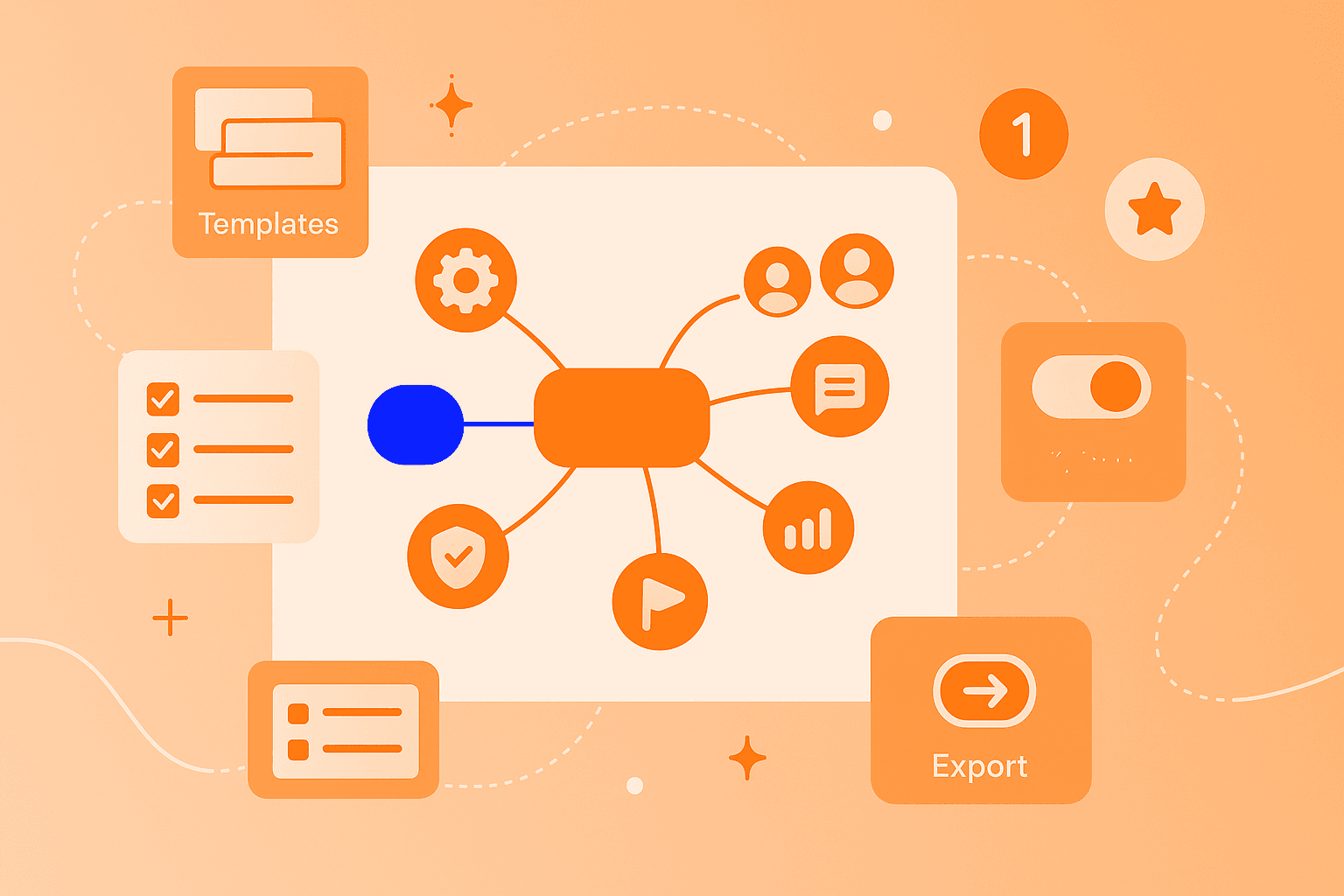
A mind map generator – also called a mind map maker or mind map creator – is software that helps you structure ideas visually. Imagine being able to represent your thoughts like on a map: your main topic sits at the center, and all related ideas branch off from it like the branches of a tree.
Mind mapping itself is a method for organizing complex topics on a visual workspace. British psychologist Tony Buzan developed this technique in 1974, and since then it has transformed the way people learn, plan, and work creatively.
Why are these tools so relevant today? They support you with various tasks:
Brainstorming: Quickly collect and visually connect ideas
Strategic planning: Structure projects and goals in a clear way
Learning and knowledge management: Better understand and retain content
Teamwork: Collaborate on an online mind map together
With a digital tool, you can develop more ideas in less time. The visual representation makes connections visible that often get lost in linear notes.
Selection criteria for a good mind mapping tool
Not every mindmapping tool fits every use case. If you mainly work alone, you need different features than someone who brainstorms with their team daily. Let's look at the most important criteria.
Important features for beginners and teams
The right features make the difference between a tool you use daily and one that's quickly forgotten:
Easy operation: The tool should be intuitive – you want to capture ideas, not study a manual first
Real-time collaboration: When multiple people can work on a mind map simultaneously, dynamic brainstorming sessions emerge.
Templates and examples: Ready-made templates help you get started – whether for project planning, SWOT analyses, or meeting notes.
Cross-platform use: Access via browser, desktop, and mobile apps means you can work anywhere.
Export and sharing functions: Export your mind maps as PDFs or convert them directly into presentations.
Data protection and security
Companies and educational institutions particularly pay attention to these aspects:
GDPR compliance: The tool should comply with the EU's General Data Protection Regulation.
Encrypted data transmission: Your information is transmitted securely.
Access rights: You determine who can view or edit your mind maps.
Server location: Tools with servers in Europe often offer higher data protection standards.
GDPR (General Data Protection Regulation) is a European law that regulates how companies handle personal data. A GDPR-compliant tool gives you more control over your data.
Pricing models and trial periods
Most mind map generators offer various pricing models. Here's how to find the right one:
Free versions: Perfect for trying out and occasional use
Freemium models: Basic features free, advanced features cost extra
Premium plans: For professional teams with extended collaboration and security features
Test different tools for free before deciding. This way you'll discover which user interface suits you and which features you really need.
The most popular mind map generators at a glance
Here we introduce five of the most popular mind map makers. Each tool has its own strengths – the order is not a ranking, but shows different approaches.
1. MindMeister
MindMeister is a browser-based tool that runs completely in the cloud. You simply open your browser and can start immediately – no installation needed.
The tool particularly excels at collaboration:
Real-time collaboration: Your entire team works simultaneously on the same mind map
Browser-based: Works on Mac, Windows, Linux, and Chromebook
Integration with MeisterTask: Transform ideas directly into tasks
Presentation mode: Show your mind maps as interactive presentations
Mobile apps: Available for iOS and Android
MindMeister also offers AI support that helps with quickly creating and expanding mind maps and can be seamlessly linked with the project management tool MeisterTask.
As a German company, MindMeister places special emphasis on data protection and GDPR compliance. Your data remains secure while you work creatively.
2. Xmind
Xmind is aimed at users who want to create more than just classic mind maps. The tool offers various diagram types for different ways of thinking.
Xmind's strengths:
Versatile layouts: Create organizational charts, timelines, and matrices
AI support: The tool generates complete mind maps from just a few keywords
Project management functions: Manage tasks, priorities, and create Gantt charts
Cross-platform: Runs on Windows, macOS, Linux, iOS, and Android
Xmind is particularly suitable if you're looking for an all-in-one tool for idea development and project planning.
3. Miro
Miro goes beyond pure mindmapping. It's a visual collaboration platform where teams can combine different methods.
What distinguishes Miro:
Infinite workspace: No space constraints during large brainstorming sessions
AI-powered mind maps: Automatic generation of branched structures from your inputs
Versatile integration options: Connection with Slack, Microsoft Teams, Google Drive
Real-time collaboration: Ideal for large teams and virtual workshops
If you want to use mind maps together with whiteboards, Kanban boards, or other visual methods, Miro is a good choice.
4. Mapify
Mapify has specialized in AI-powered summaries. The tool automatically transforms various content sources into structured mind maps.
Mapify's special features:
AI-powered summarization: Creates mind maps from PDFs, Word documents, YouTube videos, and websites
Timestamp navigation: For videos, jump directly to relevant sections
Multilingual support: Automatically translates content
Rapid idea development: Ideal for research and knowledge management
For students and knowledge workers who process a lot of information, Mapify is a practical aid.
5. Other Tools
Depending on your specific requirements, these tools might also be interesting:
MindNode: Perfectly integrated into the Apple ecosystem, stores data encrypted in iCloud
Coggle: Simple, free tool for casual users
Ayoa: Combines organic mind map layouts with task management
How to create an online mind map step by step
Creating a mind map is easier than you might think. These steps work similarly with most online tools.
1. Choose your mind map tool
Decide on a tool that fits your needs. Browser-based tools are practical because you don't need to install anything. Most offer free trial versions.
2. Define your central topic
Every mind map starts with a central idea. Are you planning a product launch? Then "Product Launch Q2 2026" could be your center point. Formulate the topic clearly and concisely.
3. Add branches and sub-points
Main branches extend from your central topic – like on a tree. For a product launch, these could be "Marketing," "Development," "Budget," and "Timeline." Further details can branch off from each main branch. This creates a hierarchical structure that makes complex projects clear.
4. Use colors and symbols
Visual elements make your mind map not only more attractive but also more functional:
Colors: Mark different topic areas with colors
Symbols: Highlight priorities, deadlines, or responsibilities
Images and attachments: Add additional information directly
5. Save and share
Most tools automatically save your work in the cloud. You can share your mind map via link, export it as a PDF, or invite team members to collaborate. Make sure to set who can only read and who can edit.
AI features for faster brainstorming
Artificial intelligence is changing how we work with mindmapping tools. AI can help you get from idea to finished structure faster.
Here's how AI supports you with mindmapping:
Automatic structuring: Enter a topic, and the AI creates a complete mind map with meaningful branches
Idea expansion: The AI suggests related topics and sub-points you might not have thought of
Content summarization: Long texts, PDFs, or videos are transformed into clear mind maps
Meister AI features are continuously evolving and support users in quickly creating mind maps and brainstorming.
These features are especially practical when you're under time pressure or need a creative boost. The AI delivers a basic structure that you can then refine according to your ideas.
Tips for secure team collaboration
When you use mind maps in teams, security becomes an important topic. With these tips, you can collaborate securely:
Manage access rights: Define exactly who can only read and who can edit
Choose GDPR-compliant tools: Pay attention to European data protection standards
Use two-factor authentication: Additional protection for your account
Encrypt sensitive data: Choose tools with encrypted transmission and storage
Create regular backups: Back up important mind maps additionally
Tools like MindMeister meet high security standards and are GDPR-compliant. This way you can focus on your ideas while your data remains protected.
Final recommendations for your mind mapping success
Choosing the right mind map generator depends on your personal requirements. A student has different needs than a project team in a large company.
Try out different tools – most offer free trial periods. This way you'll discover which interface you like and which features you actually use.
Modern tools like MindMeister go far beyond simply drawing thought trees. They enable real collaboration, support strategic planning, and make brainstorming a shared experience. With AI support, you create mind maps faster than ever before.
Build better mind maps with AI