The mind mapping software loved by millions
MindMeister is the easy-to-use online mind mapping tool for organizing ideas and information.


4.6/5 (299 reviews)

Made in the EU
GDPR compliant
Trusted by 40M+ users worldwide






Probably the best web-based mind mapping tool
MindMeister really excels. It's very usable and fast with a good set of features. I've used most other mind mapping software, but I keep going back to MindMeister.
The gold standard of mind map software
Great piece of kit — helps me lay out my plans in simple yet powerful graphical formats. It is so easy to use.
My number one tool for mind mapping
Mindmeister is my super tool for many of my training and consultancy programs. From ideation to the foundations of sessions with clients.
Multiple map layouts
Organize any information
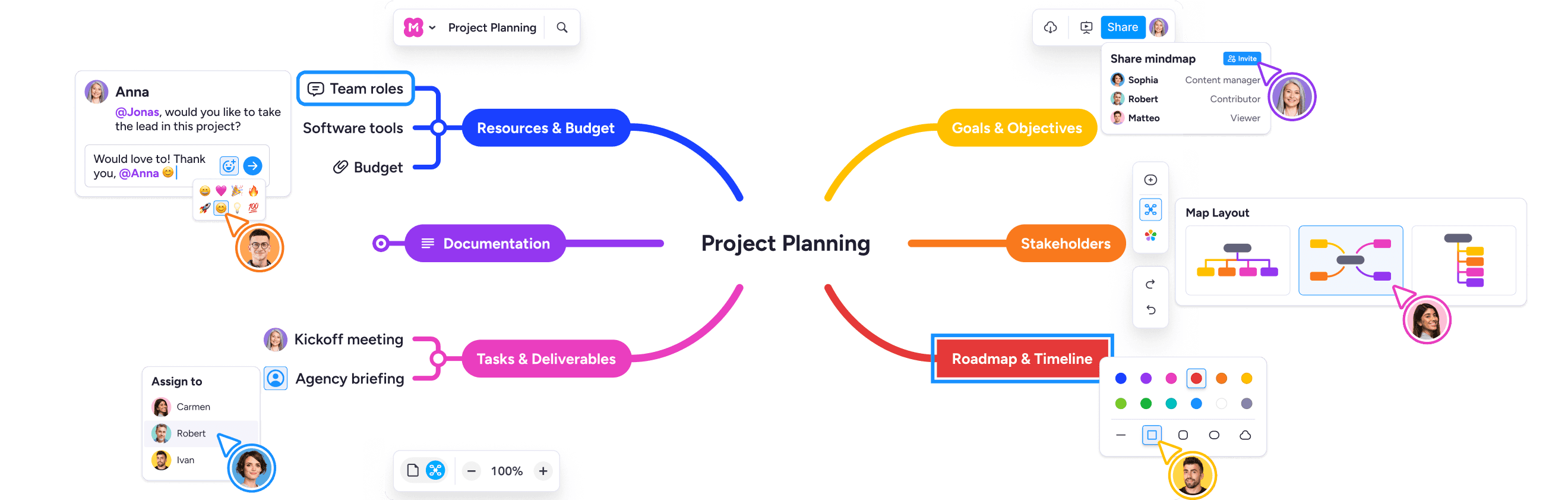
Switch between mind map, outline, and list views to match how you think. Same content, different perspective. Add multiple map layouts on the same canvas.

AI mind maps
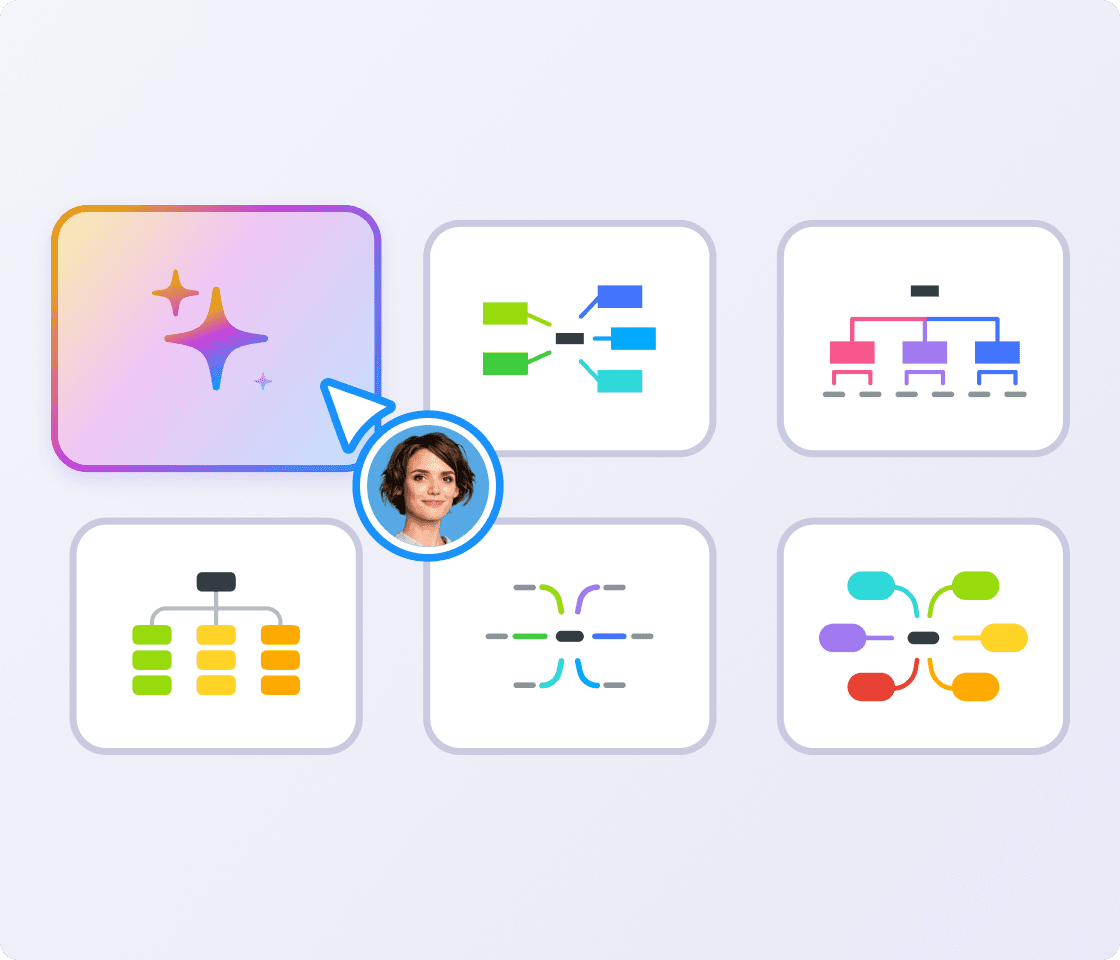
Skip the blank page with AI mind maps
Type a prompt or upload a document and Meister AI will draft a mind map for you. Perfect for getting started fast.
Focus & presentation modes
Present your thinking easily
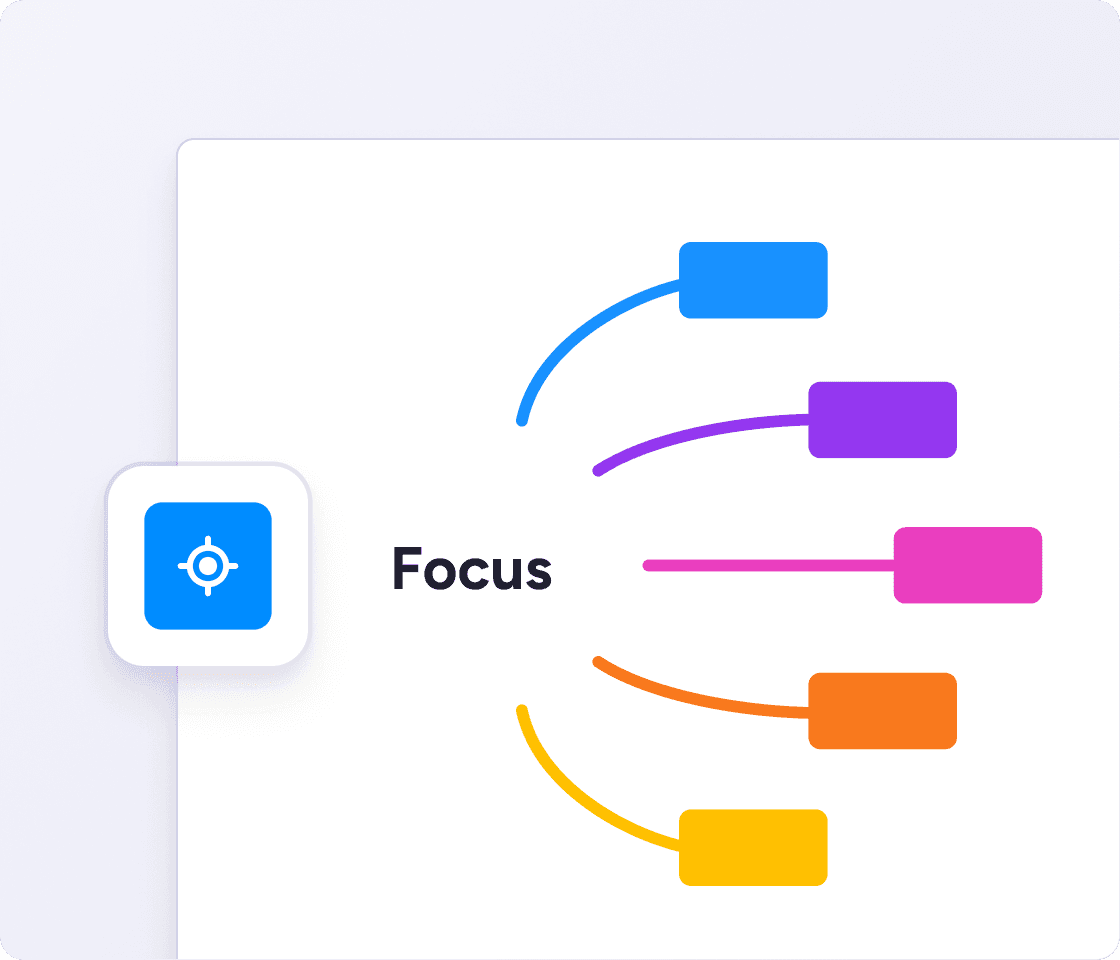
Hide branches you don't need right now, then walk your audience through the map one idea at a time. No need to spend time building a separate presentation.
Themes & styles
Bring your map to life
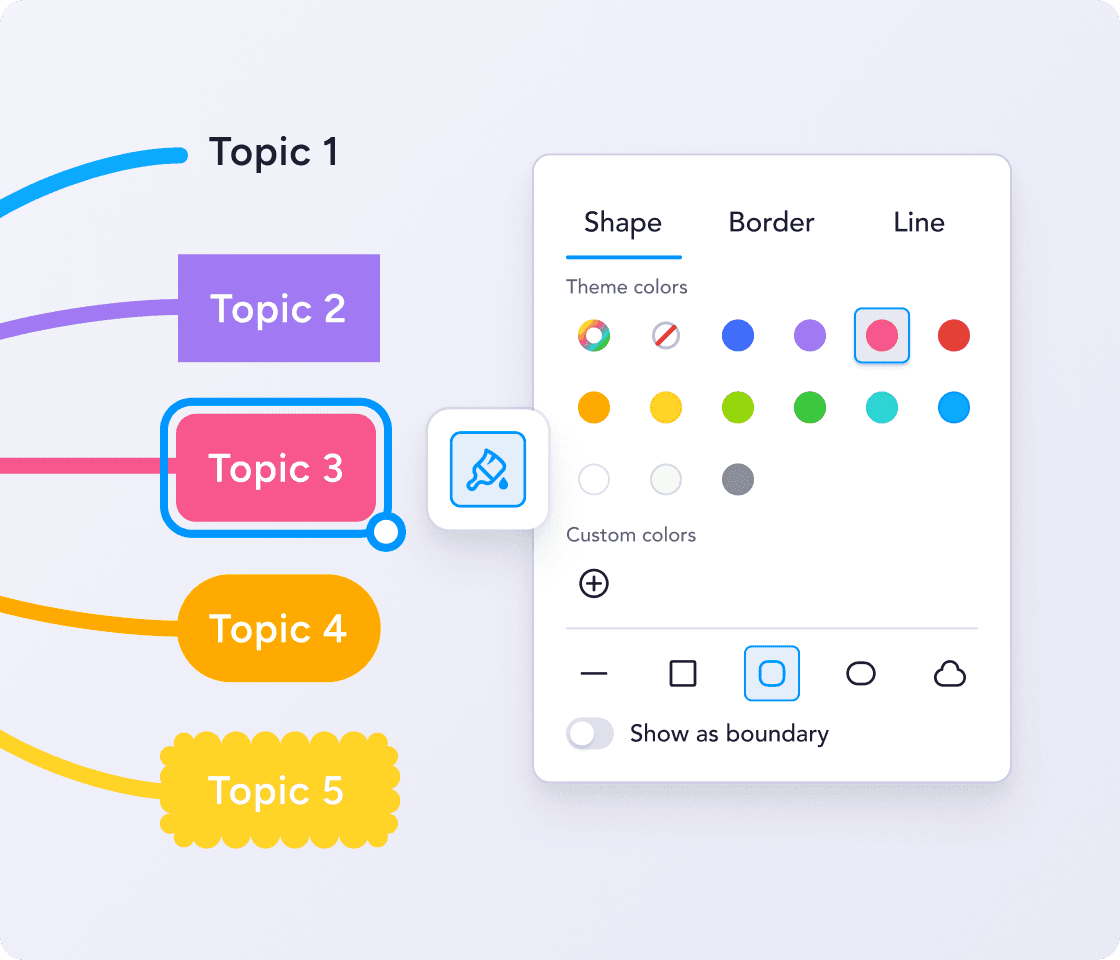
Pick a pre-made theme, or customize colors, line styles and fonts as you please. Highlight related information with color coding, and bring topics to life with emojis and images.
Give yourself space to think. Start mind mapping for free.
Collaborative mind mapping for brainstorming and group projects
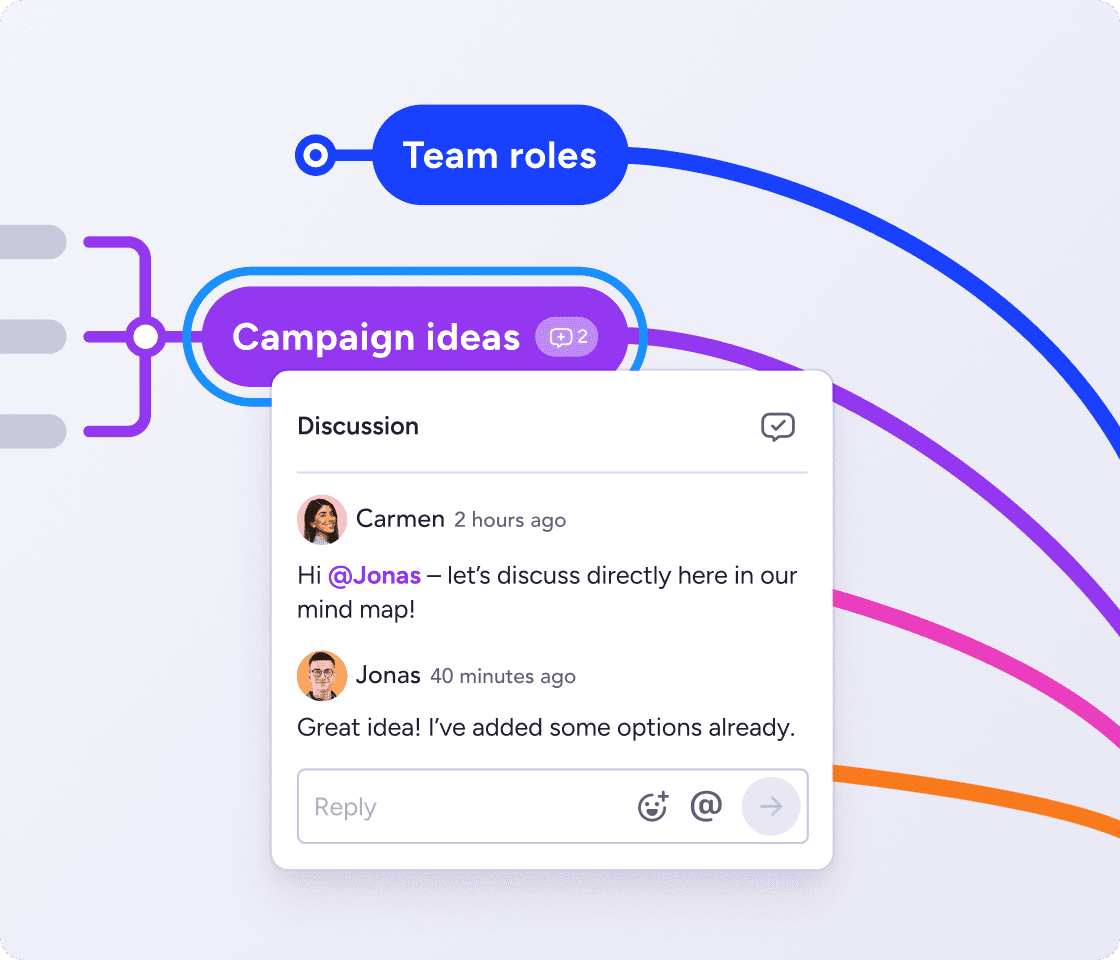
Comments & mentions
Keep conversations in context
Leave comments on any idea and tag teammates. Feedback stays where the thinking happens, not buried in a thread somewhere else.
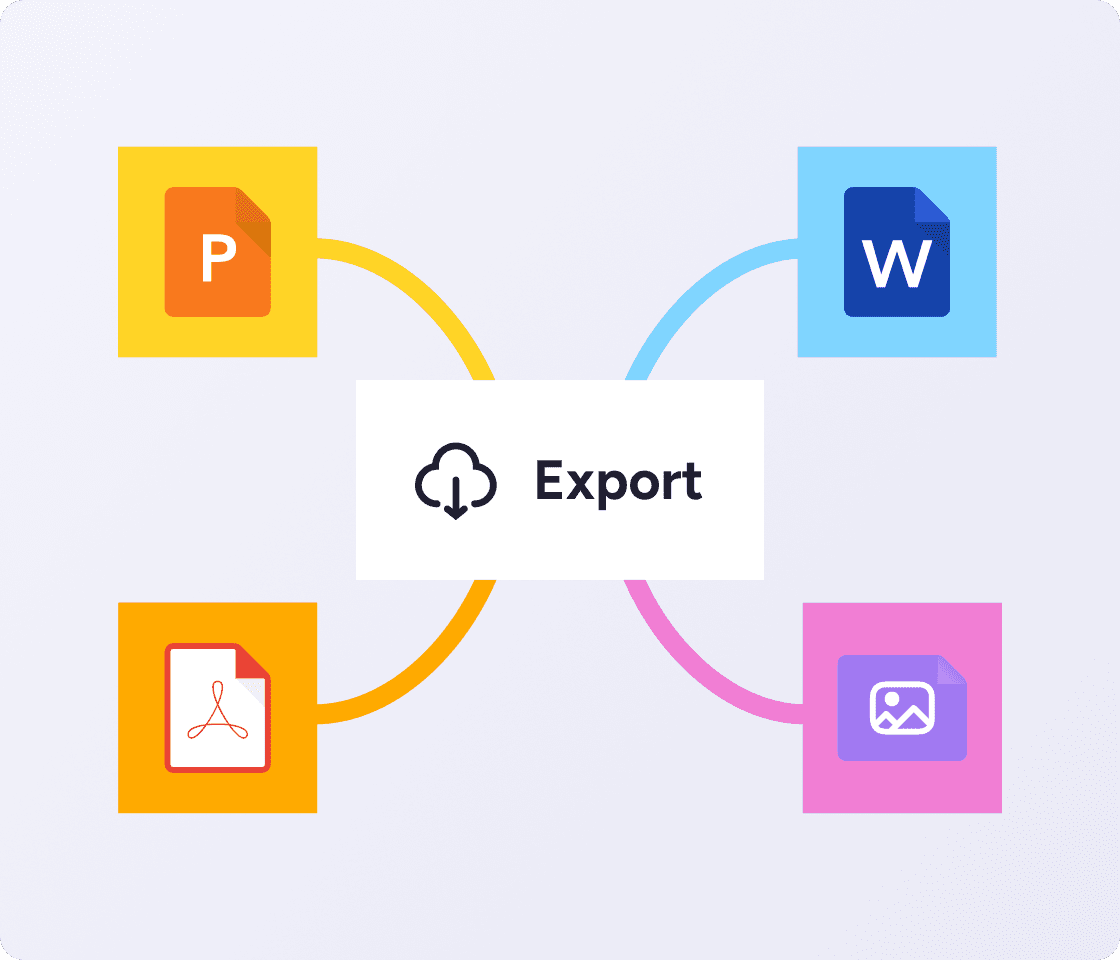
Sharing & exports
Showcase your ideas
Export as PDF, Word, or PowerPoint. Or share a live link so anyone can view it instantly, no account needed.
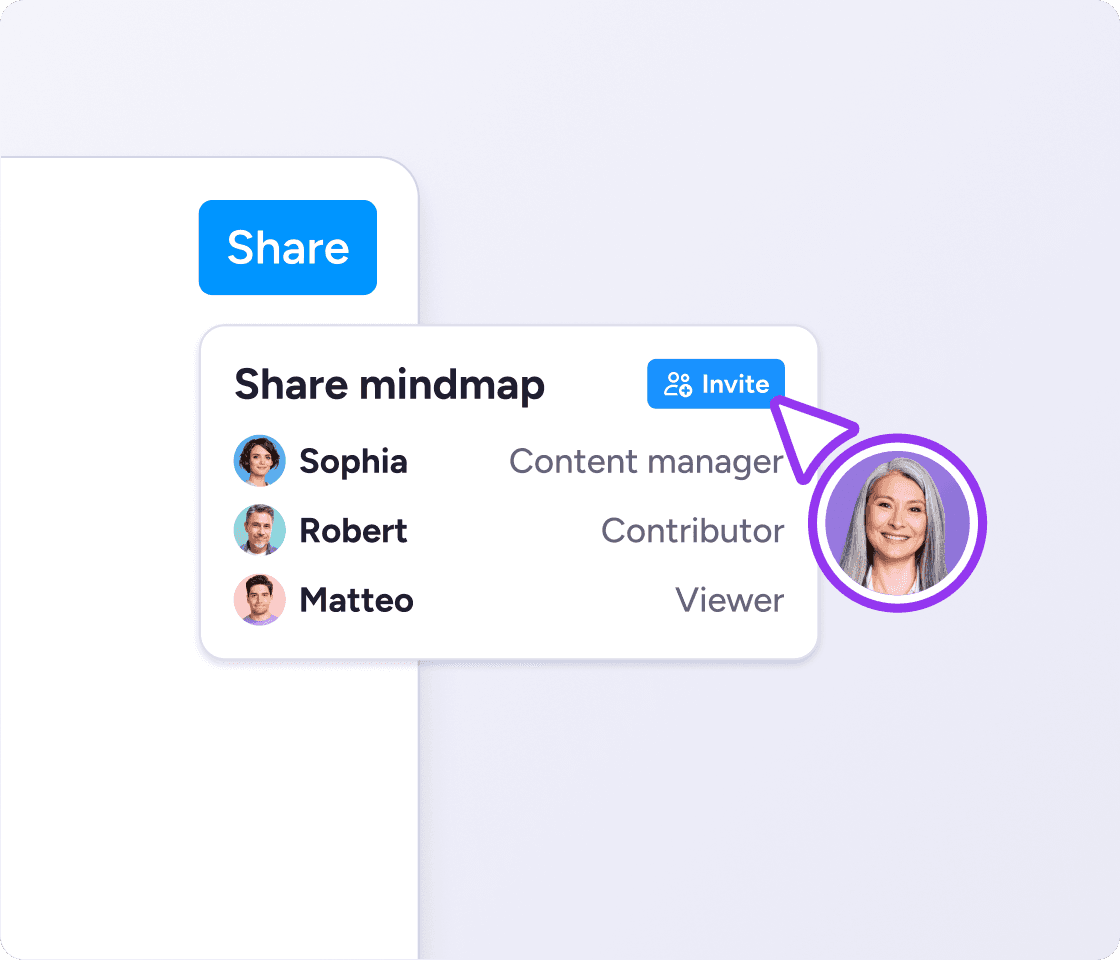
Roles & permissions
Collaborate securely
Set view or edit permissions for individuals or groups. Secure enough for sensitive work, open enough for a team brainstorm.
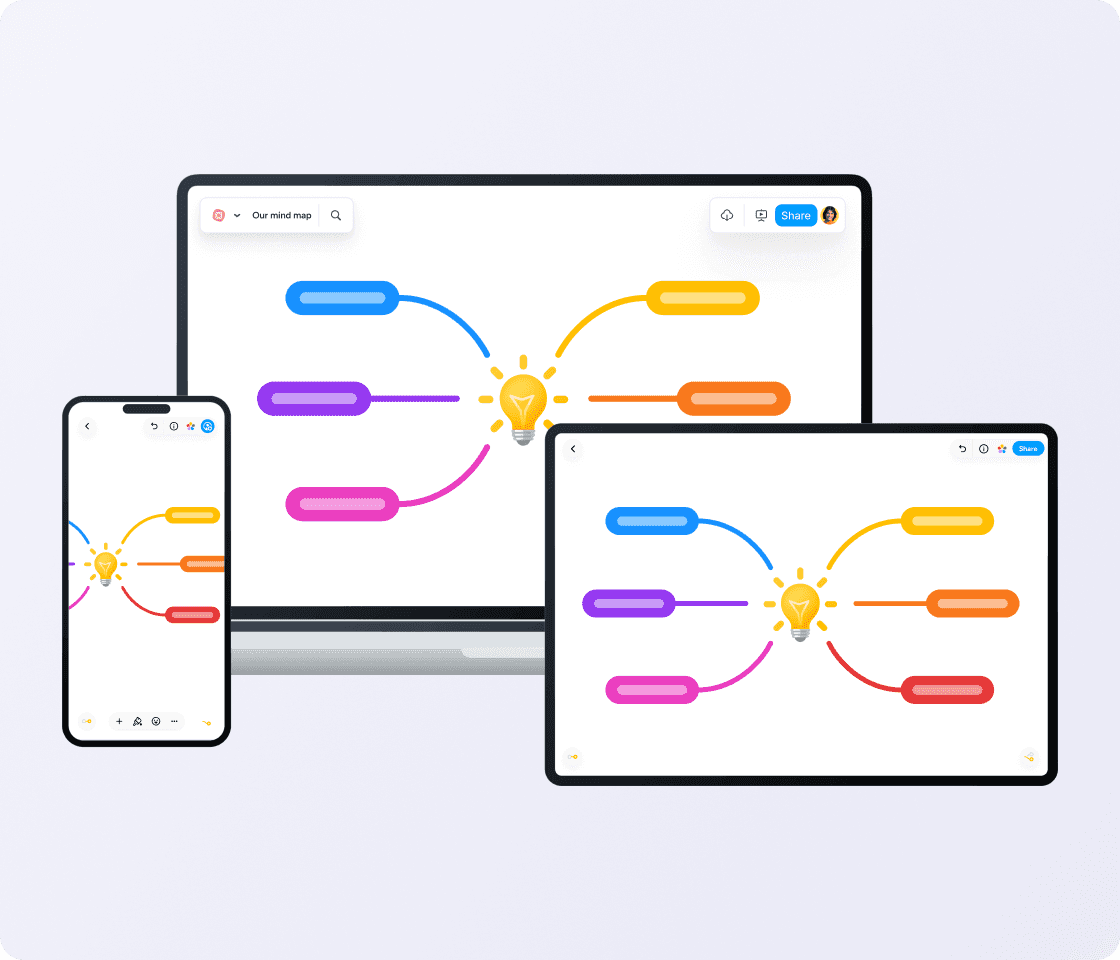
Real-time sync
Always be ready to capture ideas
Pick up where you left off on any device. Start on desktop, continue on mobile. Everything stays in sync.
MeisterTask integration
Go from idea to action
Turn brainstorm ideas into assigned tasks with a couple of clicks. MindMeister integrates natively with MeisterTask for easy task management.

Works with the tools you already use


Connect MindMeister to Google Drive, Microsoft Teams, and more to keep your workflow seamless.
Explore integrations
""We develop topics collaboratively in MindMeister. This is how we build solutions from ideas.""
 SK
SKSebastian KraftHead of Bank Administration, VR-Bank Würzburg

"Our brainstorming meetings are here to stay. I rely on the ideas and spontaneity of my colleagues to achieve the best possible results. With all our best ideas stored and accessible in MindMeister, it’s easier to put these ideas into action."
 DK
DKDirk KokeFounder and Managing Director, KOKE GmbH
"MindMeister’s flexibility and ease of access are central to my enjoyment of the tool: it lends itself to use by any hands, not just those of an artist."
 HB
HBHenna BrodkinGraduate Student
Start mind mapping with MindMeister
FAQ: MindMeister mind mapping software
Mind mapping software is a tool that lets you visually organize ideas, information, and plans as connected nodes rather than linear text. It's used for brainstorming, note taking, problem solving, teaching and planning. MindMeister is an online mind mapping platform used by 40+ million people worldwide.
Yes. MindMeister has a free plan that lets you get started free (no credit card needed). Paid plans unlock unlimited maps, advanced collaboration features, and export options.
MindMeister combines real-time collaboration, role-based permissions, comments, and cross-device sync in one mind mapping platform. It integrates with Google Drive, Microsoft Teams, and MeisterTask, so teams can go from idea to action without switching tools.
MindMeister is built for collaborative mind mapping. Multiple people can work on the same map at the same time, with real-time updates, inline comments, and granular sharing permissions. You can share maps with anyone via a link, no account required.
Yes. The MindMeister mind map app is available on iOS and Android. Your maps sync automatically across all your devices, so you can start on desktop and continue on mobile without losing anything.