Skip the panic this exam season
Swap messy notes for clear mind maps. Visualize every subject, spot gaps in your knowledge, and walk into your next exam feeling ready.

Loved by 40M+ mind mappers
Swap messy notes for clear mind maps. Visualize every subject, spot gaps in your knowledge, and walk into your next exam feeling ready.
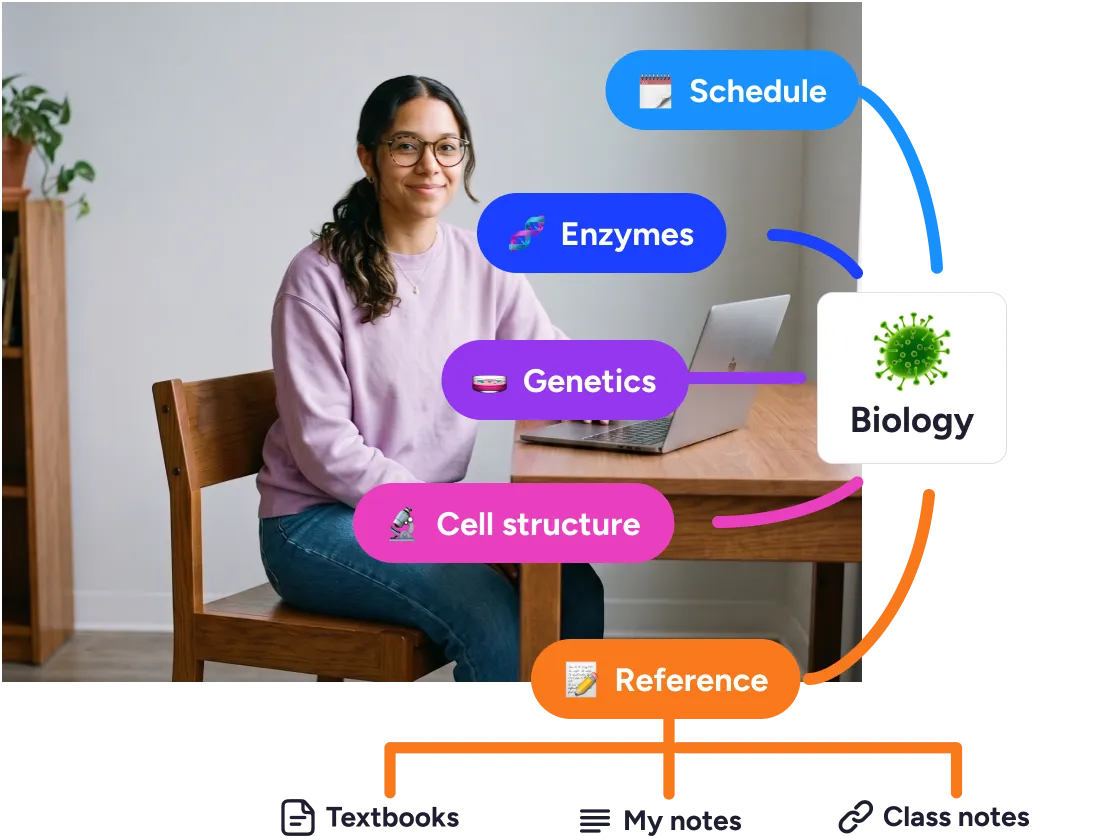
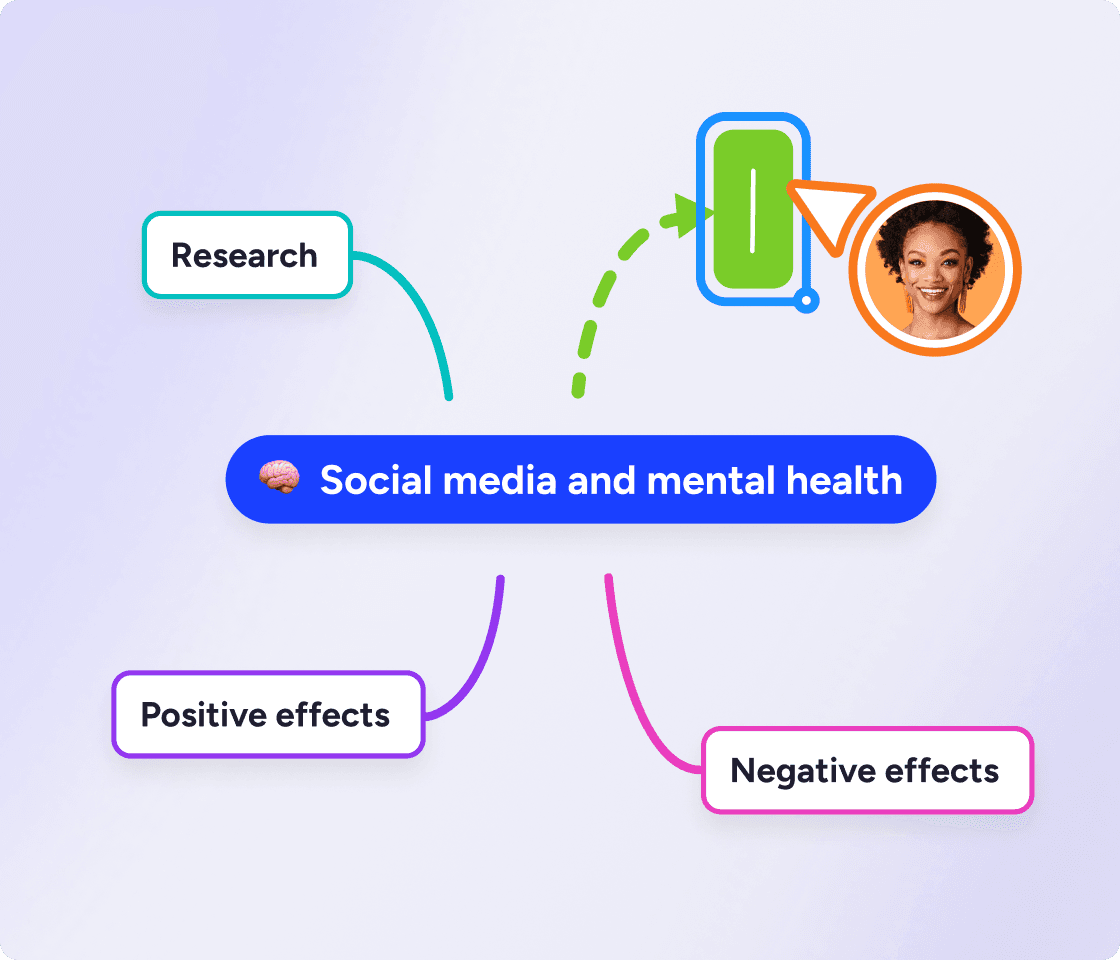
Rereading notes is passive, even if you're highlighting as you go. When you create a mind map with MindMeister, you're actively engaging your brain, so more of it sticks on exam day.
Mind maps let you visualize how concepts connect. Zoom out for an overview, then zoom into a branch to tackle the details. Highlight any bits you're fuzzy on so you know exactly what to review before the exam.
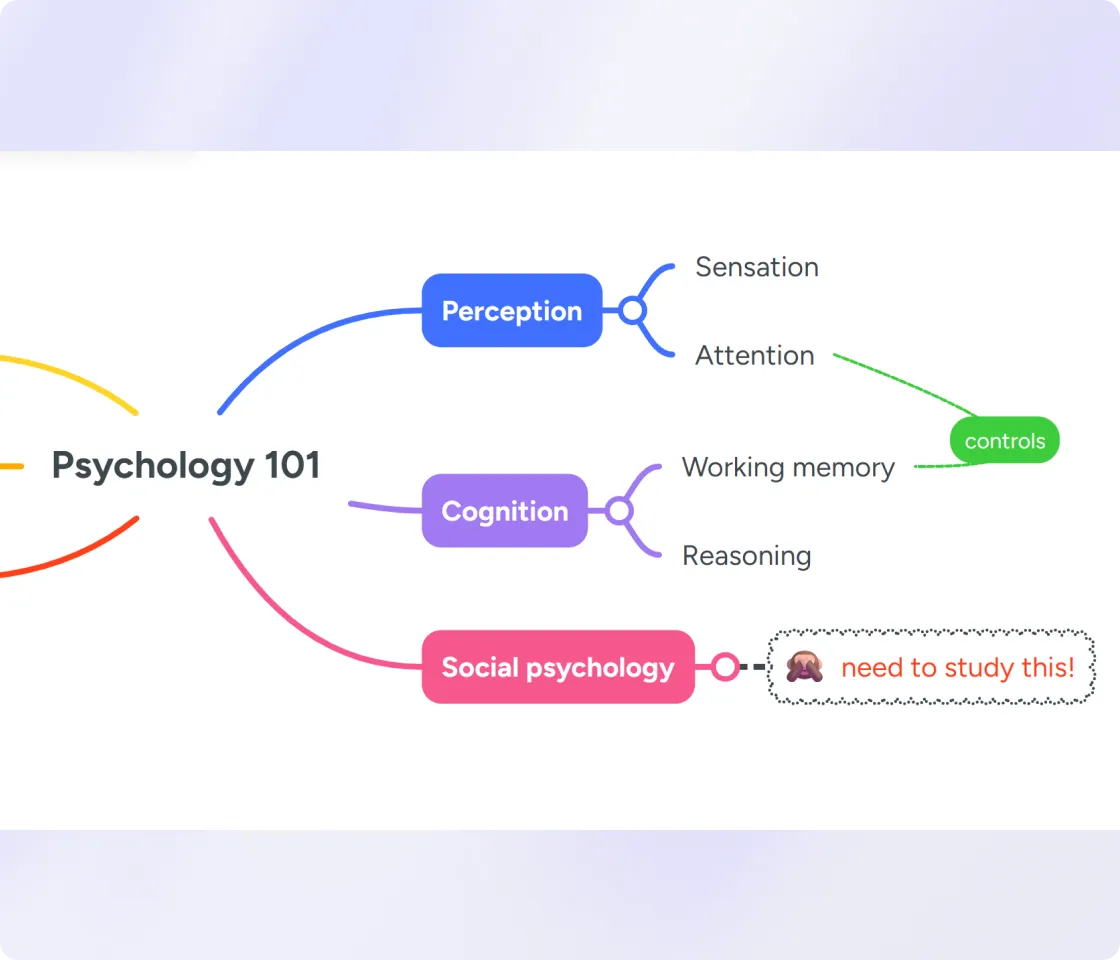
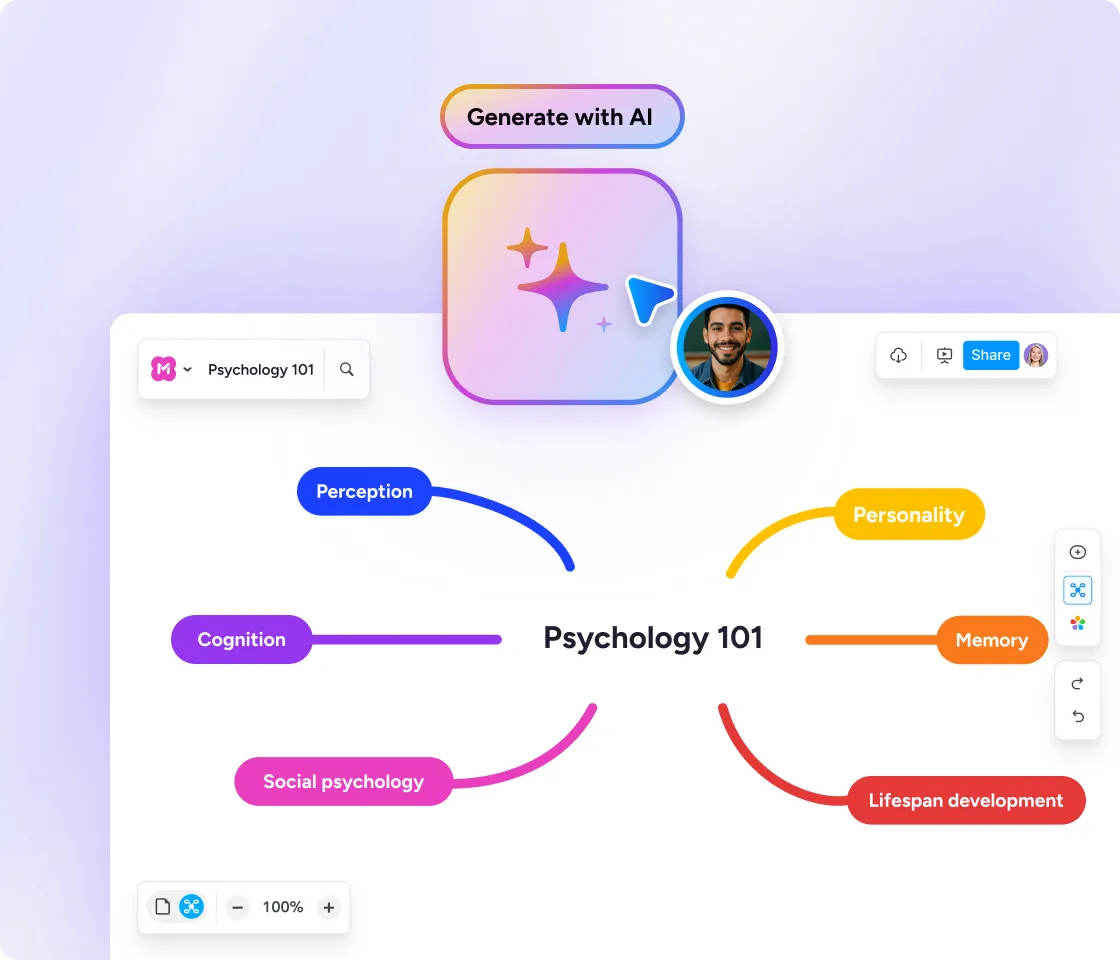
Upload your lecture notes or a study guide. Meister AI pulls out the key concepts and turns them into a map you can review and build on, so you spend your time studying instead of organizing. Meister AI is available on desktop only.
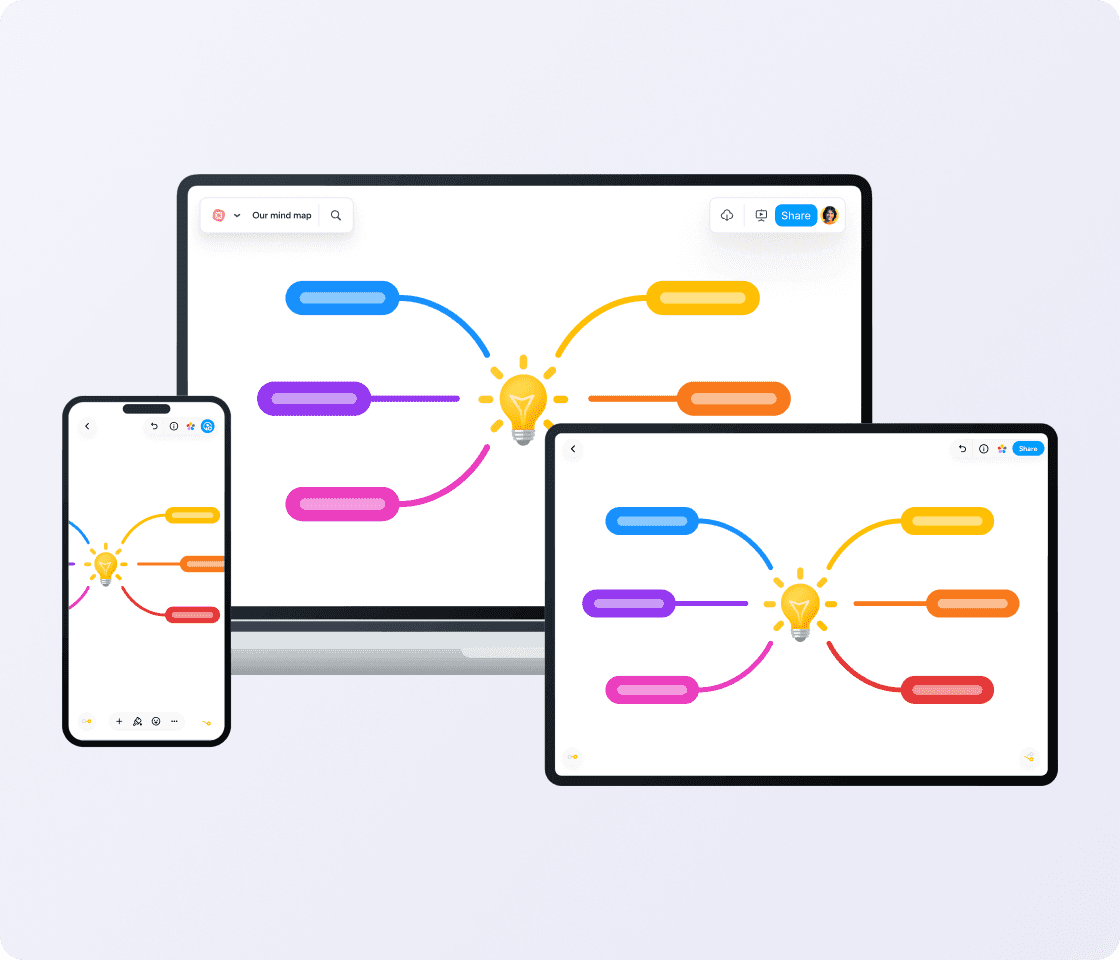
Review your mind maps on the bus, between classes, or on the way to an exam. Every spare minute counts when your maps are always with you.
"MindMeister’s flexibility and ease of access are central to my enjoyment of the tool: it lends itself to use by any hands, not just those of an artist."
 HB

Andrew S. on capterra.com
"Probably the best web-based mind mapping tool."
Fraser N. on capterra.com
"The gold standard of mind map software."
Pedro C. on capterra.com
"My number one tool for mind mapping."
Yes. Start a map for each exam, add the topics you need to cover, and attach your notes and files. Highlight what you're unsure of, then work through it branch by branch until you're ready.
Upload a syllabus, PDF, or notes file, one document at a time, and Meister AI pulls out the key ideas, structures them into a map, and hands you back a starting point you can edit. Or type a prompt like "help me study for my Psych 101 final" and it drafts a map from scratch.
Yes. Building a map forces your brain to retrieve and organize information instead of passively re-reading it. In one study, medical students who studied with mind maps still remembered what they'd learned a week later, while the gains from their usual study methods didn't last as well.
Handwriting beats passive typing because it's more active: you process as you write. Mind mapping is active in the same way, often more so, because you're organizing, not just recording. The thinking is what makes it stick.
Yes. The free plan has no time limit and lets you create up to 3 maps. Students also get 50% off paid plans if you outgrow the free tier.
Yes. iOS and Android apps with 1M+ downloads. Perfect for making notes during class, reviewing between classes, or even studying on the way to an exam.