Free concept map maker for teachers and students
Whether you're planning a lesson or preparing for an exam, a concept map helps you see how ideas connect. Create a free concept map with MindMeister.


4.6/5 (299 reviews)

Made in the EU
GDPR compliant
Whether you're planning a lesson or preparing for an exam, a concept map helps you see how ideas connect. Create a free concept map with MindMeister.
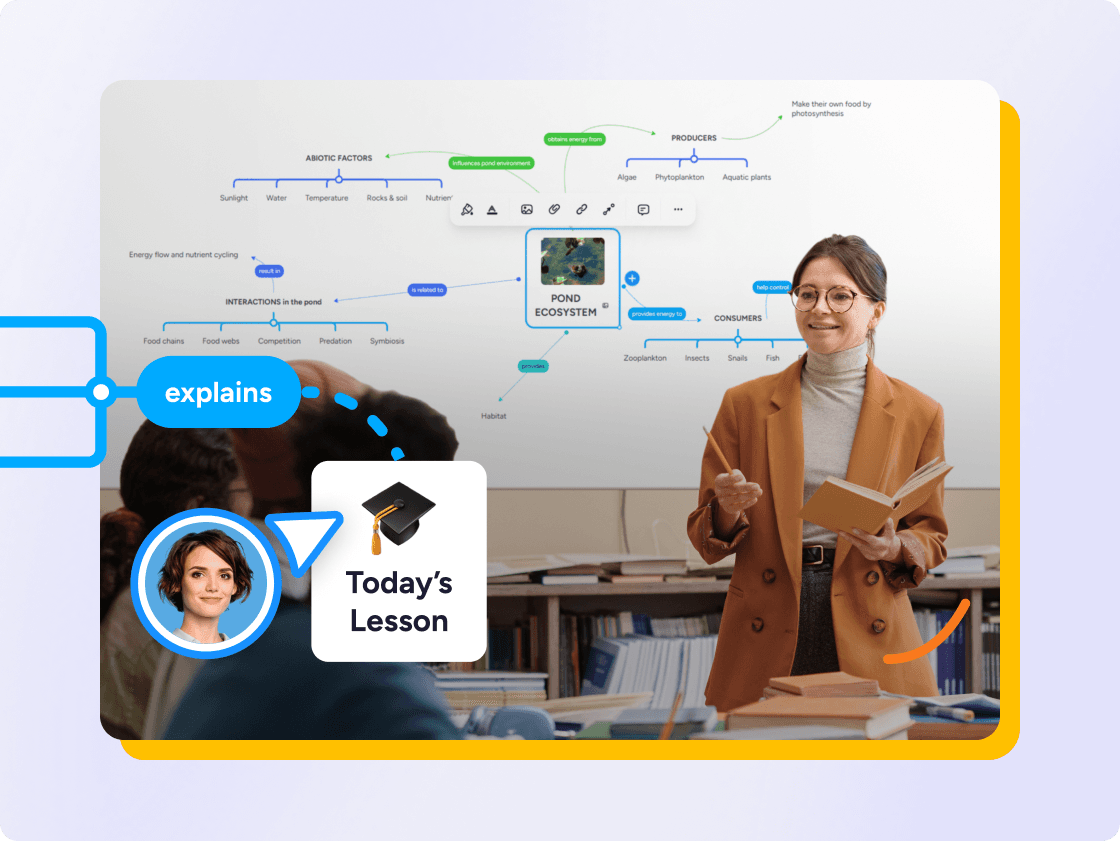
MindMeister is a great way to clarify your thoughts. You can effectively structure and categorize a huge amount of information. When you do it on paper, you can’t drag and drop, you can’t move things around.
 CJM
CJM
When a subject feels overwhelming, it's usually because the pieces don't seem connected. Concept mapping helps you pull out the key ideas, decide how they relate, and lay it all out clearly.
MindMeister lets you link any two topics, label those connections, and arrange them across a flexible canvas.
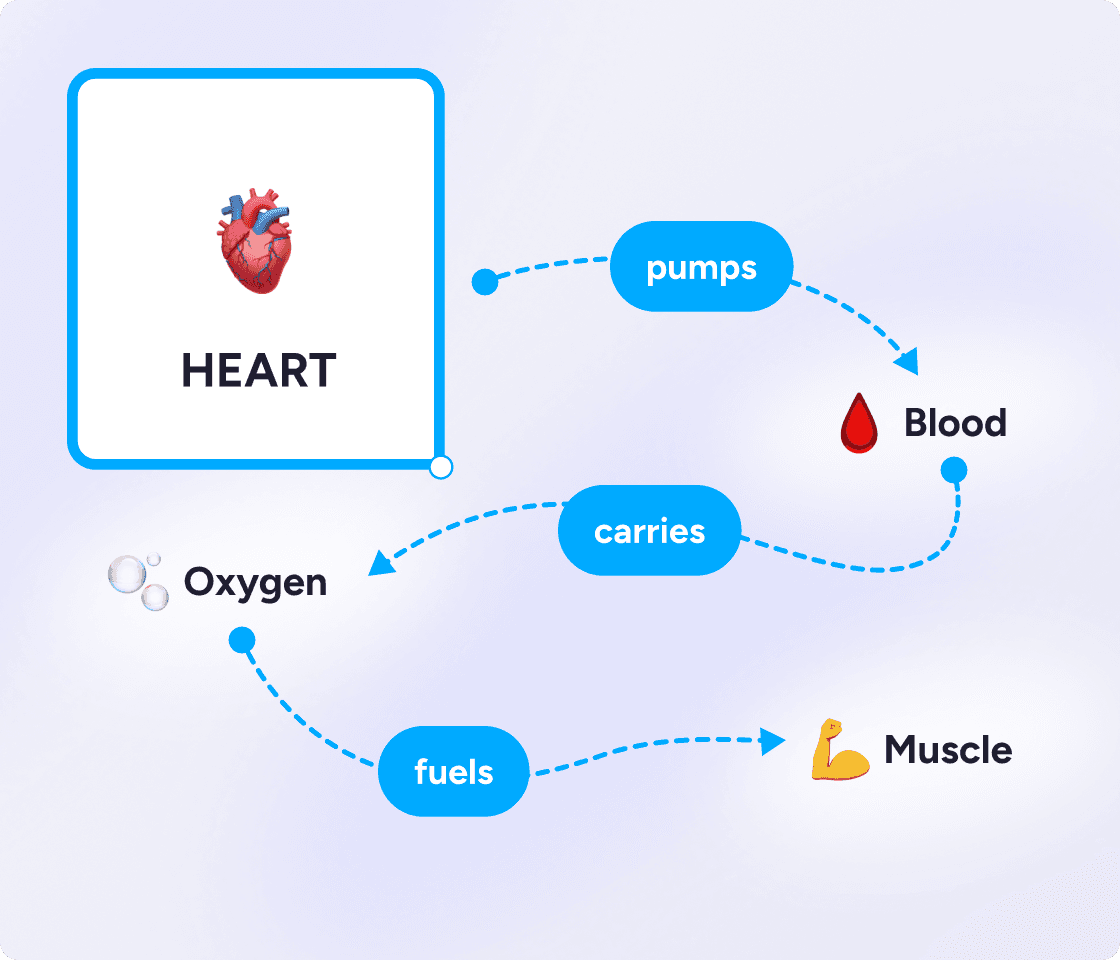
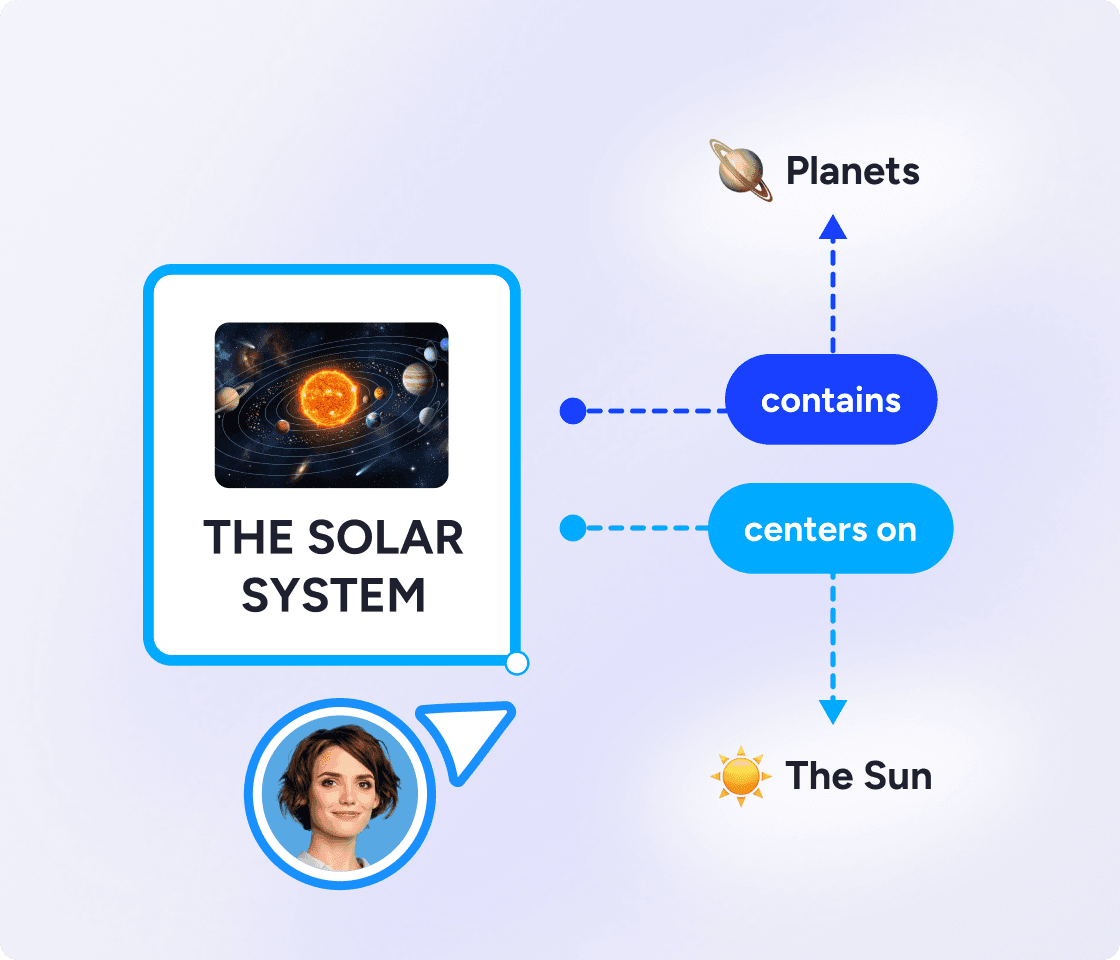
Forget re-reading notes again and again. It's far more effective to study actively. Making a concept map forces you to actively recall information, organize it, and identify the gaps in your understanding. It's far better for real learning and retention.
Use concept maps to break down a topic before an exam, untangle a complex argument, or plan an essay before you write it.
Concept maps give teachers a practical way to introduce new topics, check understanding, and help students see the bigger picture before diving into detail.
Make a concept map at the start of a unit to activate prior knowledge, mid-unit to track how understanding is developing, or at the end as a revision and assessment tool.
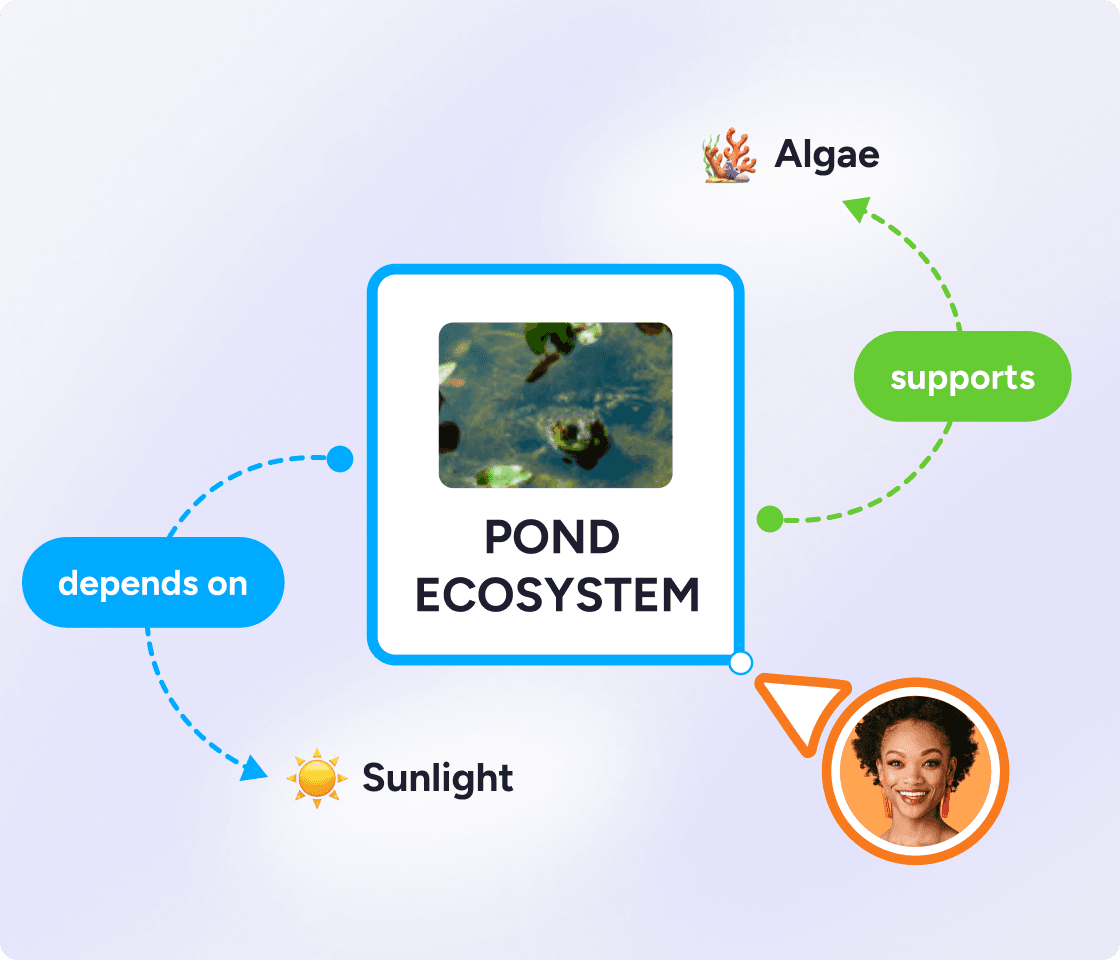
A concept map is a visual diagram that shows relationships between ideas, concepts, or pieces of information. Unlike a simple list, it maps out how things connect — using labeled arrows that describe the relationship between things.
The result is a web of connected knowledge that makes complex topics easier to understand, remember, and explain.
Concept maps were developed in the 1970s by education researcher Joseph Novak as a way to help students learn more meaningfully. Decades of classroom research have backed up their effectiveness.
Create a blank map. Sign up free, create a new blank map, and type your central concept into the root node — for example, "Animals".
Add your first topics. Click the root node and add the biggest categories connected to your subject as separate topics: Mammals, Reptiles, Birds, Fish.
Connect your topics. Click any topic, select "Add connection", then draw a line to the topic it relates to. So you might connect Mammals to Warm-blooded, or Reptiles to Cold-blooded. You can create these new topics on the fly as you add connections.
Label each connection. Click the line between two topics, open the "..." menu, and choose "Add label". Keep labels short: "are", "include", "evolved from". That label shows how the ideas relate to each other.
Review and tighten. Look for connections you've missed between different branches. Cut any topics that don't add meaning. A good concept map is clear, not exhaustive.
If you want to show how things connect, make a concept map. If you want to explore and organize ideas from a central point, make a mind map. With MindMeister, you can create both.
Network — multiple connections between any nodes
Hierarchical — branches out from one central topic
Labeled arrows showing the relationship
Unlabeled branches
Any concept or question
One central idea
Showing how ideas relate to each other
Brainstorming, note-taking, planning
Studying a topic, explaining a system
Capturing ideas quickly, structuring a project
How photosynthesis works
Ideas for a history essay
Probably the best web-based mind mapping tool
MindMeister really excels. It's very usable and fast with a good set of features. I've used most other mind mapping software, but I keep going back to MindMeister.
The gold standard of mind map software
Great piece of kit — helps me lay out my plans in simple yet powerful graphical formats. It is so easy to use.
My number one tool for mind mapping
Mindmeister is my super tool for many of my training and consultancy programs. From ideation to the foundations of sessions with clients.
Mind maps branch from a central idea but leave connections unlabeled. Concept maps add a short phrase to each link — "leads to", "is caused by" — showing how ideas relate, not just that they do. Making a concept map is better for complex topics, while mind maps are better for free-form brainstorming.
Yes. MindMeister has a free plan that lets you create and share maps without a subscription. Premium plans unlock unlimited maps, advanced export, and more.
MindMeister includes AI mind map generation. Type a prompt or upload a file — a PDF, presentation, or set of notes — to build a structured map in seconds.
Yes. MindMeister is fully browser-based, so there's nothing to download or install. Open it on any device, start mapping, and save your work automatically to the cloud.
Most concept mapping software is either too complex or built for something else — diagramming, project management, design. MindMeister is purpose-built for visual thinking, which means a cleaner interface, a faster start, and no features you'll never use.
Students can view any shared map without signing up. To create and save their own maps, they'll need a free account.
Any subject with interconnected ideas: history, biology, literature, geography, psychology, languages. Give it a go and see for yourself. Your brain will thank you.
Yes. MindMeister supports real-time collaboration — multiple people, same map, at the same time. Great for group projects and classroom activities.
Yes. Export as PDF, PNG, and more — for printing, presenting, or sharing outside MindMeister.
