
What is a mind map?
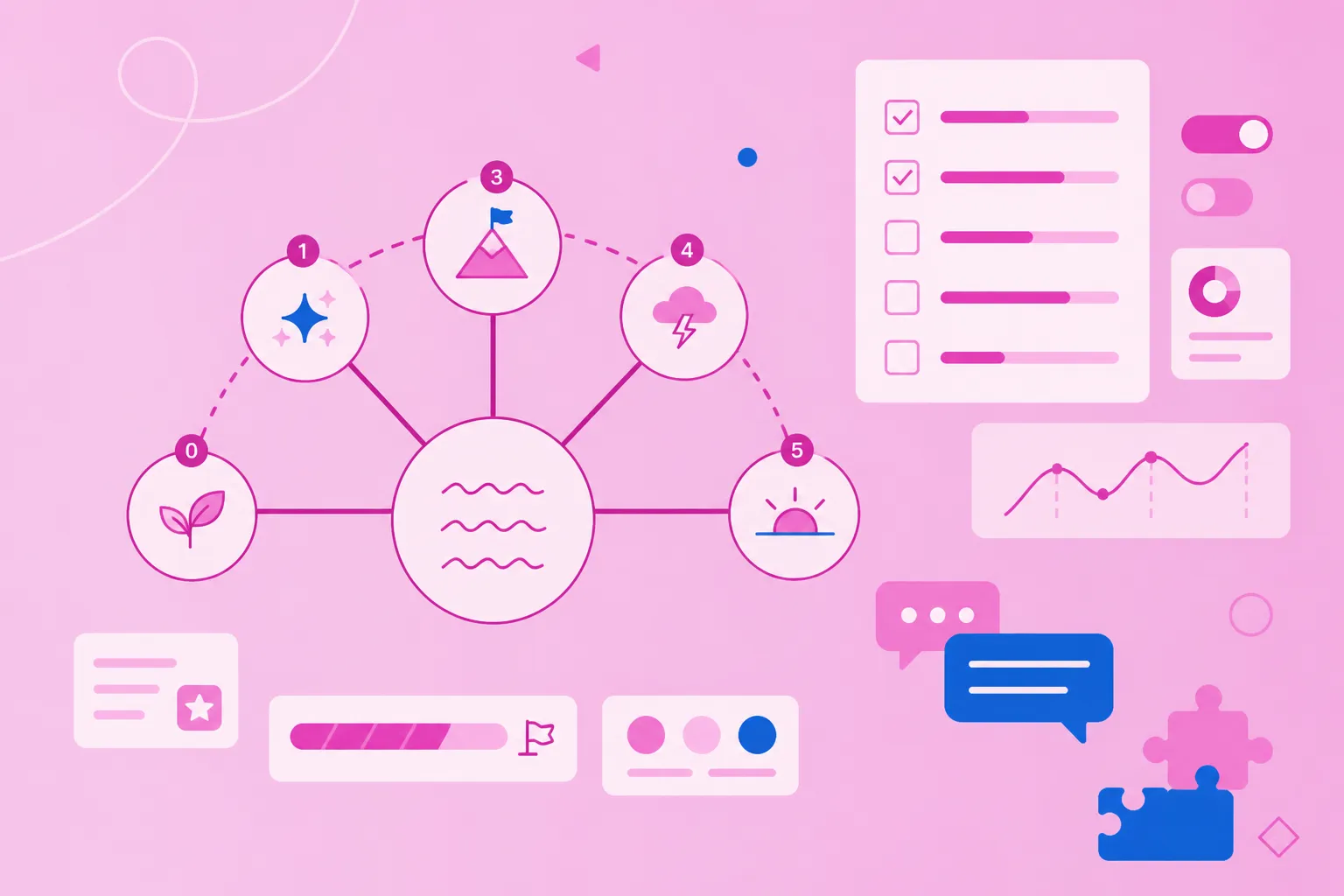
A mind map is a visual diagram that organizes information around a central topic, with branches radiating outward to show relationships between ideas. Picture it like a tree: your main idea sits in the center like a trunk, while related concepts branch out like limbs, with smaller details extending from those branches like twigs.
This radial structure uses keywords, colors, images and connecting lines instead of traditional linear text. Mind mapping is a way to capture and organize thoughts that mirrors how your brain naturally makes connections — which explains why mind maps often feel more intuitive than regular notes.
Why use mind mapping for ideas and projects?
The answer lies in how our brains process information. Mind maps are used to organize everything from study materials to business strategies, and there are good reasons why:
Works like your brain does: The radial structure matches your natural thought patterns, making it easier to capture ideas as they occur to you
Makes complex topics clearer: Breaking information into visual chunks helps you see both the big picture and understand each part
Improves memory: Visual elements and spatial relationships create stronger mental connections than plain text alone
Speeds up brainstorming: You can capture ideas quickly without worrying about perfect order or structure at first
Helps teams align faster: Visual formats help groups reach shared understanding more efficiently than lengthy documents
How to make a mind map: 5 key steps
Creating effective mind maps doesn't require artistic talent or special training. Whether you're using paper and colored pens or mind mapping software, these five steps give you a repeatable process you can use immediately.
1. Choose a central topic
Start by identifying your main subject or focus question. Place it right in the center of your canvas or page. A central image or icon makes the topic more memorable and gives your map a clear visual anchor.
Examples of central topics:
Project planning for a product launch
Study notes for a biology exam
Strategic goals for Q1
Don't want to start from scratch? MindMeister's free mind map templates give you a ready-made structure for brainstorming sessions, project kick-offs, meeting agendas, SWOT analyses, and more. Pick a template, replace the labels, and your map is underway. You can also use MindMeister's AI mind map generator to build a structured first draft from a prompt in seconds.
2. Add main branches
Draw lines radiating from the center for your major themes or categories. These branches represent the highest-level ideas connected to your central topic. Stick to three to seven main branches — enough to cover your topic without overwhelming the structure.
For a project planning map, main branches might include timeline, budget, team roles and deliverables. Each branch captures a distinct aspect of your central topic.
3. Brainstorm subtopics and details
Extend smaller branches from each main branch to capture supporting ideas, tasks or details. Focus on speed over perfection at this stage — capture everything without self-editing. Use single keywords or short phrases rather than full sentences on each branch.
This hierarchical structure makes your mind map scannable and helps you see relationships between different levels of information.
4. Visualize with colors and symbols
Apply colors to differentiate branches, themes or priority levels. Add icons, images or symbols to make concepts more memorable and easier to spot. These visual elements aren't just decoration — they improve recall and comprehension by engaging more parts of your brain.
Color-coding examples:
Department colors (marketing in blue, sales in green)
Red for urgent items
Checkmarks for completed tasks
5. Refine and organize structure
Review your map and rearrange branches to improve clarity and logical flow. Software tools make this reorganization simple through drag-and-drop functionality. Collapse or expand branches to focus on specific areas.
This flexibility lets you adapt your map as new information emerges or priorities shift.
6 strategies for building high-impact mind maps
These techniques separate clear, actionable mind maps from cluttered or confusing ones. Whether you're working alone or sharing with teams, these strategies help you build maps that actually drive results.
1. Keep topics short and focused
Use single keywords or two- to three-word phrases instead of full sentences on your branches. This keeps maps scannable and prevents visual clutter that obscures your main ideas. When you need more detail, add it in notes or attachments rather than cramming text onto the branch itself.
Instead of "Develop comprehensive marketing strategy for Q2 product launch," write "Q2 Marketing Strategy." Instead of "Schedule meeting with design team to review mockups," use "Design Review." Concise labels make maps easier to follow and faster to update.
2. Use color coding for clarity
Assign consistent colors to categories, priorities or themes throughout your map. This system helps viewers quickly identify related ideas and navigate complex maps. Establish your color system before you start mapping, especially for collaborative projects.
Practical color-coding approaches:
By project phase (planning, execution, review)
By team or department
By priority level (high, medium, low)
By status (not started, in progress, complete)
3. Attach supporting resources
Link documents, files, URLs or research directly to relevant topics in your map. This keeps all context in one place and eliminates time spent searching for related materials. Attach resources to specific branches rather than cluttering the visual map itself.
Cloud-based mind mapping tools like MindMeister make this seamless — turning your map into a central hub for all project information rather than a standalone diagram.
4. Encourage collaboration in real time
Invite team members to contribute, comment and edit maps simultaneously. This builds shared understanding and captures diverse perspectives without endless meetings. Use comments and discussions to add context without cluttering the visual structure.
Real-time collaboration works best during team brainstorming sessions, cross-functional project planning, or retrospectives. Permission controls let you manage who can view versus edit. This transforms static diagrams into dynamic spaces where ideas actually develop.
5. Integrate with project management tools
Turn ideas in your mind map into actionable tasks with one click. This bridges the gap between planning and execution without manual re-entry. MindMeister connects directly with MeisterTask, allowing you to convert map nodes into tasks with assignees, due dates and priorities — without leaving your canvas or rebuilding your plan in a separate tool.
Integration benefits include syncing with team calendars, tracking progress without switching between apps, and keeping the connection between original ideas and assigned work visible over time.
6. Revisit and update over time
Treat mind maps as living documents that evolve as projects progress or understanding deepens. Regular updates keep information current and maximize the long-term value of your mapping work. Schedule weekly reviews for active projects or monthly check-ins for strategic plans.
Archive or delete outdated branches to prevent clutter. Update project maps after each sprint, expand study maps as you learn new material, and revise strategic plans quarterly. A map that reflects current reality is more useful than a perfectly structured one that was abandoned after the first draft.
Common mind mapping mistakes — and how to avoid them
Even experienced mappers fall into traps that reduce the effectiveness of their maps. Recognizing these early helps you build clearer, more useful maps from the start:
Overcrowding branches: Adding too much detail creates visual chaos — move detailed information into notes or attachments instead
Using full sentences: Long text strings make maps hard to scan — stick to keywords and short phrases
Inconsistent structure: Mixing organizational approaches confuses viewers — maintain either hierarchical or free-form structure throughout
Forgetting to reorganize: First-draft maps always benefit from refinement — take time to restructure for clarity after the initial brainstorm
Making maps too large: Complex topics work better as multiple connected maps rather than one overwhelming diagram
Random color use: Colors without a system teach the eye to ignore them — assign meaning before you start and apply it consistently
How to collaborate and present mind maps
Mind maps become more powerful when shared and presented effectively. Here's how to make the most of both.
1. Share securely and manage permissions
Control who can view, comment or edit your maps using permission settings. View-only access works for stakeholders who want information but shouldn't make changes. Comment access allows feedback without structural modifications. Full edit rights suit active collaborators.
MindMeister's security features include password protection and access restrictions for sensitive information, making it practical for business and institutional use.
2. Present with zoom or outline mode
Use MindMeister's presentation mode to walk audiences through your map in a structured way. Zoom or focus mode isolates specific branches, preventing viewers from feeling overwhelmed. Outline mode converts your visual map into a linear list for those who prefer traditional formats.
Collapsing and expanding branches helps control information flow during presentations. These modes make complex maps accessible to all audiences, regardless of their familiarity with mind mapping.
3. Invite feedback through comments
Use commenting features to gather input without cluttering the visual structure. Comments keep discussions tied to specific topics and create a record of decisions. @mention team members to draw attention to specific questions.
Asynchronous feedback through comments reduces meeting time while ensuring every voice gets heard.
Bring your visual ideas to life with MindMeister
Ready to put these strategies into practice? MindMeister offers a straightforward interface that lets you map in seconds, plus real-time collaboration, secure sharing, and integrations that turn ideas into action without switching tools.
Key capabilities include unlimited canvas space, attachment support for files and links, mobile apps for mapping anywhere, and presentation modes for sharing ideas clearly. Whether you're planning a project, organizing research, or running a team brainstorm, MindMeister takes you from idea to organized plan without friction.
Start building your first high-impact mind map today