
Why should you use mind maps in your daily work?
At work, you're rarely faced with the problem of lacking ideas. Rather, it's too many thoughts, too many dependencies, and too little overview that slow you down. This is exactly where mind maps could be the solution.
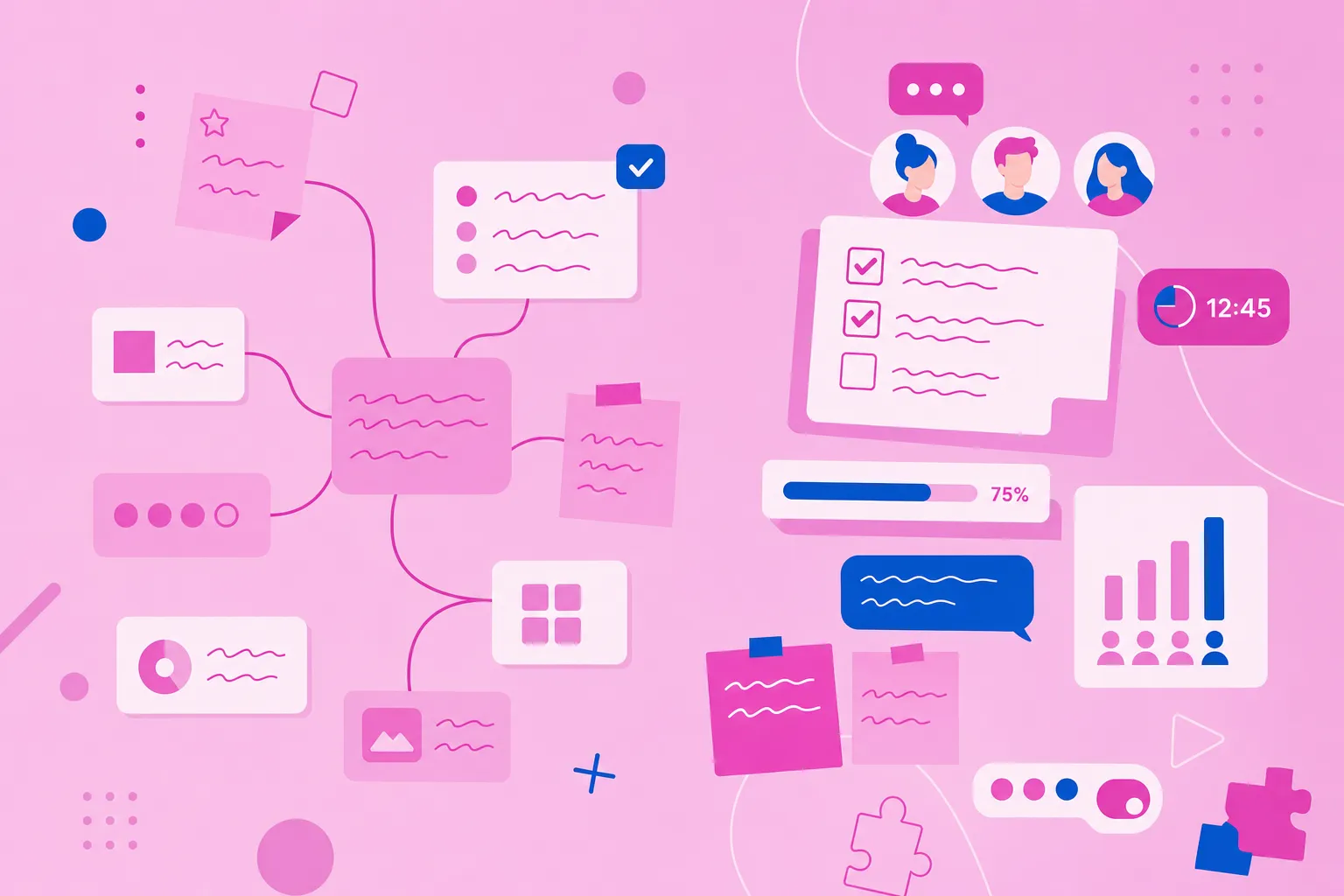
A mind map helps you structure topics the way they emerge in your head – not linearly, but networked. This saves time in preparation, creates clarity in conversations, and makes decisions easier because everyone sees the same big picture.
Typical situations where mind maps noticeably relieve teams:
When discussions go in circles: You bundle arguments and open points visibly in one place.
When projects become confusing: You make dependencies, risks, and next steps recognizable early on.
When knowledge is distributed: You bring together perspectives from different roles – without long email threads.
When results "get lost in the sand": You record decisions and turn ideas into concrete to-dos.
In short: Mind maps bring visual clarity to complex work – and in teams, this is often the difference between "we're talking about it" and "we're making progress."
Practical applications in daily business life
Strategic planning: When you set goals for the business year, all department heads can contribute their perspectives directly.
Project kick-offs: You visualize milestones, responsibilities, and dependencies together.
Brainstorming sessions: In video conferences, you collect ideas live – and every addition is immediately visible to everyone.
Meeting documentation: Instead of linear protocols, you create visual summaries that are quickly understandable later.
What advantages does a collaborative mind mapping solution offer
The days when one person stood alone at the whiteboard collecting ideas are over. Modern teams work differently – and collaborative mind mapping software adapts to this reality.
The biggest advantage?
When your colleague in Japan adds an idea, you see it immediately in Brazil too. This shared visual foundation prevents misunderstandings and significantly accelerates decisions. Especially during brainstorming sessions, you save time: Instead of first collecting ideas, then typing them, and later sending them, everything happens simultaneously.
For remote and hybrid teams, this is a decisive advantage. Collaboration works just as well as in the office – sometimes even better because the visual structure keeps discussions focused. Additionally, everything remains documented: Who contributed which idea when? How did the concept develop? This transparency makes follow-up meetings unnecessary.
Important selection criteria for business use
When selecting the right software for your company, various factors play a role. Not every tool fits every team.
1. Security and GDPR compliance
Your business data is valuable – and sensitive. Therefore, pay attention to:
GDPR-compliant data storage: Ideally, your data is stored in the EU or EEA – here applies the GDPR, one of the world's strictest data protection frameworks.
Encrypted transmission: both during upload and storage
Access control: You determine who can see and edit what
Two-factor authentication: additional protection for your accounts
German and European providers often have an advantage here. MindMeister, for example, fulfills these standards by default as a German company.
2. Easy usability
An intuitive interface is therefore particularly valuable. Look for features like drag-and-drop, helpful keyboard shortcuts, and pre-made templates for typical use cases. Mobile apps expand usage possibilities – so you can access your mind maps on the go.
3. Integrations with your core tools
Your mind mapping software should seamlessly integrate into your existing work environment:
Communication: Connection to Microsoft Teams or Slack
Document management: Integration with Google Workspace or Microsoft 365
Project management: Interfaces to your PM tools
Export functions: PDF, PowerPoint, or other formats for sharing
4. Scalability for growing teams
Think ahead: How is your company developing? The software should be able to grow with you, with flexible pricing models per user, robust admin functions, and the ability to manage multiple teams or departments.
How does collaborative mind mapping work in real-time
Real-time collaboration sounds technical but is quite simple: Multiple people work simultaneously on the same mind map – like a Google Doc, only more visual. Cloud-based solutions make it possible.
You see live cursors of your colleagues and immediately know who is working where. Comments and notes provide additional context to individual ideas. Particularly practical: Brainstorming ideas become concrete tasks with responsible parties and deadlines with one click.
The version history shows how your mind map has developed – who changed what when? And with targeted permissions, you control exactly who can only read, comment, or also edit.
How teams use collaboration in practice:
Across time zones: The team in New York adds ideas in the afternoon that you continue working on in the morning in Berlin
During video calls: Everyone sees the mind map on the shared screen and can contribute simultaneously
For project planning: Feedback comes directly into the mind map – no more endless email chains
An online mind map makes this type of collaboration possible in the first place and transforms distributed teams into an effective unit.
The best tools at a glance
The market for collaborative mind mapping software is large. Here are the most important solutions at a glance:
MindMeister is the original among mind mapping tools and particularly scores with data protection-conscious companies. With German servers, GDPR compliance, and particularly intuitive operation, it hits the nerve of not only European teams. The included presentation mode and Microsoft Teams integration make it a complete solution for many companies.
Miro is the favorite of creative teams. The huge digital canvas offers space for more than just mind maps. With countless templates and integrations (from Jira to Slack), it's particularly suitable for design teams and agile working methods.
Coggle keeps it simple. Those looking for uncomplicated mind maps without unnecessary functions are right here. The Google Drive integration makes sharing child's play – ideal for small teams with limited budgets.
Ayoa connects two worlds: mind mapping meets task management. Ideas can be directly transformed into tasks. The combination makes it interesting for teams that want everything from idea to implementation in one tool.
Xmind focuses on traditional mind maps with clear structure. The desktop app runs stably, but collaboration functions are limited.
How do you protect your business data in collaborative mind mapping
When you record your business strategies, product ideas, or customer projects in mind maps, data security becomes a priority. Pay attention to these aspects:
The server location influences the applicable data protection laws. EU servers mean GDPR protection, for example. Encryption should apply both during transmission and storage. Access protocols and audit logs help you track who accessed which data when.
Practical security tips for your team:
Grant permissions specifically: Not everyone needs full access to all mind maps
Links with expiration dates: Limit external shares temporally
Two-factor authentication: Activate for all team members
Regular reviews: Check monthly who has access to which mind maps
European providers like MindMeister often have the edge here – they know the strict EU requirements and implement them consistently.
How do you find the right pricing model
Pricing for mind mapping software usually follows a similar pattern, but the details make the difference.
Free basic versions are suitable for testing or for very small teams. Usually, you're limited to a few mind maps or users. Pro or team plans charge per user – monthly or annually. Here you get the full range of functions. Enterprise solutions offer customized packages for large organizations, often with dedicated support and special security features.
Ask yourself: How many people will actively work with it? Do you need advanced security functions like SAML-SSO? Which integrations are indispensable? And of course: What may it cost?
Tip: Use the free trial periods. Two weeks are usually enough to feel whether a tool fits your team.
How can a mind map be presented and shared in the company
Your brilliant mind map is of little use if you can't share it effectively. Modern tools offer various ways.
1. Export options and formats
Depending on the target group, you need different formats. PDFs are suitable for formal documentation, PowerPoint exports for presentations to the board. Image formats (PNG, JPG) fit well in reports, while Word or Markdown exports enable further editing.
2. Integration with presentation tools
Many tools offer their own presentation mode. You fold branches specifically open and closed, guide your audience step by step through the thought processes. MindMeister, for example, has such a mode directly integrated – you don't need additional software.
3. Tips for joint presentations
Focus mode helps show only relevant areas. Navigate consciously from branch to branch instead of presenting everything at once. Prepare comments for expected follow-up questions. And decide beforehand: Should viewers only watch or also make live additions?
Why collaborative mind mapping can positively change your way of working
The visual way of working creates a shared understanding that emails and documents cannot achieve. Decisions are made faster because everyone sees the big picture. Transparency reduces misunderstandings and duplicate work.
The choice of the right tool depends on your specific requirements. Data protection, integrations, team size – all of this plays a role. Test different solutions. Most offer free trial versions.
Ready for the first step? With MindMeister, you can create your first shared mind map for free and experience yourself how visual collaboration advances your projects.
Start your first shared mind map for free
Boost teamwork with collaborative mindmaps!