
What are mind maps integrations
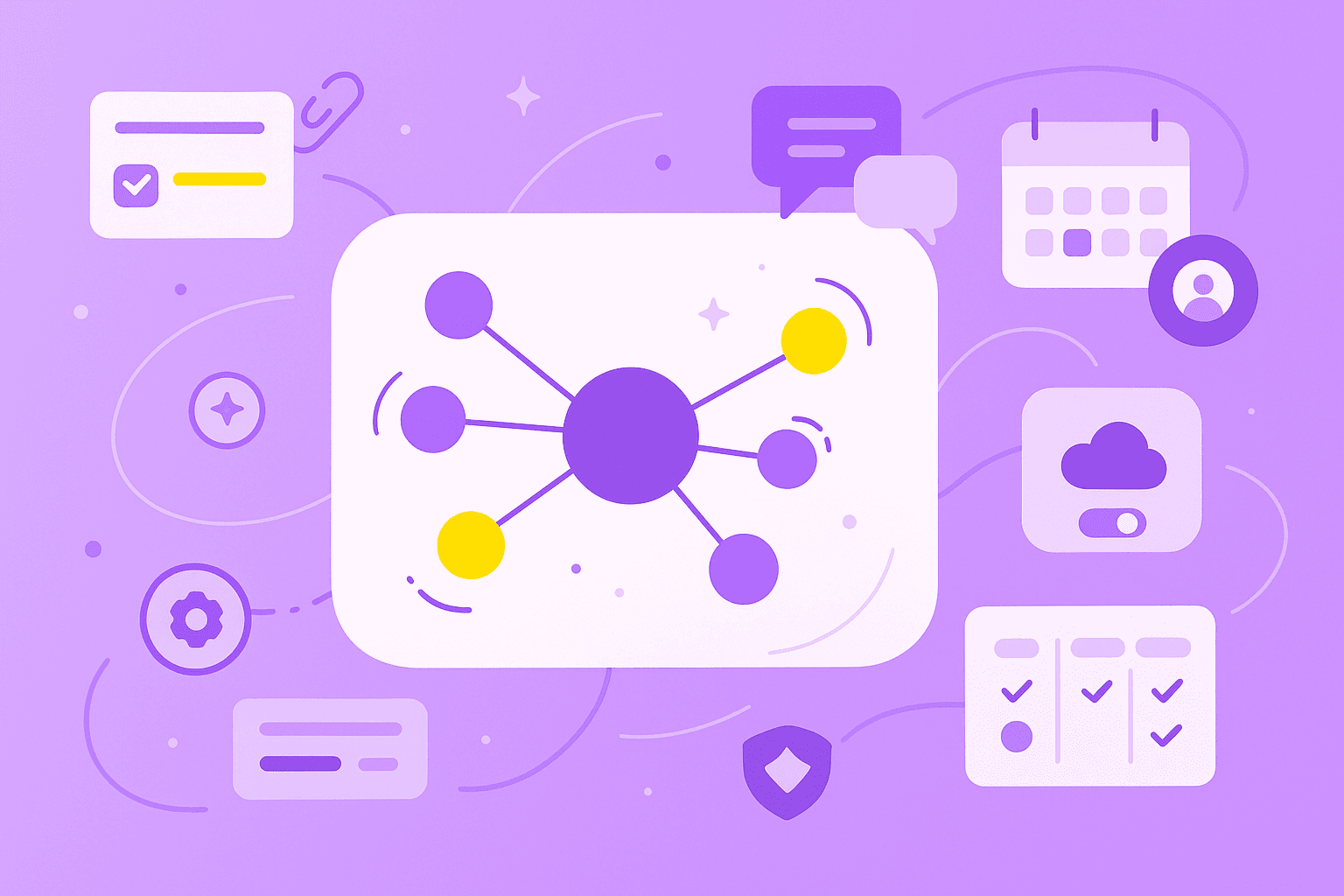
Mind map integrations are connections between mind mapping software and other applications that let you sync data, automate workflows and work with your team across platforms.
Before going further, it helps to know what a mind map is. A mind map is a visual organizer that helps you structure ideas, showing how topics connect to a central theme. You might also hear it called a graphic organizer or a conceptual mind map when it focuses on relationships between abstract ideas.
Integrations build bridges between your mind mapping tool and other software, so information moves automatically instead of by copy and paste. Here's what that looks like day to day:
Automatic syncing: Changes in one tool update in the other without manual copying.
File sharing: Attach documents from cloud storage directly to mind map topics.
Task creation: Turn ideas in your mind map into actionable tasks in project management software.
Team collaboration: Share mind maps through communication platforms your team already uses.
If you want to see which apps connect with a visual organizer, MindMeister offers integrations with common business tools like Microsoft Teams, Google Drive, and MeisterTask.
Why integrate mind mapping tools with your existing software
Adding a new app can feel like one more tab to manage. Integrations flip that worry on its head, because they let mind mapping tools plug into the software you already use, rather than replace it.
So what do you actually get when your tools talk to each other?
Reduce duplicate work: You stop copying the same idea into a doc, a chat and a task list.
Speed up project planning: Ideas move from a brainstorm to an assigned task in a couple of clicks.
Improve team alignment: A shared visual map gives everyone the big picture at the same time.
Keep context intact: Linking docs and discussions to map topics preserves the "why" behind each decision.
Work where your team already works: Connections with Microsoft Teams and Google Drive mean fewer tabs and logins.
Picture a product team planning a launch. They brainstorm inside a Microsoft Teams channel, with a MindMeister map open right there. Attachments from Google Drive sit next to each topic. Final ideas become tasks in MeisterTask, assigned and dated – all without leaving the call.
The result is simple: you get your ideas into action faster and accomplish more in less time.
Key features to look for in mind map integrations
When you compare mind mapping tools, the integrations you choose matter as much as the app itself.
A bad one creates more work than it saves.
Here are the features worth checking before you commit to the best mind mapping software for your team:
Real-time synchronization: Data updates instantly across connected platforms.
Two-way data flow: Changes in either tool show up in both.
Security and encryption: Information stays protected as it moves between apps.
Multi-platform support: The integration works on desktop, mobile and web.
Easy authentication: Sign-in stays simple, with options like SAML SSO for larger teams.
Customizable permissions: You control who can view or edit shared maps.
Reliable uptime: The connection works when you actually open it.
A short table can help you weigh what matters most.
Feature
Why it matters
Real-time sync
Teams see updates the moment they happen
Security standards
Protects company data
Mobile access
Lets you work from anywhere
Security deserves a closer look. A good mind mapping tool treats your data with the same care as your bank app. MindMeister is ISO 27001 certified, GDPR compliant and hosted in Germany. Those three details are worth asking any vendor about.
German hosting matters for teams in regulated industries or regions with strict data residency rules. Combine that with SAML SSO, two-factor authentication and daily backups, and you have a setup most IT teams can approve without a long review.
How to connect a mind mapping tool with common platforms
Most modern mind mapping tools make setup simple. You won't need a developer or a weekend of reading docs. The four sections below walk through the most common integration types, using MindMeister's integrations as the example throughout.
1. Linking with project management apps
Mind maps are great for thinking. Project management apps are great for doing. A good integration joins the two so your plan doesn't get stuck in the "ideas" stage.
With MindMeister and MeisterTask, the steps look like this:
Open your mind map with finalized ideas
Select the topics you want to turn into tasks
Use the integration to create tasks with one click
Assign team members and deadlines from the map
Tasks stay linked to the original map, so anyone opening a task can jump back to the bigger picture. That's the strength of application mind mapping – your strategy and your daily work live in the same connected space, instead of drifting apart in separate tools.
2. Syncing with cloud storage
Cloud storage integrations let you attach files directly to mind map topics, so you stop hunting through folders mid-meeting.
Here's how the setup works with idea mapping software like MindMeister and Google Drive:
Connect your cloud storage account through the integrations menu.
Attach documents, spreadsheets or presentations to specific topics.
Teammates open files straight from the map.
Updates to files sync automatically.
When your research sits in Dropbox and your slides live in OneDrive, a mind mapping tool with broad cloud support pulls everything into one canvas. No one ends up working from an outdated version.
3. Using communication platforms
If your team spends the day in Microsoft Teams, pulling a visual mapping tool into the same window cuts down on tab-switching.
MindMeister's Microsoft Teams integration lets teams create, view, and edit maps without leaving their chat hub:
Add the mind mapping tool as a tab in a Teams channel.
Create new maps or open existing ones inside Teams.
Collaborate in real time during video calls or async chats.
Share maps with specific channels or teammates.
During a call, everyone watches ideas appear on the map together. After the call, the map stays pinned in the channel, complete with comments and attachments, so anyone who missed it can catch up.
4. Leveraging Zapier or API connections
Sometimes a native integration isn't available. That's where Zapier comes in. Zapier is a platform that connects apps to automate workflows with simple "if this, then that" rules.
Here are a few mind map examples of automations you could build:
A new task in your project tool creates a new map topic
A form submission adds a branch to an idea-collection map
A calendar event links to its related planning map
For deeper customization, MindMeister also offers API access. If you have developer resources, you can build a tailored connection between the best mind map software and your internal systems. If you don't, Zapier covers most common cases without any code.
Top ways to enhance collaboration through integrations
Integrations don't just move data around. They change how your team works together. Here are three practical ways that show up in daily work.
1. Real-time brainstorming with shared maps
Integrated mind maps turn a brainstorm into a shared, live event. Everyone adds ideas at once, and everyone sees each other's contributions as they land on the canvas.
A few features make that possible:
Live cursors that show who's editing what
Instant updates across every device
Access through communication platforms like Microsoft Teams
Picture a marketing team planning a campaign during a video call. One person adds a tagline, another pins a reference image and a third groups related ideas into a cluster. By the end of the call, the team has a living visual map instead of a page of meeting notes. Good visual organizer examples, like the ones you can build in MindMeister, make this natural even for fully remote teams.
2. Task assignments and updates
Integrations close the gap between planning and execution. You go from "here's an idea" to "here's who owns it by Friday" without changing windows.
The flow looks like this:
Convert ideas to tasks: Turn any topic into an action item with one click.
Assign ownership: Pick a teammate directly from the map.
Set deadlines: Add due dates that sync with calendars.
Track completion: Watch task status update on the map itself.
The strategic context stays visible while work moves forward. A designer checking off a task can still see how it fits the launch plan. With MindMeister's task creation and MeisterTask integration, idea mapping tools double as project tools without losing visual clarity.
3. File attachments and notes
Integrations let you add rich context to a map. You can attach documents, images, links, and notes to any topic, so your team understands not just what to do, but why and how.
Here are some examples of what teams commonly attach:
Project briefs and requirements documents
Research findings and data
Design mockups and prototypes
Meeting notes and decision records
Reference links and resources
MindMeister supports attachments and notes on topics, and cloud storage integrations make adding them quick. The finished result is a synoptic chart – a visual summary that presents information in an organized, hierarchical format – where every branch carries the material needed to act on it.
Ensuring security and data privacy with mind map integrations
Connecting multiple tools raises a fair question: is your data still safe? It can be, as long as the brain mapping software you pick takes security seriously.
Here's what to check when you evaluate any integration:
Data encryption: Information moves between tools protected in transit and at rest.
Compliance standards: Look for GDPR, ISO 27001 and other recognized certifications.
Access controls: Role-based permissions and SAML SSO help you decide who sees what.
Hosting location: Some teams prefer specific data residency. MindMeister is hosted in Germany.
Regular backups: Automatic backups protect you if something goes wrong on your end.
MindMeister covers each of the points above. It's ISO 27001 certified, GDPR compliant, hosted in Germany and offers SAML SSO, two-factor authentication and daily backups.
SAML SSO actually speeds up access for larger teams, since one login covers every connected tool. Role-based permissions keep sensitive information in the right hands without making admins approve every request. When you compare mind mapping tools, ask each vendor where data is stored, how it's encrypted and which certifications they hold. A confident answer is a good sign.
Real-world use cases for integrated mind maps
Different teams use mind map integrations in different ways. Here are four scenarios that show how the same core idea – connecting a visual organizer to other tools – plays out across industries.
Manufacturing teams. A production planning team maps supply chain relationships and links each node to process documentation. The visual format makes dependencies easy to spot, and technical specs are one click away. Integration highlight: attaching CAD files, specifications and compliance documents to map topics, so engineers on the floor and managers in the office see the same information.
Enterprise strategy planning. Cross-functional teams use mind maps to align on annual initiatives. A mixed map – a hybrid diagram that combines mind mapping with other visual methods like timelines or flowcharts – gives leadership a shared view of strategic priorities across departments. Integration highlight: connecting to project management tools to track progress from the same canvas used to plan it.
Educational group projects. Students working on a research presentation organize findings in a shared visual organizer. Each group member adds sources, notes and draft sections to their branch. Integration highlight: attaching source materials and syncing with Google Drive, so everyone opens the latest version of a reference paper without emailing files back and forth.
SMB marketing planning. A small marketing team maps out a content calendar and campaign ideas in a single working session. Ideas that get a green light become tasks right away. Integration highlight: converting content ideas to tasks with deadlines, so the team moves from brainstorming to execution before the meeting ends.
Bringing it all together for better workflows
Mind map integrations connect visual thinking to the tools your team already uses. They take a format that's great for generating ideas and link it to the platforms that turn those ideas into finished work.
Here's a quick recap of the main benefits:
Connect seamlessly: Work with tools you already use daily, like Microsoft Teams and Google Drive.
Collaborate visually: Share ideas in a format everyone can follow.
Stay secure: Protect information with enterprise-grade security.
Get started quickly: Simple setup, no long onboarding.
When you compare mind map programs, start with one that plays well with your stack. The best mind mapping app for you is the one that connects to the software your team opens every morning. MindMeister links with Microsoft Teams, Google Drive, MeisterTask and more, so your ideas don't get stuck in a silo.
Connect your mind maps to your favorite tools