
Why mind maps make sense in the HR context
Imagine you're sitting in a meeting discussing the new organizational structure after a merger. Or you're planning the onboarding for 20 new employees across different departments. Perhaps you're developing a talent management program for the next three years. In all these tasks, you're juggling countless details, dependencies, and stakeholders – and quickly lose track.
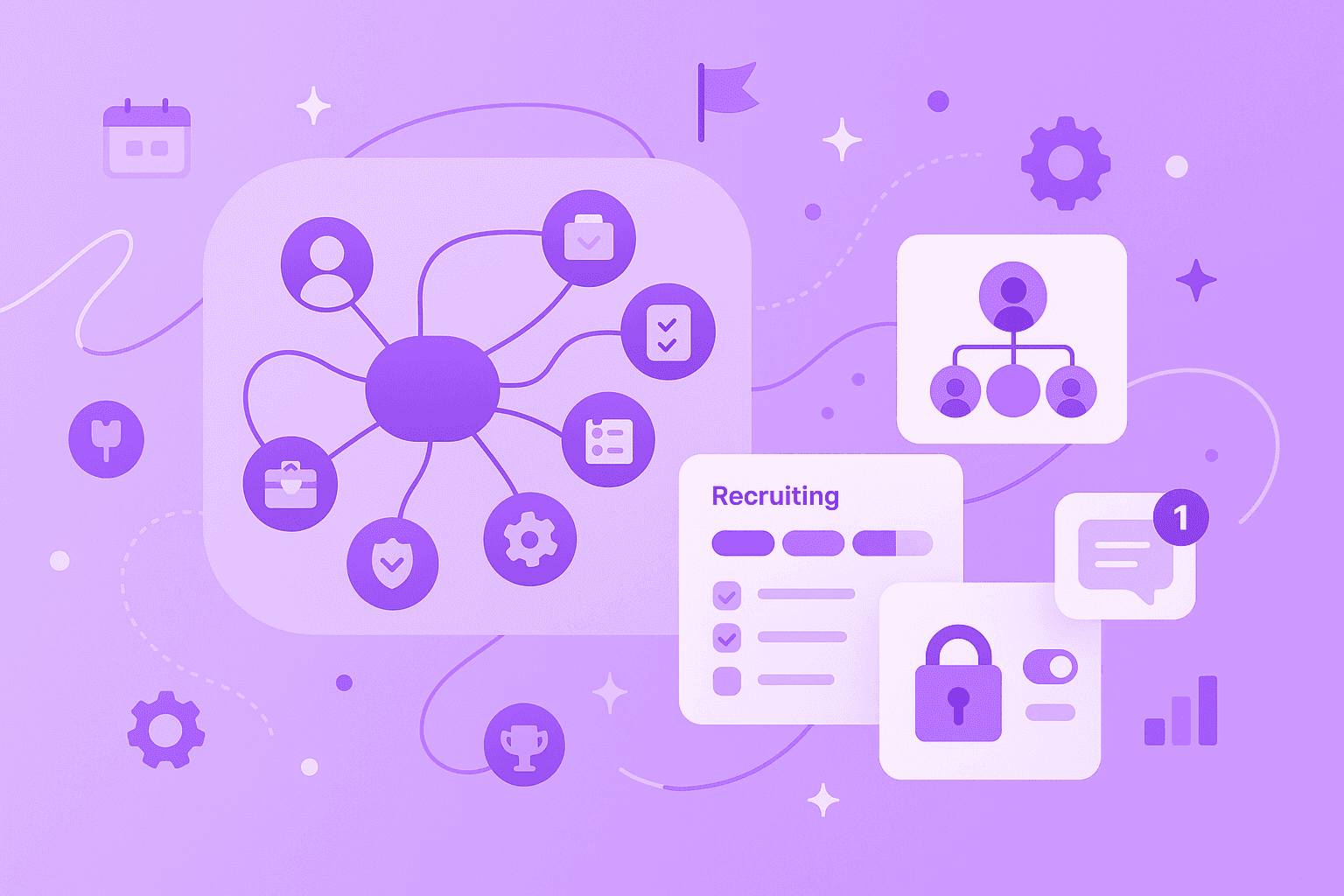
A mind map is a visual representation method where related topics, questions, and next steps branch out in all directions from a central idea. Unlike linear lists or endless text documents, you can see at a glance how everything connects.
For HR departments, mind maps offer three key advantages:
Create clarity: They visualize hierarchies and relationships between topics in an immediately recognizable way – perfect for organizational charts or process flows.
Foster collaboration: Multiple people can contribute and develop ideas simultaneously, whether in the office or working from home.
Arrange thoughts freely: Thoughts can be moved, grouped, and restructured at any time without interrupting the creative flow.
With mind maps, you organize large amounts of information logically and access them quickly. They make complex HR topics like workforce planning, recruiting processes, or employee development visually tangible. This way, you move from chaotic notes to structured thinking and faster decisions.
Visualizing organizational structure
After covering the basics, let's look at specific use cases. Visualizing organizational structure is one of the most valuable mind map applications in HR. As an HR professional, you know the challenge: presenting complex hierarchies, different departments, teams, and reporting lines in a clear way.
An organizational structure shows how roles, departments, and responsibilities are arranged in your company. With a mind map as an organizational diagram, you make this structure understandable for everyone.
Clearly visualizing departments and teams
Mind maps show at a glance how departments and teams relate to each other. This helps you in various situations:
When new employees start, they immediately get a visual overview of the entire organization. During restructuring, all stakeholders can directly see what changes are planned and who they affect. And in cross-departmental projects, it becomes clear who has which role and what they're responsible for.
Here's what your mind map could look like:
Central idea: "Company XY"
Main branches: Marketing, Sales, Product, HR, Finance
Sub-branches: Teams like "Recruiting," "Employee Development," "Payroll" under HR
With digital tools like MindMeister, you can adapt these structures in a flash, share them with others, and work on them together – completely different from rigid PowerPoint slides or outdated PDF organizational charts.
Processes and responsibilities at a glance
Mind maps can do more than just map hierarchies. They also show processes and responsibilities: Who handles which steps in recruiting? Which departments are involved in a new policy? Who needs to approve a promotion?
This visual clarity prevents misunderstandings and makes collaboration between departments smoother. Everyone immediately knows what needs to be done and who needs to be consulted.
Planning and implementing recruiting and onboarding efficiently
From organizational structure, we move to one of the most labor-intensive HR areas: recruiting and onboarding. These processes are complex, time-critical, and involve many people. Mind maps help you keep track and not forget anything.
With a mind map, you see all phases, stakeholders, and tasks at a glance. You recognize dependencies and potential bottlenecks before they become problems. You also foster collaboration between recruiters, hiring managers, and other stakeholders.
1. Overview of application phases
Imagine you're looking for a new Marketing Manager. Your mind map could start like this:
The central idea is "Recruiting for Marketing Manager." From this, the main phases branch out: Job posting, Sourcing, Screening, Interviews, Offer, and Onboarding. Under each phase, you note the specific tasks, who's responsible, and when it needs to be completed.
With this visual structure, you track progress effortlessly and ensure you don't forget any important steps.
2. Defining roles and responsibilities
Clear role distribution is crucial in recruiting. In your mind map, you define exactly: Who conducts the phone screenings? Who sits in the final interviews? Who creates the contract offer?
This clarity saves time and prevents the typical "I thought you were doing that" problem.
3. Structuring onboarding steps
For onboarding, you create a separate mind map. The central idea could be "Onboarding for Maria Müller." The main branches are organized by time periods:
Before the first day
First day
First week
First 30/60/90 days
Under each time period, you list specific tasks: Set up IT access, send welcome email, introductory meeting with team lead. You also note who's responsible and which tasks depend on each other.
With digital mind maps, you attach important documents like employment contracts or handbooks directly to the relevant points. This way, all stakeholders find everything in one place.
Strategic workforce planning and development
After operational processes, we turn to the strategic level. Strategic planning in HR means setting long-term goals for talent management, succession planning, training, and employee retention. These are interconnected topics with many dependencies – ideal for mind maps.
With mind maps, you break down large initiatives like "Talent Management 2026" into manageable sub-areas. You immediately see how different initiatives connect: How does the new training program influence succession planning? Which talents are candidates for which positions? The visual representation also facilitates alignment with executives and other departments.
Collecting talent management ideas
When brainstorming for your talent management strategy, the mind map starts with the central topic. From this, the main areas branch out:
Identification of High Potentials
Development Programs
Succession Planning
Employee Retention Measures
Under each area, you collect specific ideas, note those responsible, required resources, and realistic timelines. The beauty of mind maps: You can brainstorm wildly and structure the ideas later without slowing down the creative process.
Organizing training plans
For individual development plans, mind maps work excellently. The central idea could be "Development Plan for Sales Team." The main branches are organized by competency areas:
Technical Competencies
Soft Skills
Leadership Competencies
Certifications
Under each area, you list specific trainings, timelines, budgets, and success criteria. This way, you keep track and can align individual plans with company goals.
With digital tools like MindMeister, you share these plans with employees, gather feedback, and adjust them together. This makes development planning transparent and motivating.
Meetings and team collaboration
From strategic planning, we move to daily collaboration. HR meetings are often information-rich and multifaceted – whether job interviews, feedback sessions, or strategy workshops. Mind maps help you capture and make all this information usable.
Instead of writing endless linear notes, you create a visual structure. Ideas become immediately visible to everyone, which encourages active participation. After the meeting, you have all information clearly organized in one place – no important points get lost.
1. Creating interview guides together
For structured interviews, you develop an interview guide as a mind map with your team. The central topic is "Interview for Position X." The main branches could be:
Technical Competencies
Soft Skills
Cultural Fit
Motivation
Under each branch, you collect specific questions, define evaluation criteria, and note potential warning signs. With digital tools like MindMeister, multiple interviewers work on the guide simultaneously – even if they're at different locations.
2. Keeping feedback and evaluation rounds transparent
After an interview or performance review, you structure the feedback as a mind map. At the center is "Feedback for Candidate Y." The main points:
Strengths: What was convincing?
Development Areas: Where do you see potential?
Overall Impression: What's your gut feeling?
Next Steps: What happens next?
Under each point, you collect specific examples and the assessments of all stakeholders. This visual structure makes it easy to find consensus and document decisions in a traceable way.
How to use mind maps in HR long-term
So far, we've looked at individual use cases. But mind maps can do more than just help occasionally – they can become a central work tool for your HR department.
When you use mind maps consistently, they become your central knowledge and planning tool. They facilitate collaboration between different HR areas and help you document and further develop best practices.
Integration into online organizational charts and tools
Modern mind mapping tools integrate seamlessly into your existing IT landscape. With integrations for Microsoft Teams, Slack, or Google Drive, you create and share mind maps where your team already works. Export functions allow you to embed mind maps as PDFs or images in presentations or wikis.
Particularly practical: The connection with task management tools like MeisterTask. This way, you turn ideas from the mind map directly into actionable tasks. And instead of static Excel spreadsheets, you use mind maps as a dynamic online organizational diagram that's always up to date.
Best practices for continuous work
For mind maps to provide lasting value, the following practices have proven effective:
Create templates: Develop mind map templates for recurring processes like onboarding, performance reviews, or recruiting. This saves time and ensures consistency.
Update regularly: Schedule fixed times to review your mind maps. You might adjust strategic plans quarterly.
Offer training: Show all HR team members how to create and use mind maps. The more people participate, the greater the benefit.
Consider security: Choose GDPR-compliant tools with high security standards. MindMeister, for example, is ISO 27001 certified and hosts data in Germany.
MindMeister was specifically developed for teamwork. With features like real-time collaboration, comments, and detailed permission management, you work securely and efficiently together.
Modern work methods for modern HR departments
We've seen how versatile mind maps can be in HR work. From visualizing your organizational structure through efficient recruiting and onboarding to strategic workforce planning – mind maps make complex topics tangible and foster collaboration.
The big advantage: Mind maps adapt to your way of thinking, not the other way around. You work visually, networked, and flexibly – exactly how your brain works too. Modern tools make it easy to integrate this way of working into your HR daily routine.
If you've become curious, just try it out. Start your first mind map for free with MindMeister and experience for yourself how visual working transforms your HR processes.
Bring clarity to HR with mind maps