
Why visual methods are useful in project management
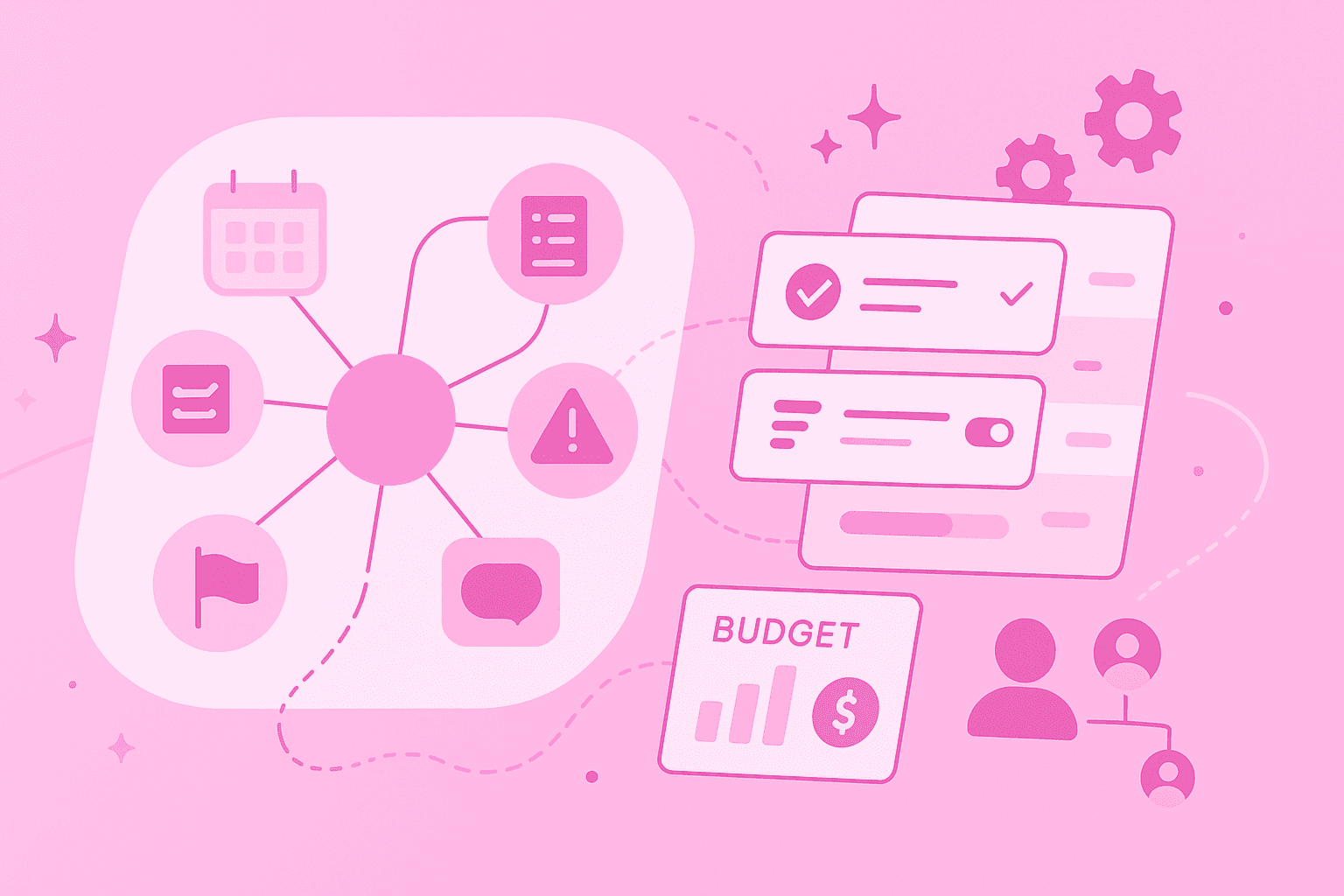
Imagine juggling ten balls at once – that's what project management often feels like. A mind map can help by visually representing all project components and bringing order to the chaos. Instead of endless Excel spreadsheets and text documents, you see at a glance how everything connects.
Visualization makes the difference when coordinating many moving parts. You immediately recognize which task depends on which and where bottlenecks might emerge.
The shift from linear lists to visual structures is like the difference between a phone book and a map. Both contain information, but only the map shows you how to get from A to B.
What is a mind map and how does it support project managers
A mind map is like a family tree for your ideas. At the center is the main topic – your project. From there, branches extend to different areas, which in turn have their own branches. This creates a visual map of your thoughts.
For project managers, this structure offers concrete advantages:
Complete overview: You see scope, deliverables and all workstreams on one page
Visible connections: Dependencies between tasks become immediately recognizable
Flexible structure: Phases, tasks and responsibilities can be clearly organized
A mind map perfectly complements your existing PM tools. While Gantt charts show timelines and task lists capture details, the mind map provides the conceptual overview. This visual clarity makes brainstorming more effective and supports process modeling – the systematic mapping of workflows.
Typical use cases for mind maps in projects
Mind maps accompany you through all project phases. They're far more than a brainstorming tool – they can support the entire project work from the first idea to completion.
Concrete use cases:
Project kickoff and brainstorming: Collect ideas, define goals and identify initial work packages
Structuring work packages: Visualize how individual project packages relate and depend on each other
Milestone planning: Show important project milestones and their dependencies on a map
Mapping team structure: Create an overview of who's involved in which work package and who reports to whom
Risk management: Map potential risks and their impacts on different project areas
Stakeholder communication: Use mind maps to present project relationships clearly or illustrate communication chains and processes
These versatile applications make mind maps the ideal companion for project management. They support both strategic planning and daily project work. Particularly valuable: The mind map makes the organizational structure transparent and shows all stakeholders where their place in the project is.
Steps for creating a project mind map
A good project mind map develops step by step. With the right approach, you'll develop a mind map that optimally supports your project.
1. Define main goal
Place the project name or main goal in the center. This central point is your North Star – everything else orients around it.
2. Define main branches
Establish the major areas: scope, timeline, resources, risks, stakeholders and deliverables. These main branches form the basic framework of your project structure.
3. Cluster tasks
Add details under each main branch. Break large tasks down into smaller ones and group related points. This creates order in the detail chaos.
4. Assign eesponsibilities
Note who's responsible for each task. This assignment makes transparent who does what – and where coordination is needed.
5. Update overview regularly
Your mind map lives with the project. Add new insights, mark completed items and adjust priorities. This keeps the mind map always current and useful.
Mind mapping in project phases from brainstorming to completion
A mind map flexibly adapts to every project phase. In initiation, you capture wild ideas; in planning, you bring in structure; and in execution, you maintain overview.
How to use mind maps in different phases:
Initiation and brainstorming: Capture initial ideas, define project goals and identify stakeholders
Planning: Structure work packages, visualize dependencies and create an overview of resources and timelines
Execution: Use the mind map as a central reference for team meetings, to track progress and document decisions
Monitoring: Update branches to mark completed tasks or add new risks
Closure: Use the final mind map as project documentation and knowledge source for future projects
This continuous use of mind mapping in project management creates continuity. Teams develop a common visual language that reduces misunderstandings. Mind mapping in project management becomes the thread running through the entire project.
Practical integration into existing project management tools
Mind maps aren't competition for your PM software – they're the perfect complement. Think of mind maps as a visual layer over your existing tools.
While your project management software manages tasks and tracks deadlines, the mind map shows the big picture. This combination gives you the best of both worlds: strategic overview and operational control.
MindMeister integrates seamlessly with MeisterTask, allowing you to develop ideas visually and convert them directly into actionable tasks. This turns your project management mind map into an active working instrument, not just a pretty graphic.
Benefits for communication and teamwork
Everyone sees the same picture and immediately understands where their contribution belongs. This visual clarity makes meetings more productive and discussions more focused.
New team members find their way faster when they can grasp the project structure visually. Instead of hours of onboarding, often a glance at the map is enough.
Concrete benefits for your team:
Common understanding: All team members see the same structure and can participate in discussions more easily
Faster meetings: Visual overviews reduce explanation effort and keep discussions focused
Transparent responsibilities: Everyone immediately recognizes who's responsible for which area
Simple onboarding: New team members grasp project relationships faster through visual representation
These benefits make mind maps a universal communication tool.
Mind mapping in PMP and agile environments
The PMBOK Guide (Project Management Body of Knowledge Guide) structures project management into principles and performance domains. A mind map can make these abstract concepts tangible. The PMBOK Guide summarizes the most important practice areas as governance, scope, schedule, finances, stakeholders, resources and risk – a mind map can serve here as a central hub to brainstorm, track and connect work in these areas.
In agile teams, mind maps work particularly well. They fit the iterative working style and support the flexibility that characterizes agile methods.
Mind maps in agile practices:
Sprint planning: Visualize user stories and their dependencies
Retrospectives: Collect feedback in a structured way and identify improvement areas
Backlog refinement: Arrange features and requirements hierarchically
Mind mapping in the PMP context (Project Management Professional) connects classical and agile project management. The visual method works in both worlds and builds bridges between different approaches.
Perspectives for more structure and creativity
Mind maps solve an old dilemma: They connect creative thinking with structured implementation. This balance makes them so valuable for modern project work.
From the first idea to final documentation – mind maps accompany you through all the highs and lows of a project. They create clarity without rigidity and structure without loss of creativity.
Whether you're starting a new project or optimizing existing processes – mind maps offer you the flexibility to reduce complexity while preserving the creative space for new solutions. Mind mapping in project management makes your work not only clearer, but also more fulfilling.
See your projects clearly with MindMeister.