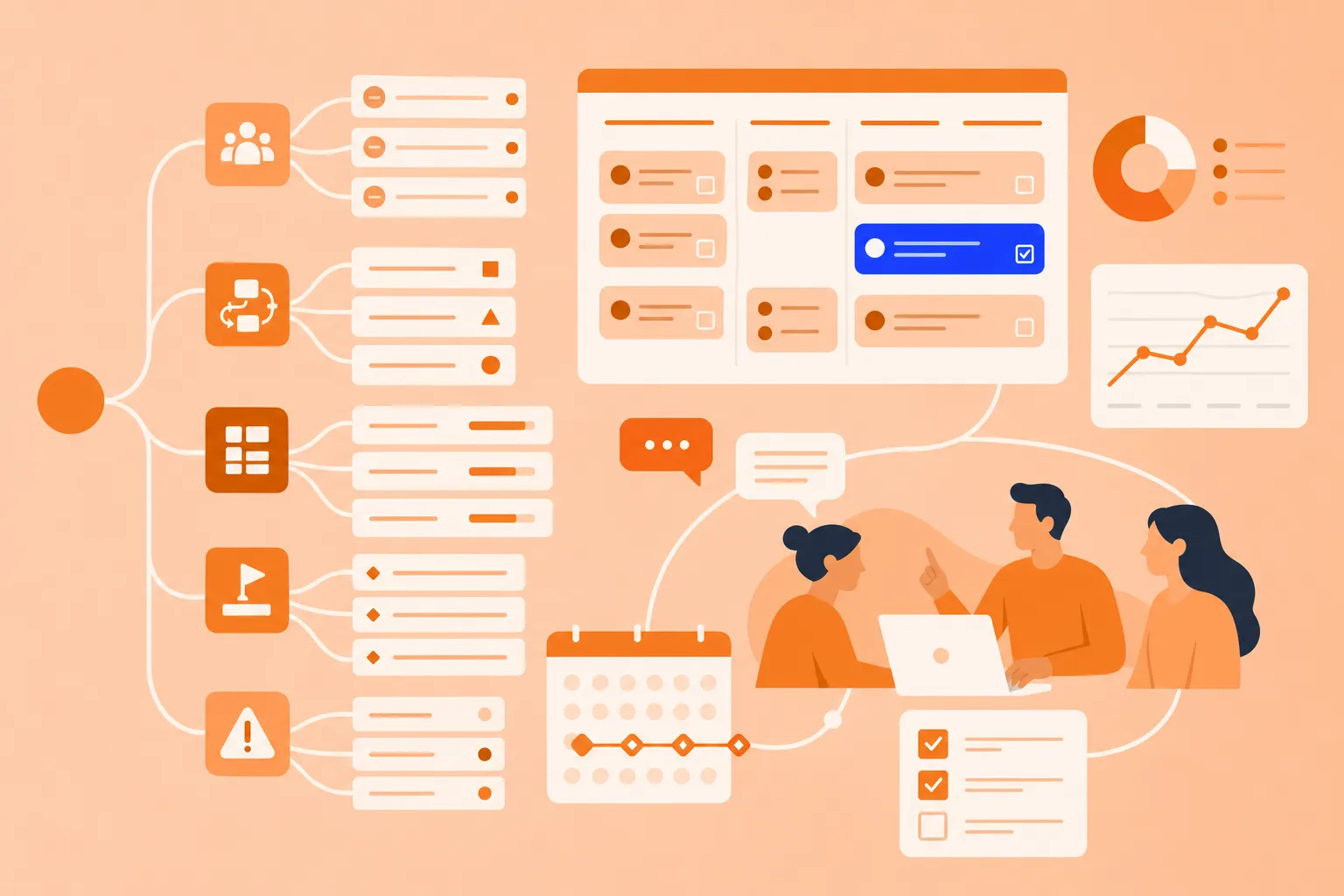

What is a Second Brain and why it matters
A Second Brain is an external system for storing, organizing and connecting your knowledge so your biological brain doesn't have to hold everything at once. You capture ideas, notes and insights in one trusted place, then return to them whenever you want.
The concept sits inside a wider practice called personal knowledge management, or PKM. The idea is simple: keep your thinking outside your head so you can actually find and use it later.
A Second Brain is not about hoarding information. It's about building a trusted system that helps you think better and get more done.
External memory system: a Second Brain stores what you learn so you don't have to remember everything.
Connection builder: it shows you relationships between ideas across different projects and contexts.
Thinking partner: it supports better decisions by giving you quick access to the information that matters.
The idea isn't new. Back in 1945, engineer Vannevar Bush imagined a "memex" — a personal device that could store and link a lifetime of reading. More recently, author Tiago Forte popularized the building a Second Brain method through his book and courses. The tools to build one are now easier to use than ever.
When text-based systems fall short for knowledge management
Text-based tools do a lot of things well. They capture information quickly, sort it into folders or databases and make it searchable. For storing reference material, a traditional knowledge management system works fine.
The blind spot shows up when everything lives as linear text in separate documents. The connections between ideas stay invisible. You can store hundreds of notes and still not see, at a glance, how they relate.
That gap makes it harder to:
Spot patterns across different topics
Recall related ideas while working on a project
Build on past thinking instead of starting from scratch
Human memory works through association, not filing.
When you remember one idea, your brain naturally surfaces related concepts. Text-based systems don't mirror that — they ask you to remember where you filed something in the first place.
Picture a real example. You've saved 10 articles about productivity, five notes from meetings and three ideas for a new project. In a text-only system, those live in separate places. The connections only exist in your head, which defeats the point of having an external system at all.
The benefits of visual thinking in a Second Brain system
So if text alone leaves connections hidden, what fills the gap? Visual thinking does. Spatial relationships are easier for your brain to process and remember than linear lists. When ideas sit on a canvas, their connections become obvious — you see the big picture and the details at the same time.
Three benefits stand out when you apply visual thinking to knowledge management:
Faster pattern recognition: when related ideas are grouped and connected visually, you spot relationships right away instead of reading through multiple documents.
Better recall: spatial memory is stronger than text-based memory, so you remember where an idea sits in relation to others.
Clearer thinking: turning a topic into a visual forces you to clarify how concepts relate, which deepens your understanding along the way.
Mind maps support all three. A central topic branches out into subtopics, with cross-links between related ideas — closer to how the brain stores and retrieves information. Visual formats fit the Second Brain method well because they don't just store information, they help you think with it.
How to develop a Second Brain that actually helps you use what you know
A Second Brain only works if you can actually use what's inside it. Developing one isn't about capturing every interesting thing you read. It's about capturing what matters and arranging it so you can find it later. The steps below show how to do that with a visual approach.
1. Identify your key information
Start by deciding what's worth capturing. Not every piece of information deserves a place in your Second Brain. Focus on:
Ideas that resonate with you
Insights you want to remember
Information tied to a current project or goal
Keep the barrier to entry low. If something sparks your interest, capture it. You can refine the map later.
2. Map connections instead of filing
Instead of dropping information into rigid folders, connect ideas based on how they relate. In a mind map, you:
Start with a central topic or project
Add related ideas as branches
Link concepts across different branches when they connect
The result is a web of knowledge instead of isolated notes. When you open the map a week later, you see the full context immediately.
3. Distill what resonates
Not all captured information carries equal weight. As you build a Second Brain, highlight the ideas that matter most. Use color to mark priority ideas. Add notes to key concepts. Collapse less important branches to reduce clutter.
The point is to make your most valuable insights easy to find and act on, even months down the line.
4. Turn insights into action
A Second Brain proves its value when you use it to accomplish something. Review your maps before starting a project. For project planning with mind maps, pull relevant ideas into a new map for active work. Add tasks or next steps directly to concepts that need follow-up.
Stored ideas only matter if you apply them.
Capturing and organizing ideas with mind maps
You read articles, listen to podcasts, attend webinars and have ideas throughout the week. Without a system, those moments fade or scatter across apps and notebooks. A visual Second Brain catches them.
Here's how it works in practice:
Create a central "Ideas" map, or separate maps by topic area
Add new ideas as they come, connecting them to related concepts
Use branches to group ideas by theme or project
Link ideas across different areas when they connect
When you start a new project or need inspiration, you open your map and see everything relevant in one view. You can trace connections you forgot about and build on past thinking instead of starting from scratch.
With MindMeister, you can capture ideas on desktop or mobile and watch them sync across devices. Add notes, links or attachments to any idea for full context.
One practical tip: review your idea maps weekly. A short scan keeps them fresh and helps you spot patterns as they emerge.
Using a Second Brain study method for learning and recall
Traditional study notes are linear and disconnected. Pages of text are hard to review and don't show how concepts relate, making it difficult to engage in effective note-taking. The Second Brain study method swaps that for visual organization, which builds deeper understanding and stronger recall.
1. Gather course material
Collect what you need to learn: lecture notes, textbook chapters, articles and key concepts. Don't worry about organizing yet — just get everything in one place.
2. Visualize concepts
Create a mind map with the main topic at the center and break it into subtopics as branches. Add definitions, examples and details as you go. The spatial layout shows you the structure of the subject in a way a Word document can't.
3. Highlight patterns
As you map, you'll notice connections between different parts of the material. Link related concepts across branches. Use color or icons to flag important ideas or areas you want to review more.
4. Review and quiz yourself
Collapse branches to test your recall, then expand them to check your answers. The spatial layout helps you remember where information sits, which strengthens recall when you sit down for an exam.
The approach turns passive reading into active learning. By visualizing relationships and testing yourself visually, you understand more and retain more.
Building your Second Brain for team knowledge sharing
A Second Brain doesn't only have to be personal. In teams, knowledge often lives in individual heads, scattered emails or siloed documents. When someone needs information, they have to ask around or dig through chat history. A shared visual Second Brain, like team brainstorming software, changes that pattern.
Here's what it looks like in a team setting:
Create shared maps for projects, processes, or strategic initiatives
Team members add insights, decisions and context as they work.
Everyone sees the full picture and how their work connects to others.
New team members get up to speed by reviewing the map instead of reading through dozens of documents.
The collaboration benefits add up over time:
Shared understanding: everyone sees the same information in the same context.
Faster alignment: visual maps make it easier to discuss complex topics and get on the same page.
Institutional memory: knowledge stays accessible even when team members change roles or leave.
MindMeister lets teams collaborate in real time, add comments and notes and manage permissions so the right people have access to the right maps.
Here's a quick example. A marketing team could keep a shared map of campaign ideas, target audiences and past learnings. When planning a new campaign, they review the map to build on what worked before instead of starting from scratch.
Take the next step toward a visual Second Brain
A Second Brain helps you stop losing ideas and actually use what you know. Most systems focus on storage. A visual approach helps you see connections and think better.
Mind mapping isn't a replacement for text-based tools. It's the visual layer that makes your knowledge usable. Whether you're managing personal ideas, studying complex material or building team knowledge, a visual Second Brain helps you work smarter.
Build your visual Second Brain with mind maps