
What does real-time mind mapping mean?
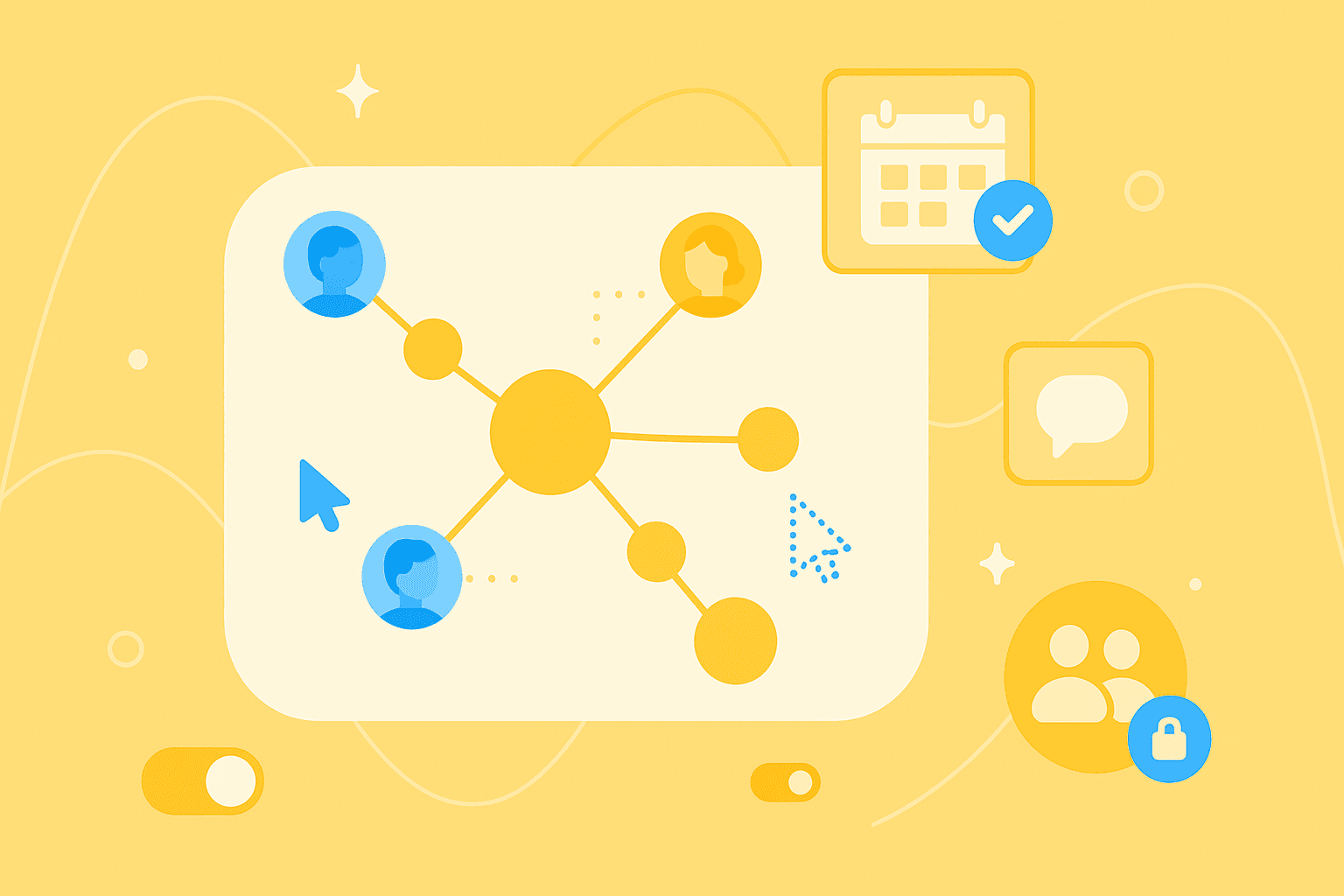
Real-time mind mapping is the simultaneous editing of a mind map by multiple people. Imagine this: you and your colleagues are working on the same visual idea map – every change you make is instantly visible to everyone else. That's the essence of real-time mind mapping, also known as live mind mapping or collaborative mind mapping.
Yes, multiple people can edit a mind map at the same time. This functionality fundamentally distinguishes modern online mind maps from the traditional paper method, where only one person works with pen and paper.
The technology works browser-based and cloud-based. You don't need any software installation – simply open your browser and start collaborating. This accessibility makes real-time mind mapping a practical tool for modern teams.
Why collaborative brainstorming online is so effective
Sound familiar? In traditional team meetings, one person diligently takes notes while the others discuss. Later, they send out minutes – but the dynamics of the discussion and the connections between ideas are lost. With visual real-time collaboration, this doesn't happen.
A practical example: your team is planning a product launch. The product manager in Frankfurt adds "define target audience" as a main branch. At the same time, the marketing expert from Cologne adds "social media strategy" with specific sub-points. The graphic designer working from home sees this development live and adds matching visual concepts. Everyone works on the same document, sees the same information, and builds on each other.
This type of collaboration brings structure to your discussions:
Transparency: All team members have the same level of information – no outdated versions or misunderstandings
Structure: Ideas automatically arrange themselves in a visual hierarchy, making connections immediately visible
Engagement: Even reserved team members can contribute their thoughts without interrupting others
5 reasons why collaborative mind mapping is so powerful
1. Ideas become visible immediately
You type in an idea – your team sees it instantly.
No more email chains, no waiting for minutes, no lost notes.
In practice, this means: while you add "conduct customer survey" as a new branch, your colleague can directly add "create online questionnaire" and "plan incentives" as sub-points. The flow of ideas is maintained, the discussion develops organically.
2. Shared structure for more clarity
A mind map doesn't just visualize ideas – it also shows how they're connected. When your team works together on this structure, everyone develops the same understanding of the big picture.
This advantage is particularly evident in project planning. Main goals branch into sub-tasks, which in turn branch into concrete work steps. Dependencies between marketing, development, and sales become recognizable at a glance. Instead of working in separate documents, everyone sees the same context.
3. Easy task distribution
Transform ideas into concrete tasks with just a few clicks. You can assign responsible parties and set deadlines directly in the mind map. This seamless connection between brainstorming and implementation prevents good ideas from being forgotten later.
During the meeting, you immediately clarify who does what by when. The visual representation instantly shows the distribution of work. Modern mind mapping software like MindMeister offers smooth integrations with project management tools that simplify this process even further.
4. Bridges locations and time zones
Your development team sits in Munich, your designers work from Vienna, and the project lead is currently on a business trip in London? No problem. With real-time mind mapping, everyone works on the same document, no matter where they are.
This geographic independence makes it possible to work with the best talent – regardless of location. Remote work and distributed teams become the norm instead of a challenge. Automatic synchronization ensures everyone is always up to date.
5. Improves long-term documentation
Unlike meeting notes that often disappear into drawers, a collaborative mind map remains as a living document. It evolves with your project – new insights flow in, outdated information gets updated.
For new team members, onboarding becomes significantly easier. The visual structure shows at a glance what it's about and how the various aspects are connected. Many tools also offer version history, so you can track the development of your ideas.
Step-by-step creation of a live mind map
1. Define the starting topic
Every mind map needs a clear center point. Formulate your central topic precisely – it determines the direction of your collaborative work. "Marketing strategy 2024" works better than the vague "marketing ideas".
Good examples for central topics:
"Website relaunch Q3"
"Customer event September"
"Process optimization customer service"
2. Set up tool and access rights
Choose a browser-based mind mapping tool and create your mind map. Then invite your team members – usually via email or a sharing link. In doing so, you determine who can edit and who can only view.
This rights management is important: core team members need full access, stakeholders often only need read rights. Tools like MindMeister make this distinction easy and offer flexible settings for different scenarios.
3. Add ideas in real time
Now the real magic begins. All team members add branches and sub-points simultaneously. Every change appears immediately for everyone else – this creates a dynamic working atmosphere.
Use keyboard shortcuts for faster work: Tab for new sub-points, Enter for sibling elements. While one person builds the main structure, others can already add details. This parallel way of working multiplies your team productivity.
4. Create connections and categories
Link related ideas with connecting lines – even if they're in different branches. These cross-connections often reveal surprising relationships. Use colors and icons for categorization: red for urgent, green for completed, question marks for open points.
An example: connect "budget" with all cost-relevant points in marketing, development, and sales. This way, you keep an overview of costs.
5. Assign tasks directly
Transform ideas into concrete tasks. Select an element, convert it into a task, assign a person, and set a deadline. This direct transition from planning to execution prevents good ideas from getting lost.
MindMeister offers a particularly elegant integration here – tasks are managed directly in the mind map and can be exported to a full-fledged project management tool if needed.
Collaboration and security through access and sharing rights
Collaborative work on mind maps requires thoughtful security mechanisms. You can share mind maps via email invitation specifically with individual people or invite larger groups via a link. The gradation of rights gives you full control over who can do what.
Modern tools offer different permission levels:
Permission
Description
Use
Edit
Full access, can change content
Core team
Comment
Can give feedback but not change
Stakeholders
View only
Can view mind map but not edit
External partners
Pay attention to security aspects like encryption and GDPR compliance – especially when working with sensitive company data.
5 reasons why MindMeister is ideal for real-time mind maps
1. Real-time editing on all devices
MindMeister works completely browser-based. No download, no installation – you simply open your browser and get started. Cloud storage automatically synchronizes between Mac, Windows, Linux, Chromebook, and mobile devices.
This platform independence means: you can start on your desktop at the office and continue on your tablet on the go. All changes are immediately available everywhere.
2. Intuitive interface for every team
The user interface is designed so that even people with little technical knowledge can start immediately. Drag-and-drop, clear menus, and logical keyboard shortcuts make operation self-explanatory.
New team members understand the basic functions in just a few minutes. This low entry barrier means: your team can accomplish more right away, without wasting time on long introductions.
3. Diverse customization options
MindMeister offers extensive design options for your mind maps:
Colors and designs: create a consistent visual appearance
Icons and symbols: mark priorities and categories at a glance
Attachments: insert files from Google Drive or Dropbox directly
Notes and comments: add important context without losing the overview
Different layout options like org chart view or list format adapt to different ways of thinking.
4. Integrated task function
Every idea can directly become a task. Assign responsible parties, set deadlines, and track progress – all within the mind map. Integration with MeisterTask extends this functionality for more complex projects.
This seamless connection between brainstorming and project management makes MindMeister more than just a visualization tool.
5. Reliable security and data protection
As a German company, MindMeister meets the highest security standards:
ISO 27001: certified information security
GDPR compliant: complete data protection according to European law
2FA and SSO: modern authentication methods
Daily backups: your data is backed up multiple times
These security measures give you the confidence that your ideas and plans are protected.
Integration with your existing workflows
MindMeister fits seamlessly into your existing work environment. Integration with Microsoft Teams enables brainstorming directly in your communication hub. Google Drive and Dropbox connections keep all documents in one place. The connection to MeisterTask creates a continuous workflow from idea to implementation.
These integrations mean: you can work where you already are, without constantly switching between different tools.
Open your mind map and open your mind
Real-time mind mapping changes how teams develop ideas and plan projects. Simultaneous collaboration transforms isolated thought processes into a shared creative flow. Structured, visual representation replaces chaotic notes and endless email chains.
With the right tools – like MindMeister – this way of working becomes accessible for teams of any size and technical experience. The combination of intuitive operation, comprehensive features, and German data security creates the ideal environment in which your team achieves more.
Discover more MindMeister use cases for small businesses.
Transform team ideas with real-time mind maps