Meeting agenda maker for teams
Build a visual meeting agenda in minutes, share it before you meet, and turn topics into action items with owners. No more messy meetings with unclear outcomes.


4.6/5 (299 reviews)

Made in the EU
GDPR compliant
Build a visual meeting agenda in minutes, share it before you meet, and turn topics into action items with owners. No more messy meetings with unclear outcomes.
Loved by 40M+ mind mappers





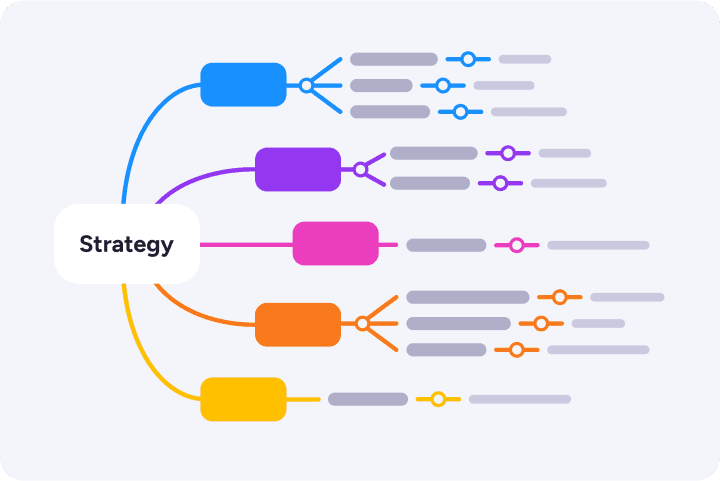
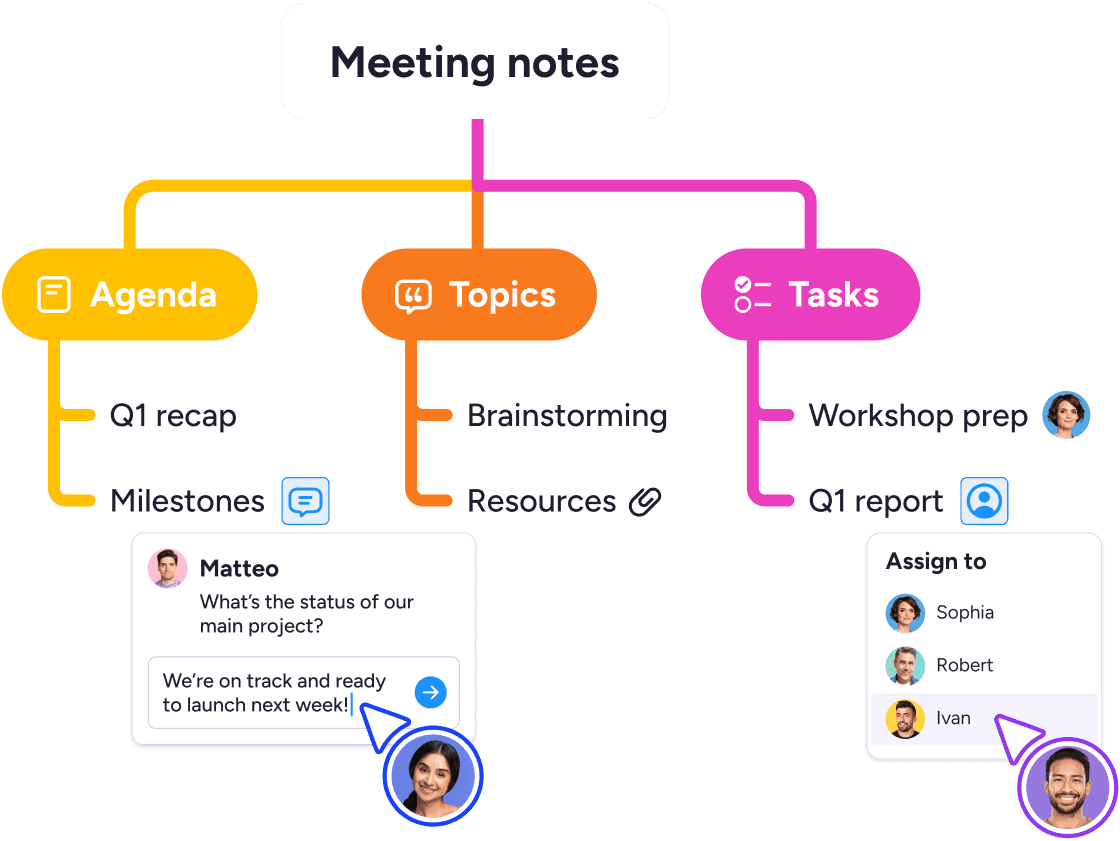
When your agenda is a wall of text, people tune out. A visual meeting agenda lets everyone follow along easily.
Expand and collapse branches as your meeting progresses to keep everyone focused on what's being discussed.
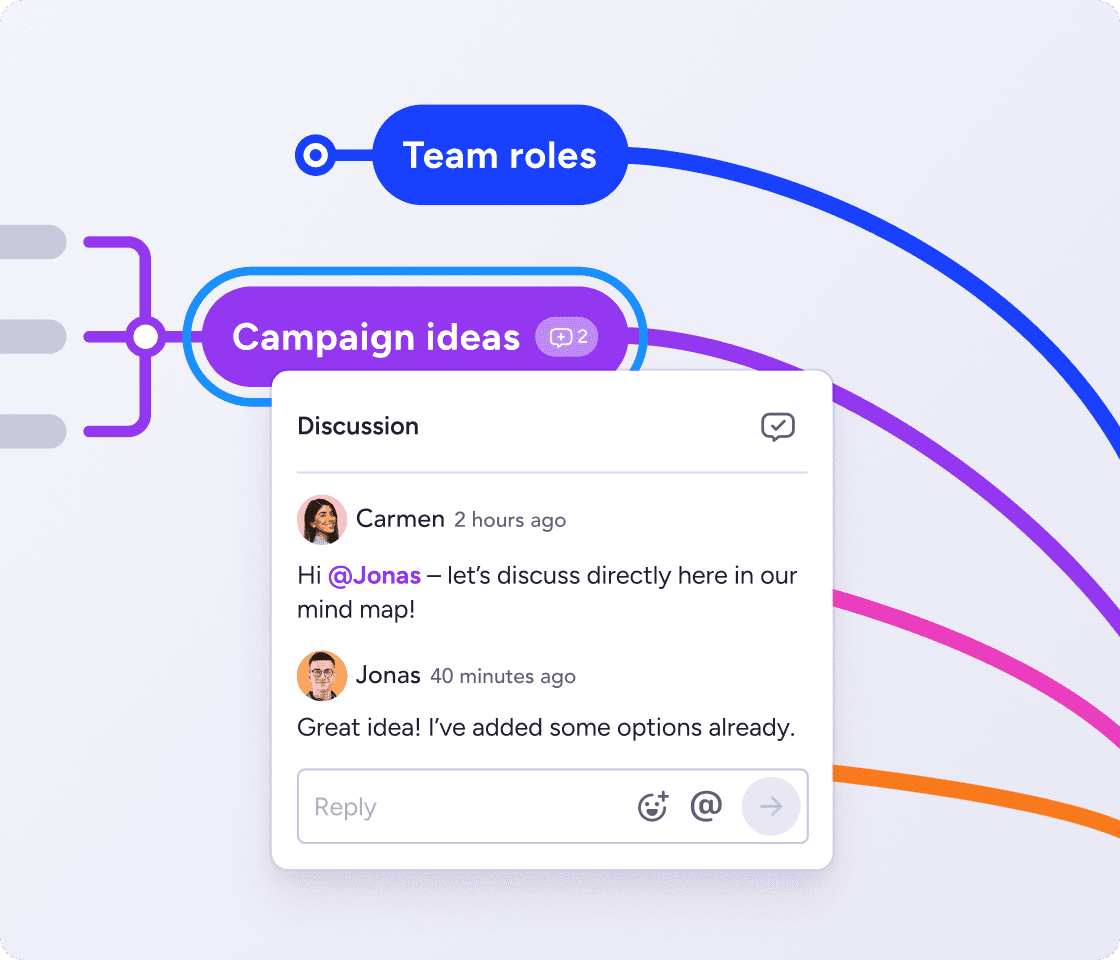
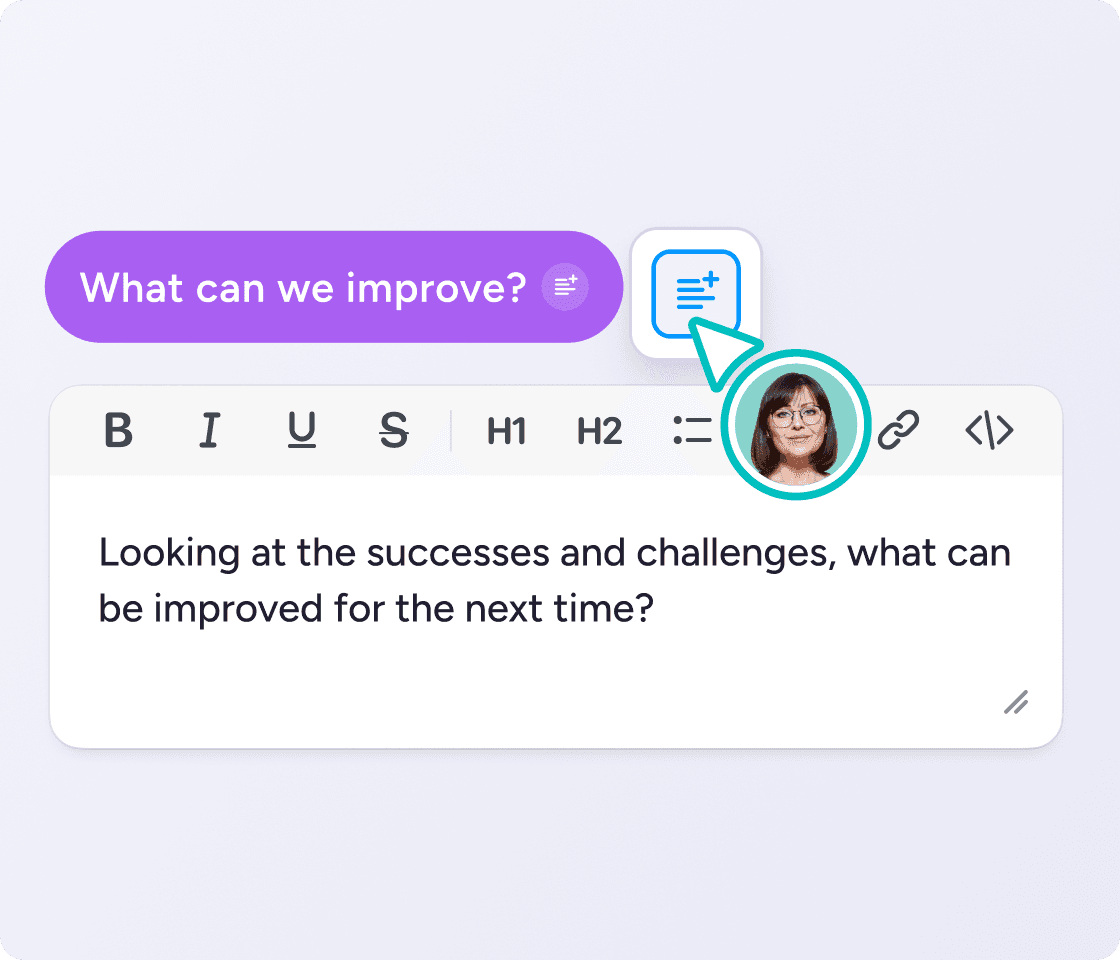
Share the map with your team ahead of time and let everyone add topics, questions, and notes. Comment, mention and edit in real time.
You'll get a meeting agenda that reflects your whole team's needs instead of just one person's.
Take notes right in the map as you talk. MindMeister is integrated with our work management platform MeisterTask, so it's easy to assign owners and due dates to track action items.

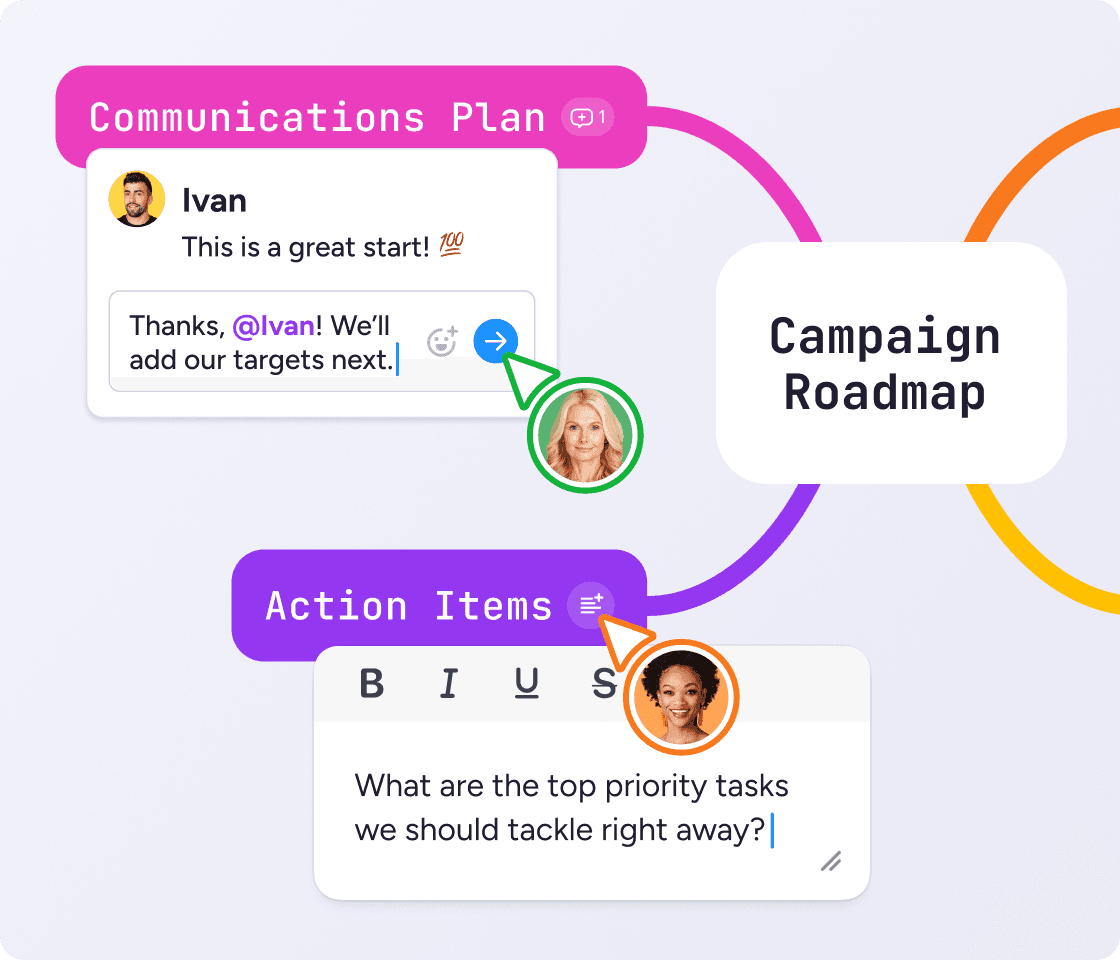
Got a weekly standup or a monthly staff meeting? Duplicate your map and you've got a ready-made structure every time.
Great for in-person, remote, and hybrid teams alike.
Our brainstorming meetings are here to stay. I rely on the ideas and spontaneity of my colleagues to achieve the best possible results. With all our best ideas stored and accessible in MindMeister, it’s easier to put these ideas into action.
 DK
DK
Looking for a quick way to get started? A team meeting agenda template gives you a customizable structure ready to fill in.
Adjust the branches to fit your needs, restyle the map to your tastes, and start having better meetings today.


Click on any sample meeting agenda to preview it, then create your free MindMeister account to customize and share it.
• Team meeting agenda: status updates, blockers, and priorities for the week
• Staff meeting agenda: announcements, department updates, and open floor
• Board meeting agenda: approvals, reports, decisions, and next steps
• One-on-one agenda: wins, challenges, growth, and feedback
Write a clear meeting agenda in minutes with these steps:
Set the goal. What does this meeting need to decide or produce?
List your topics. Add each as a branch on the map.
Break topics into talking points. Note who owns each and how long it should take.
Share it early. Let people review and add to it before you meet.
Capture meeting minutes live. Capture notes and turn decisions into tasks as you go. The agenda you planned becomes the record of what happened.

As your trusted digitalization partner, we're committed to providing a secure and reliable platform so you can manage your daily work with confidence.
ISO 27001 certified
Fully GDPR compliant
Hosted in Germany
Admin controls
Security best practices


Sync your maps with Google Drive, turn ideas into tasks in MeisterTask and brainstorm directly in Microsoft Teams.
Explore integrationsA meeting agenda is a short plan of what a meeting will cover: the topics to discuss, who leads each one, and what needs to be decided. It sets expectations before the meeting and keeps everyone on track during it. In MindMeister, your agenda is a visual map, so each topic branches into talking points, notes, and action items.
Yes, you can start for free. Create a visual meeting agenda, share it with your team, and collaborate at no cost. Paid plans add more maps, collaborators, and export options when you need them.
Absolutely. MindMeister works as visual meeting agenda software: build your agenda as a map, share it with the room, work through it live, and turn topics into tasks. It runs in your browser and on mobile, so your agenda is always with you.
Absolutely. Clone maps or use templates to keep things consistent and efficient.
Start with your goal, then add each topic as a branch on the map. Break topics into talking points, share the map before you meet, and capture notes as you talk.
Yes. Take minutes right in the map by adding notes under each agenda topic, so the record sits exactly where the discussion happened. Everyone on the map can see them and add anything you missed.
It's built for them. Duplicate your agenda map for each weekly standup, staff meeting, or one-on-one and you've got a ready-made structure every time. Adjust the topics and keep the format.
Yes. Everyone can view and edit the same agenda in real time, wherever they're working. Comments and mentions keep remote and in-office teammates aligned, and MindMeister connects with Microsoft Teams and Google Drive.
Yes. Turn any topic in your agenda into an assigned task in MeisterTask, our work management platform, without leaving the map. Decisions become trackable action the moment you make them.