The simple Jamboard alternative for teams
Jamboard is gone, but your sticky notes don't have to be. MindMeister is a Jamboard replacement with an online whiteboard and mind maps.


4.6/5 (299 reviews)

Made in the EU
GDPR compliant
Jamboard is gone, but your sticky notes don't have to be. MindMeister is a Jamboard replacement with an online whiteboard and mind maps.
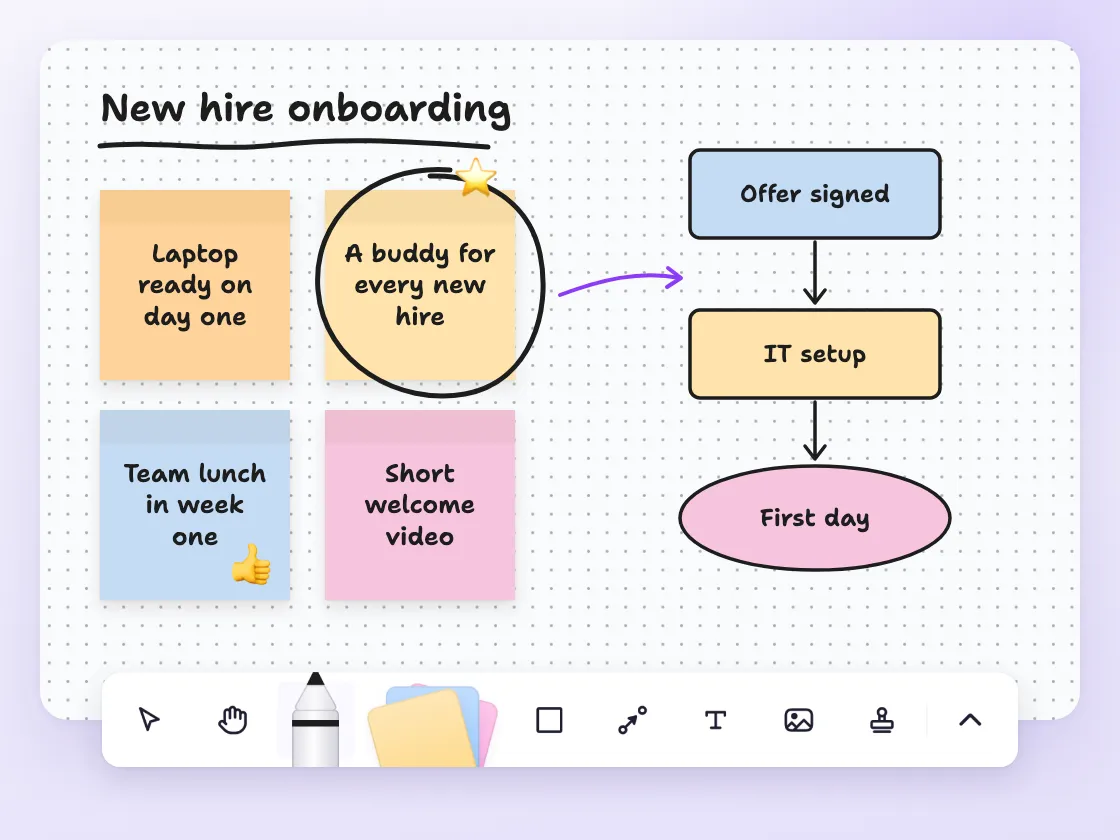
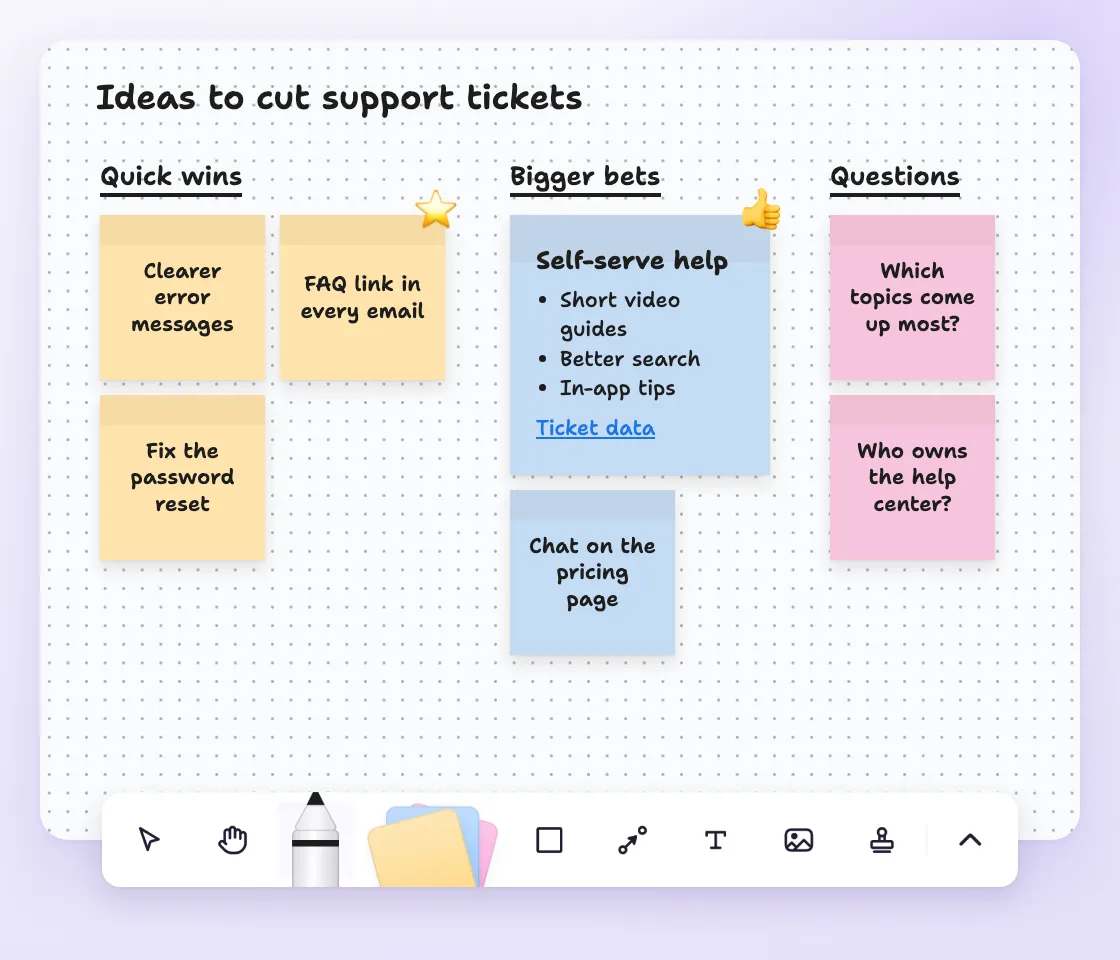
MindMeister is for teams that miss the quick, open canvas Jamboard used to offer.
It's a good fit for brainstorming, planning and workshops, where ideas start messy and need structure later.
If you want sticky notes today and a clear plan tomorrow, MindMeister covers both.

Make complex ideas easy to understand
Drag and drop topics to organize ideas on the fly
Add links, notes and images to keep everything in one place
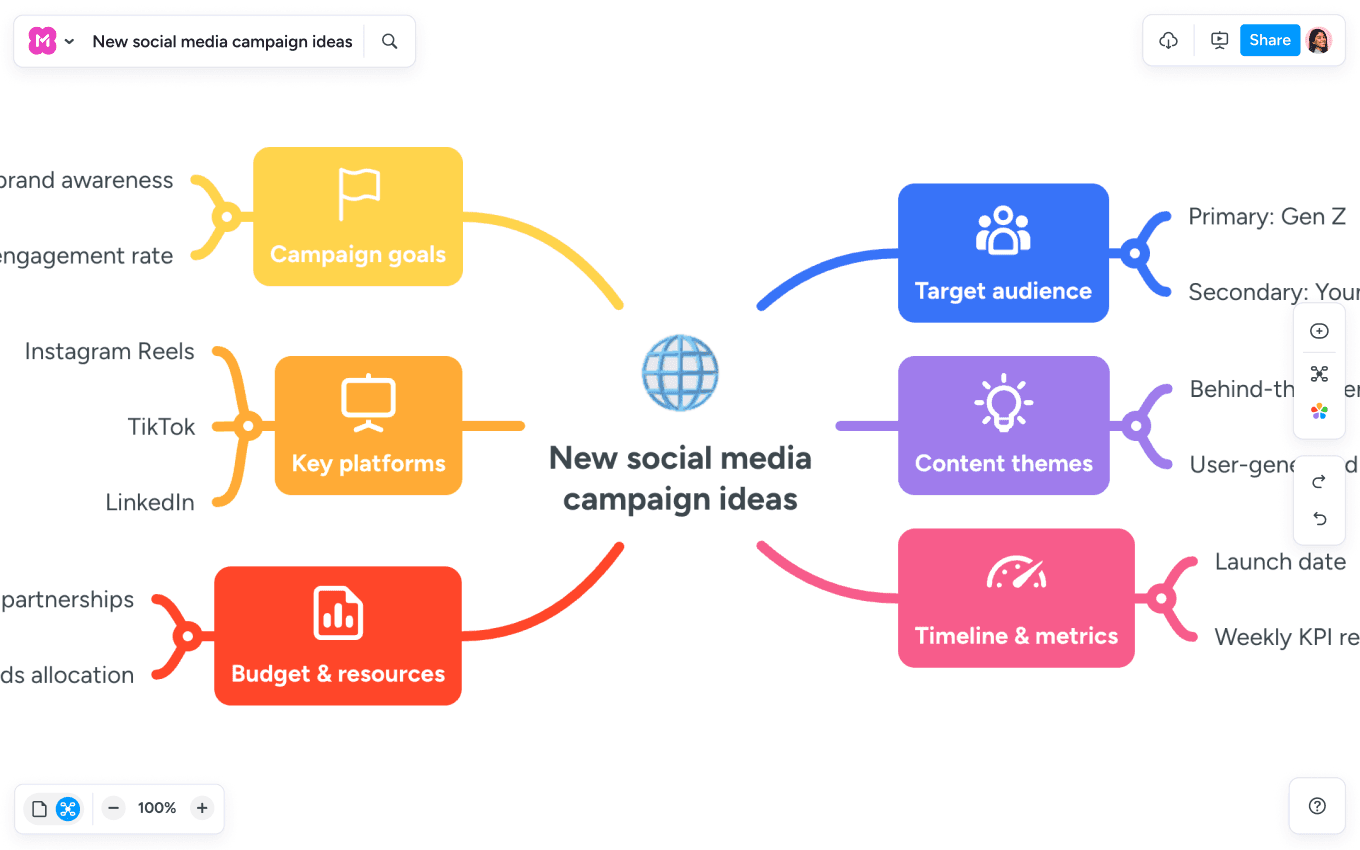
Run real-time brainstorms with your team
Add comments and spark discussions
End with clear, actionable next steps

Visualize tricky topics to master them faster
Improve memory retention and recall
Attach notes and supporting material
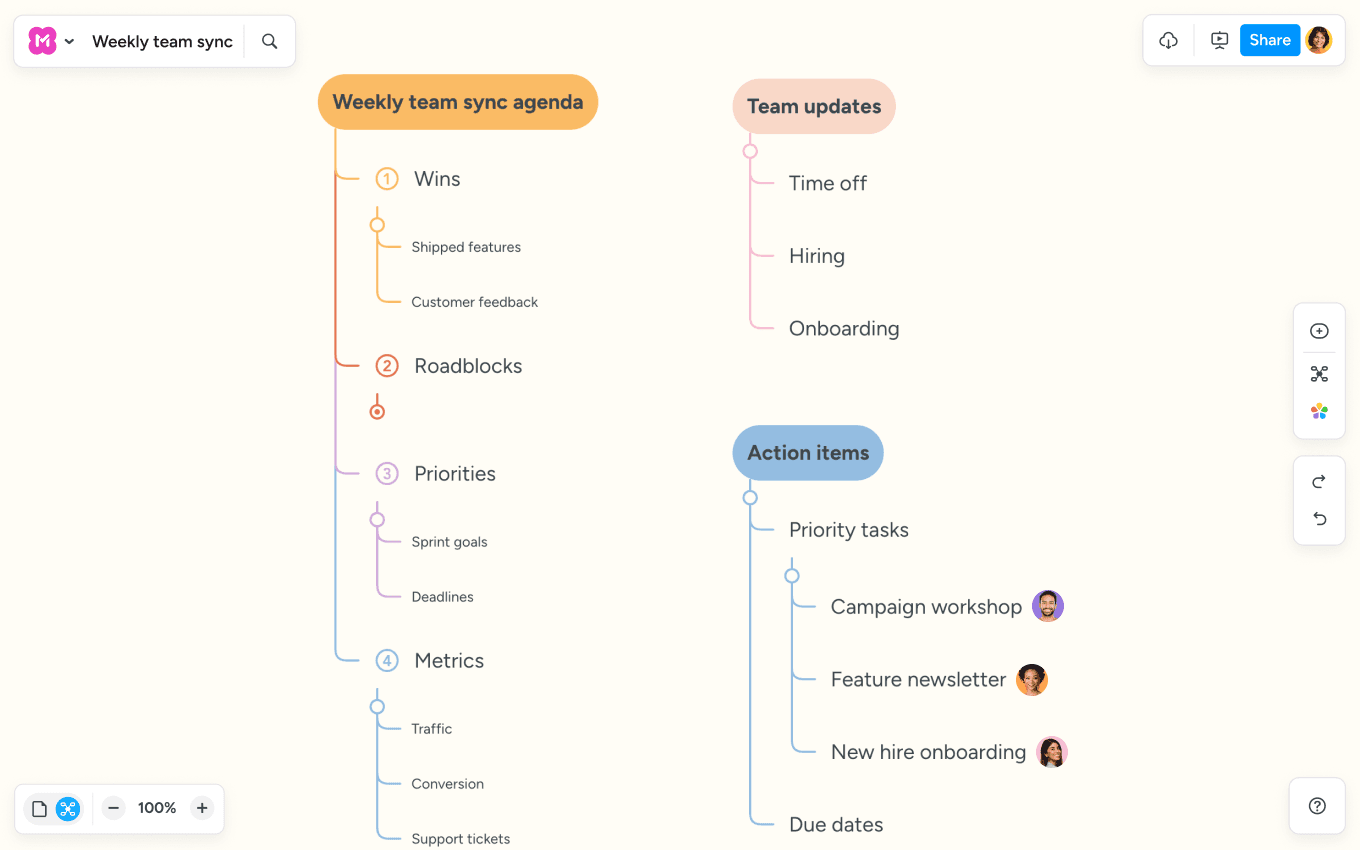
Create a visual agenda that everyone can follow
Use presentation mode (and skip the slide prep)
Capture decisions and create tasks right on the map
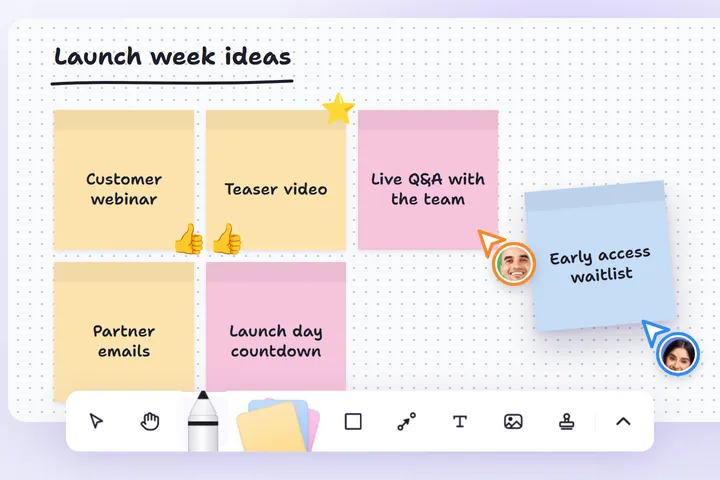
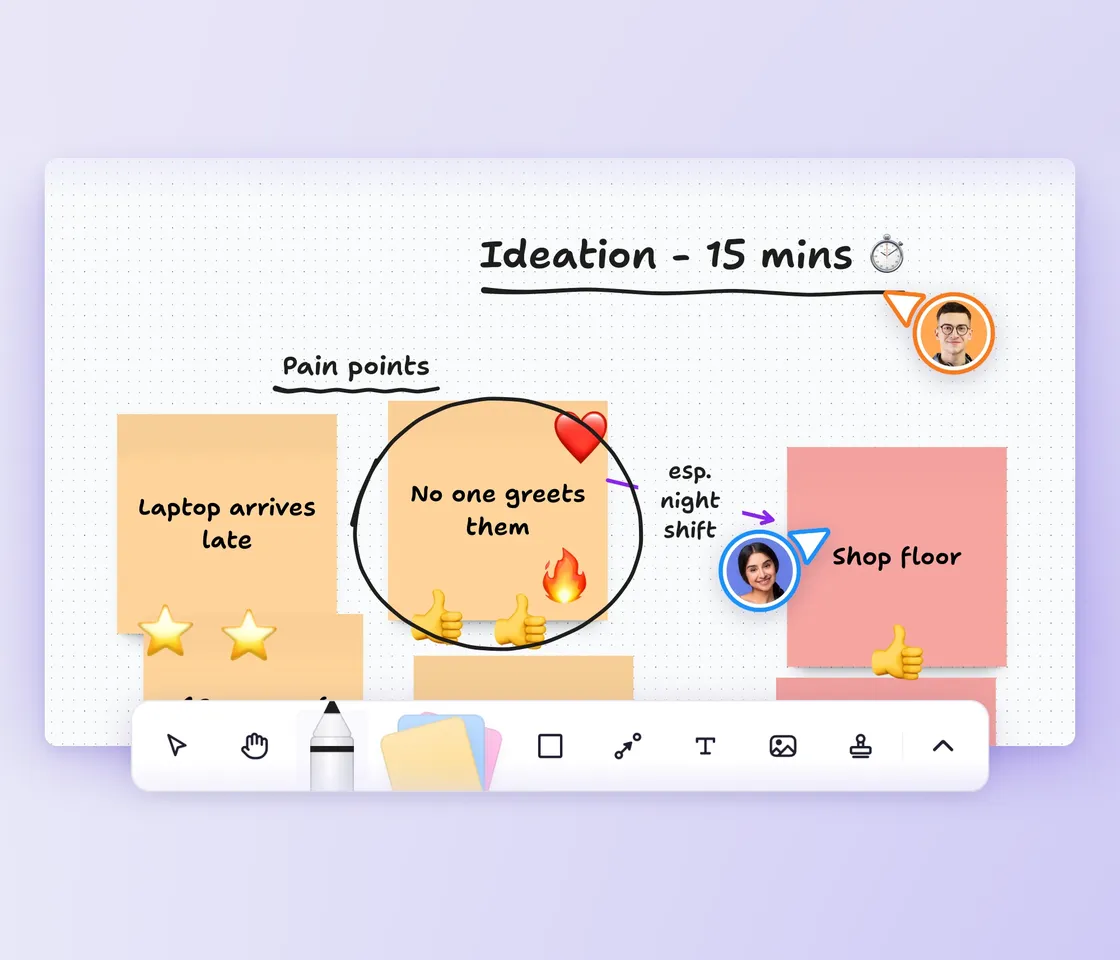
Capture ideas on sticky notes, drop them anywhere and add them together with your team in real time.
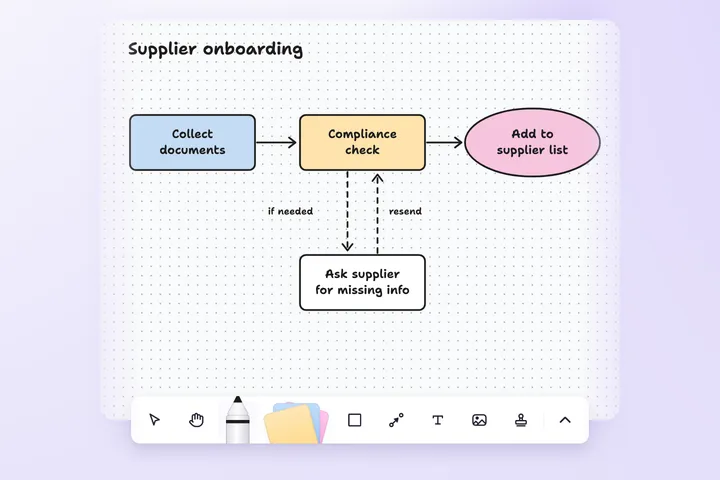
Sketch rough plans with shapes and connections, with arrowheads and labels where direction matters.
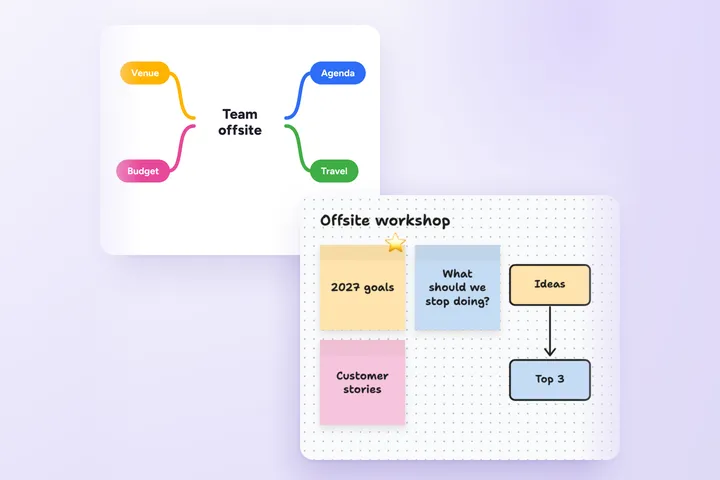
When the ideas take shape, organize them in a mind map, right next to your whiteboards.


Jamboard stopped letting anyone create or edit Jams in October 2024 and shut down at the end of that year. Your old Jams live on as PDFs in Google Drive, but you can't add a single new sticky note.
Your old boards are still there to read, but not to work on. That's why teams look for Jamboard alternatives and apps like Jamboard that let them keep brainstorming on a whiteboard.

As your trusted digitalization partner, we're committed to providing a secure and reliable platform so you can manage your daily work with confidence.
ISO 27001 certified
Fully GDPR compliant
Hosted in Germany
Admin controls
Security best practices
"MindMeister’s flexibility and ease of access are central to my enjoyment of the tool: it lends itself to use by any hands, not just those of an artist."
 HB
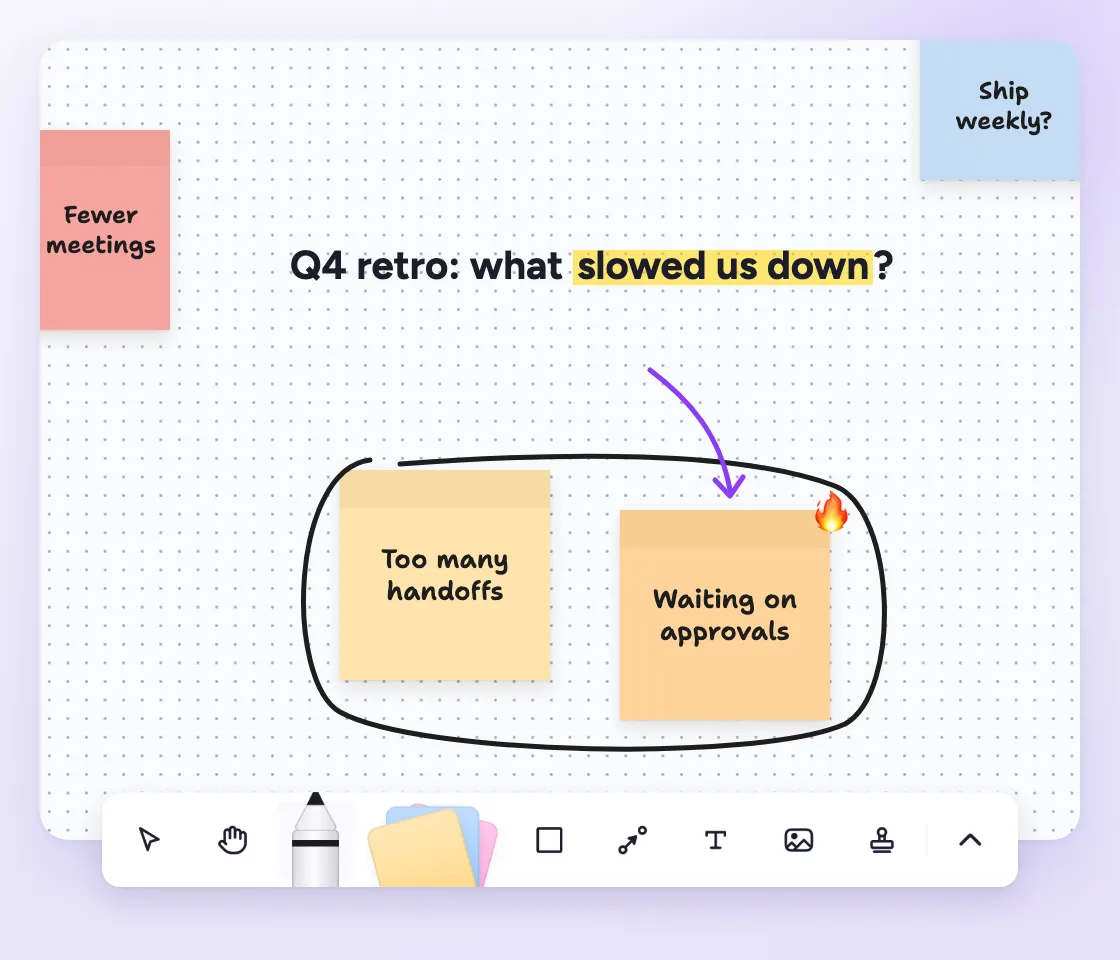
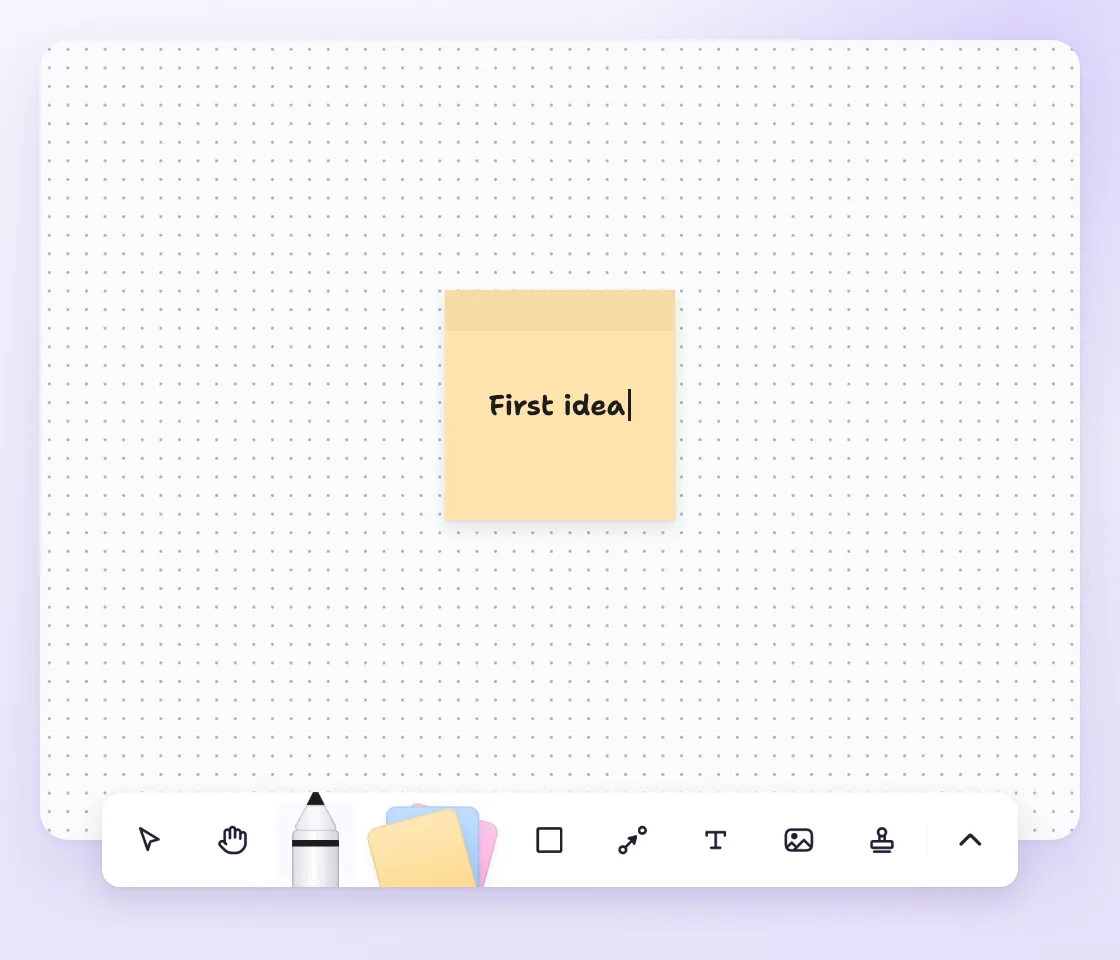
Open a whiteboard and place ideas wherever they make sense, then pan and zoom as the board grows.
Use Draw and Highlight to sketch freely or mark what matters, just like you did on Jamboard.
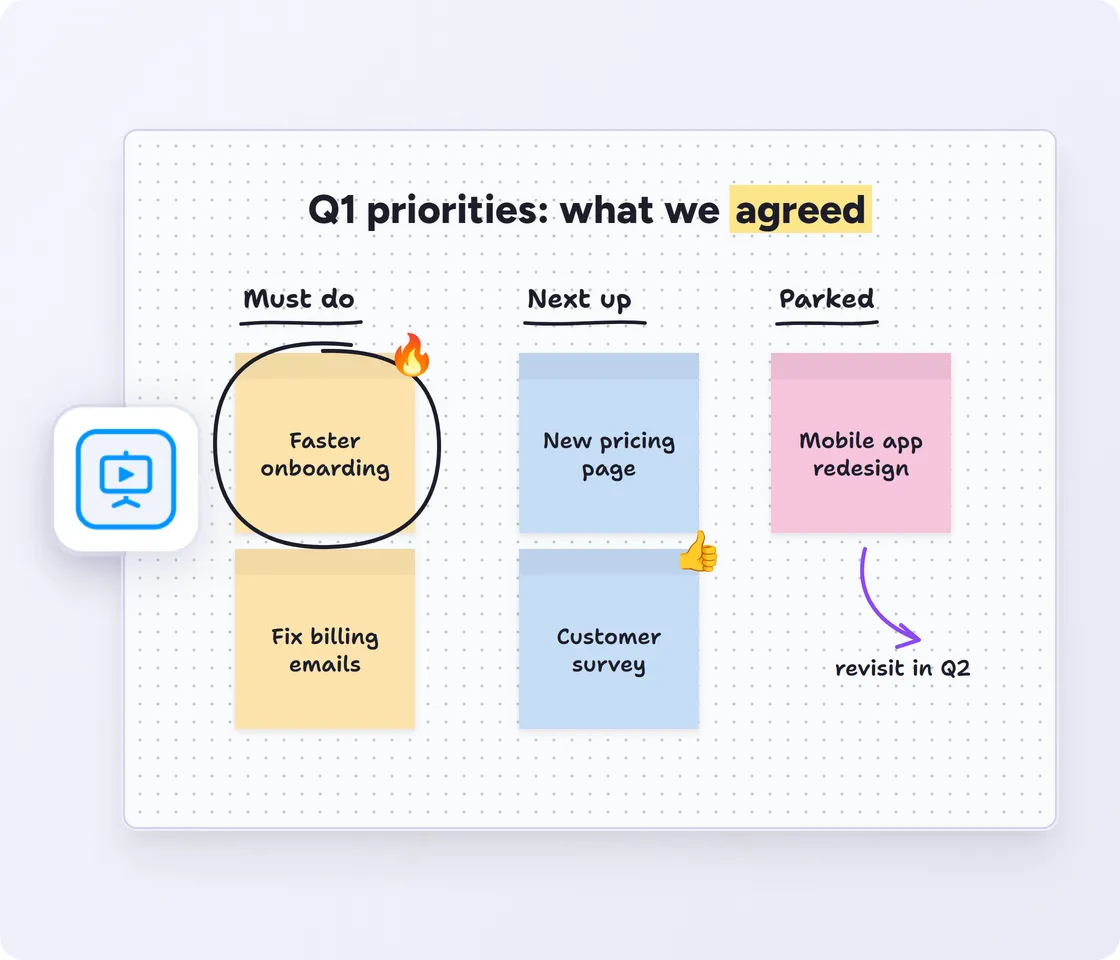
Switch to presentation mode to show the whiteboard full screen, without the toolbar, and talk your team through it.
Probably the best web-based mind mapping tool
MindMeister really excels. It's very usable and fast with a good set of features. I've used most other mind mapping software, but I keep going back to MindMeister.
The gold standard of mind map software
Great piece of kit — helps me lay out my plans in simple yet powerful graphical formats. It is so easy to use.
My number one tool for mind mapping
Mindmeister is my super tool for many of my training and consultancy programs. From ideation to the foundations of sessions with clients.
MindMeister can transform the way your team works. Book a call with our experts now — we’ll figure out the way forward together.
See MindMeister in action
Discuss your team’s needs
Find the right plan for you
Yes. MindMeister gives you an online whiteboard with sticky notes, shapes, images, connections and freehand drawing, plus mind maps to organize ideas once they take shape.
Yes. MindMeister whiteboards are free for every account while they're in beta, and you can create as many as you like.
On October 1, 2024, Jamboard became view-only, and Google shut it down after December 31, 2024. Existing Jams were converted into PDFs, which stay in Google Drive.
It depends on what you used Jamboard for. Among the alternatives to Jamboard, MindMeister suits teams that want a simple whiteboard for brainstorming and quick plans, plus mind maps to structure the results.
Not directly. Google turned Jams into PDFs, which you can download from Google Drive. Keep the PDF open next to a new whiteboard and rebuild the ideas you still need, or start fresh.
Yes, you can try MindMeister for free. Advanced features and unlimited maps are available on paid plans. Compare plans
