

What are AI mind map generators
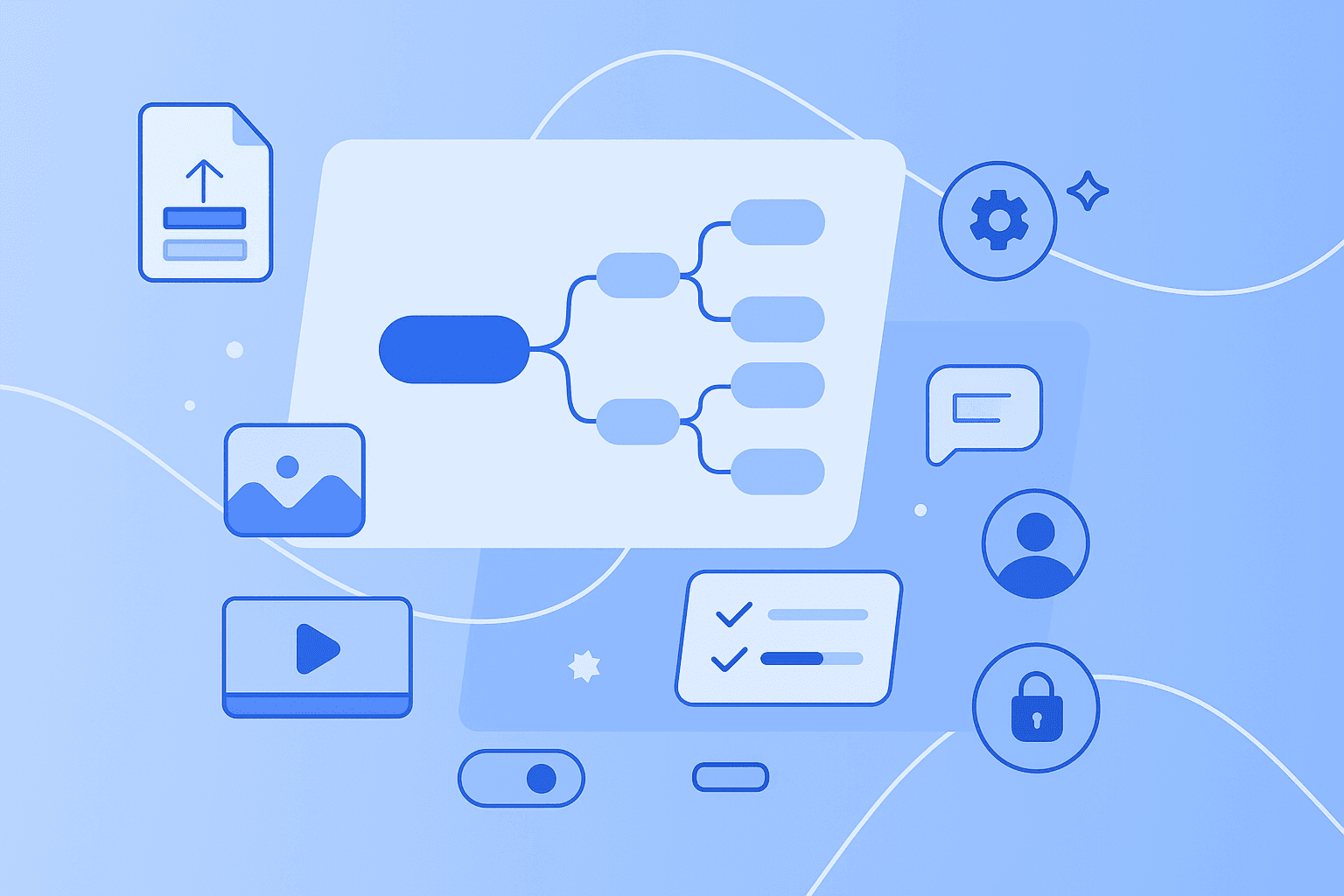
An AI mind map generator is a tool that uses artificial intelligence to automatically create visual mind maps from various types of content. Think of mind maps as visual diagrams that organize information around a central idea, with lines spreading out to show how different concepts connect. When you add AI to mind mapping, the technology handles the heavy lifting — organizing your thoughts, suggesting connections, and converting different file formats into clear visual thought maps.
These tools exist and people use them every day to turn messy information into organized visuals. You can feed them anything from a simple text prompt to a lengthy PDF, and they'll create a structured map in seconds. For a deeper look at how AI-powered mind mapping works, check out this detailed guide.
Here's what AI mind map generators can do for you:
Convert documents: transform PDFs, Word files, text or photographs into structured mind maps
Summarize videos: extract key points from YouTube videos or recordings
Generate from prompts: Create mind maps from simple text descriptions
Expand ideas: Suggest related concepts and branches automatically
Why AI-support matters in creative thinking
You might wonder: how can AI support a tool that's meant for creative thinking? Won't it make everything feel robotic and formulaic? Actually, the opposite is true. AI mind map generators handle the boring structural work while you focus on the creative parts that matter.
Think about it this way — AI takes care of organizing information, formatting branches, and suggesting basic connections. This frees your brain to do what it does best: refine ideas, spot unique patterns, and add insights only you can provide.
Here's how AI actually supports your creative process:
Speed up brainstorming: get past the blank canvas faster
Reveal hidden connections: AI can suggest relationships you might not see immediately
Reduce cognitive load: spend less time on structure, more time on ideas
Support different thinking styles: visual organization helps many people think more clearly
When you don't have to worry about formatting or basic organization, your mind can wander and explore. You're free to challenge the AI's suggestions, combine ideas in unexpected ways, and add the personal touch that makes your work unique. The technology removes barriers — it doesn't create them.
Steps to create a mind map using AI
Creating a mind map with AI takes just minutes, not hours. Here's exactly how to do it, step by step.
1. Gather your content
Start by collecting whatever material you want to map. This could be meeting notes, research documents, video links, or just topics bouncing around in your head. You can start small with a single sentence like "marketing strategy for Q2" or go big with a 50-page research report. The AI adapts to whatever you give it.
2. Choose an AI mind map generator or mind map AI tool
Different AI mind mapping tools offer different strengths. Some excel at document conversion, others at video summarization or team collaboration. MindMeister, for example, combines AI-powered mind mapping with collaboration features and task management in one platform. Learn more about MindMeister's specific AI capabilities here.
3. Enter or upload information
Input your content however works best — paste text directly into the tool, upload files from your computer, type in a prompt, or provide URLs to online resources. Most mind map makers accept multiple formats at once. You might paste your meeting notes while also uploading a related PDF report, and the AI will process both together.
4. Generate mind maps and refine the structure
The AI analyzes your content and creates an initial map structure in seconds. But this is just the beginning. Good tools let you immediately start tweaking — expand branches that need more detail, collapse ones that clutter the view, and drag nodes around to match how you think. The AI provides the starting point; you shape it into something useful.
5. Review and add personal touches
This final step is where your creativity shines. Add your own insights to the AI-generated branches. Change colors to highlight what's important. Attach relevant files and documents. Draw connections the AI missed. Include examples from your experience that no AI could know about. Make the map yours.
Ways AI handles different content types
Modern AI mind map generators work with multiple content formats, making them flexible for however you prefer to work. The AI processes each format differently, but the result is always the same — a clear, visual representation of your information.
PDF and document conversion
When you upload a PDF or Word document, the AI reads through the entire text, identifies main topics and subtopics, and recognizes how different concepts relate to each other. It then arranges these elements into a visual hierarchy that mirrors the document's logic but makes it easier to grasp at a glance.
This works particularly well for summarizing research papers, meeting minutes, or lengthy reports. Instead of reading 30 pages to find that one insight you remember, you can scan a visual map and spot it immediately.
Video summaries
Some AI mind map generators can process YouTube videos and other video content by analyzing the transcript. The AI identifies main topics discussed throughout the video and creates a visual summary showing how these topics connect. This saves hours when you're learning from video lectures, tutorials, or recorded meetings — no more scrubbing through a 45-minute video to find that one specific point you're looking for.
Long text and outline-based mind maps
Got a wall of text or an existing outline? AI can transform these into visual mind maps by recognizing the structure within your content. It identifies main points, supporting details, and logical connections, then arranges everything in a visual hierarchy. Students find this especially helpful for digesting dense textbooks, while professionals use it to make sense of detailed reports or project documentation.
Images and visual brainstorming
Advanced mind map online tools can even incorporate images and visual content into the mapping process. The AI analyzes visual elements and suggests how they relate to text-based concepts. This bridges the gap between visual and verbal thinking, helping teams that include both visual designers and text-focused strategists work together more effectively.
Best practices for combining AI and human creativity
The secret to using AI mind map generators effectively?
Here's how to get the best results by combining AI capabilities with your human insight.
Use AI as a brainstorm map creator
We've all stared at a blank page, waiting for inspiration to strike. AI excels at breaking through this initial paralysis. Let it generate a basic structure based on your topic or materials, then build from there with your own ideas. This approach gets you moving quickly while preserving space for your creative input. The AI handles the "where do I start?" problem so you can focus on "where do I go next?"
Build on AI suggestions with personal insights
Here's where you add real value. Include specific examples from your work experience. Question connections the AI suggests — maybe that link between marketing and sales isn't as straightforward as the AI thinks. Add context from your industry that the AI couldn't possibly know. Incorporate insights from conversations with colleagues or observations from customer interactions.
MindMeister AI generates initial mind maps that teams can then enhance together, adding personal touches and collective insights. This combination of AI efficiency and human expertise creates richer, more useful mind map diagrams than either could produce alone.
Expand and refine ideas iteratively
Work with AI in cycles, not expecting perfection on the first try. Generate an initial mind map, review the structure, and modify branches that don't quite fit. Then ask the AI to elaborate on specific nodes that need more detail. This revision process produces better results than trying to get everything right in one shot.
Benefits of collaborating in real time with AI
AI mind map generators reach their full potential when teams use them together. Visual thought maps created by AI become shared canvases where everyone can contribute their expertise and align on complex topics quickly.
Picture this: Your team starts with an AI-generated project structure. Marketing adds their campaign timeline, development includes technical requirements, and sales notes customer feedback — all on the same visual map. Everyone sees how their work connects to the bigger picture.
The benefits multiply when teams collaborate:
Faster alignment: visual maps help teams get on the same page quickly
Clearer communication: everyone sees the same structure and relationships
Distributed input: team members can contribute from anywhere
Living documents: maps evolve as projects progress
MindMeister supports real-time collaboration on AI-generated mind maps, letting teams work together on the same canvas. Comments appear instantly, tasks can be assigned directly from map nodes, and file attachments provide context right where you need it. The visual format means everyone — from designers to developers to executives — can understand and contribute.
Securing ideas and data when using AI
When you're putting your ideas and strategies into an AI mind map generator, security matters. You want to know your competitive advantages and sensitive information stay protected.
Start by understanding where your data lives and how it's processed. Does the provider store data in secure, compliant data centers? Are they GDPR-compliant? What certifications do they hold? Most importantly — does the AI model train on your data, or does your content remain private to your organization?
Look for these security features:
Data encryption: both in transit and at rest
Access controls: granular permissions for who can view and edit
Compliance standards: ISO certifications and regulatory compliance
Privacy policies: clear statements about data usage
MindMeister operates as a German company, which means strict data protection laws apply by default. The platform offers GDPR-compliant mind mapping with enterprise-grade security features, so your ideas remain yours alone.
Future outlook for AI mind mapping
1. Evolving AI capabilities
AI mind map generators keep getting smarter. They're developing better understanding of context, recognizing industry-specific terms more accurately, and suggesting increasingly sophisticated connections between ideas. Soon, they'll handle even more content types and offer deeper insights into the relationships between concepts. These improvements will make AI an even more valuable partner in your creative process — handling more of the routine work so you can focus on innovation.
2. Embrace creative potential
The future of mind mapping combines AI speed with human creativity in seamless ways. Instead of fearing that AI will limit your thinking, see it as a tool that helps you explore more possibilities faster. You bring the expertise, experience, and creative spark. AI brings the ability to process information quickly and suggest patterns. Together, you accomplish more than either could alone.
3. Try MindMeister
Ready to see how AI can transform your mind mapping? MindMeister combines AI-powered features with collaborative tools, enterprise security, and an interface that makes sense from day one. Whether you're organizing a solo project or aligning an entire team, AI helps you create visual maps that clarify complex topics in seconds.
Turn ideas into AI-powered mind maps fast


