
Why you should mind map
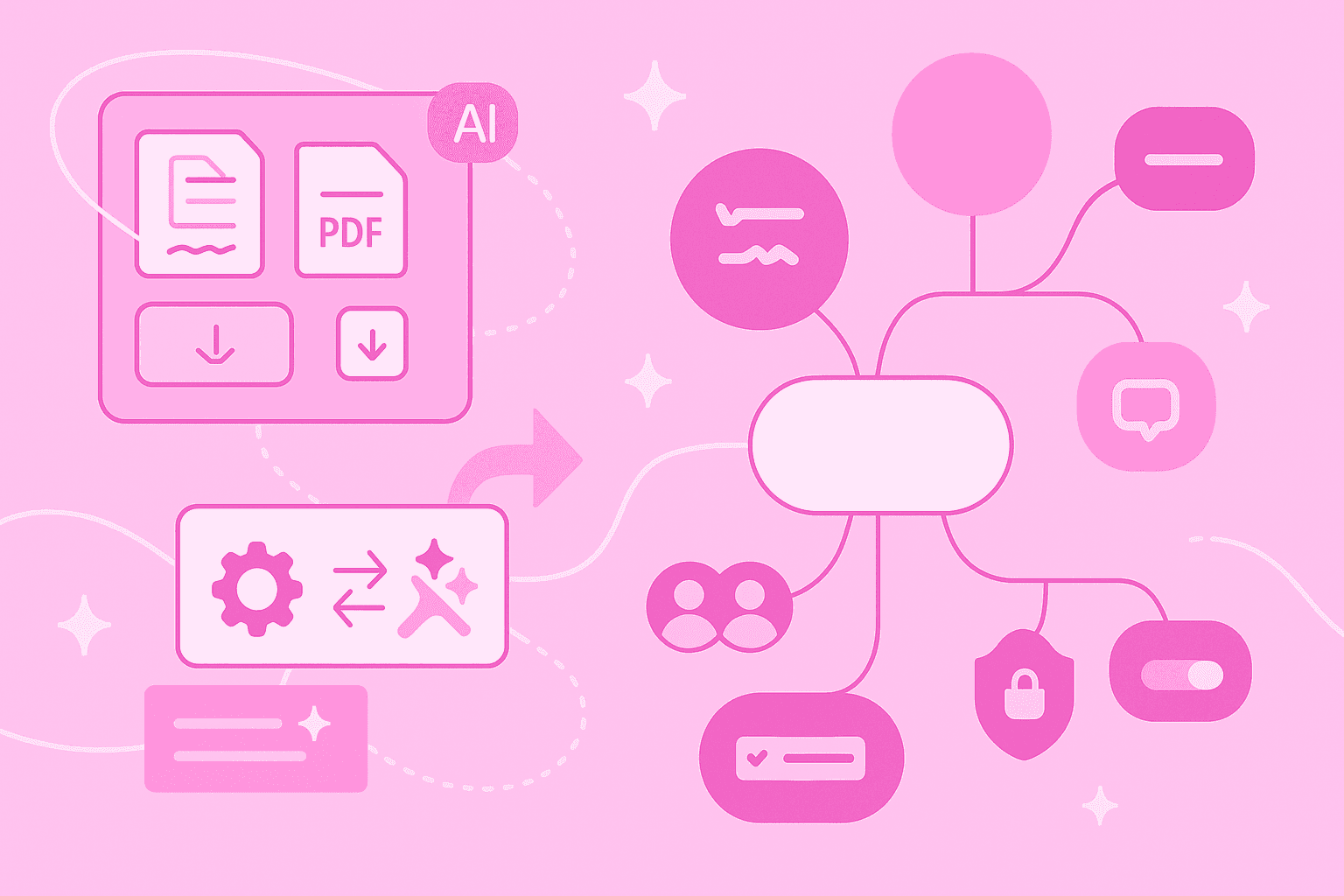
Imagine being able to see your thoughts like on a map. That's exactly what a mind map does. It displays ideas and information visually on a single page. Your main topic sits in the center, and from there your thoughts branch out in all directions like the branches of a tree.
When you create a mind map, both hemispheres of your brain work together – the creative and the logical side.
Why is mind mapping so helpful for you?
Structure ideas: You see at a glance how your thoughts connect
Foster creativity: The free-form structure sparks new ideas you hadn't thought of before
Learn and understand: Images and colors help your memory store information better
Facilitate collaboration: Teams can work together on a mind map and develop ideas
Pros and cons of a free mind map solution
Free mind mapping software opens the door to this technique without requiring you to invest money first. This makes it particularly attractive when you're just starting out or only create mind maps occasionally.
The advantages speak for themselves. You can start immediately, often directly in the browser without installation. The risk is zero – if you don't like the tool, simply switch. Most free versions offer enough features for brainstorming, note-taking and smaller projects.
The freemium model has become the standard. You get the basic features for free and can pay for extras if needed. This way you can test at your leisure whether the tool fits your way of working.
However, free subscriptions often limit the number of mind maps or team size. Some features like advanced export options or presentation modes remain reserved for paying customers.
Ten free online tools for mind mapping
The selection of free mind mapping tools is huge. We've compiled ten of the best for you – each with its own strengths and focus areas.
1. MindMeister
MindMeister is the original mind map tool and makes getting started with mind mapping particularly easy. The cloud-based software runs directly in the browser and on all devices.
With the free subscription you create up to three mind maps. That sounds limited, but it's completely sufficient to get started. You collaborate in real time with others, use professional templates and export your mind maps as PDF or image. The German software is ISO-27001-certified and GDPR-compliant – your data is stored securely on servers in Germany.
Practical: MindMeister works equally well on desktop and mobile devices. Because ideas emerge everywhere and anytime, not just at your desk in the office.
2. XMind
XMind is also one of the veterans among mind mapping tools. The software is available as a browser version and desktop app.
The big advantage: you create unlimited mind maps for free. Besides classic mind maps, XMind also offers other diagram types like org charts or fishbone diagrams. The basic export functions (image and PDF) are free, special formats cost extra.
3. Draw.io (Diagrams.net)
Draw.io is actually a diagram tool, but also works well for mind maps. What's special: completely free and open source.
You don't need registration and your data stays with you – either stored locally or in your own cloud (Google Drive, OneDrive). The software integrates seamlessly into many platforms like GitHub or Confluence.
4. Freeplane
Freeplane is an open-source program that runs locally on your computer – no cloud, no registration.
The feature list reads impressively: extensive formatting, add-ons, scripting, conditional styles and even formulas. Freeplane runs on Windows, Mac and Linux, even from a USB stick. The price for this power: a steeper learning curve than other tools.
5. Markmap
Markmap takes a different approach. You simply write plain text in Markdown, and the software automatically turns it into a mind map.
The tool is completely open source and free. You can test it directly in the browser or integrate it into your favorite editor (VS Code, Vim, Emacs). Perfect for anyone who prefers typing to drawing.
6. Coggle
Coggle scores points with simplicity. The browser-based tool starts immediately, without installation.
With the free subscription you create three private and unlimited public mind maps. Real-time collaboration works smoothly, and you can upload unlimited images. The complete change history helps when you want to return to an earlier version.
7. Miro
Miro is more than a mind mapping tool – it's a complete visual work platform. With the free subscription you invite unlimited team members, but can only actively use three boards simultaneously.
The mind map templates help you get started quickly. Integrations with Google Drive and Slack are included, as well as limited AI credits per month.
8. GitMind
GitMind relies on artificial intelligence. The tool creates mind maps from various sources: text, videos, audio, PDFs or websites.
Many features are free, some AI features have usage limits. GitMind runs everywhere – on the web, as a Chrome extension or mobile app. Your data belongs to you and isn't used for advertising.
9. MindMup
MindMup focuses on the essentials. The browser-based tool skips the frills and offers pure mind mapping functions.
You choose between different layouts, customize your mind maps and save them in Google Drive. The export functions cover the most important formats.
10. WiseMapping
WiseMapping rounds out our list. The open-source tool runs completely in the browser and is fully free.
You share and edit mind maps together with others and export to various formats. If you want, you can even install WiseMapping on your own server.
Tips for getting started quickly
The first step is often the hardest. This guide helps you begin with your first mind map:
1. Choose a tool: For teamwork, MindMeister is suitable, for local use Freeplane. Feel free to try several.
2. Start with a central topic: Write your main topic in the center. This can be a project, an idea or a problem.
3. Add main branches: From your center, draw lines to the most important subtopics. Three to seven main branches are a good start.
4. Expand with sub-branches: Each main branch gets further branches with details and examples.
5. Use colors and symbols: Different colors for different topic areas make your mind map clearer.
6. Experiment: There's no right or wrong. Find your own style.
Three tips that save you time:
Use templates for a quick start
Start small and expand as needed
Practice makes perfect
Collaboration and presentation with online mind maps
Online mind maps have a decisive advantage over paper: you work together with others no matter where they're located. These possibilities make mind maps the perfect tool for modern teams.
Real-time collaboration works easier today than ever before. You share a link, invite your colleagues and immediately see who's changing what.
Comments and notes make collaboration even more effective. Instead of endless email chains, you discuss directly at the relevant spot in the mind map.
Presentation mode transforms your mind map into an interactive presentation. You focus on individual branches, hide areas and guide your audience step by step through your thoughts.
Sharing and publishing happens at the click of a button. Whether as a link for colleagues, export for documentation or public release – you decide who sees your mind map.
Application examples in education, work and creative projects
Mind maps adapt to your needs. Here are some concrete examples of how you can use the technique:
Learning and studying: Summarize lecture content, structure study material for exams or plan your thesis
Brainstorming and ideation: Collect ideas for new products, marketing campaigns or creative projects
Project planning: Visualize project phases, define milestones and distribute tasks in the team
Meeting notes: Document meetings in a structured way and share the results immediately with all participants
Personal organization: Plan your annual goals, structure your thoughts or organize major events
Content creation: Develop structures for blog posts, YouTube videos or online courses
When paid features are worth it
Free mind mapping tools offer surprisingly much. Nevertheless, there are situations where an upgrade is worthwhile.
More mind maps or boards: When three mind maps are no longer enough, it's time for an upgrade. Especially when using it in a team, the need for more mind maps will quickly arise.
Advanced features: Special export formats, professional templates or advanced presentation modes often justify the investment.
Team management: Larger teams need admin functions, permission management and security features like single sign-on.
Professional use: For client projects or public presentations, you want your own branding and a professional appearance.
Support and reliability: Priority support, guaranteed availability and automatic backups provide security for important projects.
The decision depends on your requirements.
Map your ideas visually with free online tools