
What is Design Thinking and why are mind maps relevant?
Imagine you're developing a new app or improving a service – Design Thinking helps you first understand the real needs of your users before you develop solutions.
The Design Thinking process follows five main phases: Understand, Define the problem, Develop ideas, Create prototypes, and Test. These phases are like building blocks that you can combine flexibly. Teams often jump back and forth between phases – for instance, when testing reveals new insights that redefine the problem.
This is where mind maps come into play. A mind map is like a visual map of your thoughts. You start with a central topic in the middle and let ideas grow like branches in all directions. This technique fits perfectly with Design Thinking because both approaches combine creative and structured thinking.
Why do mind maps work so well in Design Thinking?
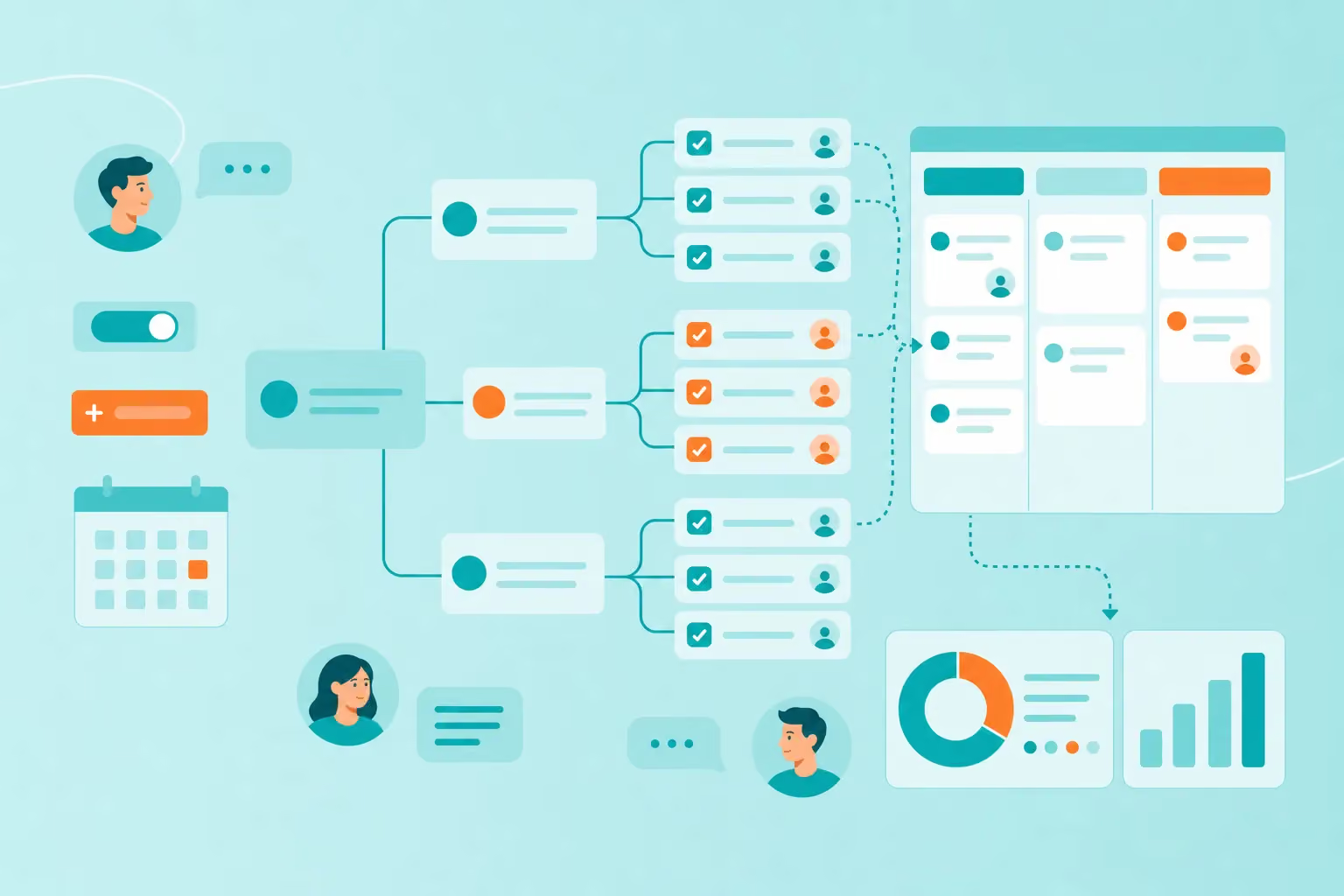
Visualize complexity: After twenty user interviews, you probably have hundreds of notes. A mind map transforms them into a clear structure.
Recognize connections: You immediately see which problems multiple users share and where connections exist.
Create shared understanding: When everyone on the team has the same visual representation in front of them, fewer misunderstandings arise.
What benefits do mind maps bring to design thinking?
Mind maps make your Design Thinking process faster and more effective. Here are the concrete benefits you'll experience in practice:
Faster idea collection during brainstorming: Instead of forcing ideas into lists, you can let your thoughts flow freely when online brainstorming with mind maps. Every new idea immediately finds its place on the map. This visual freedom often leads to surprising connections and creative breakthroughs.
Better overview in the empathy phase: When you observe and interview users, many individual pieces of information accumulate. With mind maps, you can mark needs in green, pain points in red, and positive experiences in blue. This creates a clear picture of your target audience.
Structured problem definition: Formulating a clear problem from many observations is often the biggest challenge. Mind maps show you which topics appear most frequently and where the most important connections lie. This helps you identify the core of the problem.
Activation of the entire team: Not everyone feels comfortable speaking up in large groups. With mind maps, every participant can add ideas – whether verbally, in writing, or through drawings. This diversity enriches your process.
Made for iterative work: Design Thinking thrives on repetition and adjustments.
You simply add new insights from tests as new branches without having to rebuild the entire structure.
When and how can you use mind maps in Design Thinking?
Mind maps accompany you through all phases of Design Thinking. Let's look at when they're particularly valuable:
In the empathy phase, mind maps help with collecting and sorting observations. You note quotes from users, document behaviors and capture emotions. Everything finds its place on a clear map.
In the definition phase, chaos becomes clarity. Here you use mind maps for strategic planning – you identify patterns, prioritize problems, and formulate your central question. The visual structure helps with deciding which problem to tackle first.
In the ideation phase, your mind map practically explodes with creativity. Every idea, no matter how crazy, finds its place. You group similar approaches and discover new combination possibilities.
Between phases, mind maps serve as bridges. What did you learn from prototyping? What insights does testing bring? This information flows back into your map and enriches the next iteration.
What does practical use look like? In team workshops, you project the mind map on the wall. Everyone sees how thoughts develop. During brainstorming sessions, one person documents ideas live in the map while the team discusses.
The difference between paper and digital? Paper mind maps are suitable for spontaneous sessions and small groups. An online mind map, on the other hand, enables remote collaboration and easy post-processing. Teams in different cities can work on the same map simultaneously.
Step-by-step guide: mind mapping in the Design Thinking process
You want to get started right away and create your first mind map for Design Thinking? This guide leads you step by step to your goal. You can begin immediately – all you need is a sheet of paper or a digital tool to create your mind map.
1. Identify the central topic
Place your core question or challenge in the center of the mind map. Formulate the topic clearly and precisely. A good example: "How can we improve the onboarding experience for new users?" This central element is your anchor point for all further thoughts.
2. Collect and structure ideas
Draw main branches from the center to the most important topic areas. In the empathy phase, these could be: "User needs," "Current problems," "Positive experiences," and "Improvement requests." In the ideation phase, you choose categories like "Technical solutions," "Process improvements," or "Communication approaches." Add all ideas that come to mind – evaluation comes later.
3. Visualize connections
Connect related ideas with lines or arrows. These cross-connections are worth their weight in gold – they show you where different aspects are connected. Perhaps you'll discover that multiple user problems have the same cause.
4. Form clusters and prioritize
Group similar ideas with colors or frames. Mark the most important insights with stars or exclamation marks. This visual hierarchy helps you later when deciding which ideas to pursue.
5. Transfer to the next Design Thinking phase
Your finished mind map is the starting point for the next step. From the empathy map, you derive your problem definition. From the ideation map, you select the most promising approaches for prototypes. The mind map remains your reference and grows with new insights.
Practical tips for team collaboration: remote and on-Site
Team collaboration is the key to successful Design Thinking. Mind maps support this collaboration – whether you're sitting in the same room or working across continents.
For in-person workshops:
Use large surfaces for your mind maps. A whiteboard or several flipchart sheets taped together give everyone room to participate. Distribute different colored markers among the team – this way everyone can add ideas simultaneously.
Color coding makes your mind map clearer:
Green for positive aspects and opportunities
Red for problems and challenges
Blue for ideas and solution approaches
Orange for open questions
Encourage everyone to work directly on the mind map. Multiple people can draw and write simultaneously – this brings energy to the process. With digital tools, such collaborative mind mapping works even better, of course.
For remote teams:
Digital tools make mind mapping across distances possible. With an online mind map like MindMeister, everyone works on the same document in real time. Changes appear immediately for all participants.
Plan focused video sessions for collaborative brainstorming. One hour of concentrated collaboration often brings more than long email chains. Between sessions, team members can add further ideas asynchronously – perfect for teams in different time zones.
General collaboration tips:
Clarify roles at the beginning. Who moderates the session? Who maintains the mind map? Clear responsibilities prevent chaos. Set time windows: 20 minutes for wild idea collection, then 15 minutes for sorting and evaluating.
Schedule regular synchronization points. A brief check-in at the beginning and end of each session keeps everyone on the same page. This way you work effectively together – no matter where you are.
Expand your Design Thinking process with MindMeister
Mind maps have established themselves as an indispensable tool in Design Thinking. They connect creative thinking with clear structure and help teams maintain an overview from the first idea to the finished prototype.
Getting started is easier than you think. Begin with a simple mind map at your next project. Whether you're working alone on a challenge or brainstorming with a team – the visual structure will enrich your process.
With MindMeister, you create a mind map in seconds. The tool is cloud-based, free to use, and perfectly optimized for teams. Whether you're just starting with Design Thinking or already have experience – the intuitive interface makes getting started easy.
Your next big idea is waiting to be visualized. The first step is just one click away.
Visualize your next big idea.