What is stakeholder mapping?
Imagine you're a week from launch. A senior manager you barely spoke to during planning steps in and blocks the project. Or the support team finds out about a big change from a company-wide email and pushes back. Or you've spent hours writing updates for someone who doesn't care, while the person who does care feels left out.
What do those moments have in common? You didn't know who mattered, how much, or when to bring them in.

Stakeholder mapping fixes that. A stakeholder is anyone who can influence your project or is affected by it. Stakeholder mapping is the practice of listing those people, working out how much power and interest each one has — a step often called stakeholder analysis — and charting them visually so you know who to involve, when and how.
Done well, stakeholder mapping helps you:
Avoid surprises: no more last-minute objections from people you didn't know mattered
Time your outreach: bring the right people in at the right moment, not too early or too late
Focus your effort: spend your communication time on the people who actually move the project forward
Build support early: win people over before resistance has time to form
How to identify your stakeholders
So who counts as a stakeholder? The short answer is anyone who can influence the project or is affected by it. The longer answer involves sorting people into groups so you don't miss anyone — especially when you're learning how to do stakeholder mapping for the first time.
Start by brainstorming every person or group that comes to mind. Then run that list through the categories below. Each one helps surface names you might overlook.
Internal vs. external stakeholders:
Internal stakeholders: people inside your organization, like team members, managers, executives and other departments whose work overlaps with yours
External stakeholders: people outside your organization, like clients, customers, partners, suppliers, regulators and community groups
Primary vs. secondary stakeholders:
Primary stakeholders: people directly affected by the project or who hold direct decision-making power, such as sponsors, the project team and end users
Secondary stakeholders: people indirectly affected or with indirect influence, such as adjacent teams, industry groups and media
Hidden or overlooked stakeholders:
People who don't show up on the org chart but have informal influence, like long-tenured employees, subject matter experts or trusted advisors to decision-makers
People who will feel the project's impact but aren't in the room when it's planned, like end users, frontline staff and customers
Once you have a draft list, ask your team a simple question: who are we forgetting? Run through each category one more time. It's better to identify someone and decide they don't need close attention than to miss them and watch them derail the project later. The names you gather here become the raw material for your stakeholder map.
How to map stakeholders with the power interest grid
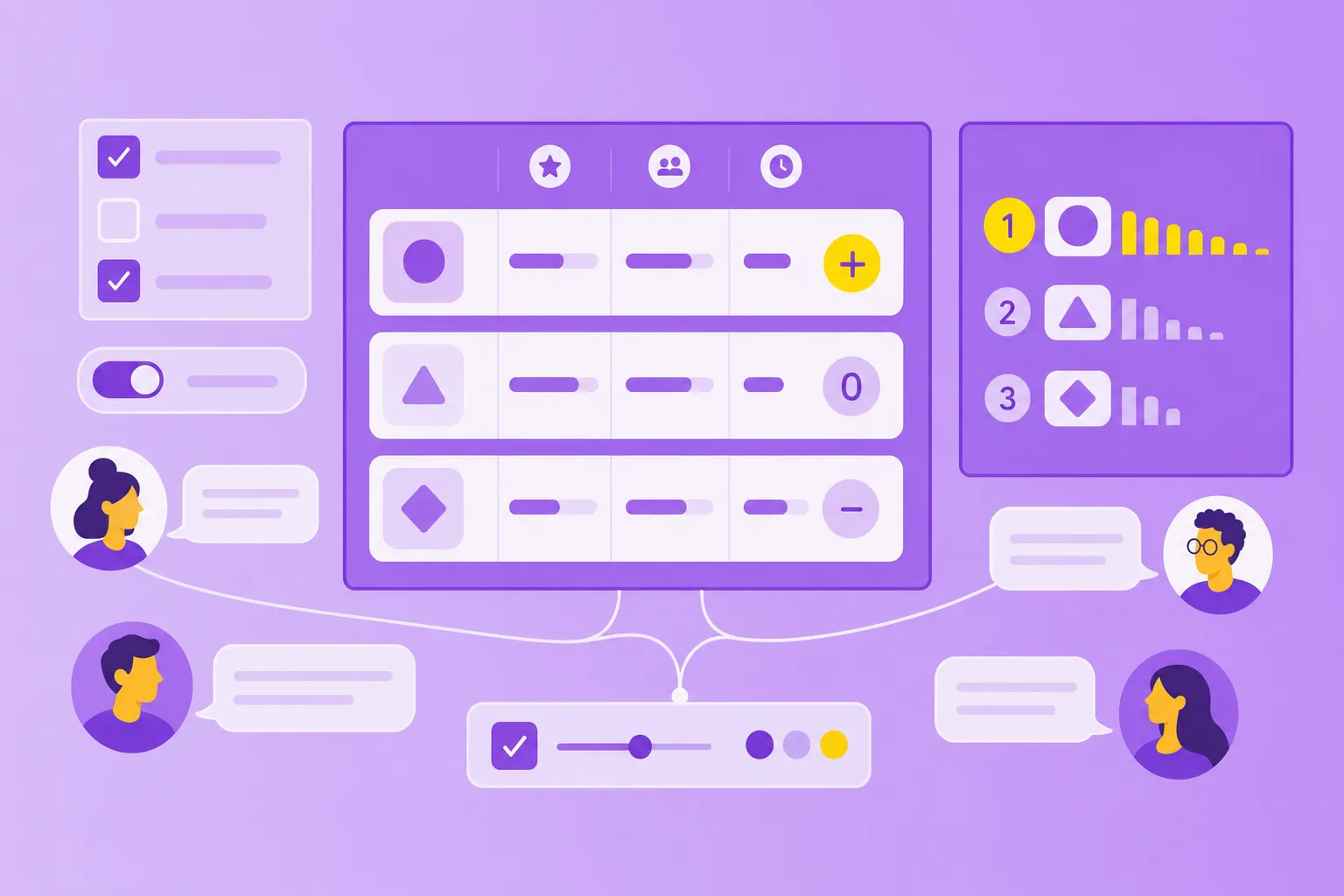
With your list in hand, the next step is to plot people on a chart. The most common framework is the power-interest grid, also called the stakeholder matrix. It sorts stakeholders by two things: how much power they have to influence the project, and how much interest they have in its outcome.
Plotting people on those two axes creates four quadrants, and each quadrant tells you how to manage that group. We'll cover them in order of priority, starting with the people who carry the most weight.
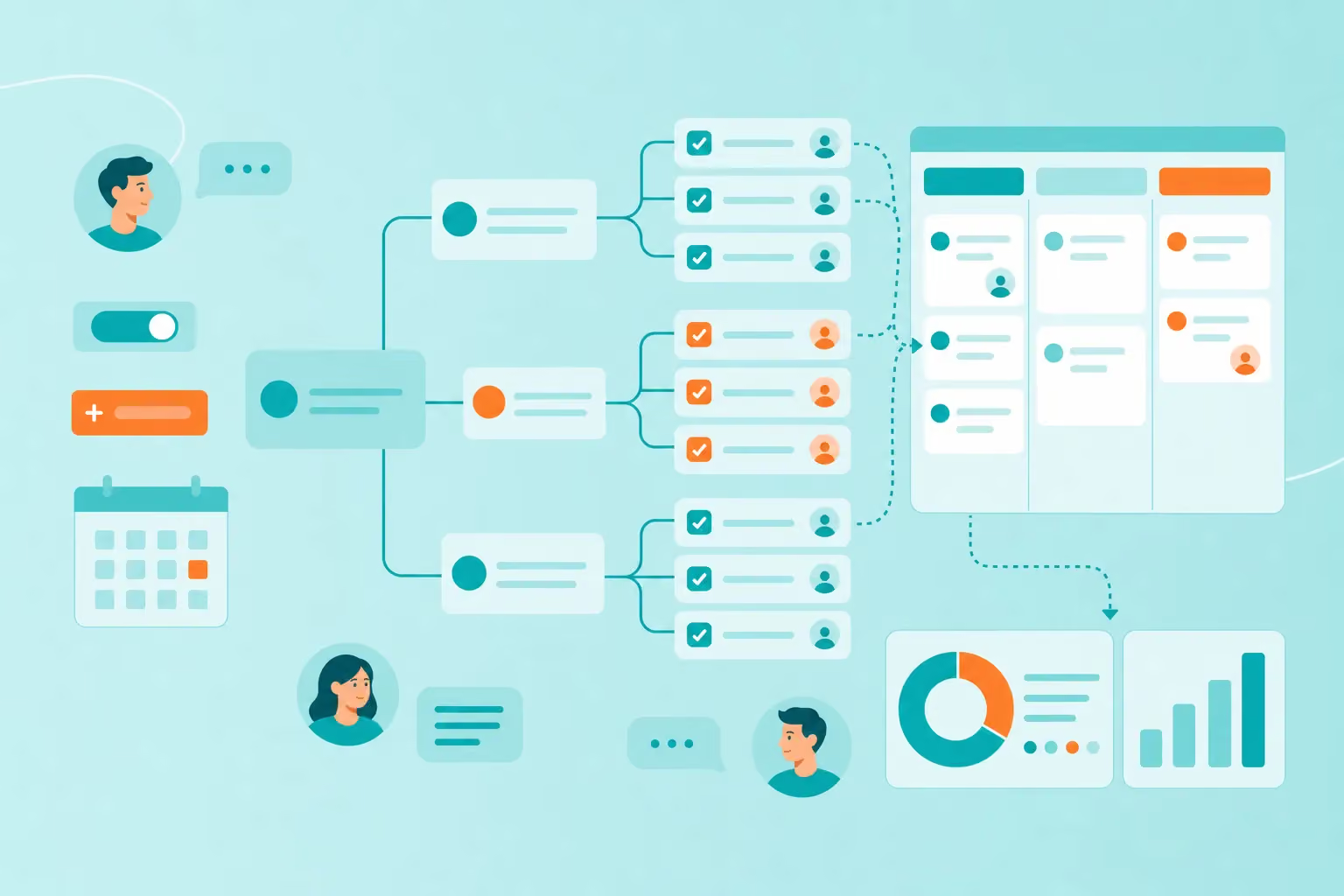
Here's how a stakeholder mapping grid looks as a visual map. Create a central node labeled "Stakeholder map" or "[Project name] stakeholders." Add four main branches, one for each quadrant of the stakeholder matrix. Under each branch, add child nodes for specific names or roles. For example:
High power, high interest: CEO, product owner, key client
Low power, high interest: end users, customer support team
You can build a stakeholder diagram like this by opening a blank map in MindMeister and adding branches as you go. The branching layout makes it easier to see the full picture at a glance than scanning rows in a spreadsheet — and you can share it with your team in one click.

High power, high interest
Stakeholders with high power and high interest are your key players. They can influence the project in big ways, and they care about the outcome. Think project sponsors, executive decision-makers, key clients and department heads whose teams are directly affected.
Manage this group closely. Involve them early, keep them updated, and ask for their input on major decisions. When they feel heard and their concerns get addressed early, they're far less likely to become blockers later on.
High power, low interest
People in this quadrant can influence the project but don't care much about the details. That includes senior executives who aren't directly involved, board members and regulatory bodies.
Your goal is to keep them satisfied without flooding their inbox. Send high-level summaries instead of detailed reports. Make sure they know enough to back the project if asked, but don't burden them with information they don't want.
Low power, high interest
People with low power but high interest care deeply about the project but can't shape it much on their own. Examples include end users, frontline staff, customer support teams and subject matter experts.
Keep them informed with regular updates, and give them a clear way to share feedback. People in this quadrant often become advocates for the project when they feel included — or sources of resistance when they feel ignored.
Low power, low interest
People in the last quadrant don't have much influence and don't care much either. Think peripheral teams, external observers or industry groups with no real stake in the outcome.
Keep an eye on them with minimal effort. Include them in broad updates or company-wide communications, but don't spend much time managing this group.
How to use your stakeholder map
A stakeholder map is only useful if you actually use it.

Building the chart is step one. The real value comes from turning it into a plan, keeping it current, and connecting it to the work itself.
Plan communication strategies
Each quadrant of your stakeholder map tells you how to communicate with that group. Use the map to plan:
Who gets detailed updates vs. high-level summaries
Who you consult before decisions vs. who you inform after
How often you reach out — weekly, monthly or only at major milestones
The table below sums up how to approach each quadrant of your stakeholder engagement map.
Quadrant
Communication strategy
High power, high interest
Frequent detailed updates, early input on decisions, regular check-ins
High power, low interest
High-level summaries, updates at major milestones, awareness without overload
Low power, high interest
Regular updates, open feedback channels, a sense of inclusion
Low power, low interest
Occasional broad updates, minimal effort
In your map, attach notes to each stakeholder or group with a specific plan — when to reach out, which channel to use and what information they actually need. The notes live right next to the names, so the plan and the people stay connected.
Share and update in real time
Stakeholder maps aren't static. People can shift between quadrants as the project moves forward. Someone with low interest can become highly interested once a decision affects their team. Someone with high power can hand off the work and step back.
A cloud-based, collaborative mind mapping software keeps up with those changes. Your whole team can view it, update it and refer to it throughout the project. If a new stakeholder appears, add them. If someone's interest shifts, move them to a different branch. Creating a stakeholder map this way means it stays current without rebuilding from scratch.
Compare that to a spreadsheet drawn up at kickoff. It usually goes stale within weeks and gets buried in someone's downloads folder by month two.
Move from map to action in MindMeister
A stakeholder map is most useful when it connects to real action. In MindMeister, you can attach notes to stakeholder nodes with communication plans, link to relevant documents or turn any node into a task in MeisterTask — for example, a task to schedule a check-in with a high-power stakeholder before the next review.
The map becomes a living reference your team can use to stay aligned on who matters, who needs what and when to reach out.
Keep projects on track with a live stakeholder map
Stakeholder mapping isn't a paperwork exercise. It's a practical tool that prevents the surprises, objections and miscommunications that throw projects off course. When you know who matters, how much and when to involve them, you can focus your energy on the people who'll make or break the work.
A visual, collaborative stakeholder map gives your whole team something they can reference and update together. The branching layout makes it easy to see the full picture at a glance and share it with anyone who needs it, from the project sponsor to a new team member joining mid-project.
Map stakeholders and prevent project surprises