Think freely with an online whiteboard
Sketch plans, brainstorm with your team and give your ideas a place to grow. Create a whiteboard online with MindMeister.


4.6/5 (299 reviews)

Made in the EU
GDPR compliant
Sketch plans, brainstorm with your team and give your ideas a place to grow. Create a whiteboard online with MindMeister.
Loved by 40M+ visual thinkers


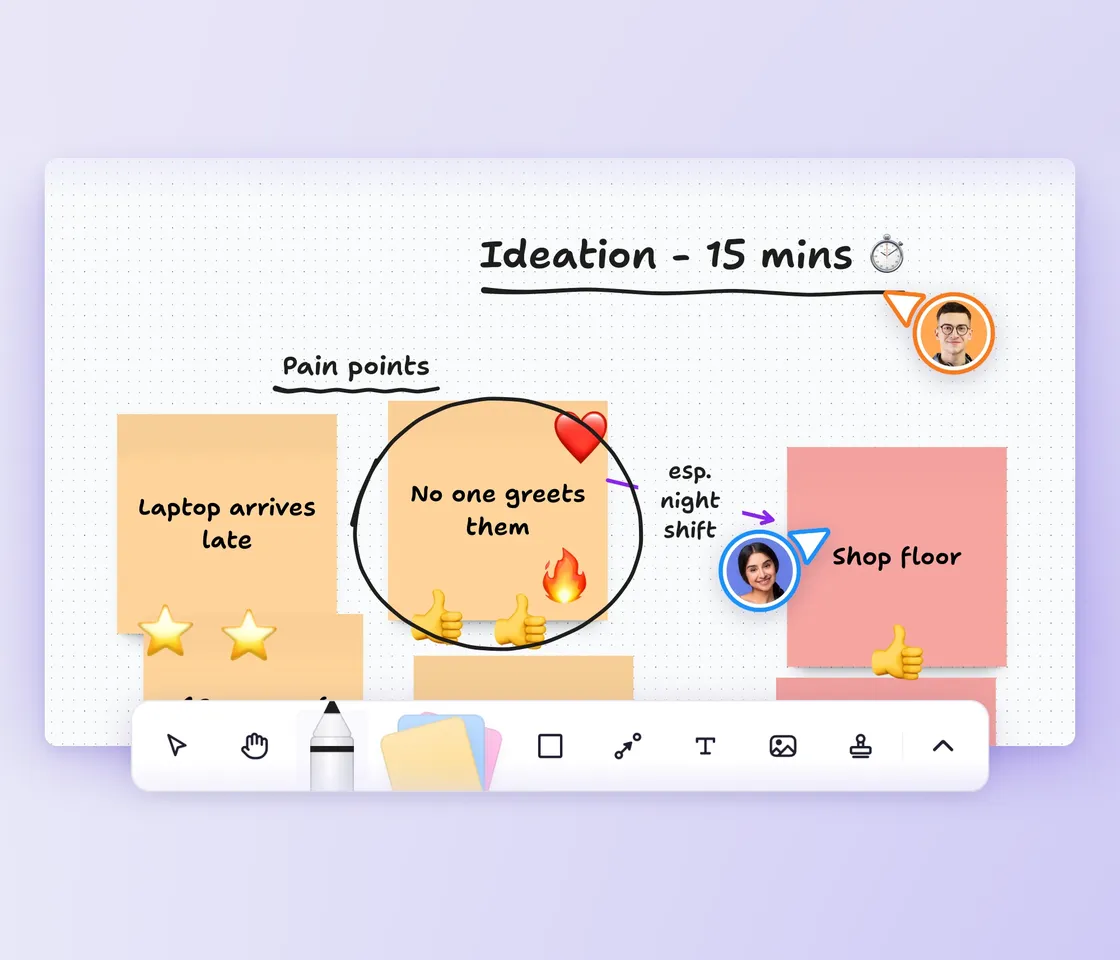
Get ideas down without worrying about how to structure them. The canvas stretches as far as your thinking goes, so you can follow every tangent without running out of space.
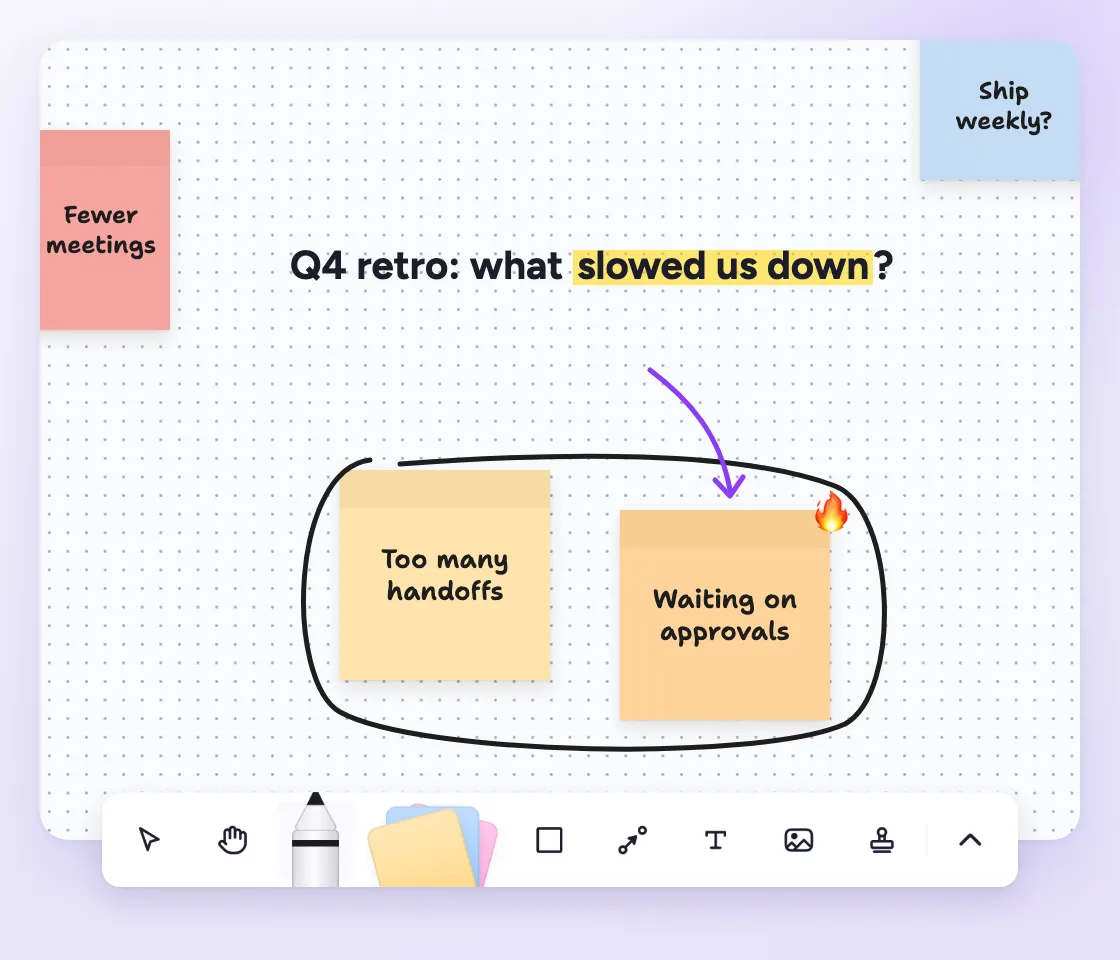
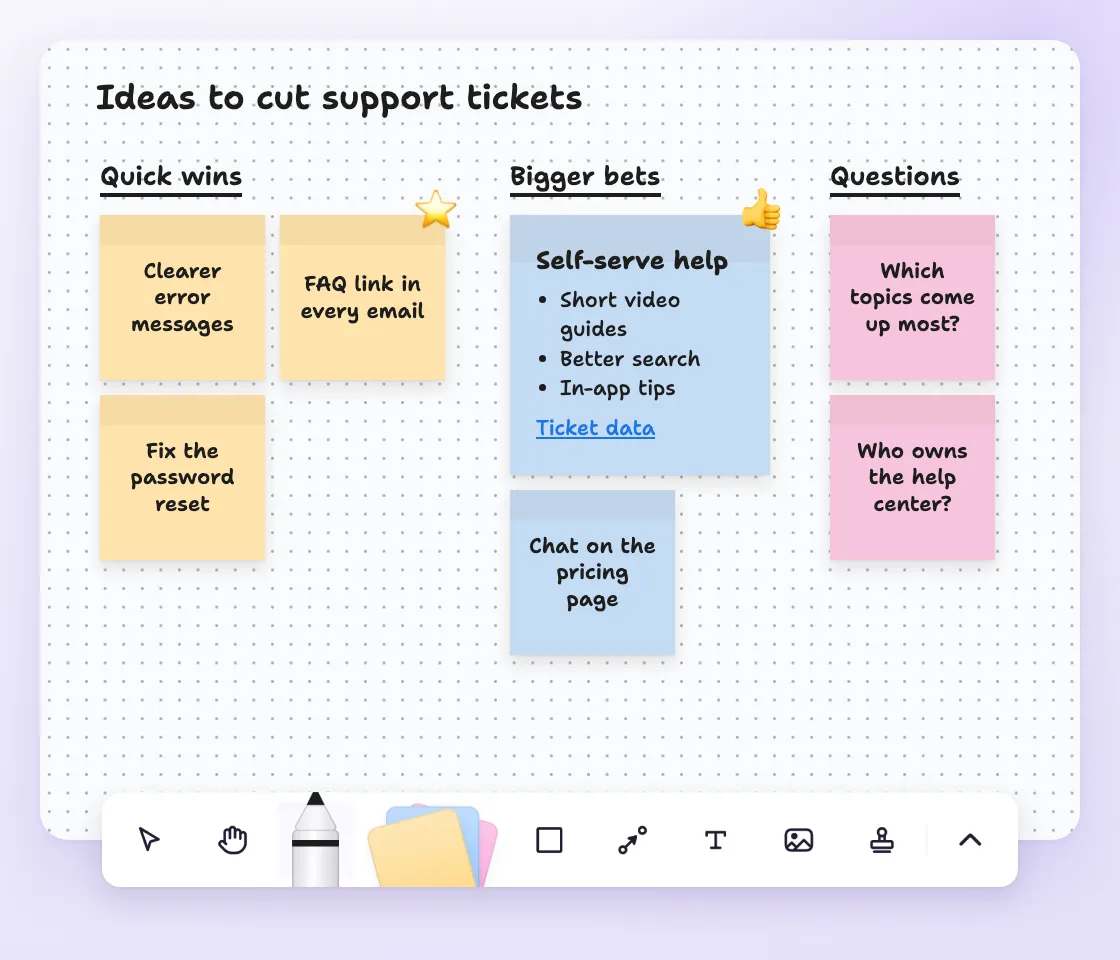
Add each idea the moment it comes up. Once you're done thinking, drag them into groups and themes on your brainstorming board.
Share a board with your team and work on it together in real time. Use stamps to vote on the ideas worth keeping. When it's time to talk it through, present the board full screen.
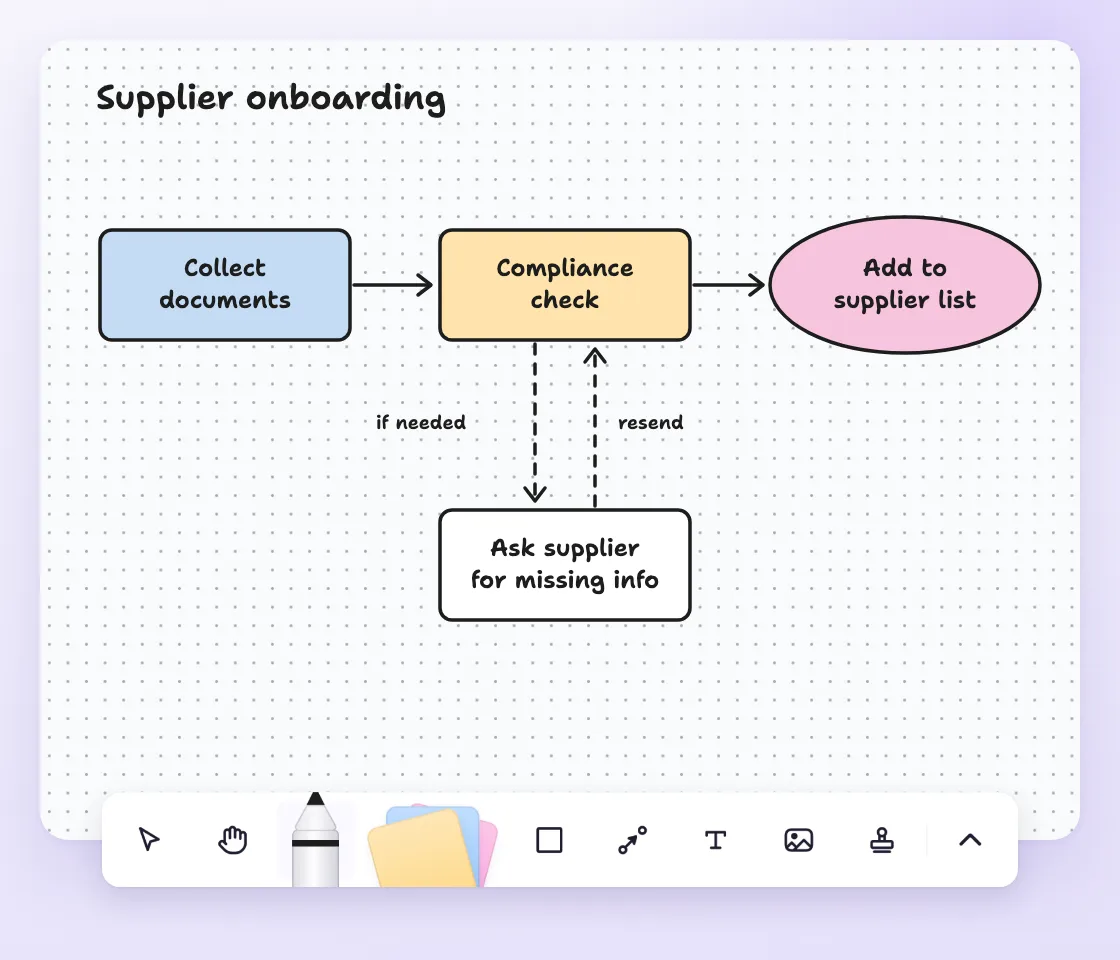
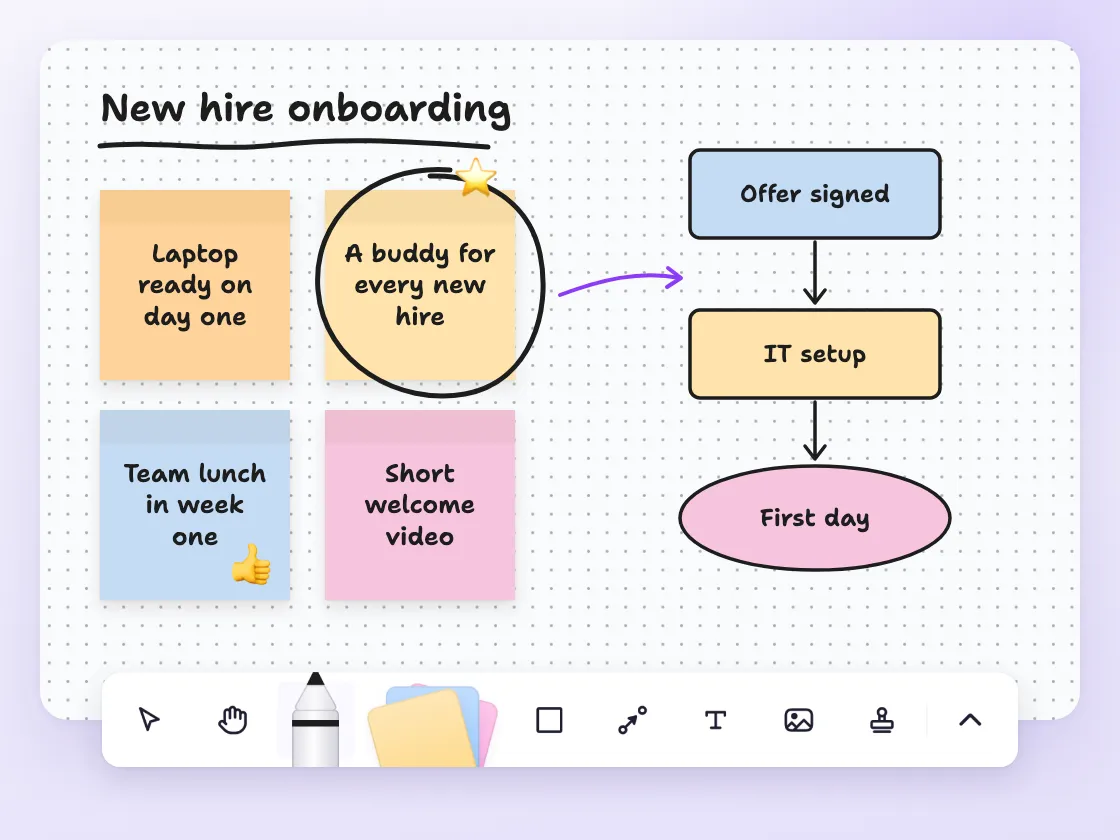
Pick a shape, label it and connect it to the next step. MindMeister's simple toolbar and keyboard shortcuts mean you can spend your time creating, not figuring out how the tool works.
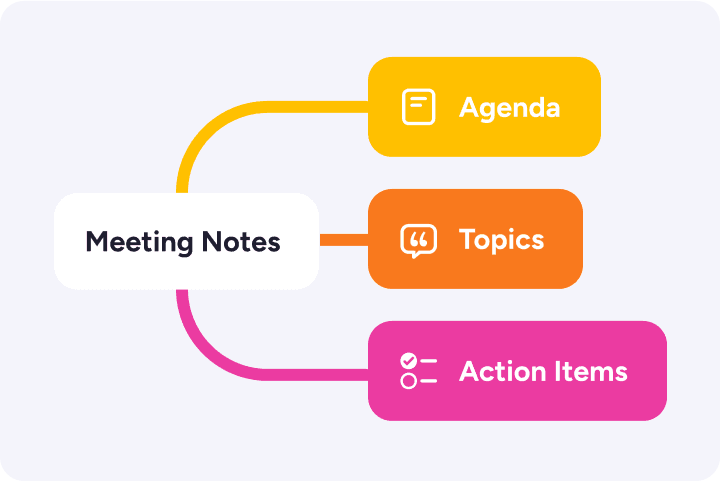
Use a mind map when you need a clear structure. Use a whiteboard when you're in free-thinking mode. Every project gets the format it needs without you having to switch tools.
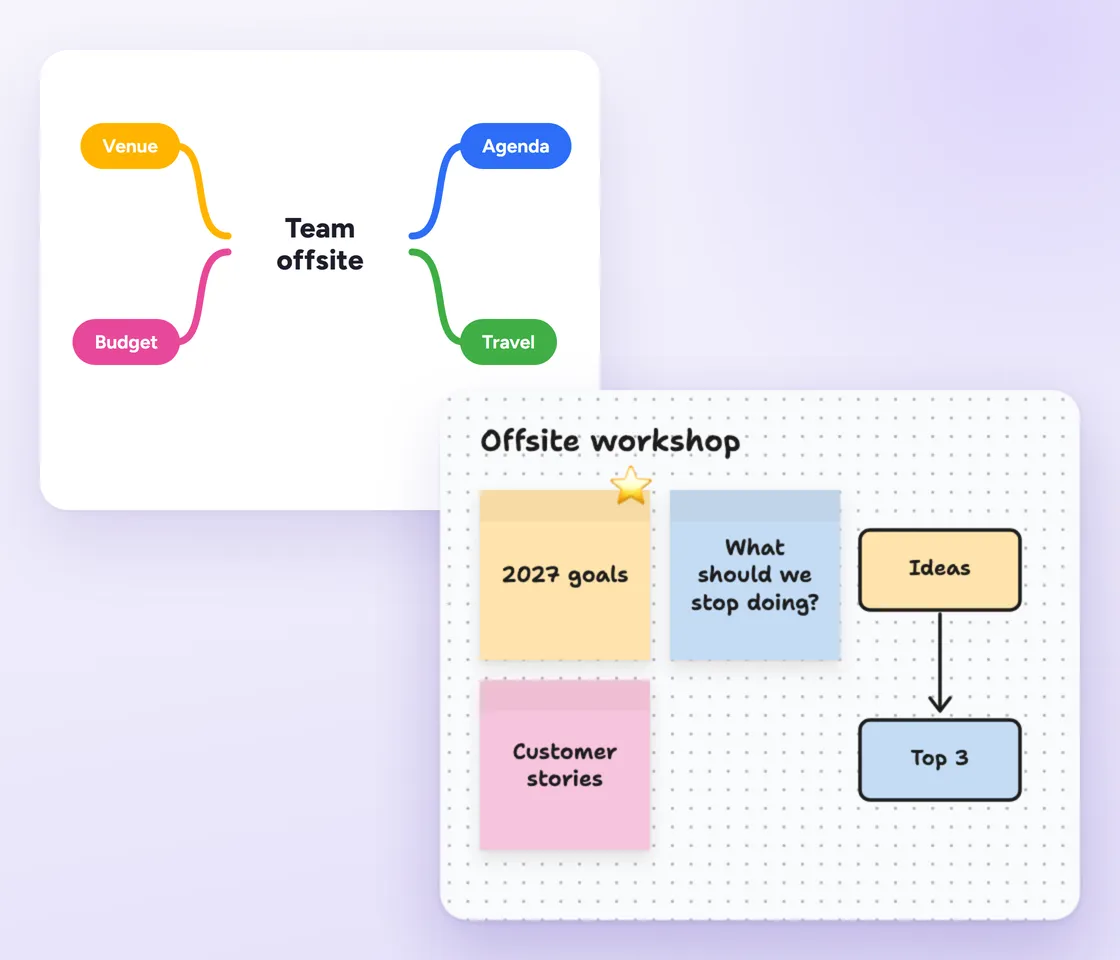
A digital whiteboard, also called an online or virtual whiteboard, is a canvas in your browser where you sketch and arrange ideas, just like on the whiteboard in a meeting room. Instead of markers, you use sticky notes, shapes and connections.
Unlike a physical board, a whiteboard online never runs out of space or gets wiped. The canvas grows with your ideas, and every note stays editable long after the session ends.
Because it's online, you can share a board with your team and work on it together in real time, wherever everyone is.
People use digital whiteboards for the early stage of thinking, when ideas are still messy. Once they start to take shape, a mind map can help you structure them.
Open a blank canvas, drop in your first sticky note and build from there. No setup or templates needed.
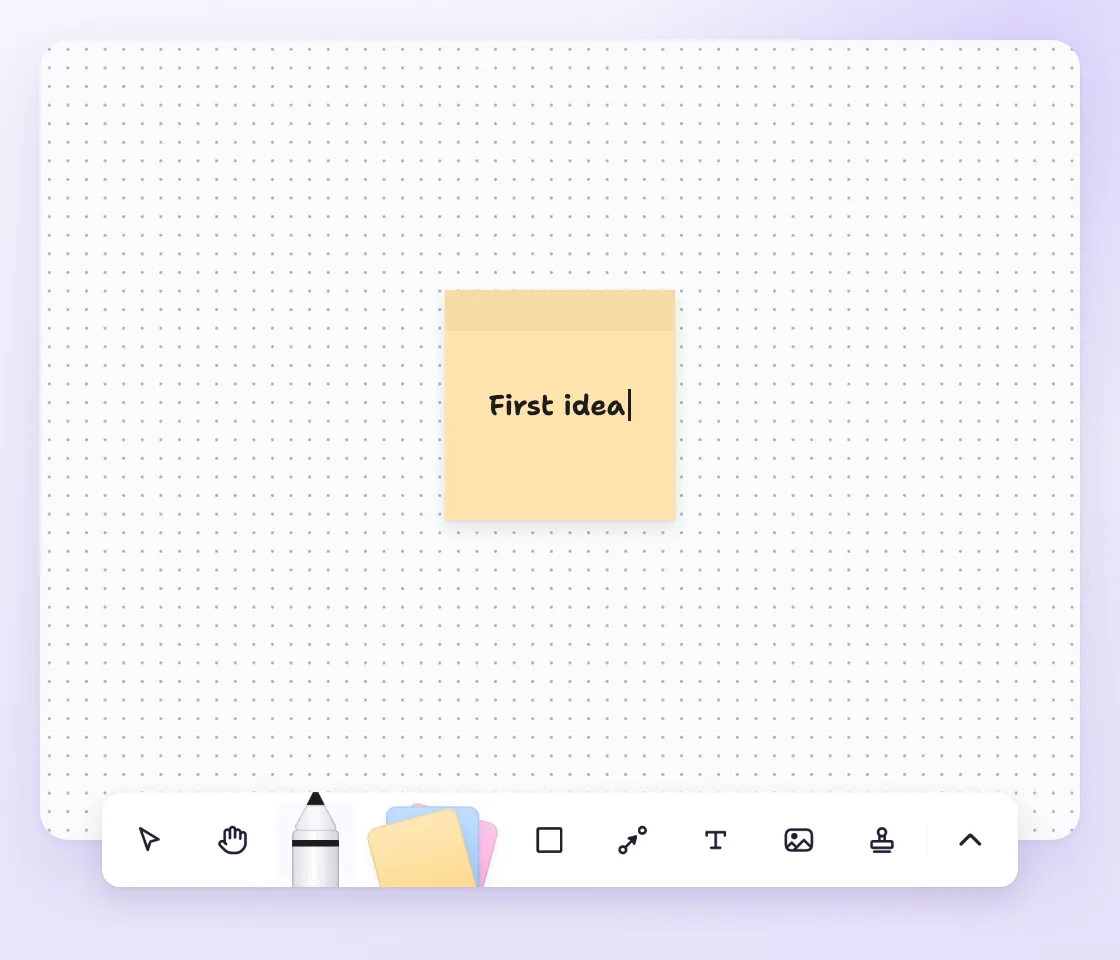
Your first web whiteboard takes about a minute to set up. Here's how.
Sign up for free. Create a MindMeister account, or log in to the one you already have.
Open Whiteboards. Click Whiteboards in the left menu to see all your boards in one list.
Create a new whiteboard. Start a blank board and give it a name you'll recognize later.
Add your first ideas. Drop sticky notes, shapes and text boxes anywhere on the canvas. Press N for a sticky note.
Connect what belongs together. Draw connections between shapes and add a label or arrowhead where the direction matters.
Invite your team. Share the board so others can add ideas with you in real time.
Present your board. Switch to presentation mode to walk others through the canvas, full screen.
As your trusted digitalization partner, we're committed to providing a secure and reliable platform so you can manage your daily work with confidence.
ISO 27001 certified
Fully GDPR compliant
Hosted in Germany
Admin controls
Security best practices


Connect MindMeister with the tools you already use, and send ideas from your maps to MeisterTask when it's time to act.
Explore integrationsYes. Whiteboards are free on every MindMeister plan while they're in beta, and you can create as many as you like. All you need is a free MindMeister account.
A digital whiteboard is used for brainstorming, mapping out a first plan and drawing quick diagrams. It gives you an open canvas for ideas that don't have a fixed structure yet.
You can add sticky notes, text boxes, shapes and your own images, and link shapes with solid or dotted connections, with or without arrowheads. You can also draw freehand, highlight parts of the canvas and lock anything you don't want moved.
Yes. Invite your team to a board and edit it together in real time, so it works as a collaborative online whiteboard for workshops and brainstorms. You can also export any board as a PNG or PDF.
A whiteboard is freeform: you place ideas anywhere on an open canvas. A mind map is structured: ideas branch out from central topics.
Whiteboards suit early brainstorming and rough diagrams. Mind maps suit organizing and planning once the ideas take shape. In MindMeister you can use both.
Yes. Export your mind map as a Mermaid diagram, then import it as a whiteboard and keep building around it. Already have a diagram in Mermaid from another tool? You can import that onto a whiteboard too.
Yes. MindMeister is privacy-first software made and hosted in Germany. It's GDPR compliant and ISO 27001 certified, and has been helping people think better since 2007.