


Make sense of anything with online mind maps
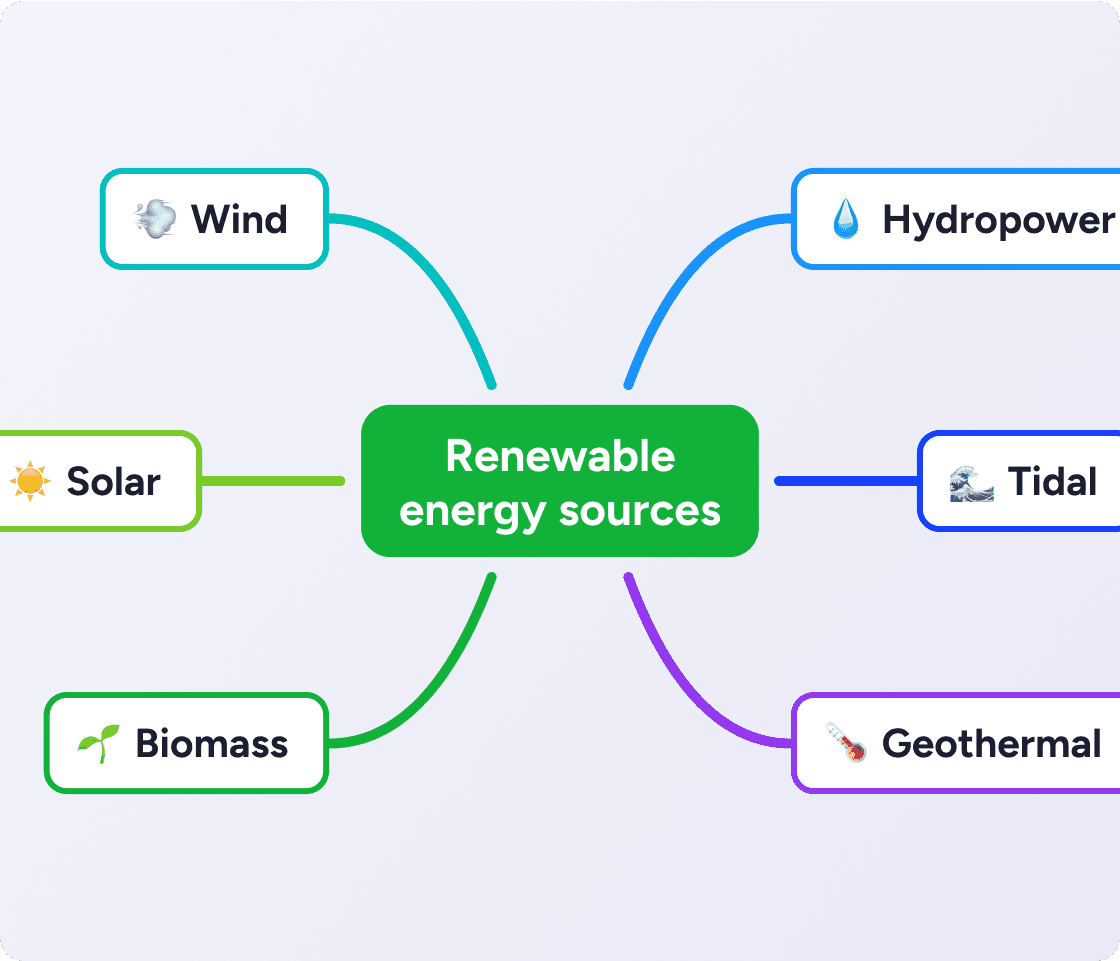
A mind mapping tool puts everything in one view, so even complex ideas get easier to think through.
Expand and collapse branches
Multiple maps in one canvas
Outline mode for linear thinkers
Get the MindMeister app
Download Loved by 40M+ mind mappers and visual thinkers
Visualize
ideas instantly

Organize
complex information

Generate
mind maps with AI

Collaborate
in real time
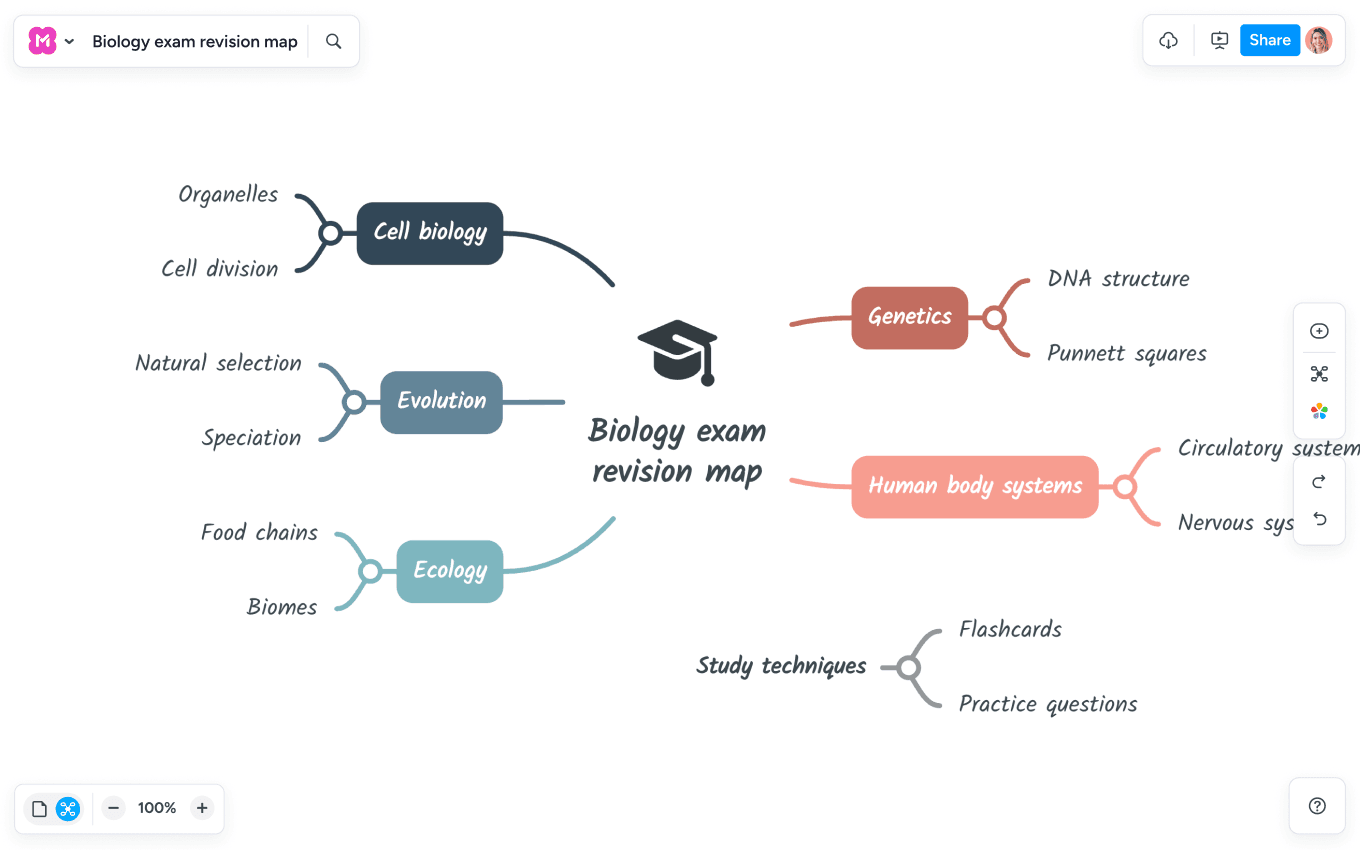
Turn complex topics into clear visual structures
Drag and drop to organize as you go
Add links, notes, emojis and images
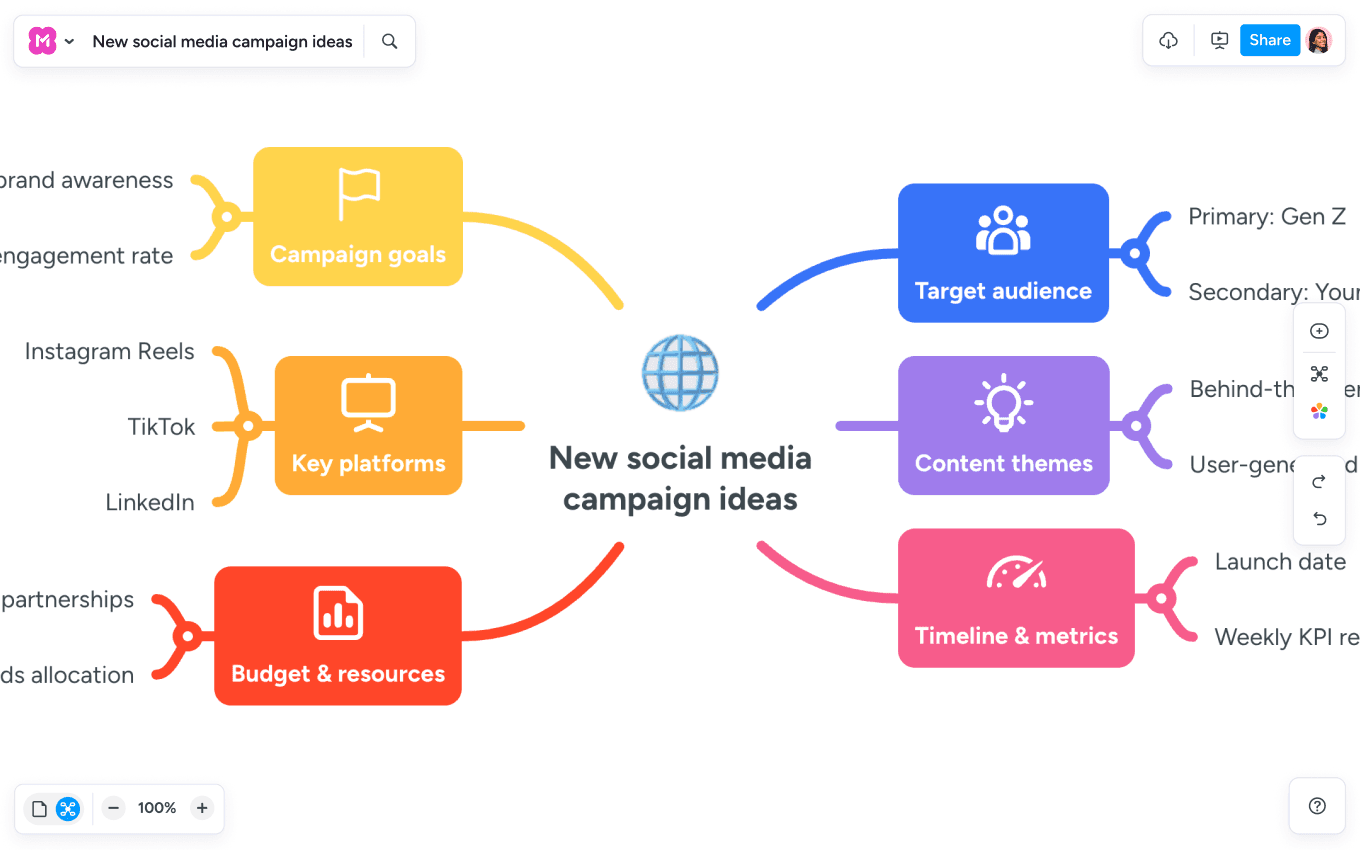
Brainstorm live with your team
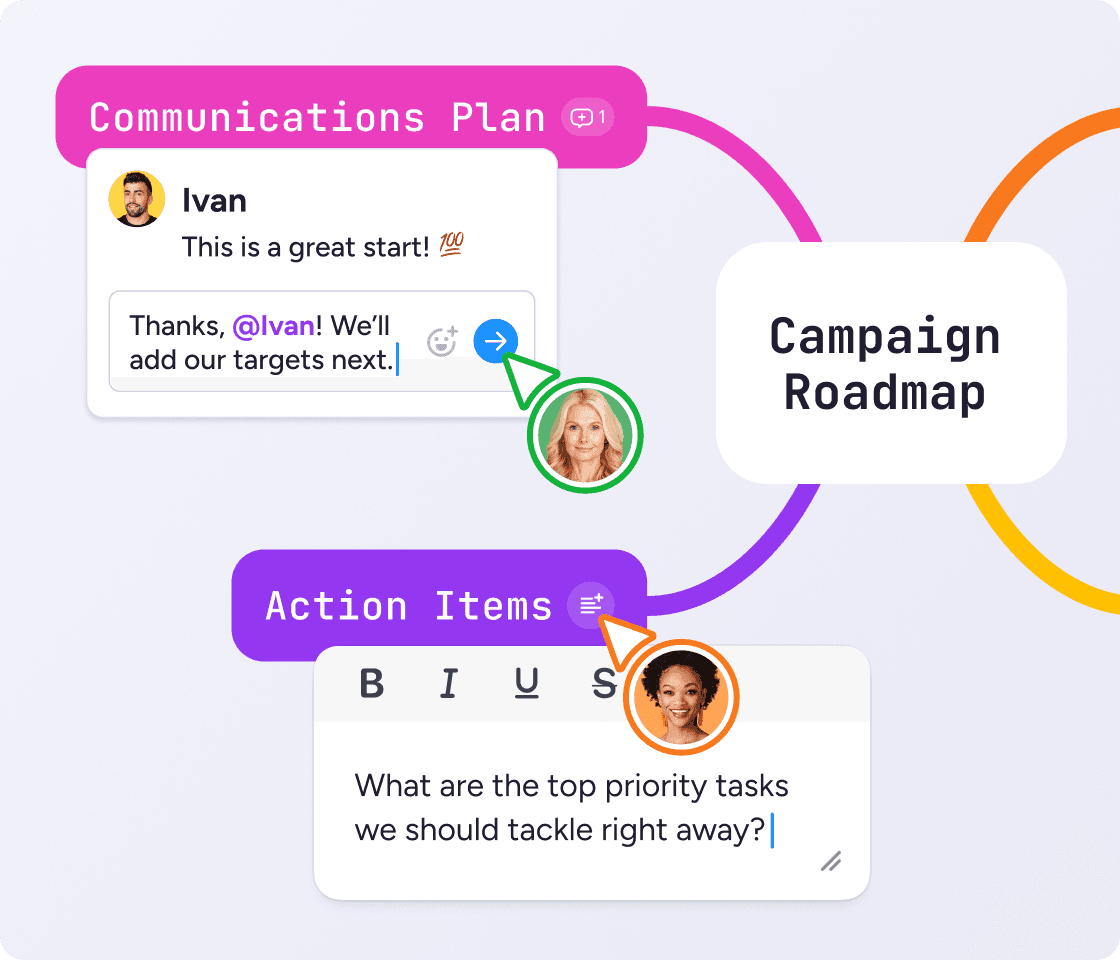
Add comments to spark discussions
Works on mobile, tablet and desktop
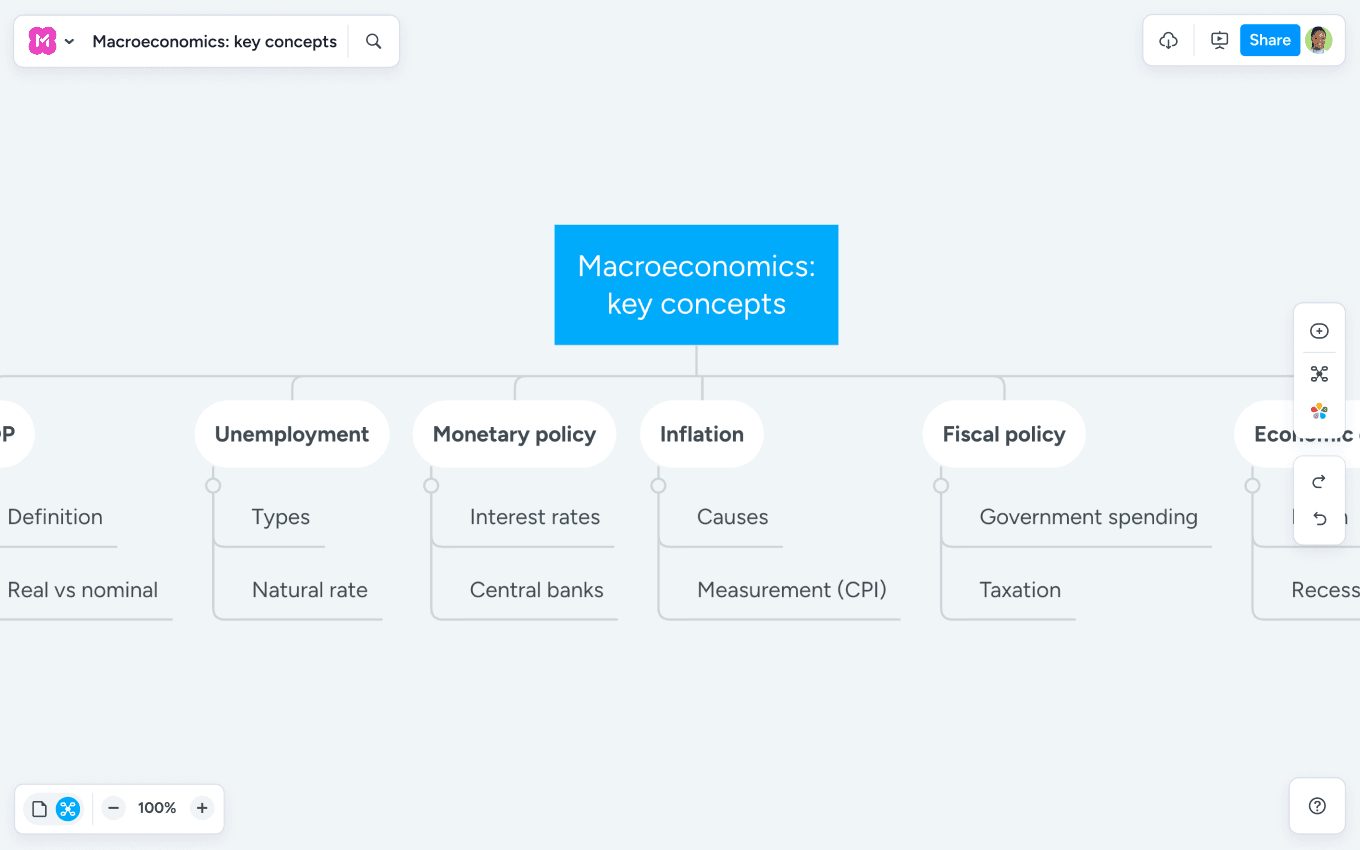
Master tough topics faster
Improve memory and recall
Attach your notes directly to the map
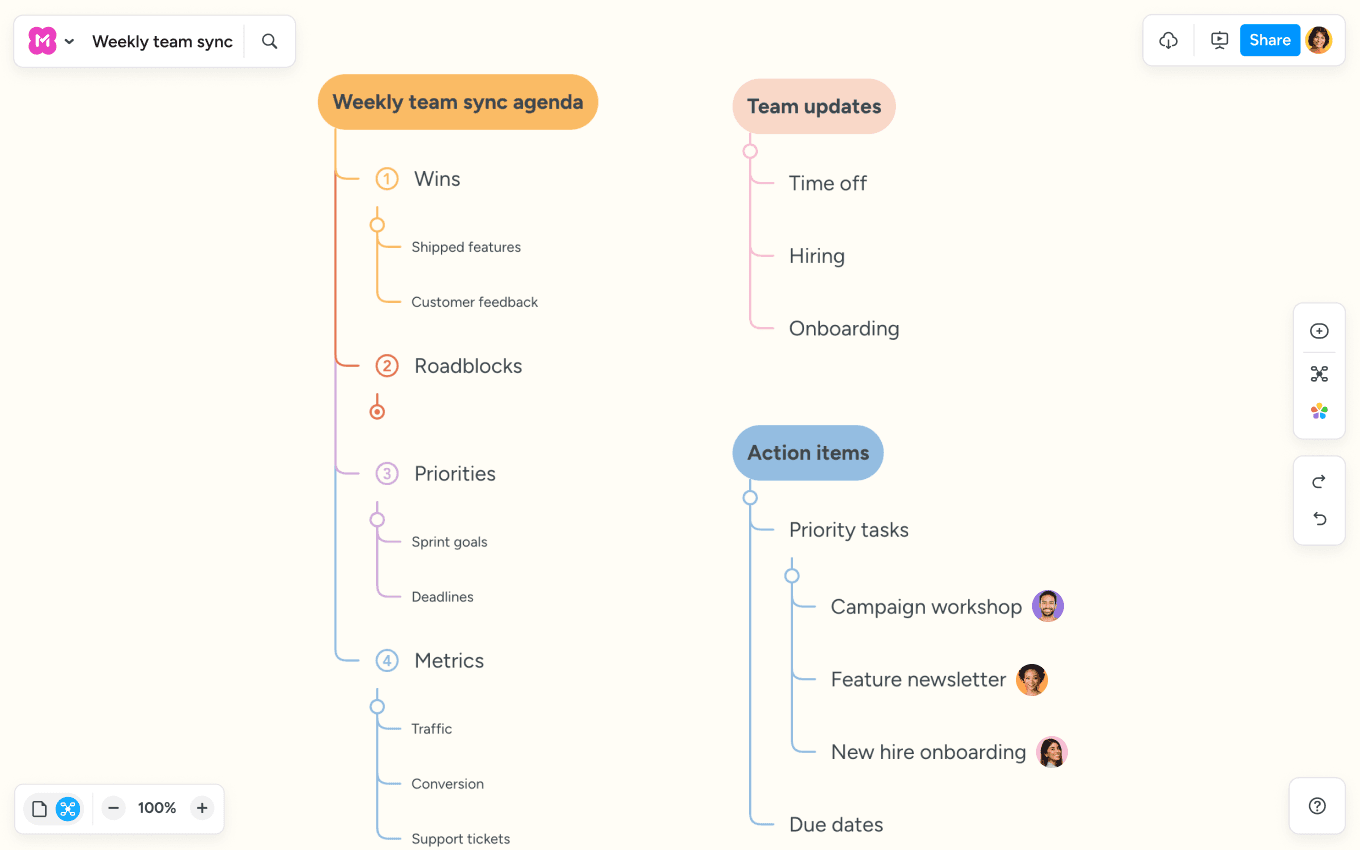
Create a visual agenda that everyone can follow
Use presentation mode (and skip the slide prep)
Capture decisions and create tasks right on the map
MindMeister is a great way to clarify your thoughts. You can effectively structure and categorize a huge amount of information. When you do it on paper, you can’t drag and drop, you can’t move things around.
 CJM
CJM
"We develop topics collaboratively in MindMeister. This is how we build solutions from ideas."
 SK
SK
A mind mapping tool puts everything in one view, so even complex ideas get easier to think through.
Expand and collapse branches
Multiple maps in one canvas
Outline mode for linear thinkers
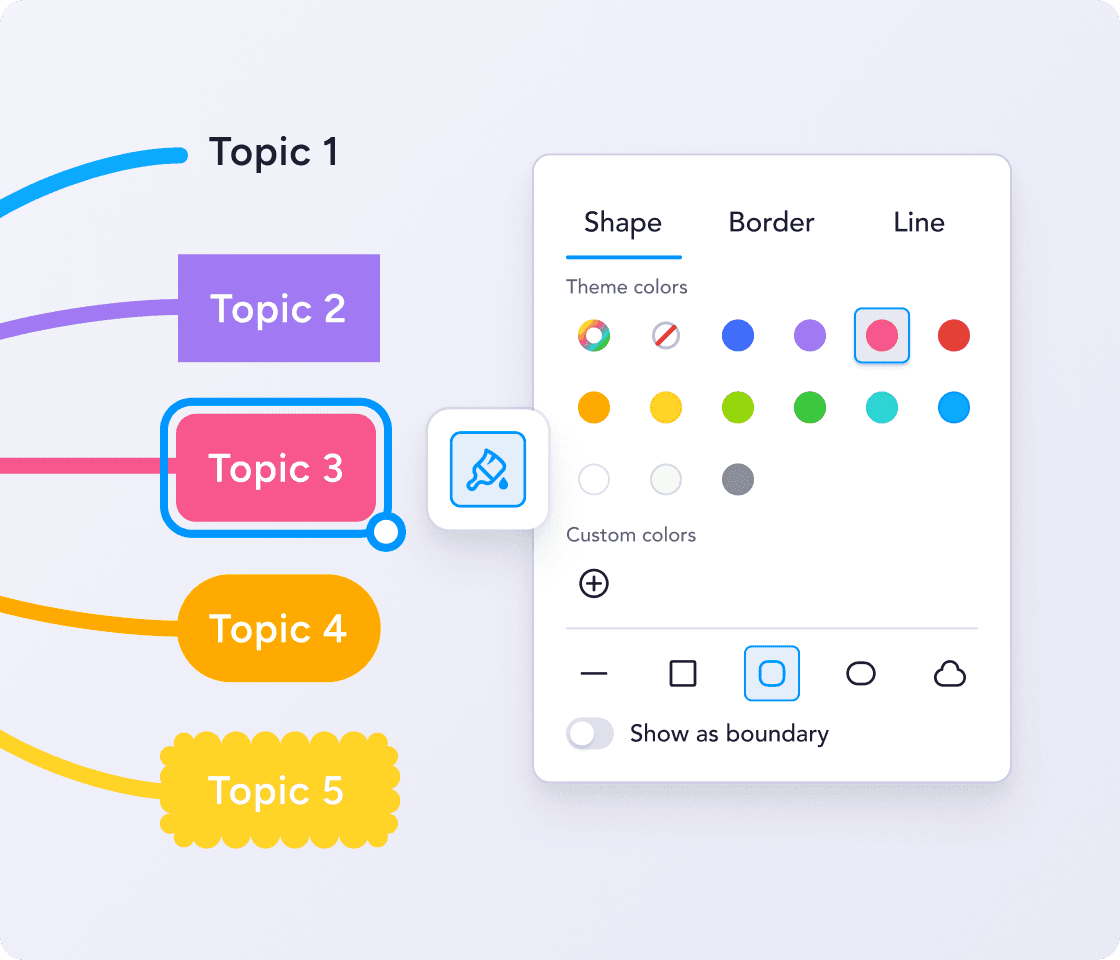
Switch the layout, swap the theme, set your colors. Whatever helps you focus.
One-click themes and color schemes
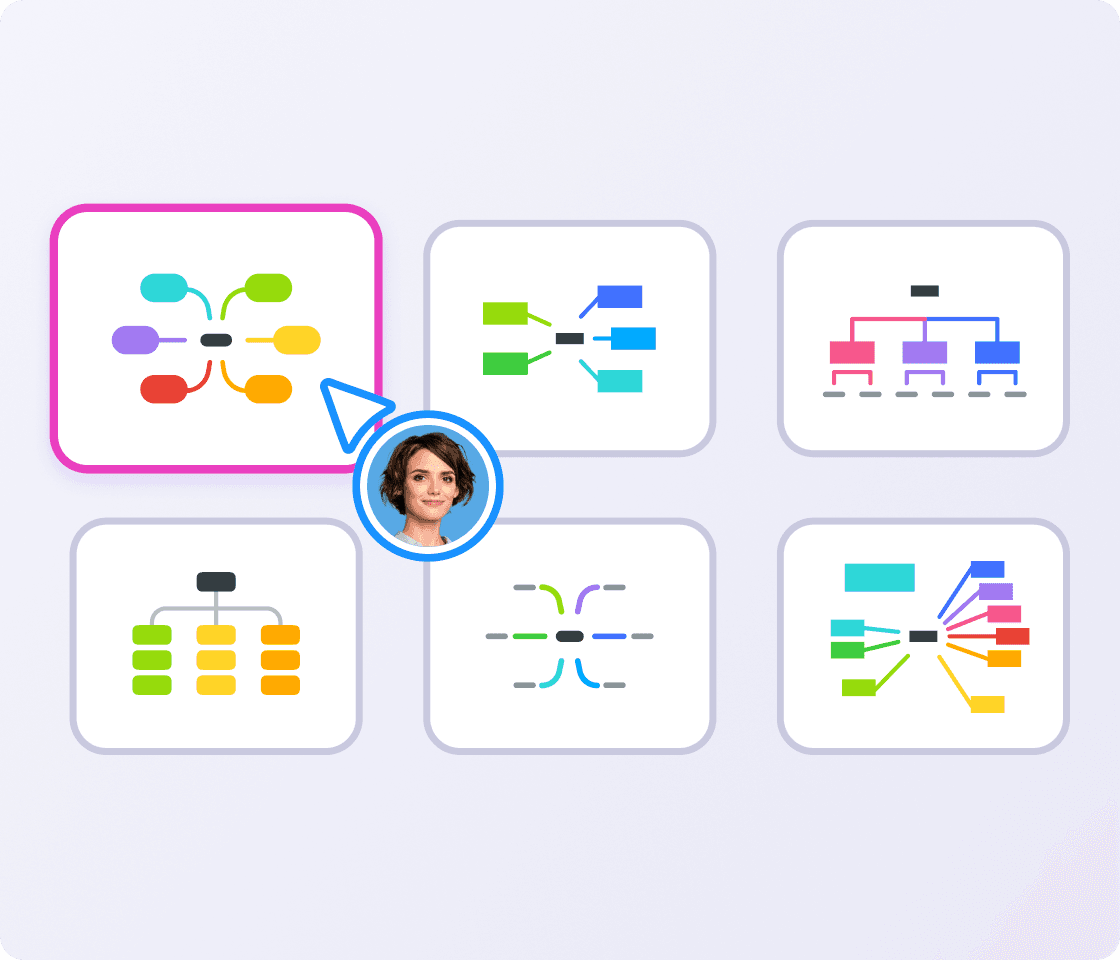
Mind maps, org charts and list layouts
Custom colors saved for reuse
Share your online mind maps securely with your team. Or switch to presentation mode and walk people through your ideas without leaving the map.
Invite collaborators with a link
Present directly from your map
Export to PDF, Word or PowerPoint
Enter a prompt or upload a file to get a customizable mind map in seconds.

As your trusted digitalization partner, we're committed to providing a secure and reliable platform so you can manage your daily work with confidence.
ISO 27001 certified
Fully GDPR compliant
Hosted in Germany
Admin controls
Security best practices
Educators
Create visual lesson plans
Organize topics and learning material
Run group brainstorming activities

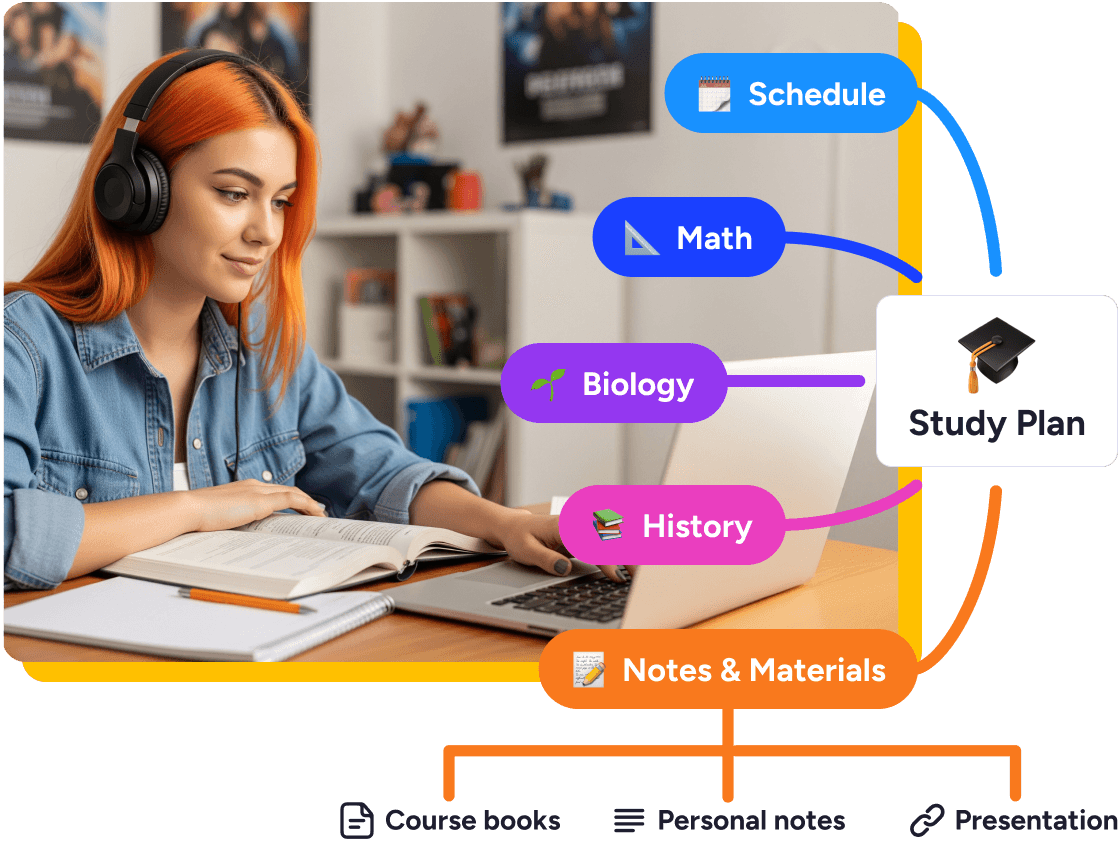
Students
Understand complex topics faster
Improve your exam prep
Collaborate on group projects
Enterprise
Visualize projects and align teams
GDPR compliant and ISO 27001 certified
SAML SSO and role-based access controls
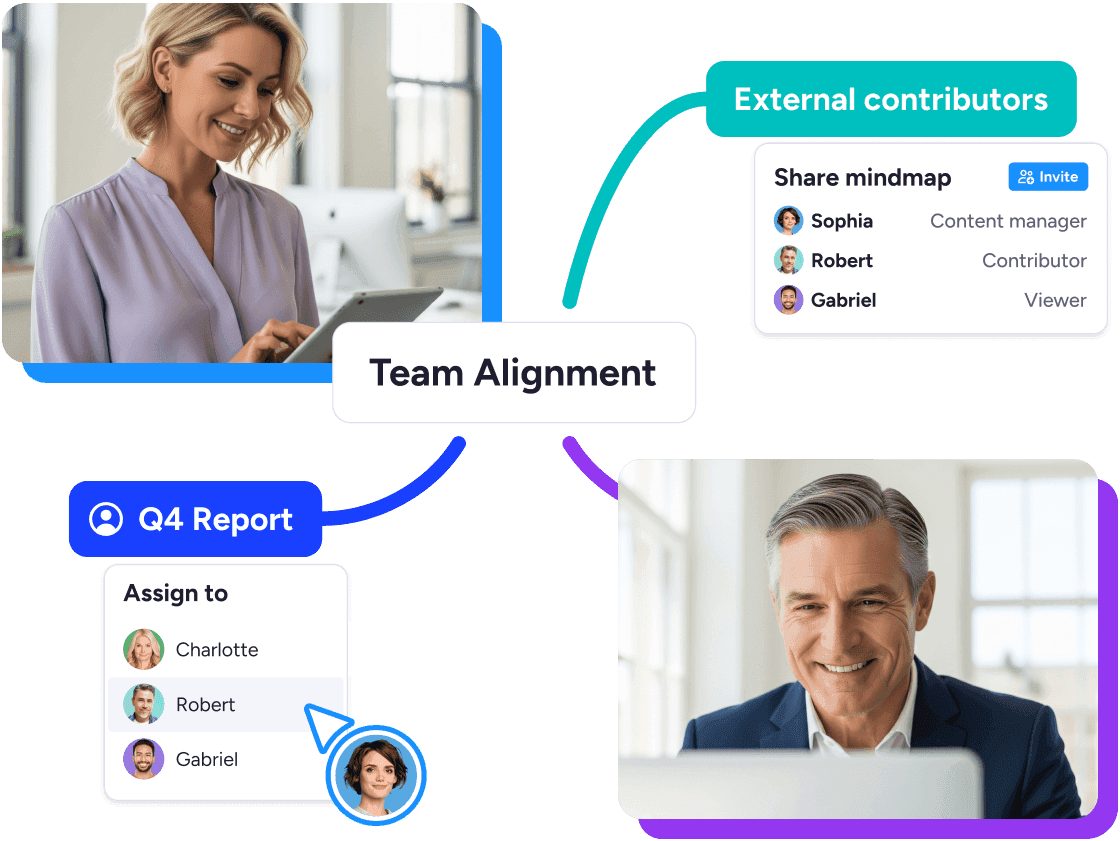
SMBs
Bring your team together for visual planning and brainstorming
Turn ideas into tasks with the MeisterTask integration
No setup or learning curve

Probably the best web-based mind mapping tool
MindMeister really excels. It's very usable and fast with a good set of features. I've used most other mind mapping software, but I keep going back to MindMeister.
The gold standard of mind map software
Great piece of kit — helps me lay out my plans in simple yet powerful graphical formats. It is so easy to use.
My number one tool for mind mapping
Mindmeister is my super tool for many of my training and consultancy programs. From ideation to the foundations of sessions with clients.
To create a mind map online, you need four steps and no design skills.
1. Start with one central topic. Sign up free, open a blank map or a template, and write your main idea in the middle.
2. Branch out. Add a branch for every subtopic, then break each one down further as ideas come.
3. Organize as you go. Drag and drop branches, and add links, notes, emojis or images to any topic.
4. Style and share. Pick a theme, then share a link so others can view or edit the map with you.
Yes. The free plan gives you the online mind map maker with templates, presentation mode, the iOS and Android apps, and AI map creation while it's in beta. Upgrade when you need unlimited maps, exports or more attachments. See the pricing page for what each plan includes.
Yes. Meister AI is a built-in AI mind map generator. Type a prompt, or upload a file such as a PDF, presentation, spreadsheet or image, and it builds the structure for you. Then keep editing with AI: expand a branch, shorten text, add notes or tidy up the whole map.
Yes. MindMeister is a collaborative mind mapping tool. Invite people with a link, and everyone edits the same map in real time. Comment on any topic, @mention a teammate, then switch to presentation mode to walk the team through the result.
Yes. Use the mind map app for iOS or Android, or open MindMeister in any browser. Start a map on your phone or tablet and finish it on your desktop. Your maps stay in sync across devices.
Yes. Choose a mind map template for brainstorming, notes, meetings or planning, or browse public mind map examples for inspiration. Templates open straight in MindMeister, so you can start editing right away.
