Build a flexible work breakdown structure
See your entire project on one canvas, and move any piece of it without starting over. Start with a free work breakdown structure template, or map it out from scratch.

Used by 2.7M teams
Collapse branches to see the project at a glance, then expand them when you need to go deeper. Every level of your WBS is just one click away.


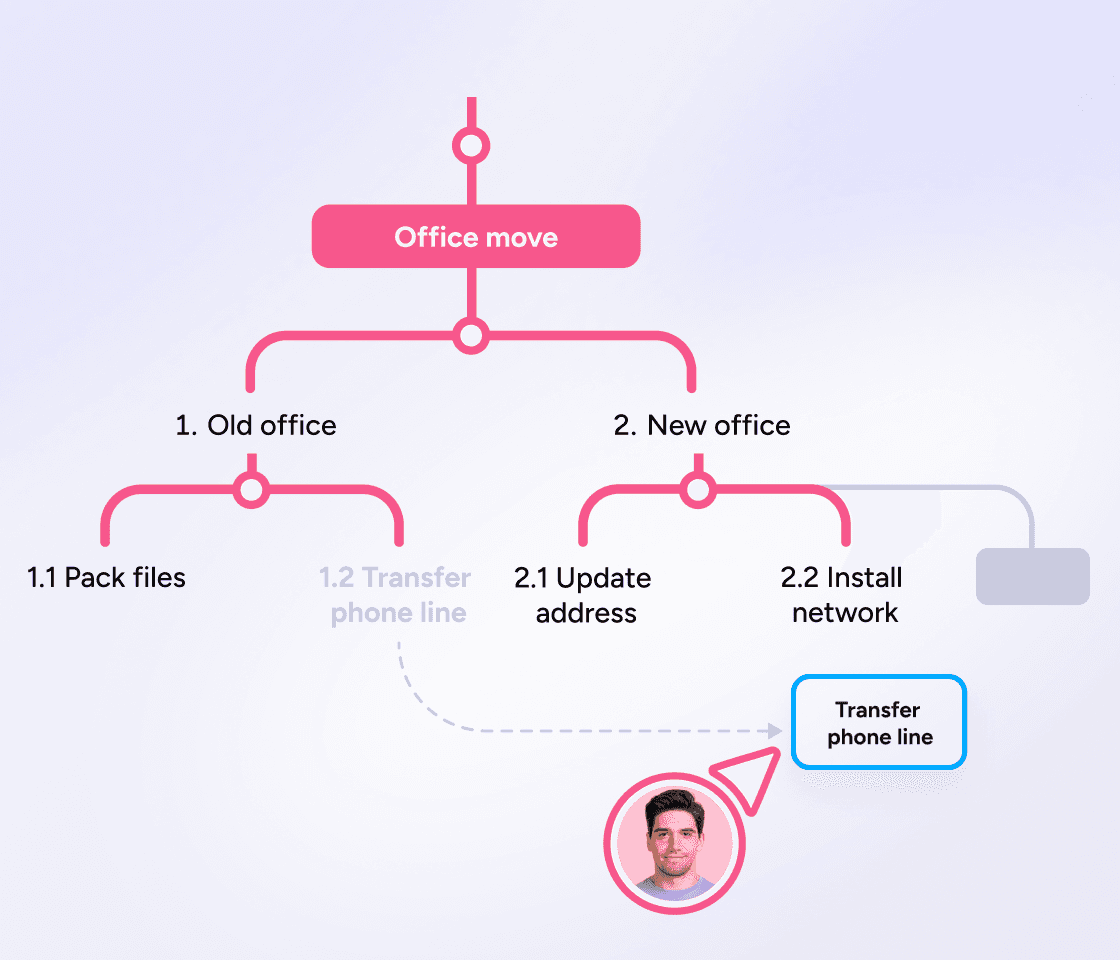
Drag and drop tasks between work packages or phases. Unlike with spreadsheets, your work breakdown structure map will adjust automatically.
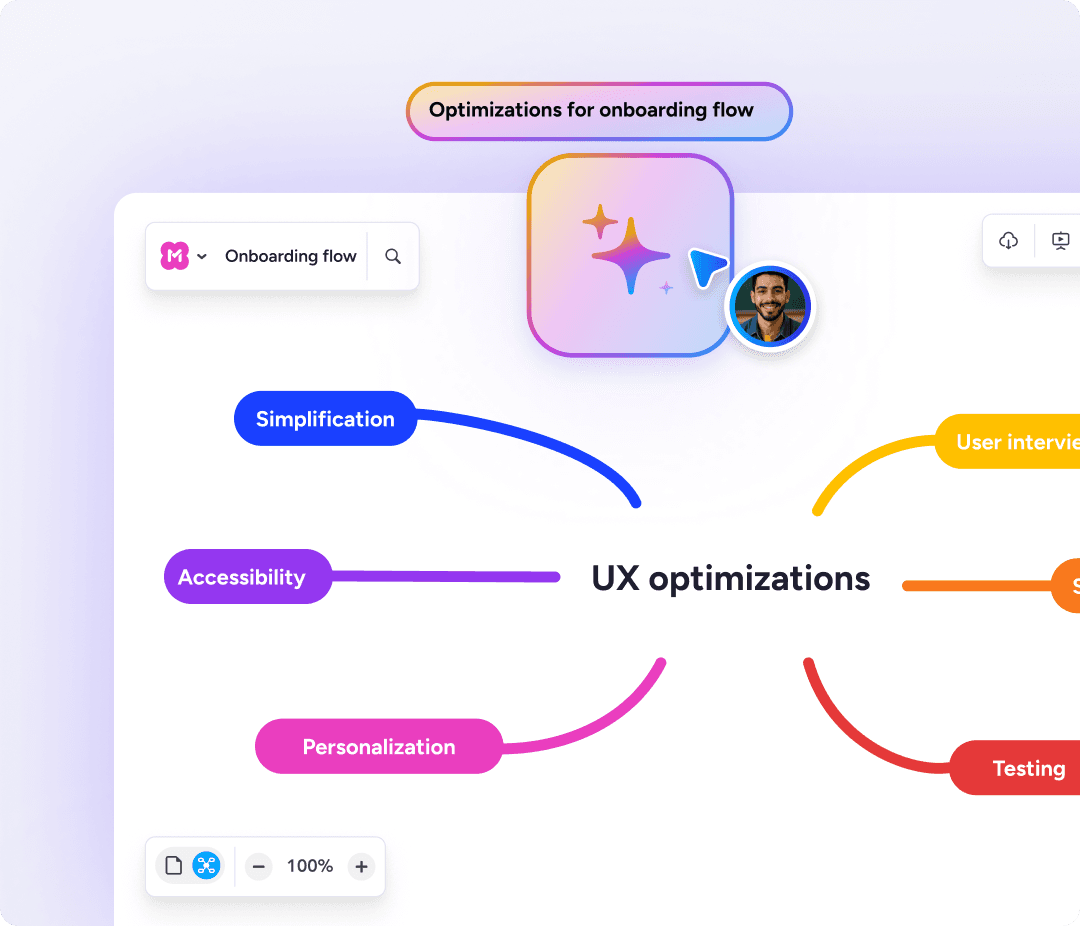
Describe your project in a few sentences, or upload your full brief and let Meister AI draft the WBS for you. Then edit it freely to refine the details.


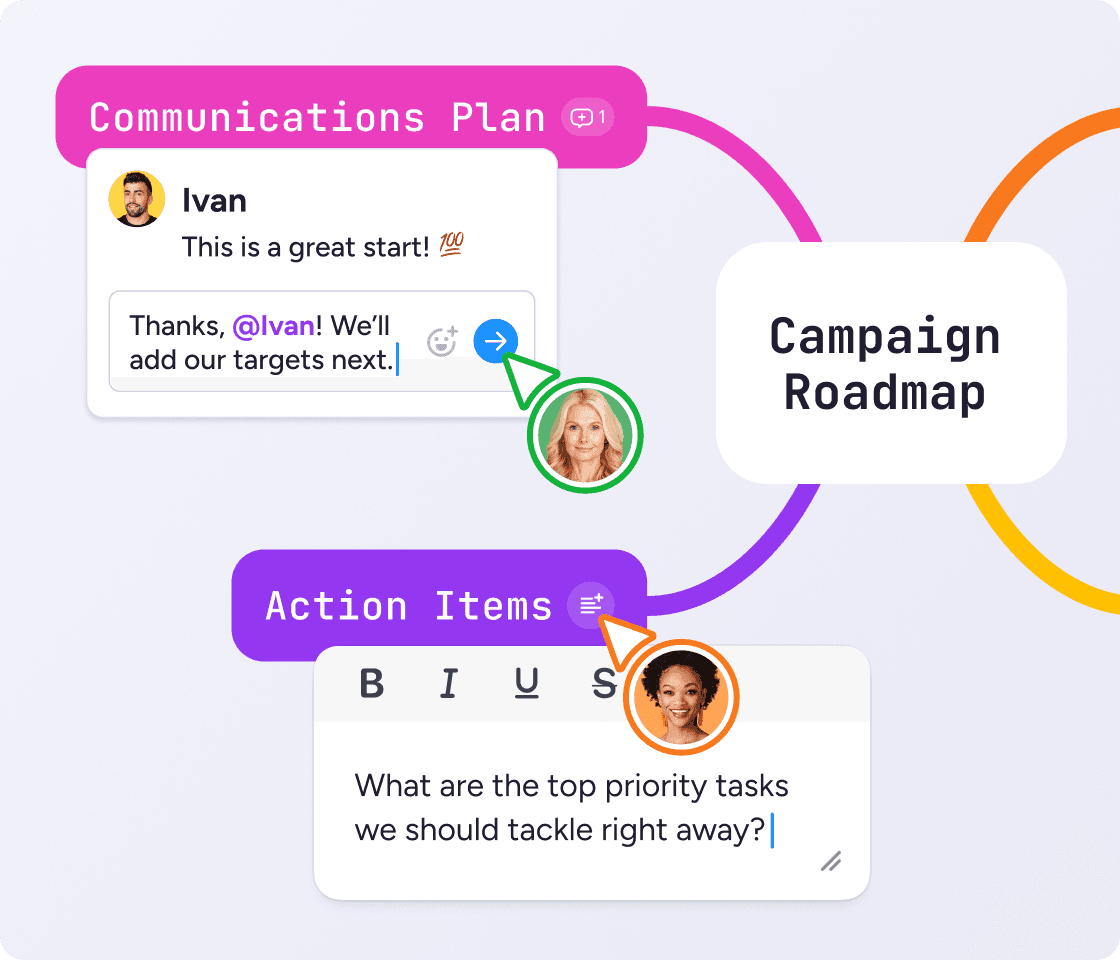
Share a link and your whole team can edit the map and comment on it at the same time. The people doing the work are the ones who spot what's missing.
"We develop topics collaboratively in MindMeister. This is how we build solutions from ideas."
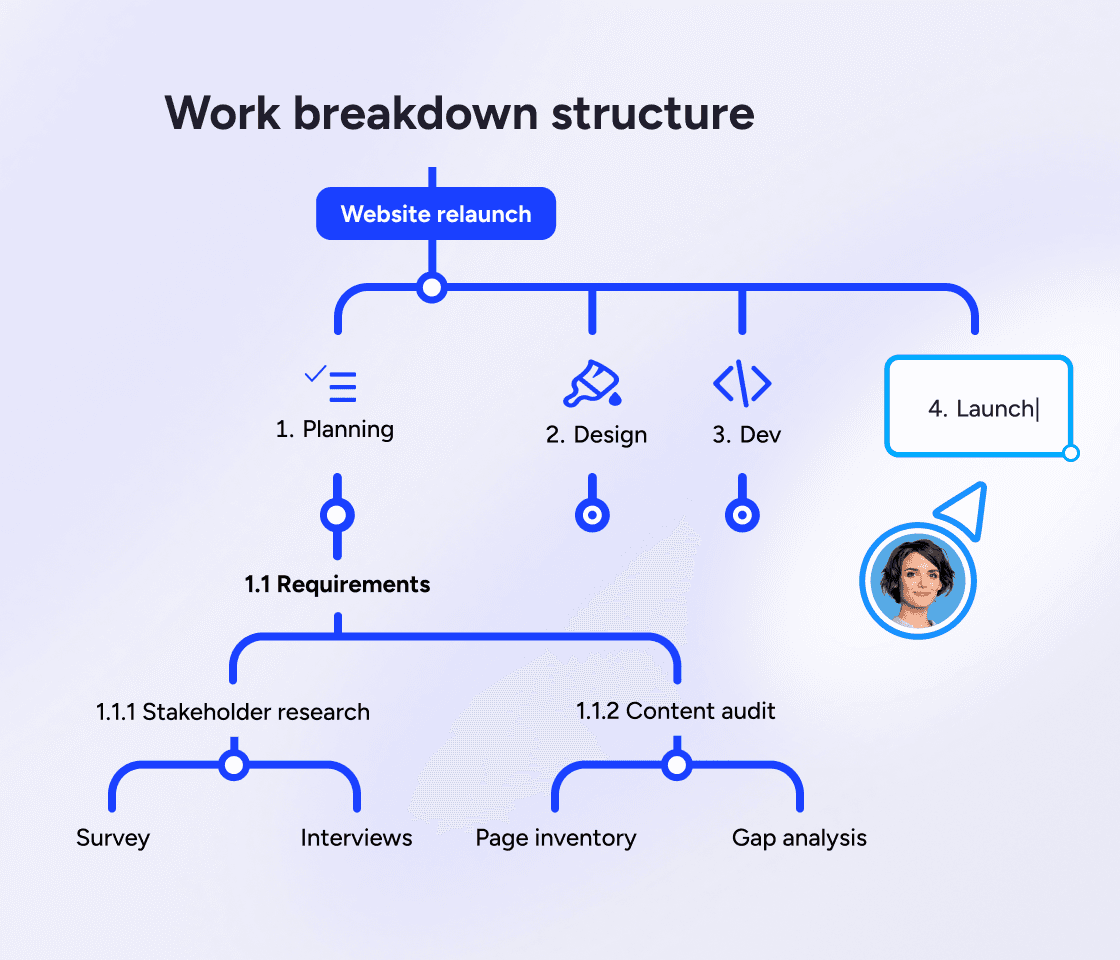
SKA work breakdown structure (WBS) breaks a project into every piece of work needed to finish it, arranged as a hierarchy. The project sits at the top, and each level below splits into smaller parts until you reach individual work packages.
A WBS answers one question: what has to be done? Build it once the scope is agreed and before you plan a timeline, because you can't estimate work you haven't named.
A WBS isn't a to-do list. A flat list can't tell you whether anything is missing. It's what you check when someone asks whether something belongs in the project.
The project. The finished outcome, stated once. In our example, we'll imagine a company preparing for a trade show.
Major deliverables or phases. The handful of big pieces the project divides into, such as venue, stand, handouts and staffing.
Sub-deliverables. Each big piece broken into its components. Stand becomes the design, the build and the install.
Work packages. The lowest level, small enough for one owner to estimate and finish. "Order the build" is one: single owner, single estimate, clear end.
Levels are usually numbered (1, 1.1, 1.1.1) so every work package has a unique reference. Many projects need three or more levels. Go deeper only where the work is genuinely unclear.
A trade show might split into venue, stand, handouts and staffing, and each of those into its own work packages. Use this shape when the project is defined by what it produces.


This WBS example uses the same trade show, organized by stage: plan, prepare, run and follow up. Work packages sit under the phase they happen in.
These five project planning steps take you from a blank map to work packages you can assign.
Name the end result first. Write the finished outcome as your top level. Everything else hangs off it.
Split it into major deliverables. Aim for a handful, not a list of twenty. If you have more than about eight, some belong a level down.
Break each one down. Keep going while a piece is still too big for one person to own.
Stop at work packages. The 8/80 rule is a useful test: if a package takes less than a day or more than two weeks, it's the wrong size.
Check the 100% rule. The branches added together should equal the project, no more and no less.
As your trusted digitalization partner, we're committed to providing a secure and reliable platform so you can manage your daily work with confidence.
ISO 27001 certified
Fully GDPR compliant
Hosted in Germany
Admin controls
Security best practices
Sync your WBS with Google Drive, assign tasks in MeisterTask and brainstorm directly in Microsoft Teams.
Explore integrationsYes. Click on the "Use this template" button to view the template in MindMeister. You'll need to create a free account to edit and save your own version.
Yes. A WBS chart is the visual form of a work breakdown structure, which is what MindMeister builds by default.
It fixes the scope before estimating, scheduling or assigning anything, so the plan is built on an agreed picture of the work.
It's the step between agreeing the scope and building a schedule. You break the work down first, then estimate, assign and put dates against it.
The rule that a WBS must account for all the work in the project scope and nothing beyond it. If work isn't on the tree, it isn't in the project.
A companion document describing each work package in more detail: what it covers, who owns it, and what finished looks like.
A WBS is a hierarchy of work with no dates on it. A Gantt chart adds the timeline. Build the WBS first, then schedule it in MeisterTask.